Microsoft Issues New Windows 11 Builds to Dev and Beta Channels
- Paul Thurrott
- Jul 18, 2025
-
0
If you have a PC enrolled in the Windows Insider Program’s Dev or Beta channel, it’s time to check for an update again. As is usually the case, the new features and other changes appear to be identical in both builds.
Those testing future Windows 11 version 25H2 features in the Dev channel are receiving cumulative update KB5062676, which will upgrade the system to build 26200.5710 when installed. Those on 24H2 in the Beta channel are getting KB5062678, which will result in build 26120.4741 when installed.
Either way, you’re looking at the same new features and other changes, among them:
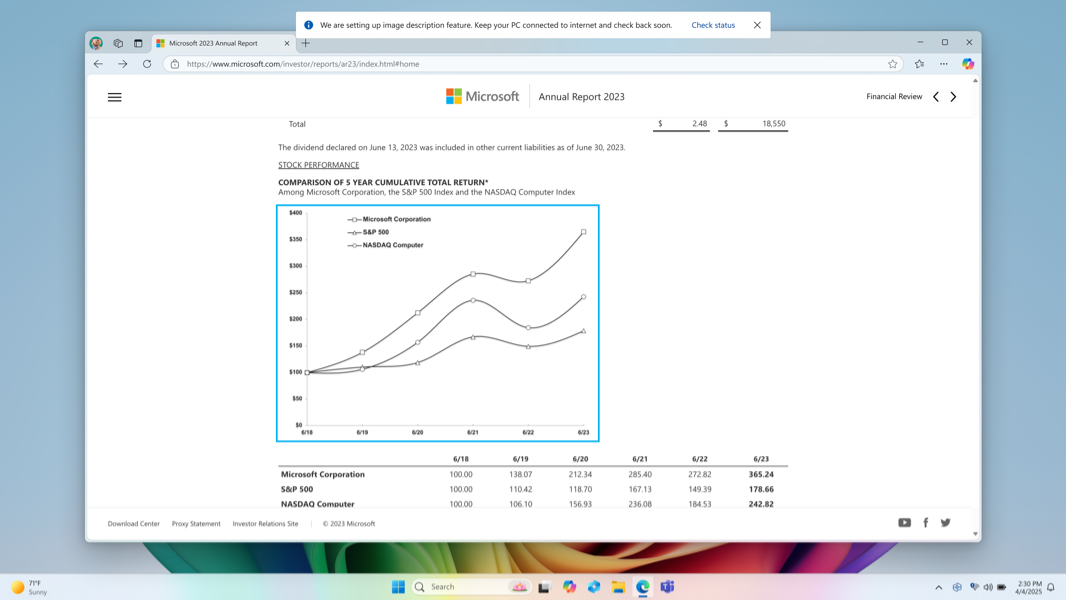
Describe image action in Click to Do for AMD and Intel-based Copilot+ PCs. Available previously to those with Snapdragon X-based Copilot+ PCs, this feature lets you get detailed descriptions of images, charts, and graphs.
Image descriptions in Narrator for AMD and Intel-based Copilot+ PCs. Also available previously to those with Snapdragon X-based Copilot+ PCs, this Narrator feature generates richer image descriptions for blind and low-vision users.
Performance log improvements. Windows 11 will now automatically log slow or sluggish performance so you can submit them through the Feedback Hub.
Click to Do test. Microsoft is testing removing the Search box from the top of Click to Do.
Lock screen improvements. A new Discover widgets toggle under Settings > Personalization > Lock screen in the Settings app will provide widget recommendations.
Privacy improvements. A new Text and image generation option in Settings > Privacy & security in the Settings app will display which third-party applications recently used generative AI models provided by Windows. This build only includes the UI, but a future build will let you toggle AI model access off per app.