Microsoft Releases New Windows 11 Pre-Release Builds to Dev and Beta Channels
- Paul Thurrott
- Jul 28, 2025
-
1
If you have a PC enrolled in the Dev or Beta channel in the Windows Insider Program, you have an update to install today. And it includes several new features.
Those in the Dev channel can install preview cumulative update KB5062669 via Windows Update and update Windows 11 version 25H2 to build 26200.5722. Those in Beta can install KB5062669 and update Windows 11 version 24H2 to build 26120.5722.
In both cases, you will see the following new features and other changes:
Agent in Settings for AMD/Intel-powered Copilot+ PCs. This went out to those with Snapdragon X-based Copilot+ PCs.
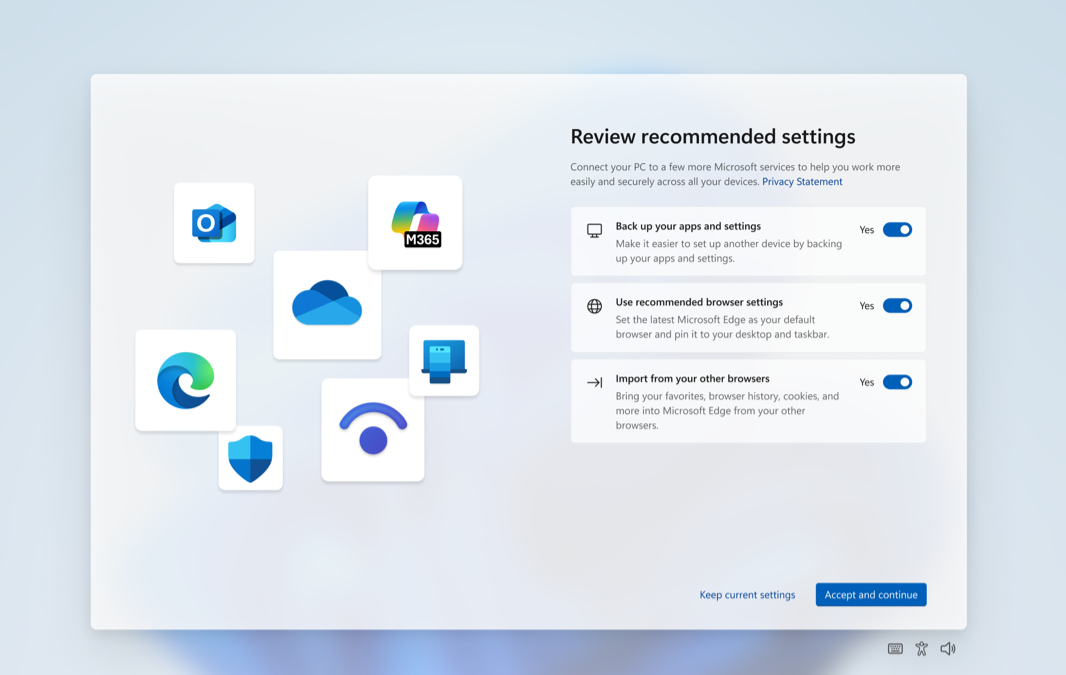
SCOOBE changes. Microsoft is updating the so-called Second Chance Out of Box Experience (SCOOBE)–that annoying Setup-like screen that appears after installing an update and rebooting–with a redesign and slightly different steps. It’s meant to be more intuitive and streamlined, but the best way to streamline this is to turn it off in Settings > System > Notifications > Additional settings by unchecking “Suggest ways to get the most out of Windows and finish setting up this device.” Plus the other options you see there.
Click to Do improvements. Microsoft is adding a tutorial to Click to Do that appears on first launch and shows you how to take actions on images and text. You can see this tutorial later by opening Click to Do and choosing “More options” (“…”) and then “Start tutorial.”
Windows Search improvements. In the left pane of the Search highlights result pane, Microsoft is introducing a new grid view for image results.
There are other smaller changes to Lock screen configuration in Settings, the Notification center, and Task Manager, plus the usual fixes and new issues.