Microsoft is Updating Notepad, Paint, and Snipping Tool Again
- Paul Thurrott
- Sep 17, 2025
-
1
Those with a PC enrolled in the Dev or Canary channels of the Windows Insider Program have some app updates to install: Microsoft is adding even more features to Notepad, Paint, and Snipping Tool.
Here’s what’s new.
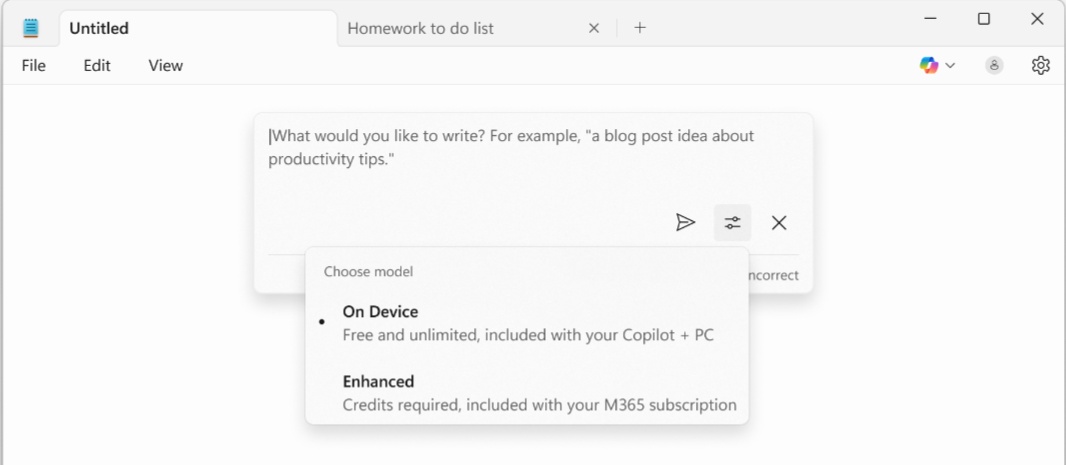
Notepad. If you have a Copilot+ PC, Notepad now offers Summarize, Write, and Rewrite features for free using local AI and the PC’s NPU. And if you do have a Microsoft 365 subscription, you can toggle between cloud and local AI for these features. For now, these features are English only, but I assume that will change in the future.
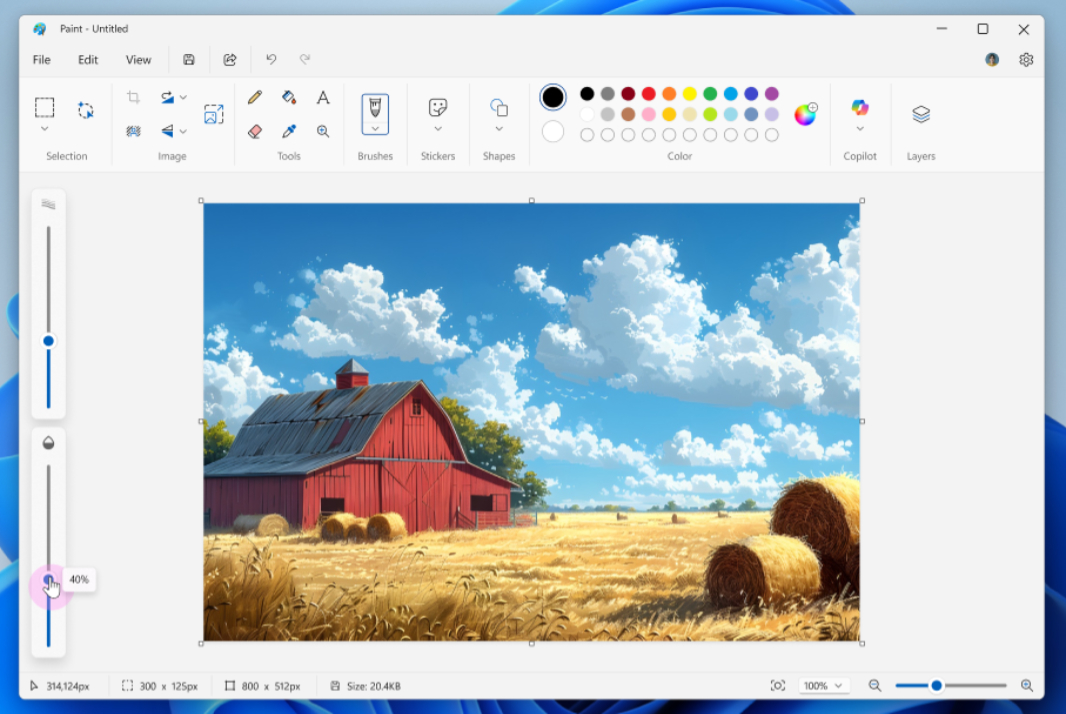
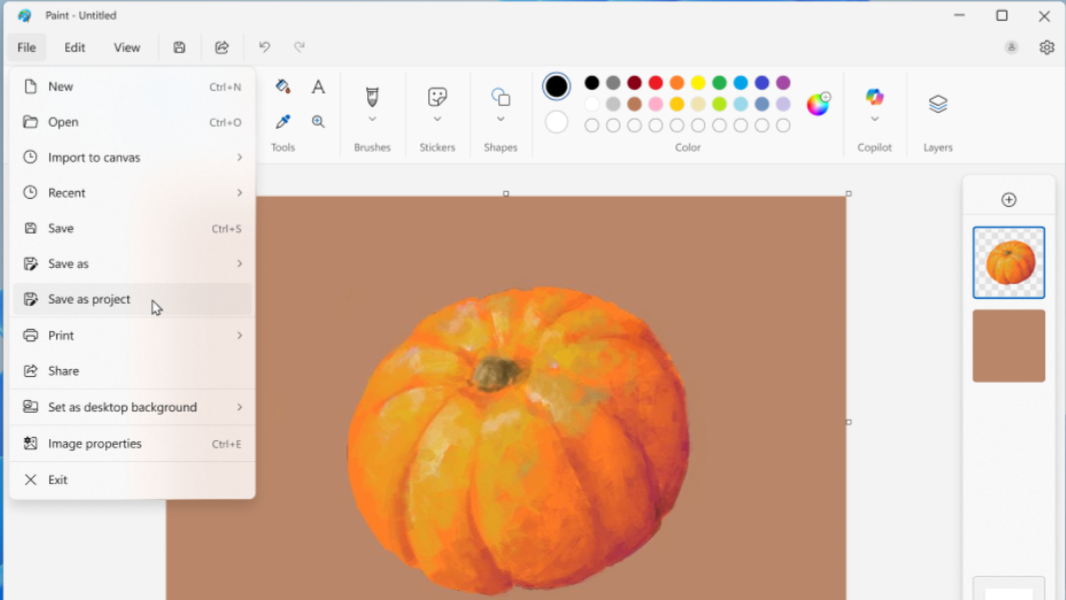
Paint. This in-box app is gaining two new features, Paint project files so you can save an image in an editable version that can be worked on again later, and an opacity slider so you can customize the transparency of the Pencil and Brush tools.

Snipping Tool. This app now provides a Quick markup tool, accessible via a new toolbar icon, that lets you select a region to capture and then mark-up and make other edits (with pen, eraser, and highlighter tools) right in the selection area before saving the screenshot. You can also choose Share, Visual Search with Bing, and Ask Copilot options for working with an image without saving it to a file or copying it to the Clipboard.