PowerToys 0.98 Arrives with Command Palette Dock, More
- Paul Thurrott
- Mar 17, 2026
-
4
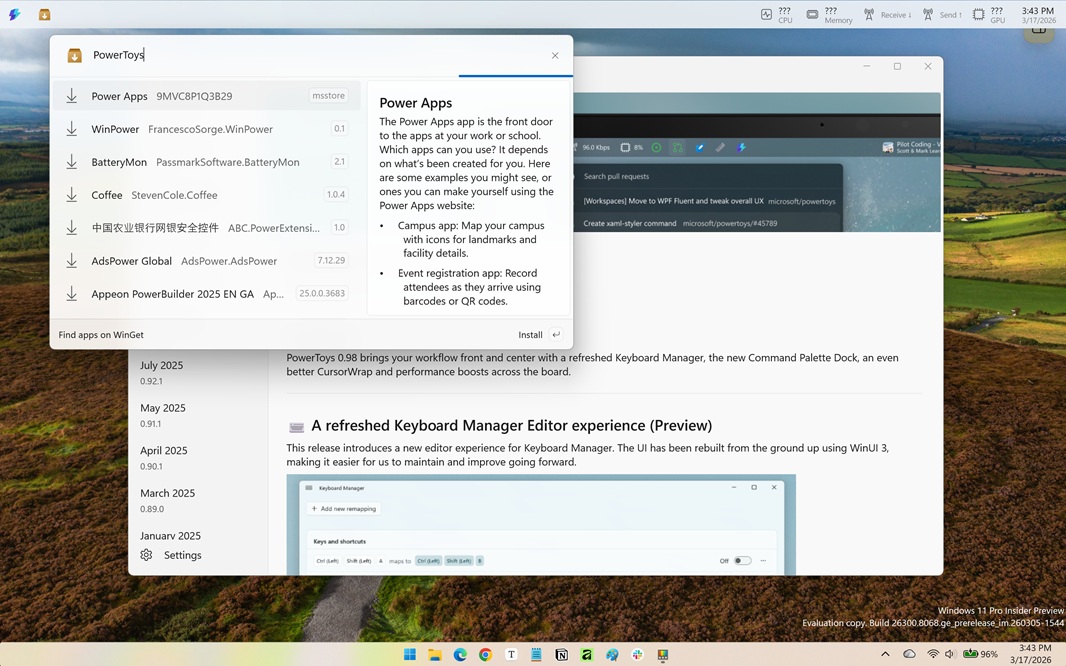
There’s a new version of PowerToys out and this is a big one that includes a major new app, a major update to an existing PowerToys utility, and other improvements.
“PowerToys 0.98 brings your workflow front and center with a refreshed Keyboard Manager, the new Command Palette Dock, an even better CursorWrap and performance boosts across the board,” the release notes explain.
Here’s what’s new.
Command Palette Dock (Preview). Microsoft first proposed this new functionality back in January, and it’s here now in preview: This is an optional new optional mode for the Command Palette utility that lets you keep favorite commands and extensions within reach using a small, Taskbar-like Dock on the right, left, or top of your display. You enable it in Command Palette settings and then you can add items to the dock using a “Pin to dock” command that appears when you search using Command Palette.
Other Command Palette improvements. Microsoft also updated Command Palette to support window transparency, along with some performance improvements, other new settings, and bug fixes.
Keyboard Manager improvements. Microsoft has completely refreshed the Keyboard Manager utility that I use to disable the Copilot key on my PCs. It’s been rebuilt using WinUI 3, so it should look more native in Windows 11, and there’s a new editor that provides a single, unified view for managing single key and shortcut remappings. There’s also a new editing dialog and individual toggle switches for enabling and disabling remappings without having to delete an entry, and all your existing remappings should still work.
CursorWrap improvements. CursorWrap is a recent PowerToys release that lets you wrap the mouse cursor between the edges of the screen in single and multi-display setups. With this update, the wrapping engine was rewritten to better support complex multi-monitor layouts for improved reliability, and there are a few new options, including the ability to disable CursorWrap when only a single monitor is connected, and a new activation mode that lets you wrap the cursor only while holding Ctrl or Shift.
Other updates. With this release, Always On Top is easier to activate using a context menu item that appears when you right-click an app window title bar, and there are other improvements to ZoomIt, Awake, New+, and Advanced Paste too.