Status Update 2: Windows 11 Field Guide 2026 Edition
- Paul Thurrott
- Jul 06, 2026
-
2
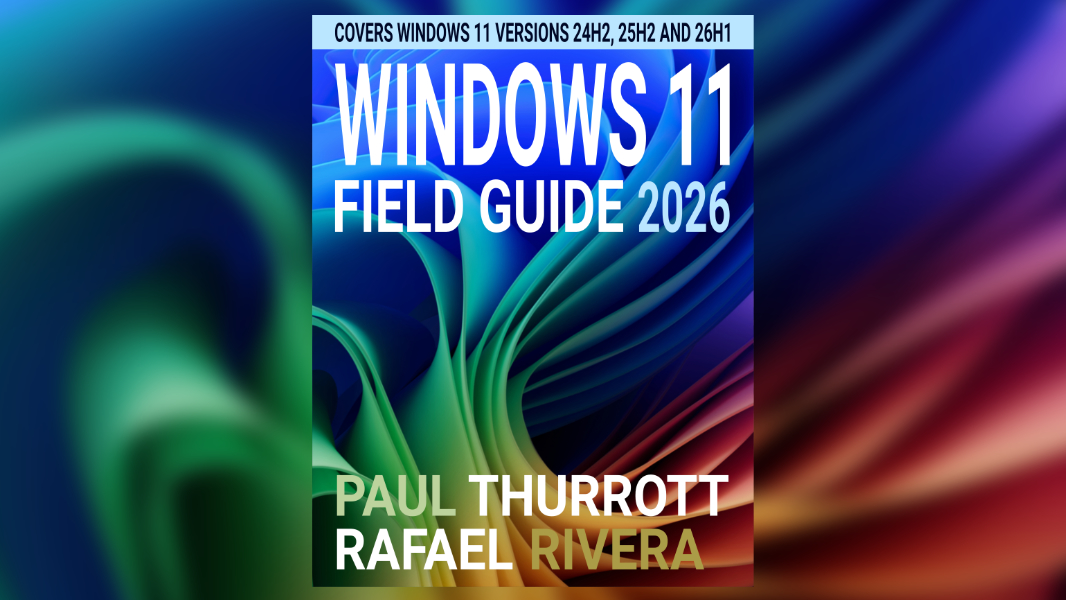
The great shrinkening of 2026 continues, with the Windows 11 Field Guide down to a quarter of its biggest size thanks to a lot of heads-down work over the past two weeks.
When I checked in last time, I was seeing the benefits of this mid-edition update, thanks to consolidated chapters, the removal or replacement of out-of-date content, and a new smaller screenshot style. At that time, the PDF version of the book was 103 MB on disk and 990 pages long.
Today, the PDF version of the book is just 73.9 MB on disk and 839 pages long. (At one point, this book was over 300 MB on disk and over 1150 pages long.)
The biggest chunk of that was a complete exorcism of the Microsoft Edge section, which was about 100 pages long, much of it out-of-date. Its replacement is a single Edge chapter, much smaller, and one that probably needs bulking out at some point, just not to the extent that it was previously.
I’m losing track of all the work I’ve done, but I’ve restructured the top-level table of contents (TOC), and will likely keep playing with that. (And may just get rid of the section breaks.) I’ve updated and consolidated many more chapters, with new Hardware, Security, Apps, Command Line Interfaces, Virtualization, XBOX and Videogames, and Help and Recovery chapters, and maybe others, each replacing 2 to 7 previously separate chapters.
There’s more to do, including consolidated chapters like Multitasking, Files, Accounts, and others, and some new content/chapters. Updating the book was my June focus, but now that we’re into July I will continue that focus an finish updating the Field Guide. Then I will finish the additional work I wanted to do in De-Enshittify Windows 11 and get going on making some bundles in Leanpub.
There is some messiness to this process. The book has thousands and thousands of reference links, and I will need to make sure they’re all still working properly at some point. There are consistency issues, in part because I’ve not yet established a single new style that makes sense everywhere. And I need to establish a schedule for updating this book monthly going forward to ensure it includes whatever new features Microsoft keeps adding.
But it’s getting there. It’s getting much closer to what I want this book to be.
Remember, if you’re a Thurrott Premium member, you get this and my other technology books for free as part of your subscription, in PDF and ePUB forms. You can find the download links here.
Note, too, that where the other books are direct downloads, the size of the Windows 11 Field Guide required me to look elsewhere, so the files are currently on Google Drive. Unfortunately, this requires me to approve your download (I believe just the first time), but I will be changing these to direct downloads soon as the file sizes come down.
More soon.