Lenovo IdeaPad Slim 3 First Impressions
- Paul Thurrott
- Aug 15, 2026
-
1
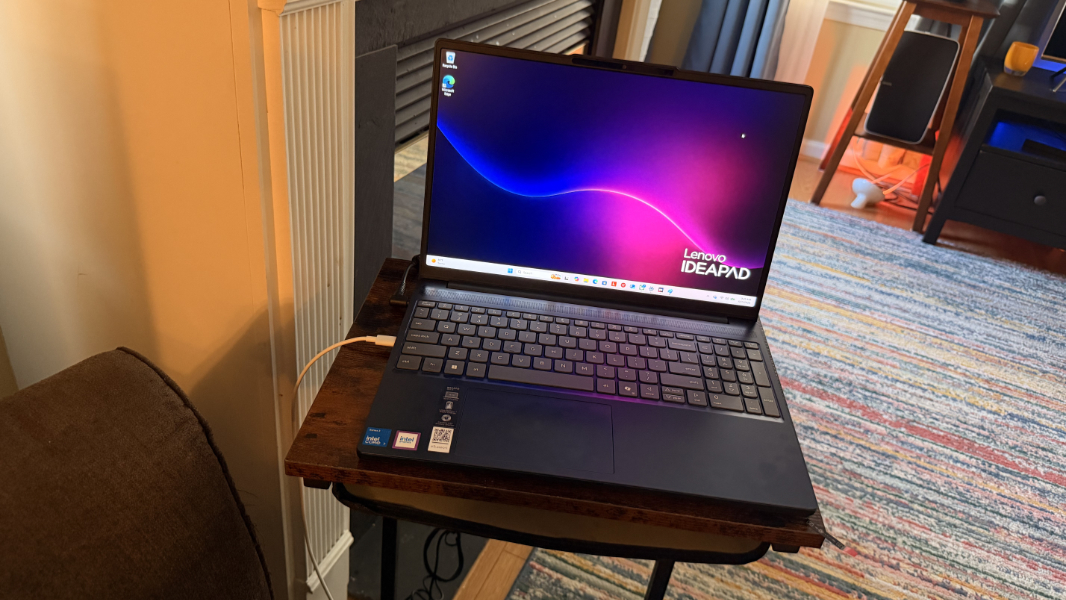
Though PC makers have always offered low-cost models for budget conscious consumers, there’s a new sense of urgency in 2026 thanks to the ongoing component crisis and the resulting massive price hikes.
As the world’s biggest PC maker, Lenovo has unique advantages over its competition, and the company offers a more diverse selection of chipset architectures in its PC models than most. This is true in the low end of the market, too: Just in the past few months, I’ve reviewed two sub-$1000 Lenovo laptops, the Qualcomm Snapdragon X-based IdeaPad 5x Gen 11 and the AMD Ryzen AI 5-based IdeaPad 5a 2-in-1. And with IFA 2026 coming up fast, we’ll no doubt see more in the affordable PC space then, including, no doubt, some based on Qualcomm’s low-cost Snapdragon C chipset.
But first things first. Today, I began configuring and using a Lenovo IdeaPad Slim 3 laptop built around Intel’s new low-cost “Wildcat Lake” chipset series. Marketed as the Core Series 3, Wildcat Lake is a simpler, lower performance, and lower power consumption variant of Intel’s well-regarded Panther Lake chipsets. There are multiple versions of the chips, marketed in traditional Intel fashion with 3, 5, and 7 model names.
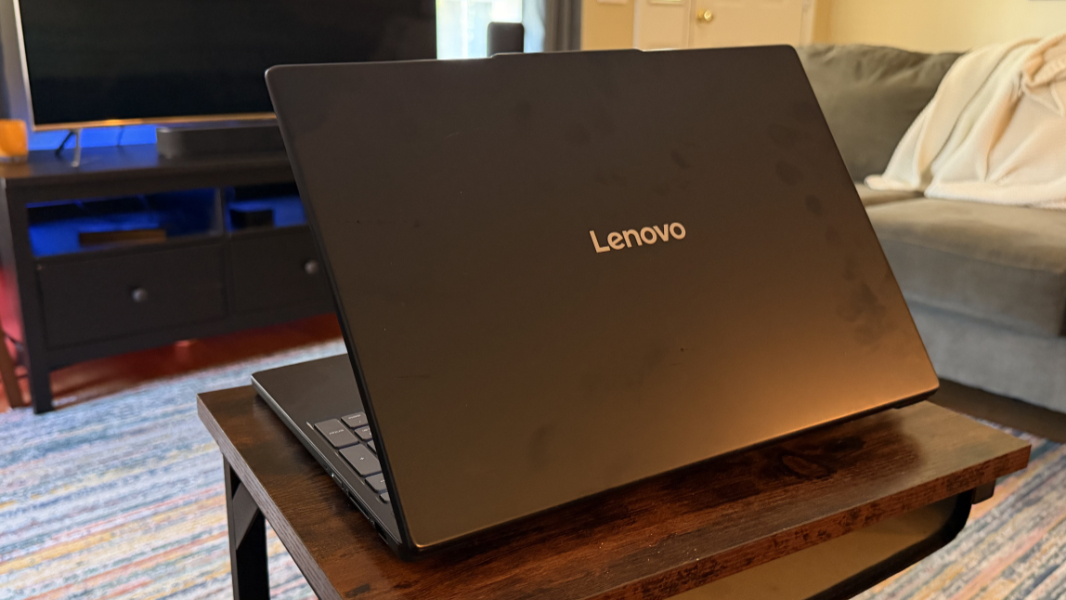
The IdeaPad Slim 3 I’m reviewing comes with one of the higher-end versions of those chips, the Intel Core 7 350 with no vPro. It has two Performance cores (P cores), four Low-Power Efficient cores (LP-E cores), Intel integrated graphics with two Xe cores, and a 49 TOPS NPU. From a power consumption perspective, this chip runs at 10 to 15 watts normally, but it can generate enough heat to hit 35 watts in Turbo bursts. By comparison, mainstream Panther Lake mobile chips run at at 12 to 25 watts normally and at up to 55 watts with Turbo, but they are also dramatically more powerful, especially the models with Arc B-series graphics, which consume even more power.
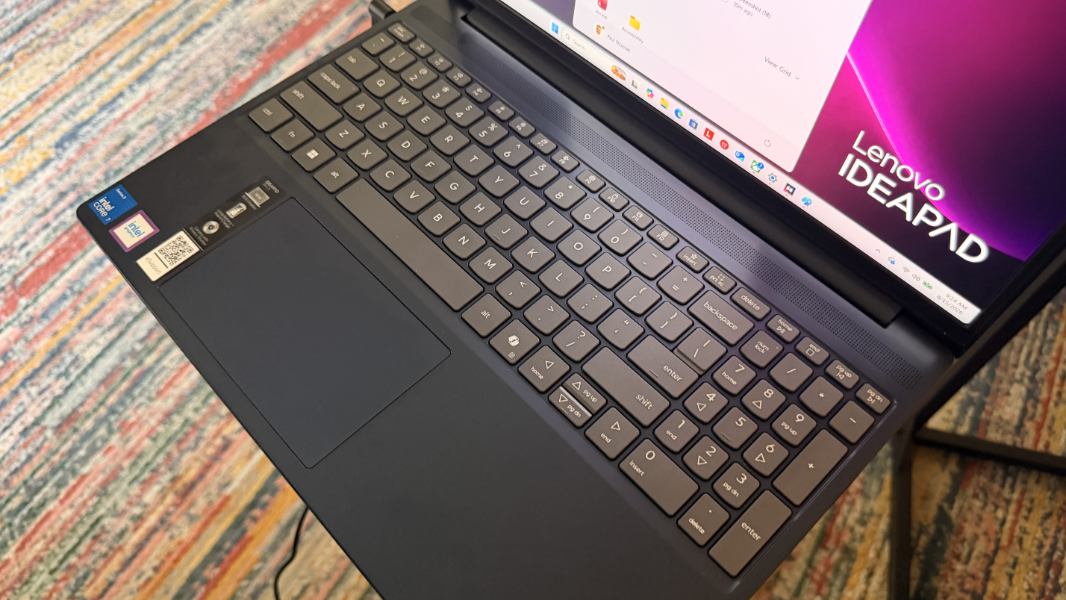
Like the Wildcat Lake chip beating inside it, the IdeaPad Slim 3 targets “everyday computing,” and though the review unit has 16 GB of RAM and 1 TB of SSD storage, I assume the starting configurations will include 8 GB of RAM and less storage capacity. As has long been the case, 16 GB of RAM is the only acceptable minimum for a daily-use Windows 11 PC, and though Microsoft is working to lower resource utilization this year, I don’t expect that to change.
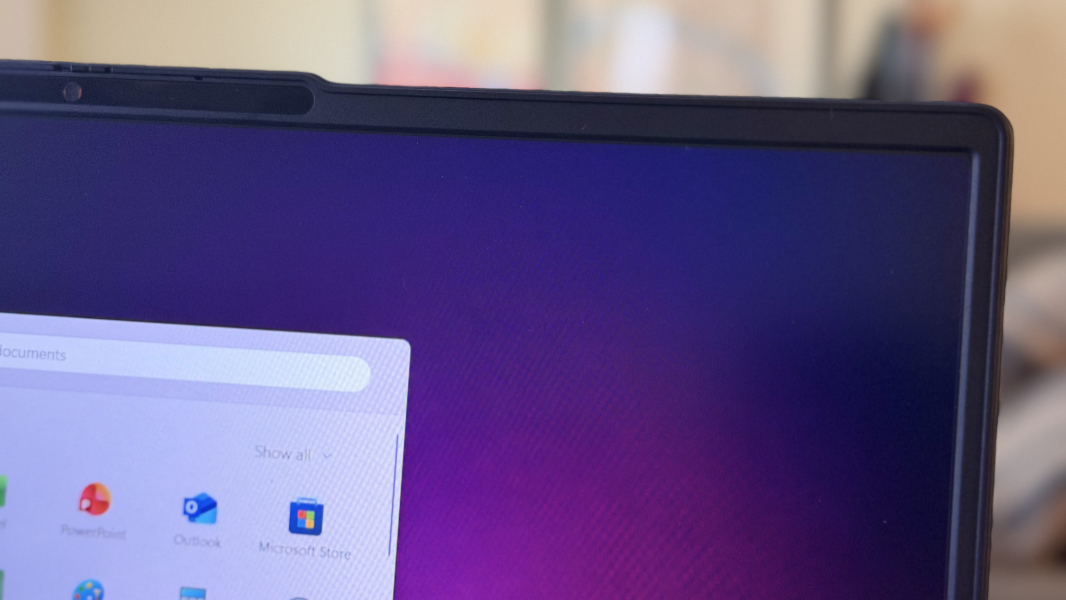
The IdeaPad Slim 3 ships with a 15.6-inch multitouch IPS display panel, a curious size these days, but at least with a normal 16:10 aspect ratio and a reasonable Full HD+ (1920 x 1200) resolution.
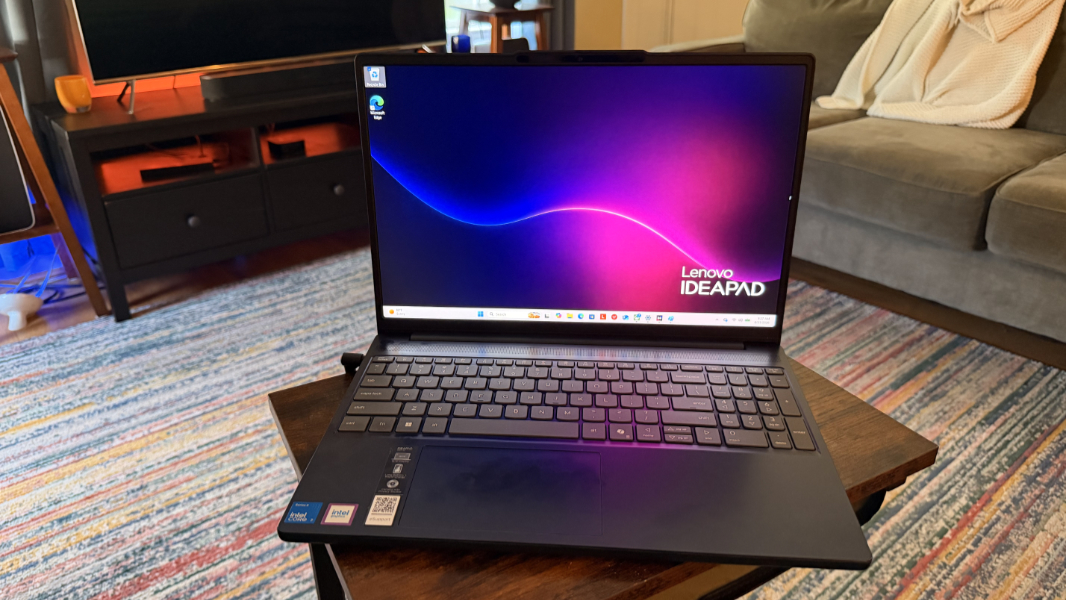
I wasn’t expecting much in this department, but it’s quite nice and, amazingly, it has a 120 Hz dynamic refresh rate. Lower-end models do, of course, come with a standard 60 Hz display. Either way, the display almost lies flat.
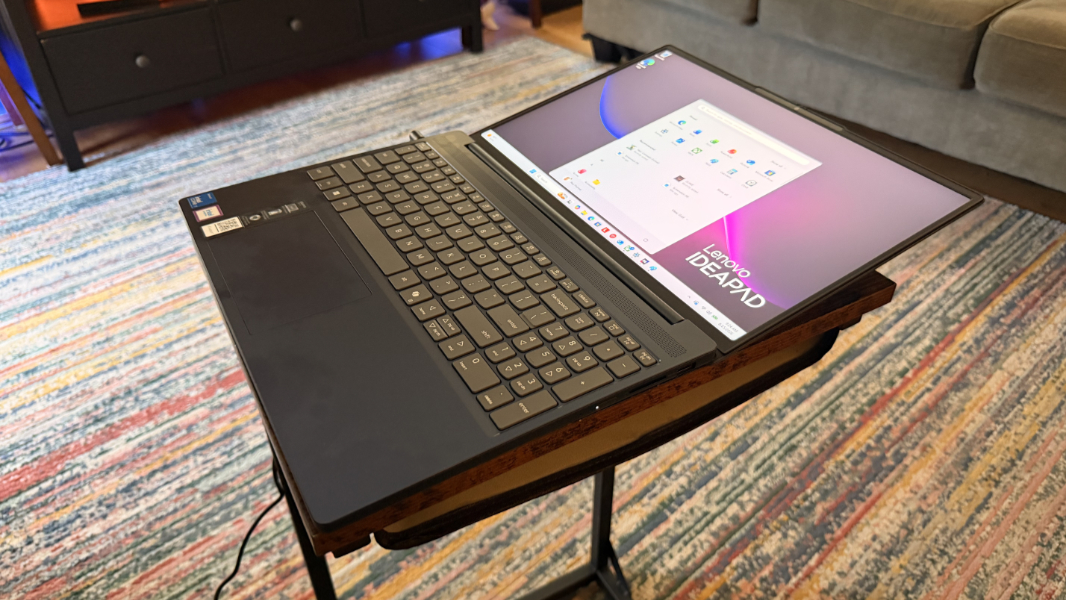
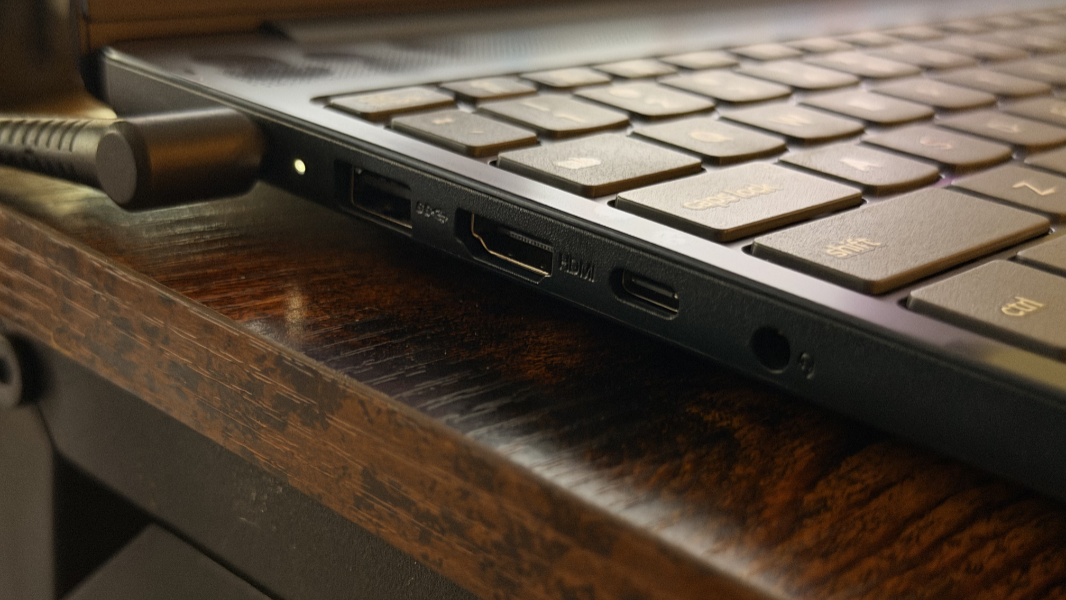
Expansion is interesting. The IdeaPad ships with an old-school barrel-style power connector, which I’m not normally a fan of. But with only a single USB-C connector, that choice starts to make some sense from a cost-savings perspective, and you can always charge via USB-C too if you have a spare charger (or dock or hub).
On the left of the laptop, Lenovo provides the barrel power connector, a full-sized 5 Gbps USB 3.2 Gen 1 Type-A port, a full-sized HDMI video-out port, a 5 Gbps USB Type-C port, and a combo headphone/microphone jack.
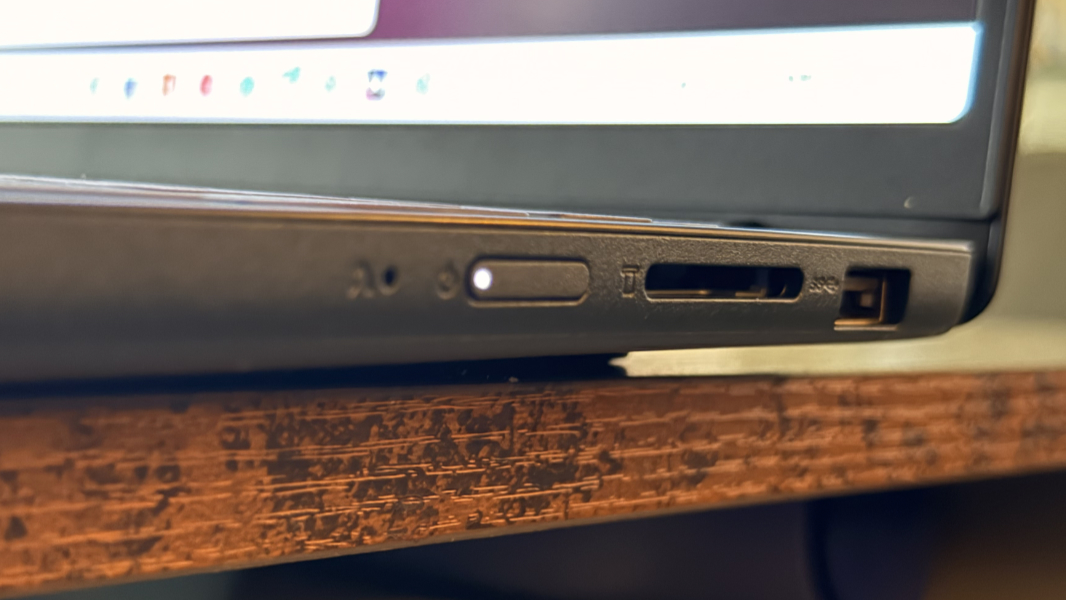
On the left, there’s a second full-sized 5 Gbps USB 3.2 Gen 1 Type-A port, a full-sized SDXC card slot, and then a slim power button and a tiny Novo button in a tiny hole that you can press with a paper clip for recovery purposes.
Connectivity is solid with Wi-Fi 7 and Bluetooth 5.4. The 720p webcam is grainy even in bright light, which is no surprise. But here’s something I’ve not seen in so long I can’t even remember it: The IdeaPad Slim 3 I’m reviewing doesn’t include Windows Hello facial or fingerprint recognition; the only sign-in option is a PIN (or a password). Crazy.

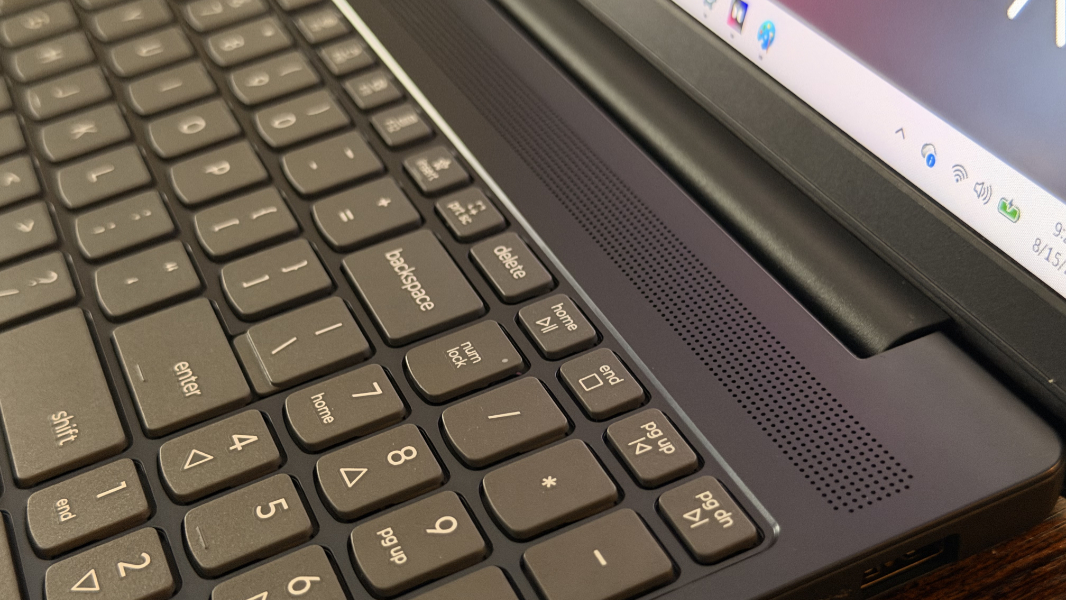
There are stereo speakers, which sound fine in my limited use so far, but with Dolby Audio, not Dolby Atmos, and no automatic sound modes.
Curious whether the laptop could play modern games at all, I decided to start small and work my way up. I installed Quake first so I could continue playing through the new Dawn of the Machine episodes. This installed quite quickly—it’s just 1.6 GB—but I had the same issue with this title that I have on Snapdragon X2-based PCs: It simply will not run, and it’s not clear why (in either case). Yes, it’s been updated many times, but Quake is a 30-year-old game and any PC should be able to run it.
With the defeat behind me, I decided to try Halo: Campaign Evolved, figuring I could just fall back to the OG version of the game in The Master Chief Collection if needed. But this game came up and it runs pretty well at native resolution, albeit with the graphics presets all on “Very Low.” I’m seeing frame rates in the mid-20s, which isn’t ideal, obviously, but it plays and looks just fine, even in heavy action sequences. There is some steady fan hiss during gameplay, but that’s typical.

Despite the NPU, the IdeaPad Slim 3 isn’t a Copilot+ PC. It is, however, a consumer-oriented PC, so there’s a bit of Lenovo crapware and upselling in there, but here’s a nice and unexpected bonus: McAfee is not preinstalled. Excellent.
Pricing is unclear, as I can’t find this laptop for sale anywhere—its 13th-generation Intel Core-based predecessors are still out there in some places—but my understanding is that prices will start around $600 with tiers in the $800 and $950-ish ranges. The review unit should come in under $1000, which is what affordable looks like this year. I assume it would have been at least $200 less just a year or two ago.