New Windows 11 Insider Builds Land on the Dev and Beta Channels
- Laurent Giret
- Oct 04, 2024
-
0

Microsoft has released today two new Windows 11 Insider builds for testers on the Dev and Beta channels. They follow the release of the Canary build 27718 earlier this week, though none of these builds include the updated version of the Recall AI feature that’s expected to enter public testing on Copilot+ PCs in October.
Here are the biggest changes in today’s Dev Channel build 26120.1930:
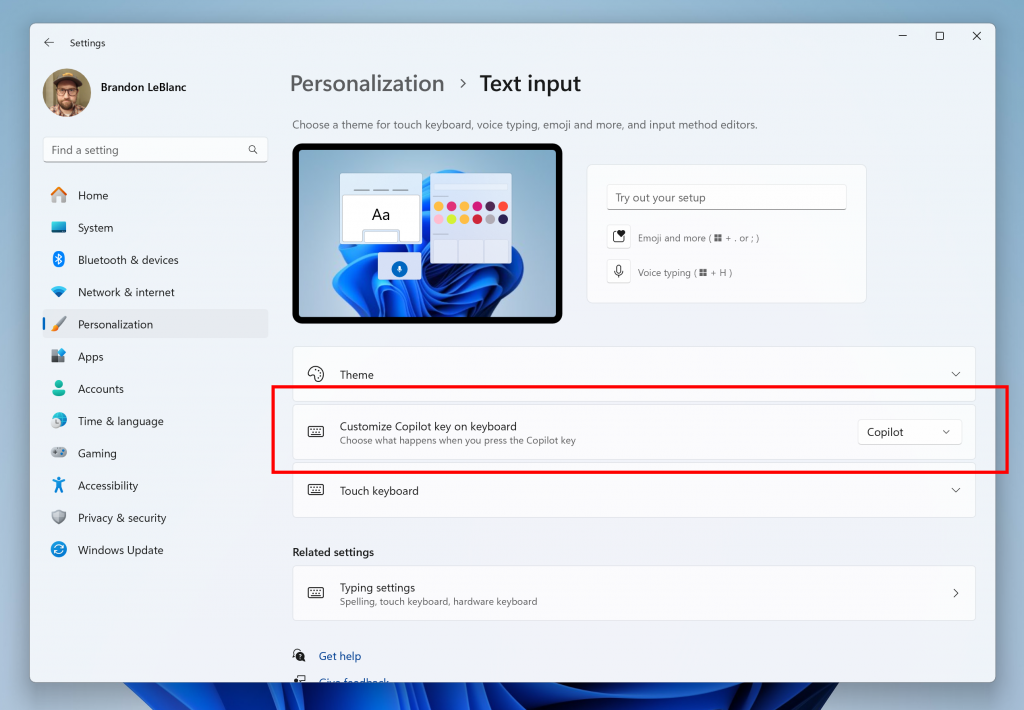
Customize Copilot key: Insiders using PCs with a Copilot keyboard key can now use the key for other things than opening Microsoft’s Copilot Assistant. In Settings > Personalization > Text input, this Copilot key can now be assigned to any app that is MSIX packaged and signed.
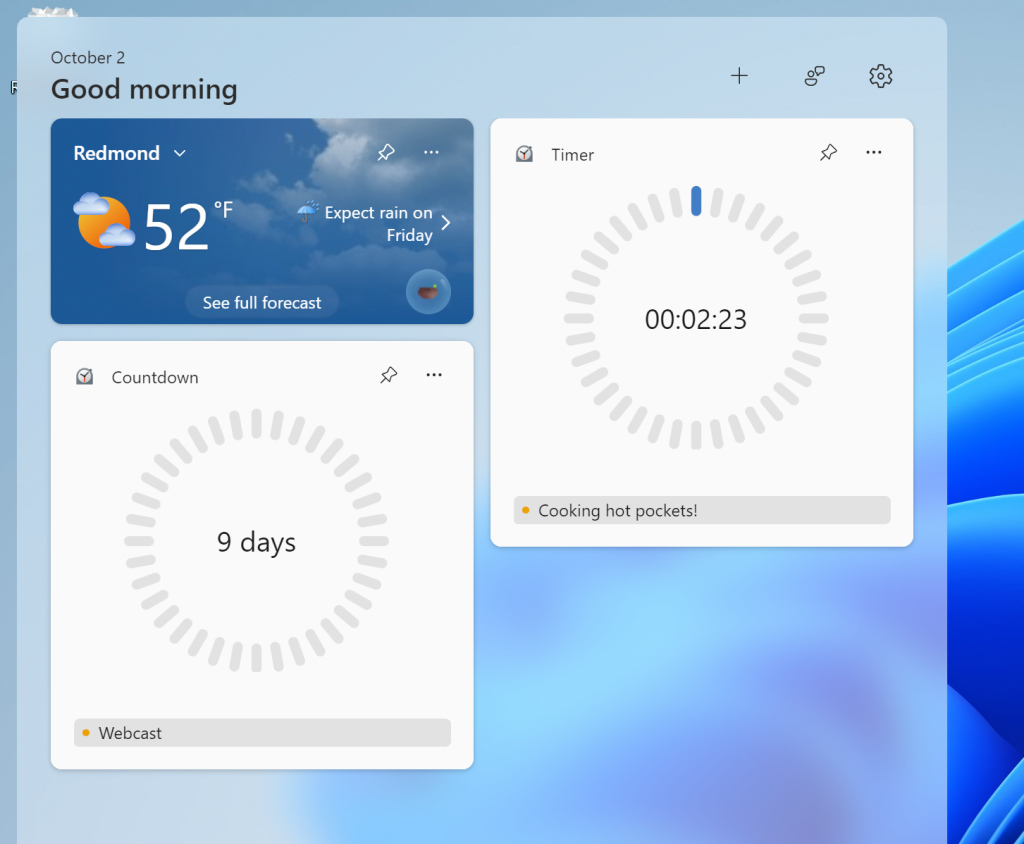
New Countdown and Timer widgets: These two new widgets will be available from the widgets picker after installing a new update for the Clock app that’s now rolling out to all Insiders.
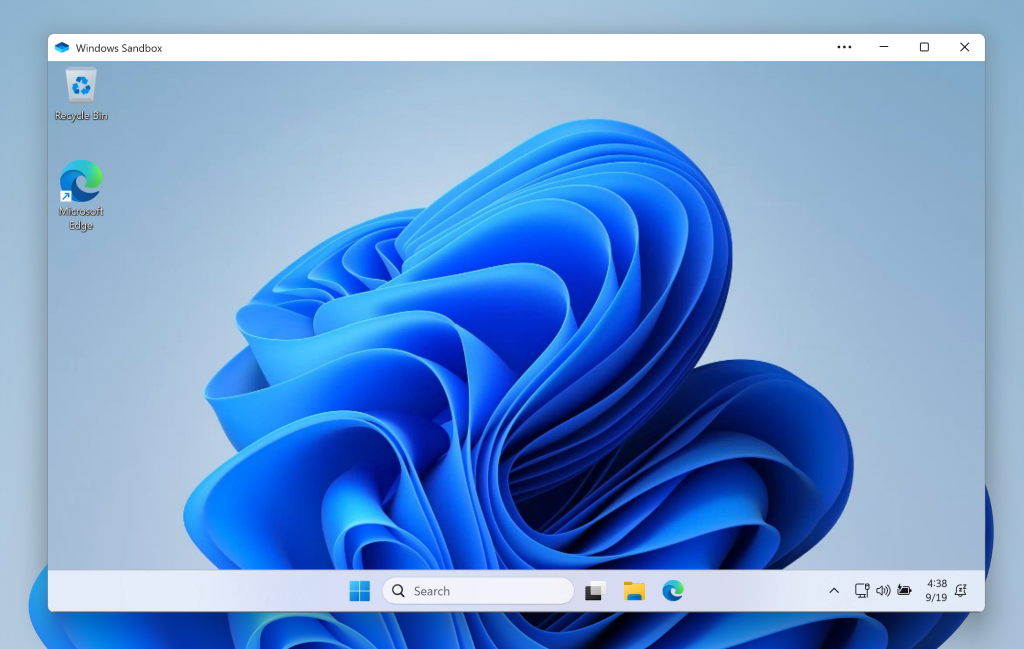
New Windows Sandbox app: This new app that started rolling out last month with the build 26120.1843 is now available for all Dev Channel Insiders. It introduces runtime clipboard redirection, audio/video input control, and the ability to share folders with the host at runtime.
Let’s conclude with the build 22635.4300 for Beta Channel testers. With this build, all testers should now see the “All apps” section in Start Menu being renamed to just “All.” This change first started rolling out earlier this week with the build 22635.4291. Lastly, the new Countdown and Timer widgets I mentioned earlier are also available via an app update for the Clock app.