Samsung Galaxy S25 Owners Can Now Beta Test One UI 8
- Paul Thurrott
- May 28, 2025
-
2
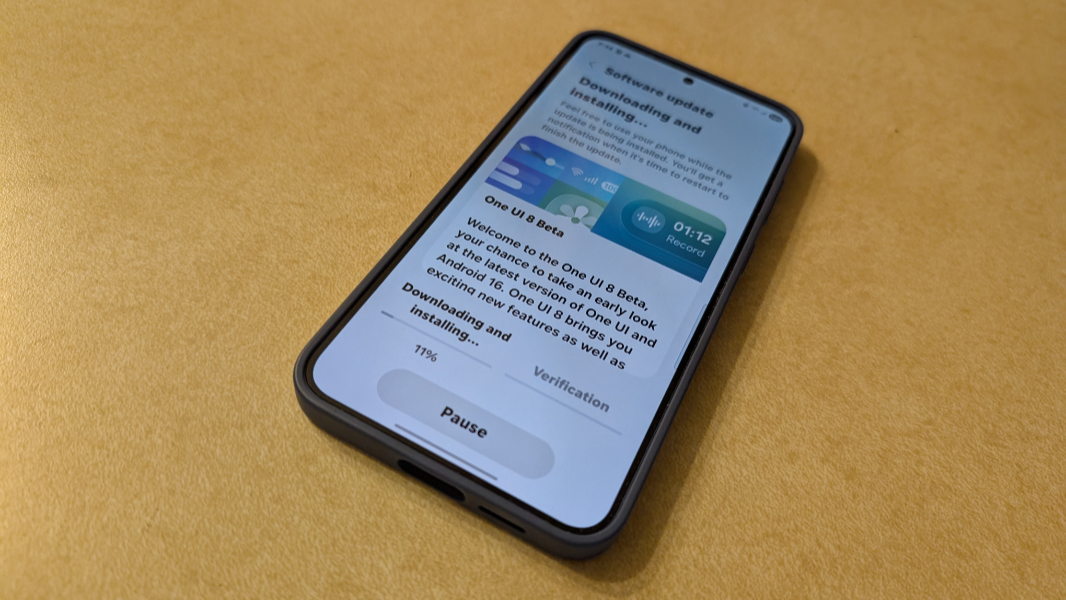
Samsung launched its Galaxy S25 series phones with One UI 7 in early 2025 and then started rolling it out to older devices in April. But now it’s already moving forward to One UI 8, which will come with its new generation folding phones. And those with a Galaxy S25 series phone in Germany, Korea, the United Kingdom, and the United States—excluding the Galaxy S25 Edge–can enroll it in the One UI 8 Beta to get started early.
“One UI is Samsung’s integrated software platform, designed to help Galaxy devices simplify everyday routines and enhance productivity and convenience,” Samsung explains in its announcement of the One UI 8 Beta. “One UI 8 is coming, and early access is now available through its beta program — kicking off a new era of software intelligence that brings a true multimodal AI agent designed for various Samsung Galaxy form factors.”
Samsung confirms that it partnered with Google to align their respective design systems in One UI 8 and Android 16, which is also racing towards completion. So where One UI 7 is based on Android 15 and previews some changes Google is bringing to Android 16, the visually similar One UI 8 is based on Android 16. It also confirms that One UI 8 will debut with its newest foldables this summer and will then expand to current devices.
Some of the new One UI 8 that Samsung is highlighting include:
- Enhanced AI features. Building off the AI functionality in One UI 7, the AI in One UI 8 will include multimodal capabilities for better contextual help, a user experience tailored to different form factors, and personalized, proactive suggestions. The Now Bar and Now Brief that debuted in One UI 7 will offer “even more customized insights,” which shouldn’t be too difficult, and curated AI information to help with your daily tasks and routine.
- Enhanced security for AI. Samsung has long promoted its Knox security technologies, and this release will offer the ability to process data only on the device (which I believe is in One UI 7, actually), so you can have a personalized AI experience without compromising privacy.
- Auracast support. Based on Bluetooth LE Audio, this feature supports connecting devices using QR codes and multiple device support on individual audio streams.
- Easier support and repair. The Samsung account interfaces in One UI 8 will support QR codes and NFC so you can register a device more easily and then simplify service requests.
- Reminder app. Samsung’s Reminder app will explicitly support travel-related tasks, a simpler user experience, to-do sharing, and voice functionality so you can add reminders at any time more quickly.
- Quick Share. A simpler user experience will help you share files with families and friends directly from the Quick Settings panel.
The release notes for the first One UI 8 Beta also describe new find file filters in My Files, a redesigned Samsung Internet (web browser), improvements to AI Select, more display options in Samsung DeX, an enhanced split screen view in which you can temporarily push one app to the edge of the screen to focus on the other app, Reminder integration in Calendar, new routine presets and actions, improvements to Samsung Health and Contacts, quicker access to controls in the Camera app, several Accessibility improvements, and more.
Given how much I like One UI 7, I did install the One UI 8 Beta on my Samsung Galaxy S25+, but I haven’t noticed any major general changes yet. To get started yourself, open the Samsung Members app, find the prominent promotion tile for One UI 8, sign up for the Beta, and then install and reboot.