Lenovo ThinkPad X1 Carbon Gen 14 Aura Edition First Impressions
- Paul Thurrott
- May 28, 2026
-
7
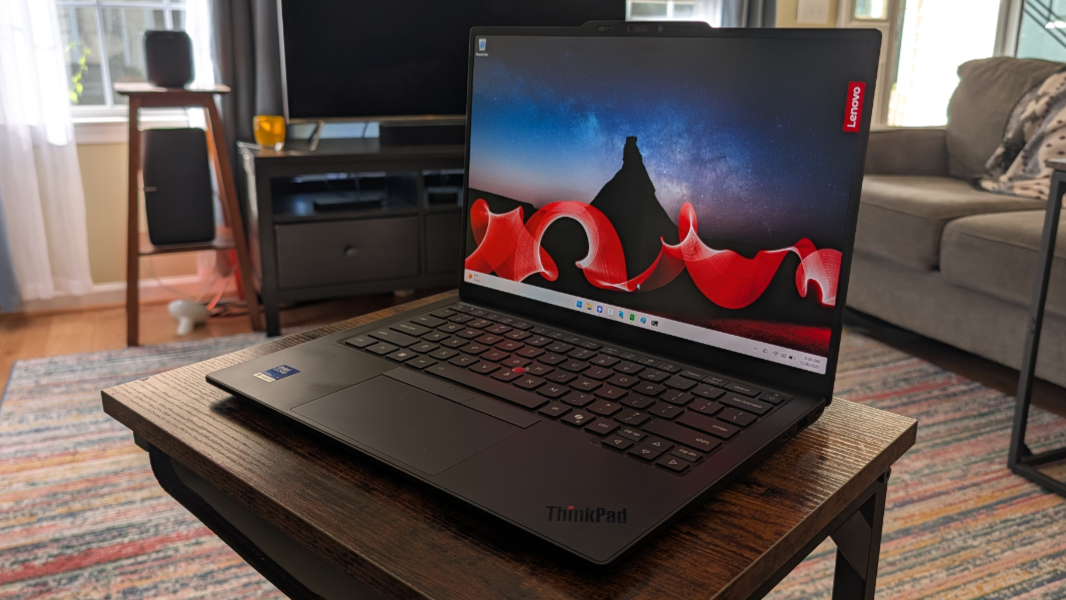
The ThinkPad X1 Carbon returns in 2026 with a completely redesigned internal chassis that dramatically improves repairability and upgradability without compromising the light weight, performance, and quality that make this laptop so iconic. It’s an astonishing accomplishment, albeit one few will ever notice. Until they do.
Lenovo calls its new chassis the Space Frame. It takes advantage of a double-sided system board that reduces its physical size by 20 percent and makes the X1 Carbon much easier to service. The company made this change without impacting the weight of this ultralight laptop, which still comes in at just 2.15 pounds, or under 1 kilogram. And it brings another astonishing improvement: Lenovo gained enough internal space to use a 70 percent larger cooling fan, improving airflow and allowing the laptop to maintain higher performance levels for longer than before.
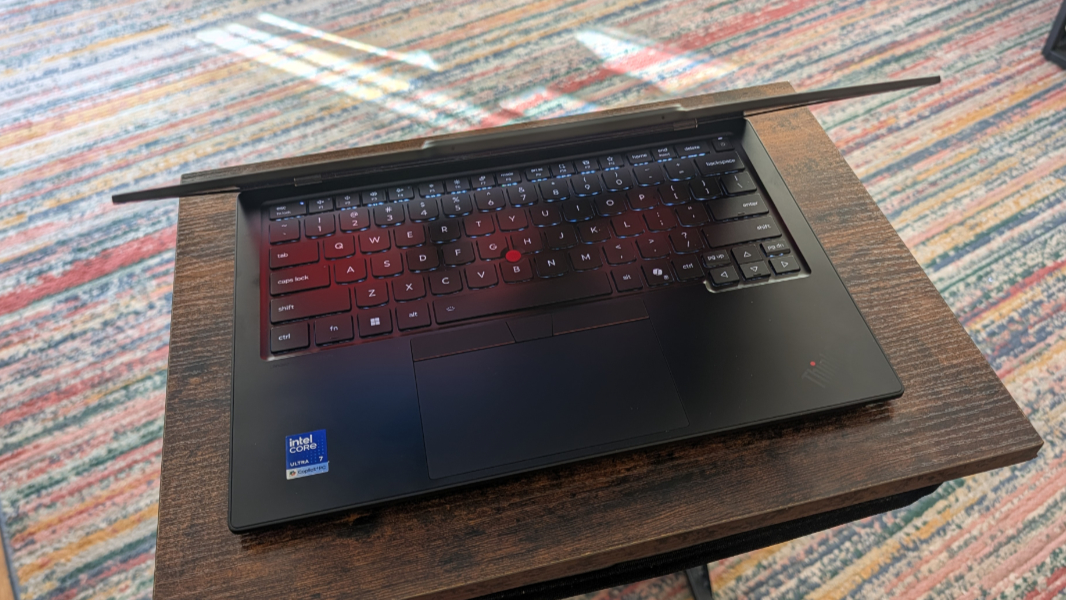
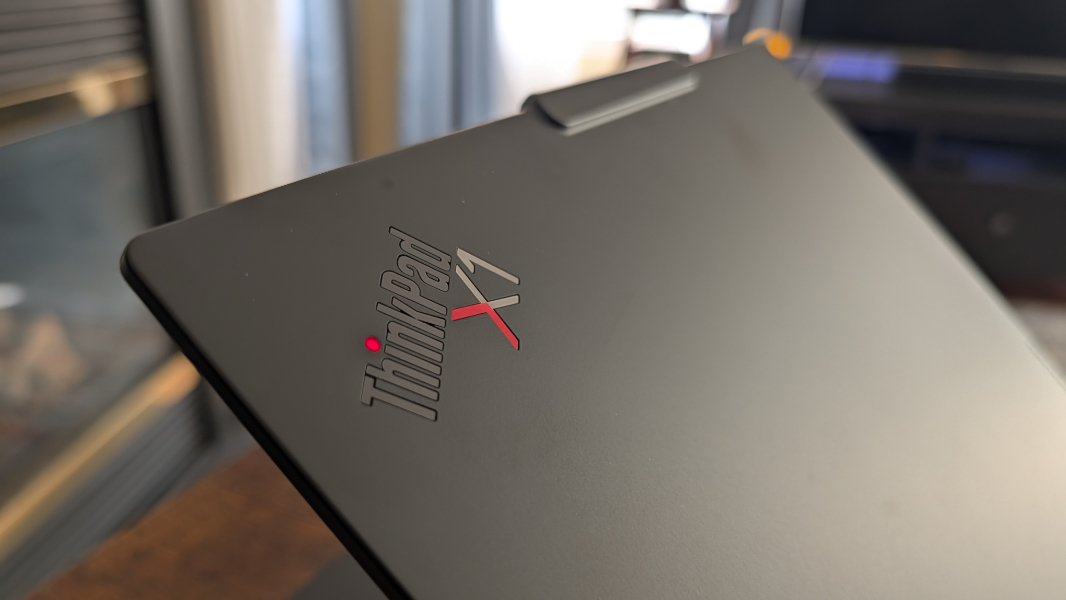
As before, the X1 Carbon is made from a combination of recycled aluminum in the chassis, magnesium in the bottom, and carbon fiber in the top. And as before, this laptop carries forward with the legendary ThinkPad look and feel across the board, with its black and red accent color scheme, comfortable, scalloped keyboard keys, dual pointing system, communications bar, and red status light inside the dot in the “i” in the ThinkPad logo on the display lid. There’s no mistaking any ThinkPad, but the X1 Carbon is apex and standard bearer of this brand’s design language.
Inside, the ThinkPad X1 Carbon is powered by an Intel Core Ultra 7 355 or 356 processor, optionally with vPro. These sit mid-range in the “Panther Lake” family and deliver four performance CPU cores, four low power efficient CPU cores, Intel Graphics, and a 49 TOPS Intel NPU. To be clear, neither of these choices offers the powerful 12-core Intel Arc B390 integrated GPU found in the highest-end Panther Lake chips that are found in laptops like the HP OmniBook Ultra. But the X1 Carbon targets businesses and not prosumers, and this is likely the right choice for the form factor. I am curious to see how this thing stacks up, of course, and will find out.
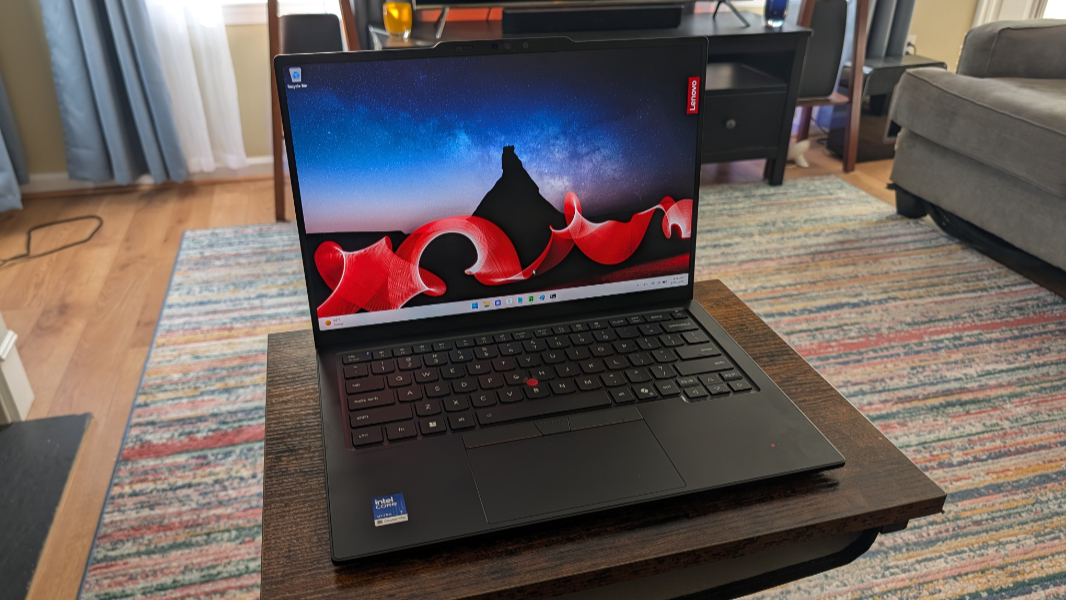
Customers can configure the X1 Carbon with 16, 32, or 64 GB of soldered LPDDR5X-8533MT/s RAM and 256 GB, 512 GB, or 1 TB of M.2 2280-based PCIe Gen4 TLC Opal SSD storage. And there are five display choices, each of which is 14-inches with a 16:10 aspect ratio, with Full HD+ (1920 x 1200) and 2.8K (2880 x 1800) resolution options, IPS and OLED panels, and various other differences.
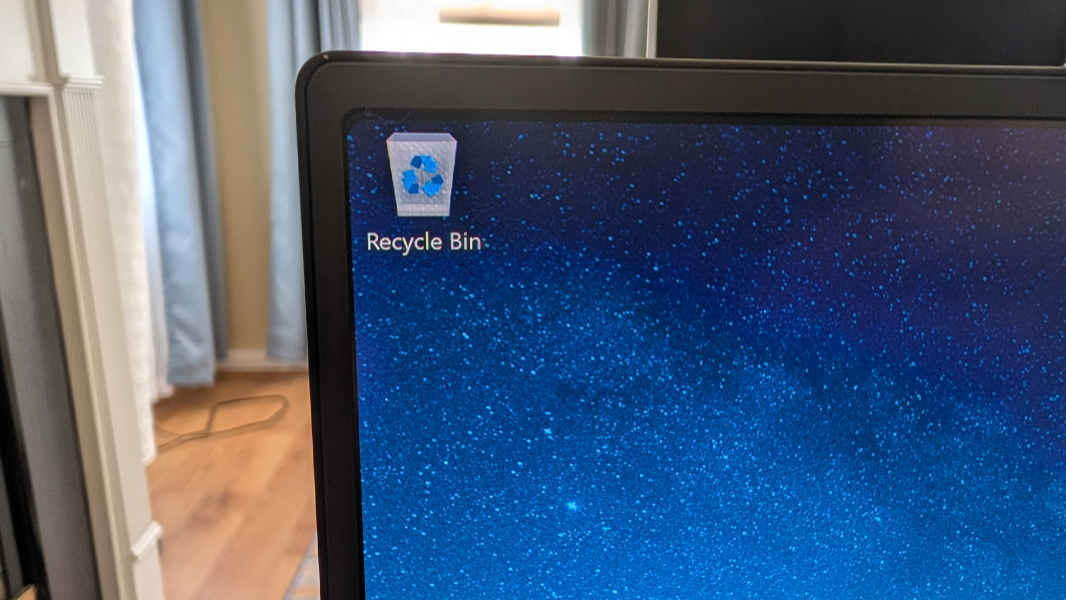
The review unit arrived with a Core Ultra 7 355 processor, 32 GB of RAM, 512 GB of SSD storage, and a 2.8K non-touch OLED panel that provides a 120 Hz variable refresh rate, HDR 500 True Black, Dolby Vision, and low blue light capabilities, 100 percent DCI-P3 color gamut coverage, and emits 500 nits of brightness. It’s predictably stunning. The bezels are small all around and the display can lay flat.
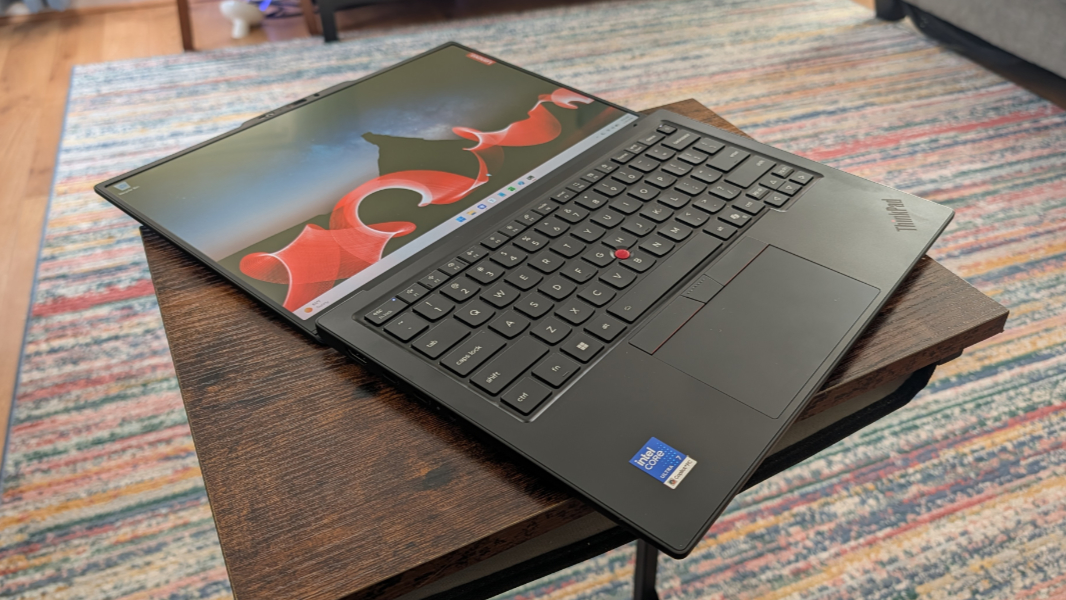
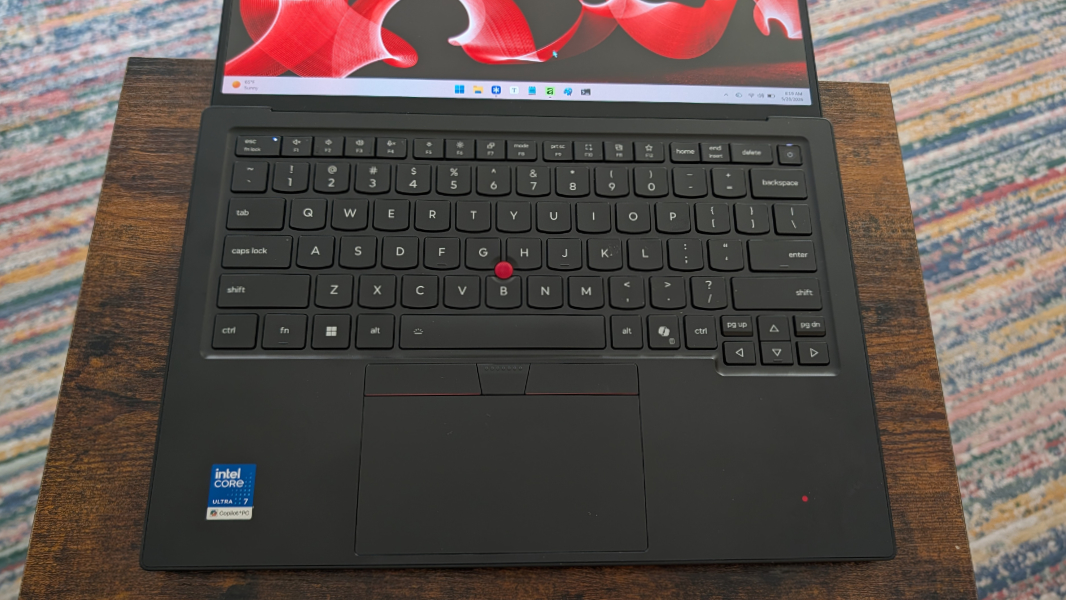
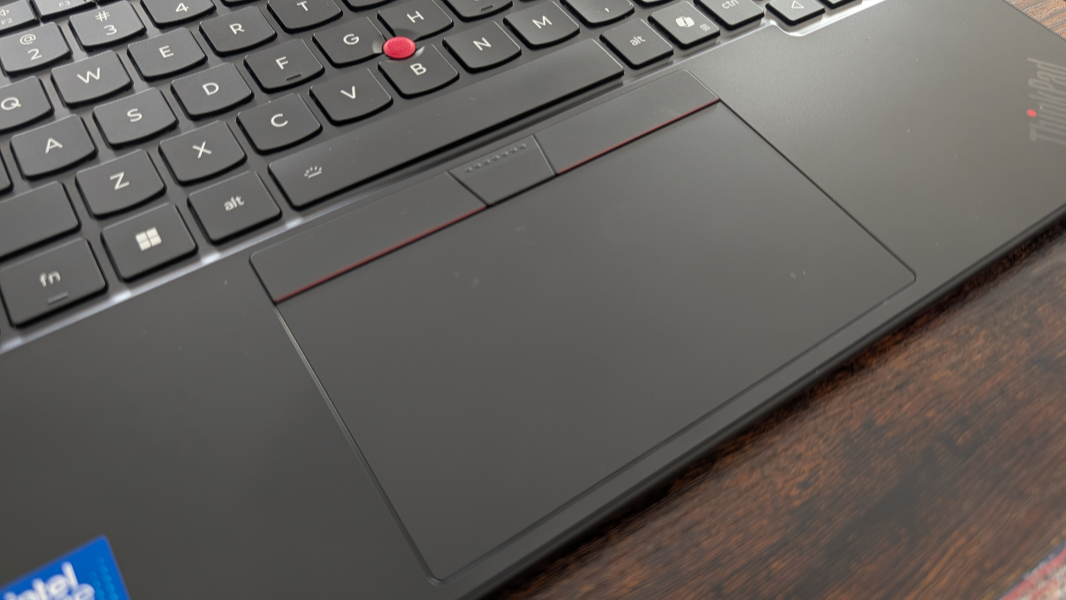
The keyboard is predictably terrific in early use, as is the dual-pointing system with its medium-sized haptic touchpad and TrackPoint nubbin in the bottom center of the keyboard. The keyboard supports two levels of backlight plus an auto mode that I very much prefer.
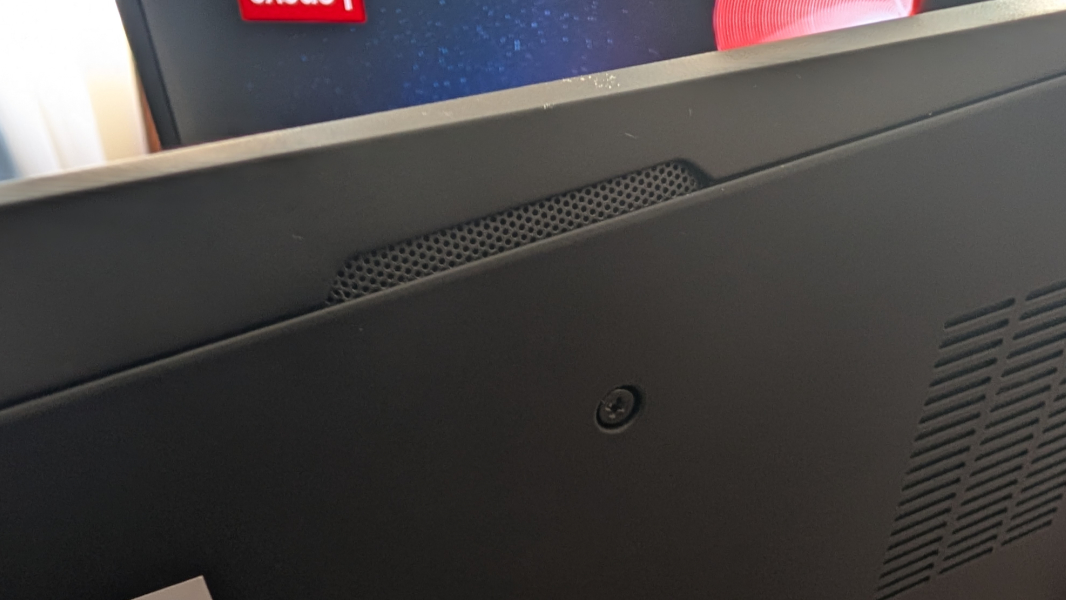
For sound, there are two bottom-firing speakers on the sides of the laptop and Dolby Atmos immersive sound capabilities.
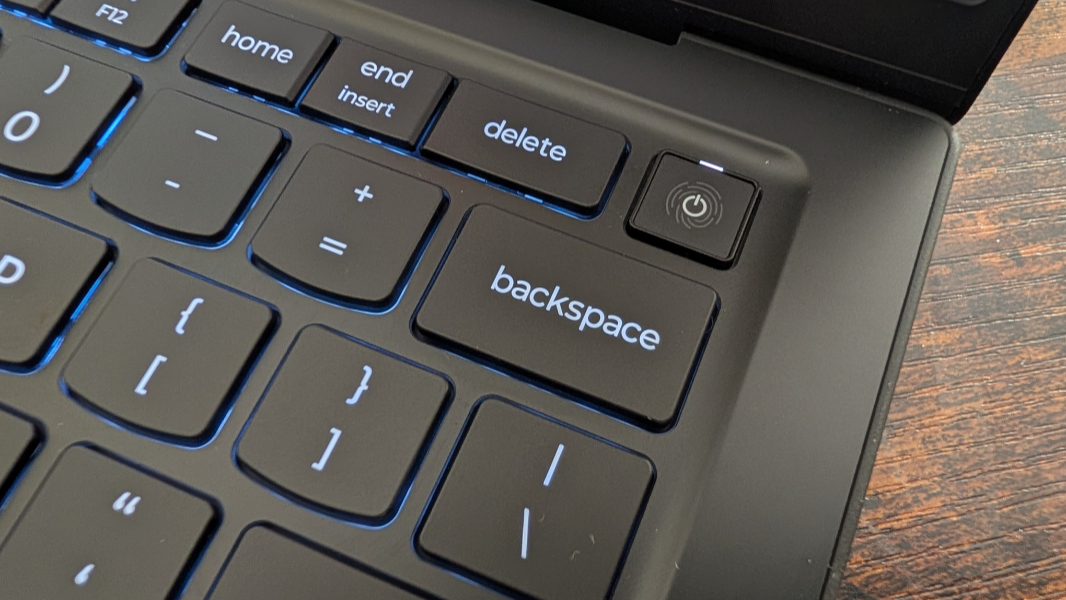
For remote work, the X1 Carbon delivers a 5 MP webcam with vHDR and Computer Vision and dual array microphones. The ThinkPad X1 Carbon is, of course, a Copilot+ PC, so you get Windows Hello Enhanced Sign-in Security (ESS), which works with both facial recognition and fingerprint recognition, the latter through the power button in the upper-right of the keyboard.
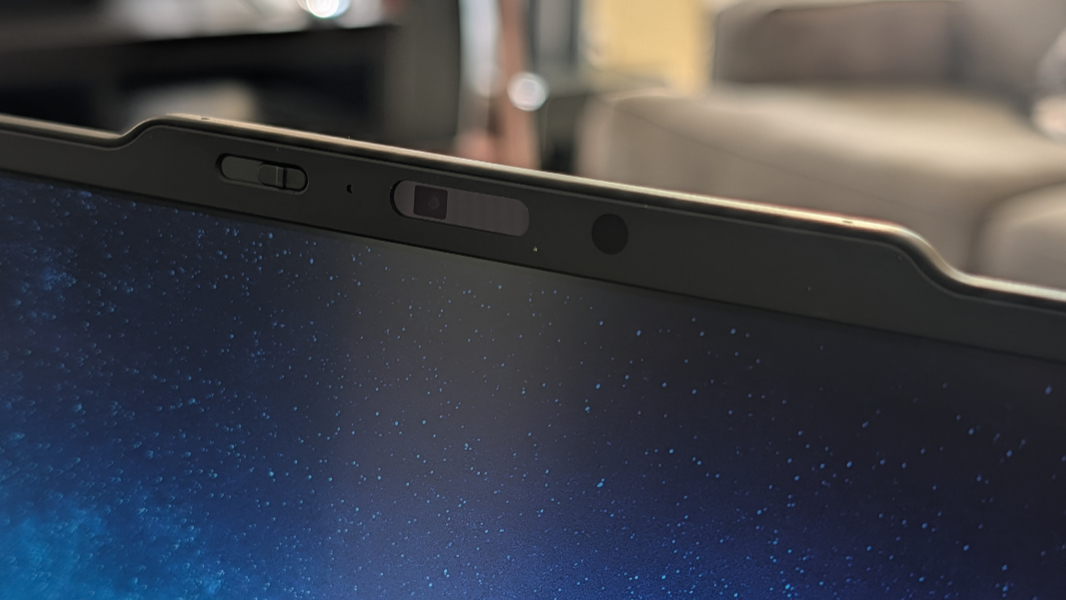
There’s a manual webcam privacy shutter in the communications bar above the display, but it’s a nice switch and offset to the camera’s left, not right on top of it.
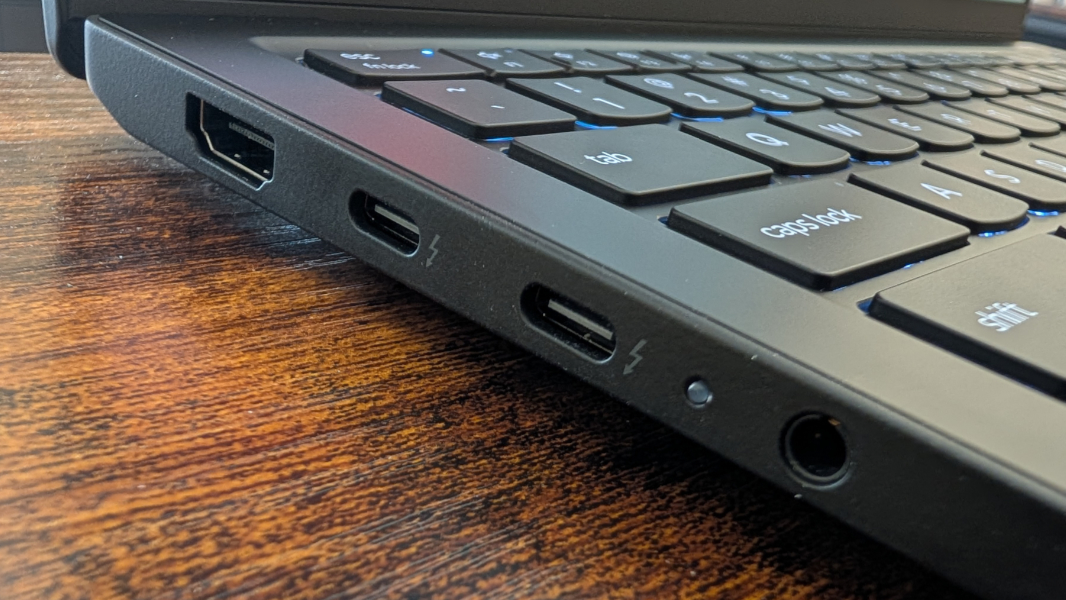
Expansion looks reasonable for the form factor, and there are USB-C ports on each side, which is preferable.
On the left, there is a full-sized HDMI 2.1 port for video-out and two 40 Gbps Thunderbolt 4/USB4 Type-C ports, plus a combo headphone/microphone jack.
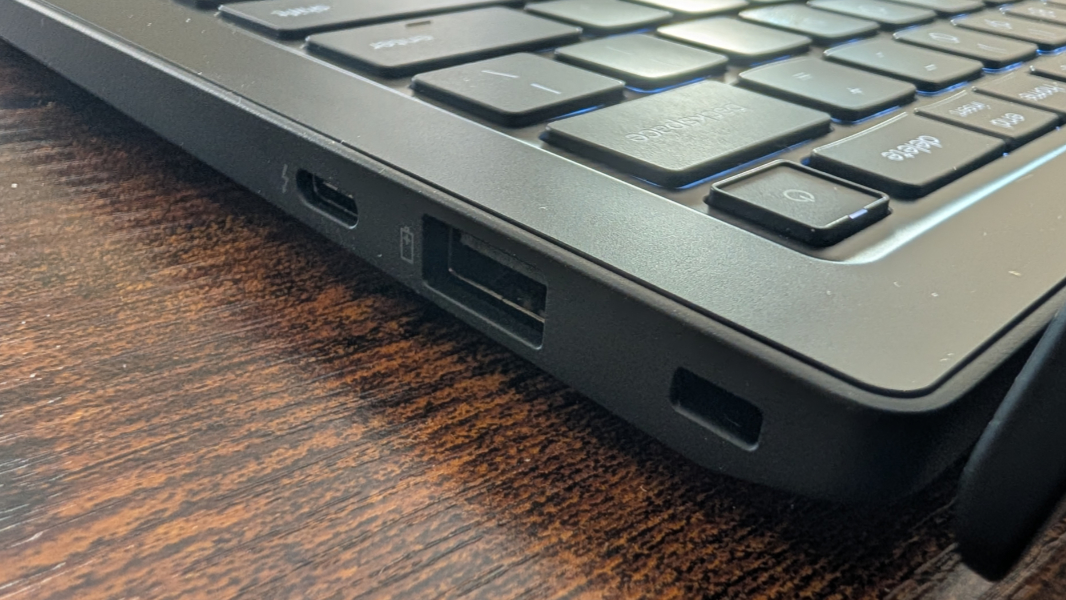
And on the right, you will find a full-sized 5 Gbps USB Type-A port, a third 40 Gbps Thunderbolt 4/USB4 Type-C port, a Kensington lock slot, and, if configured, a nano SIM slot.
Connectivity is excellent, with Wi-Fi 7, Bluetooth 5.4, and, as suggested above, optional 5G CAT6 cellular data capabilities. (Which is not included in the review unit.)
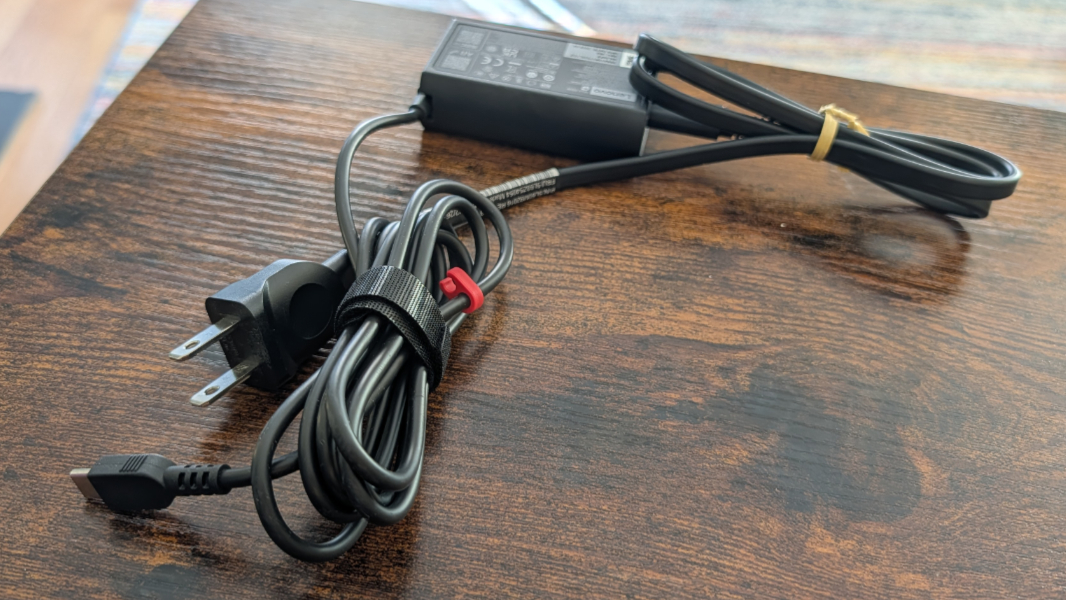
Lenovo ships the X1 Carbon with a standard 65-watt USB-C GaN power adapter that can rapid-charge the laptop’s 58 watt-hour battery to 80 percent in one hour.
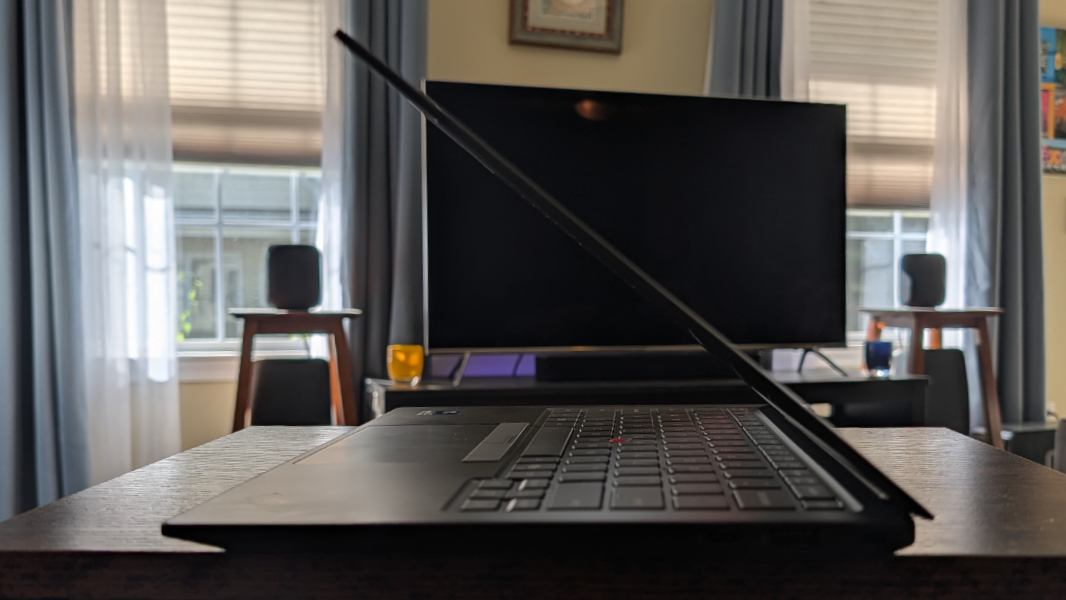
Portability is assured by that low weight and its thinness: The X1 is 0.69 inches at its thickest and just 0.60 inches at its thinnest. I am curious about the battery life, obviously.
ThinkPad doesn’t do crapware, so the software additions are light, just five Lenovo utilities, two Intel utilities, and Dolby Settings. The system came with Windows 11 Pro.
Prices are about the same as last year from what I can see, which is interesting considering the component crisis. A ThinkPad X1 Carbon with 32 GB of RAM, a 256 GB SSD, and the base Full HD+ non-touch IPS display is about $2000 as I write this, the review configuration is about $2100, and a maxed out configuration can exceed $3200. Some of the upgrades are incredibly cheap at the time of this writing–for example, going from 256 to 512 GB of storage costs just $10 extra–and it always pays to keep an eye on Lenovo’s rolling, ongoing sales.
I’m looking forward to more Panther Lake, and the ThinkPad X1 Carbon is always a treat. So this should be interesting. More soon.