DuckDuckGo Adds Photo Editing to Duck.ai
- Paul Thurrott
- Feb 19, 2026
-
2
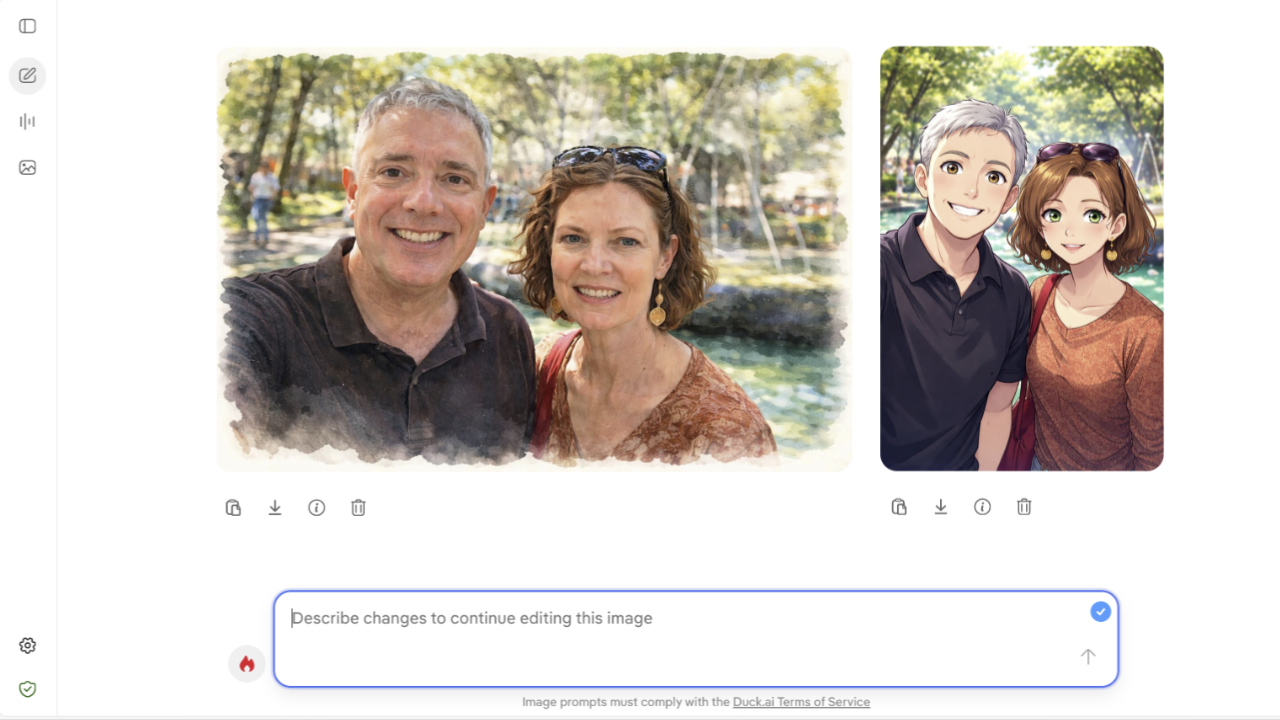
“If you want to use AI, Duck.ai lets you do it privately, now with photo editing,” . “Upload and edit existing photos with Duck.ai’s image generator. Just like text or voice chats on Duck.ai, all prompts and images are anonymized by us and never used to train the underlying AI model. And of course, it’s completely optional.”
To get started, navigate to and click the “New Image” link in the navigation bar on the left. Then, instead of describing a new image as before—which is still an option, of course—you can upload your own photo or other image and then describe how you would like the AI to edit it. “Make this a watercolor,” etc.)