Google Chrome’s Password Manager Can Now Sync Passkeys Across Desktop and Mobile
- Laurent Giret
- Sep 19, 2024
-
2
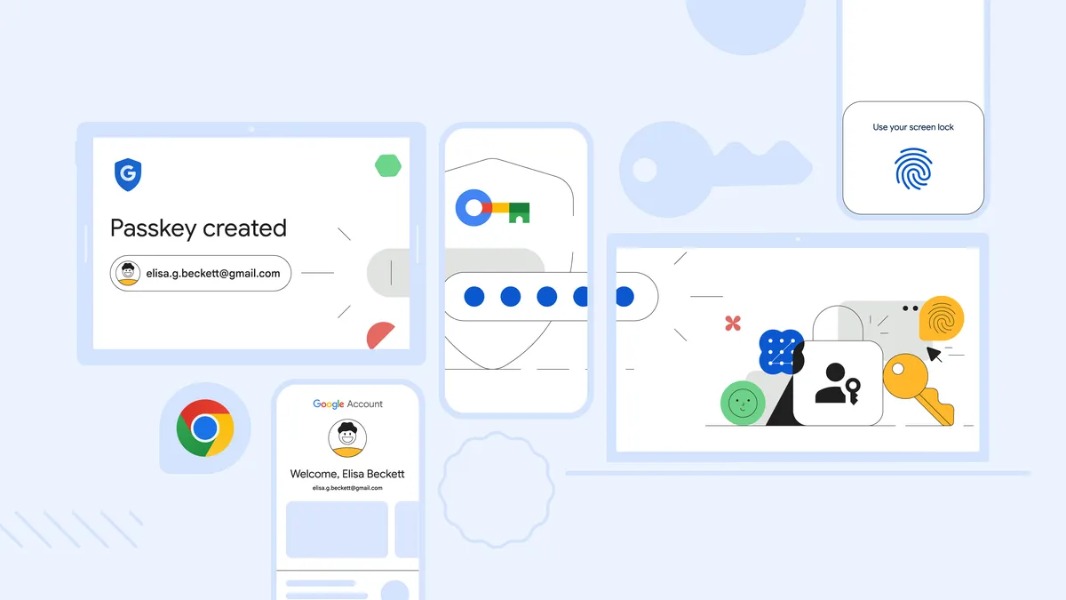
Google is improving the built-in password manager in Google Chrome to make it easier to use passkeys on the desktop. In addition to the existing Android support, it’s now possible to save passkeys with Google Password Manager on Windows, macOS, Linux and have them synced across devices.
Passkeys are a relatively new technology providing a more secure and convenient alternative to passwords. Google, Microsoft, Apple, Amazon, and many other companies have started embracing passkeys, but we’re not yet at a point where the technology is really ubiquitous and well understood by consumers.
“Up until now, you could only save passkeys to Google Password Manager on Android. You could use them on other devices, but you’d need to scan a QR code using your Android device,” Google acknowledged today.
Well, Google Password Manager in Chrome now supports passkeys on the desktop, and Google is also adding a new PIN option to ensure that passkeys remain secure. PIN will be six-digit by default, but users have the option to create longer alpha-numeric PINs.
“When you start using passkeys on a new device, you’ll need to know either your Google Password Manager PIN, or the screen lock for your Android device. These recovery factors will allow you to securely access your saved passkeys and sync new ones across your computers and Android devices,” Google explained today.
If you use Linux, the company pointed out today that support for passkeys in Google Password Manager is currently in beta. iOS users will also be supported soon.