Lenovo IdeaPad Slim 3 15 First Impressions
- Paul Thurrott
- May 25, 2025
-
9
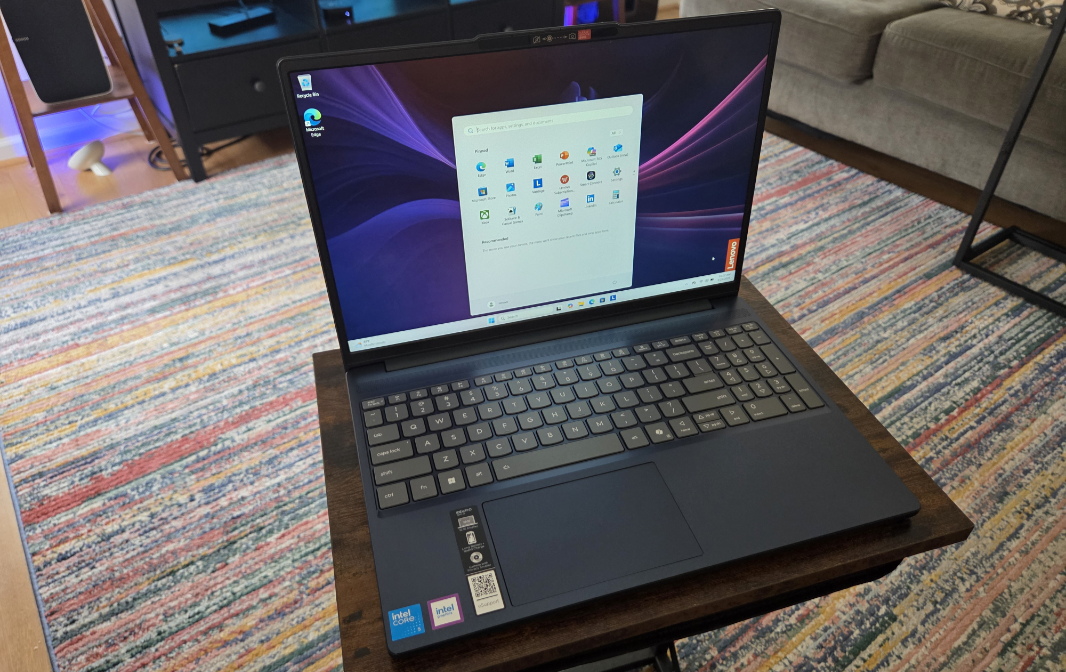
And now for something completely different: The IdeaPad Slim 3 is a 15.3-inch laptop at an affordable price. This is not a thin and light premium Copilot+ PC, and that’s the point. It’s an everyday utilitarian laptop for those who need a large display and reasonable productivity performance. It is, in other words, an enigma of sorts, the type of laptop real people really buy … and PC makers rarely send out to reviewers. Naturally, I was intrigued.
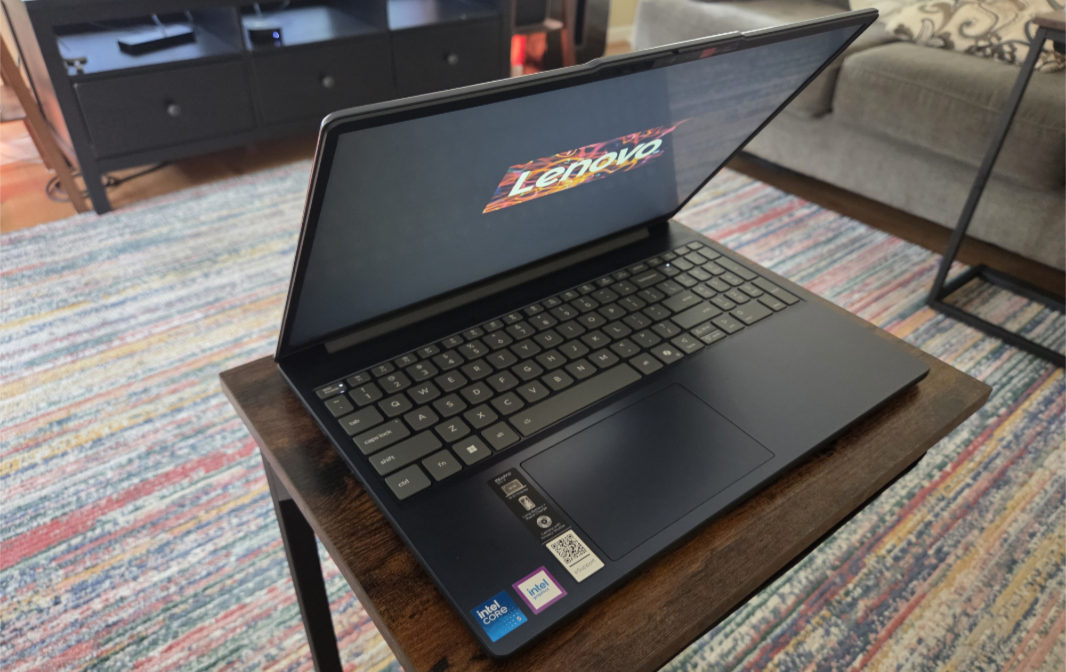
So far, so good. The IdeaPad is as big as expected, thanks to a voluminous 15.3-inch Full HD+ (1920 x 1200) touchscreen IPS panel with a standard 60 Hz refresh rate that emits 300 nits of brightness, has surprisingly small bezels, and can lay flat. But it’s also reasonable thin–0.74 inches–and light–3.59 pounds–for the price class. And it does the job: After a week in Seattle struggling with the comparatively cramped Lenovo Yoga 9i 2-in-1 Aura Edition I’m also reviewing, it was a relief to bring the bigger IdeaPad along for this week’s trip to the Finger Lakes in upstate New York.
The big question here, at least to me, is how well the system’s mid-level components perform with real-world productivity tasks. The processor at the heart of this is a mystery–again, to me–an Intel Core 5 processor 210. It’s a far cry from the Copilot+ PC-class processors I typically see these days. This is a 10-nm part four performance cores and four efficient cores, a 35- to 115-watt power range, and integrated Intel Graphics (the old-school version, not the newer Arc graphics). There’s no NPU, but it does support Thunderbolt 4 and PCIe 5. And it can support up to 96 GB of RAM on paper, but at up to 5200 MT/s; by comparison, an Intel Core Ultra Series 2 V-class processor supports up to 8533 MT/s RAM.
The review unit is unique to Costco, and it comes with 16 GB of DDR5 4800 RAM and 1 TB of M.2 QLC SSD storage. This is a good minimum configuration here in 2025, assuming that the processor is up to the task. I think it will be for standard productivity work, but I’ve already noticed that it works better on power than battery, and I suspect it will come up short on more advanced tasks like video editing or software development. I will eventually test Call of Duty: Black Ops 6, but I am just about positive that it will not work acceptably. Regardless, this is no gaming machine. And that’s fine.
Connectivity is similar–previous generation but acceptable–with Wi-Fi 6 and Bluetooth 5.2. The integrated webcam is just Full HD (1080p), but it supports Windows Hello, and the system claims an integrated microphone array. If that’s in the upper bezel, the mics are barely visible and will be terrible. We’ll see.
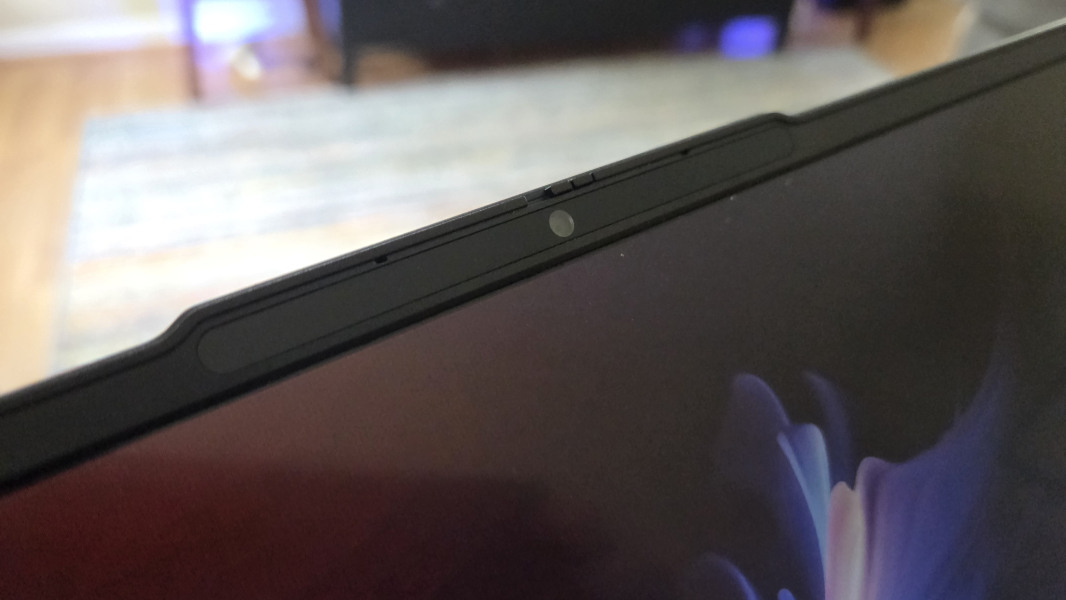
There are two upward-firing 2-watt stereo speakers with Dolby Audio (but not Atmos) in a bar across the top of the keyboard.

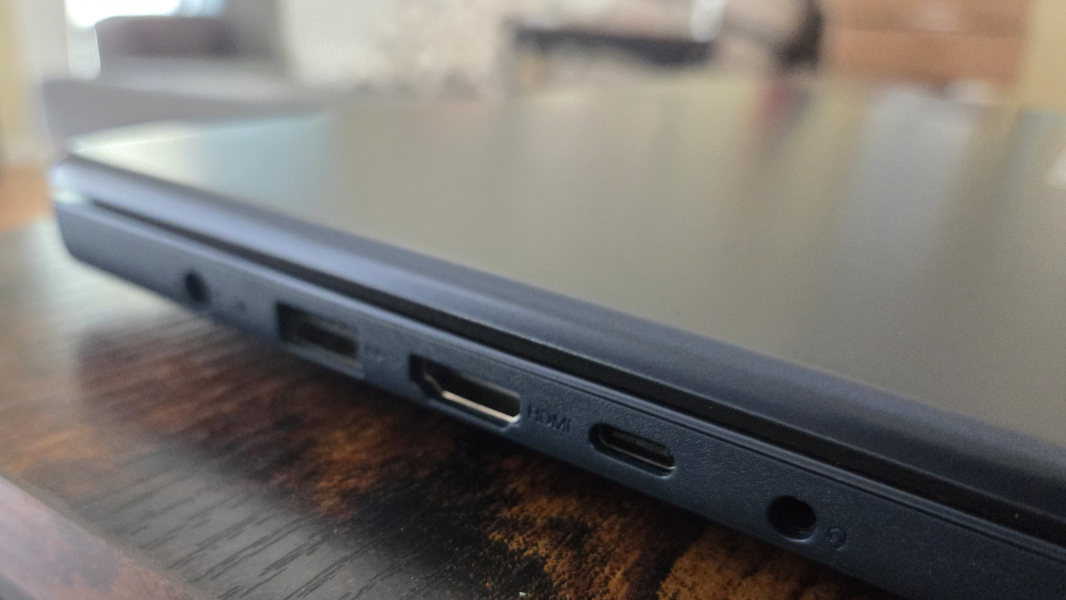
The expansion possibilities are curious, given the size of the PC.
There’s a barrel-style power connector, a full-sized USB 3.2 Gen 1 Type-A port, a full-sized HDMI 1.4 video-out port, a USB 3.2 Gen 1 Type-C port with Power Delivery capabilities, and a headphone/microphone combination jack on the left side.
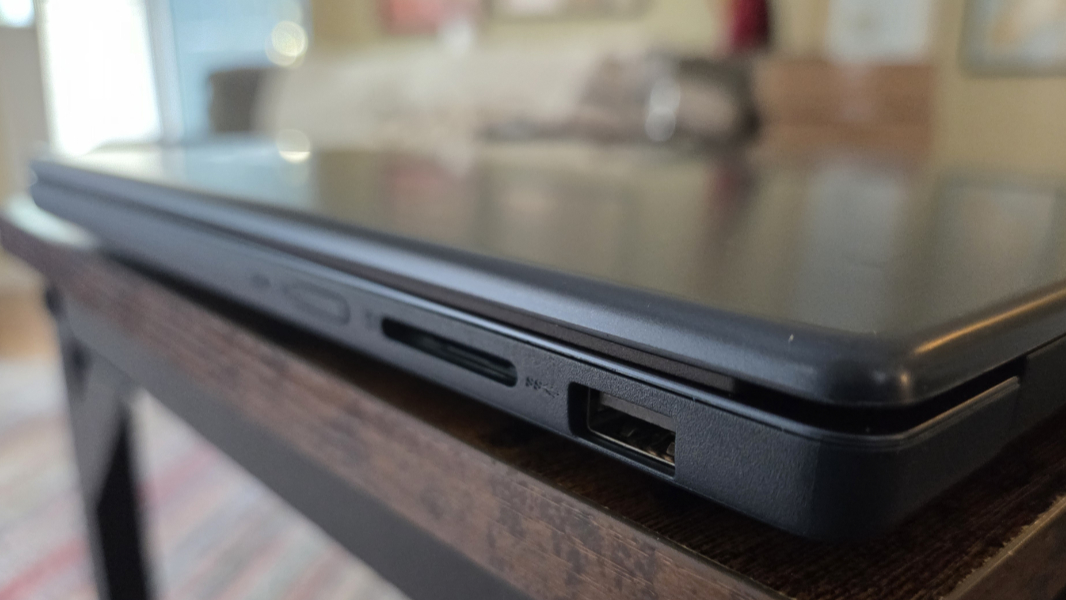
And on the right, Lenovo went full-on minimal with a second full-sized USB 3.2 Gen 1 Type-A port and an old-school full-sized SD card slot, plus the power button, on the right.
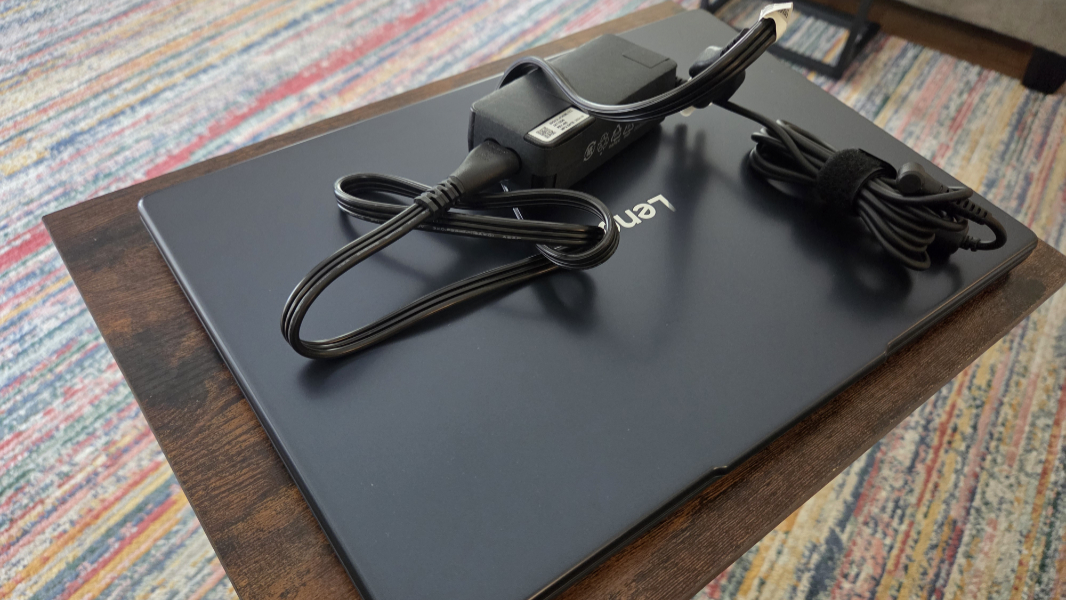
So there’s no Thunderbolt 4, and just a single Type-C port. I’ve been using it with a 65-watt USB-C power supply from another PC, and it’s worked fine. That makes sense: The bundled barrel-style power supply is also 65 watts. The battery is a 3-cell 60 watt-hour design, and it vaguely claims to support rapid charging.
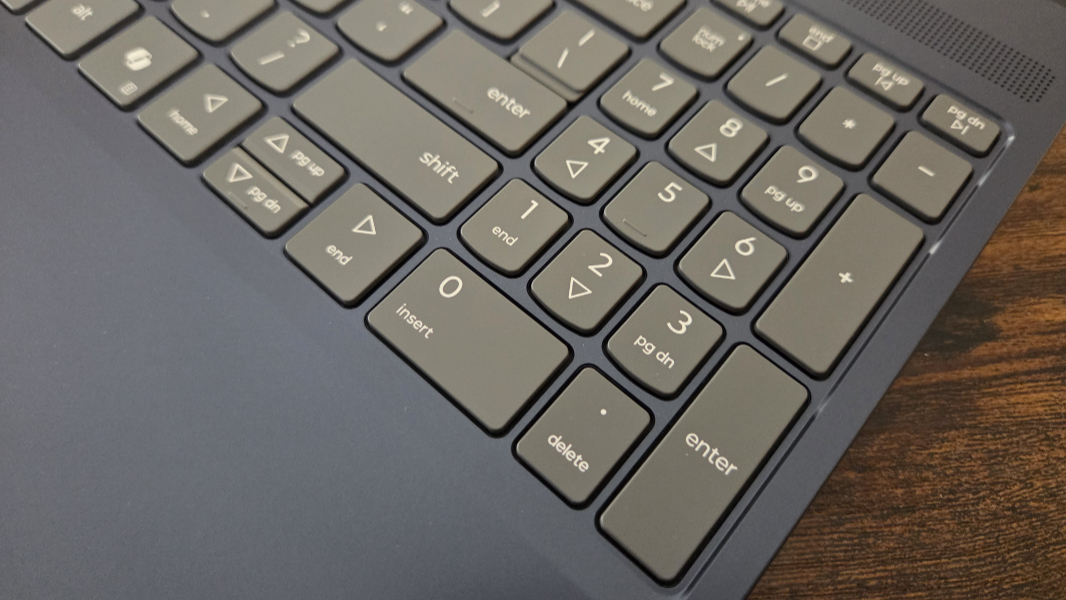
The keyboard is backlit with two light levels but no automatic mode, and there is an annoying numeric keypad on the right to fill the space. It’s less clacky than expected, and seems serviceable.
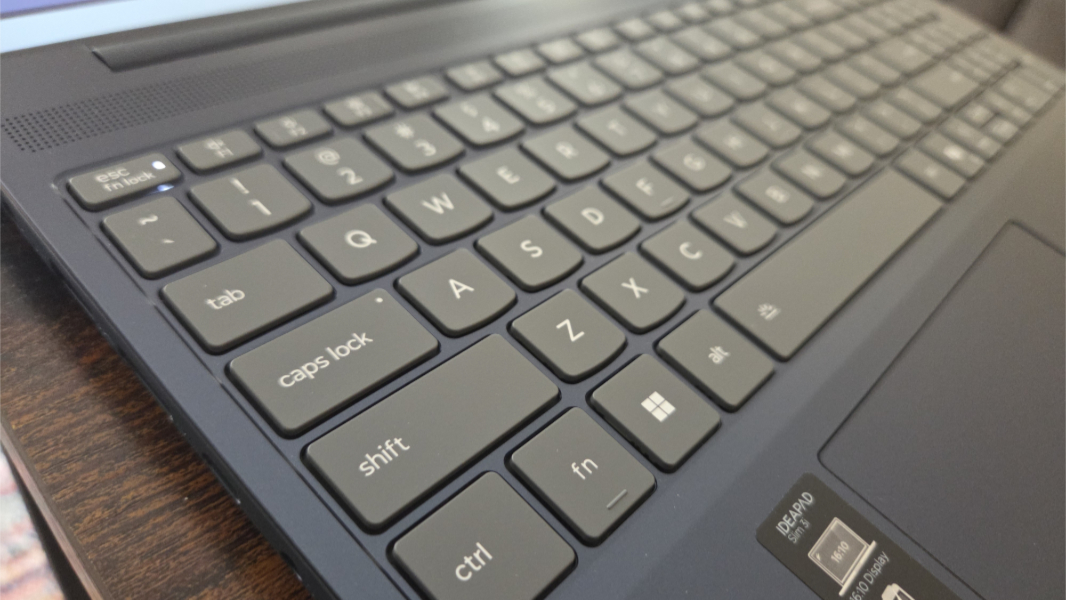
The touchpad is surprisingly small, given the available space, and of course it’s shifted to the left thanks to that pointless numpad.
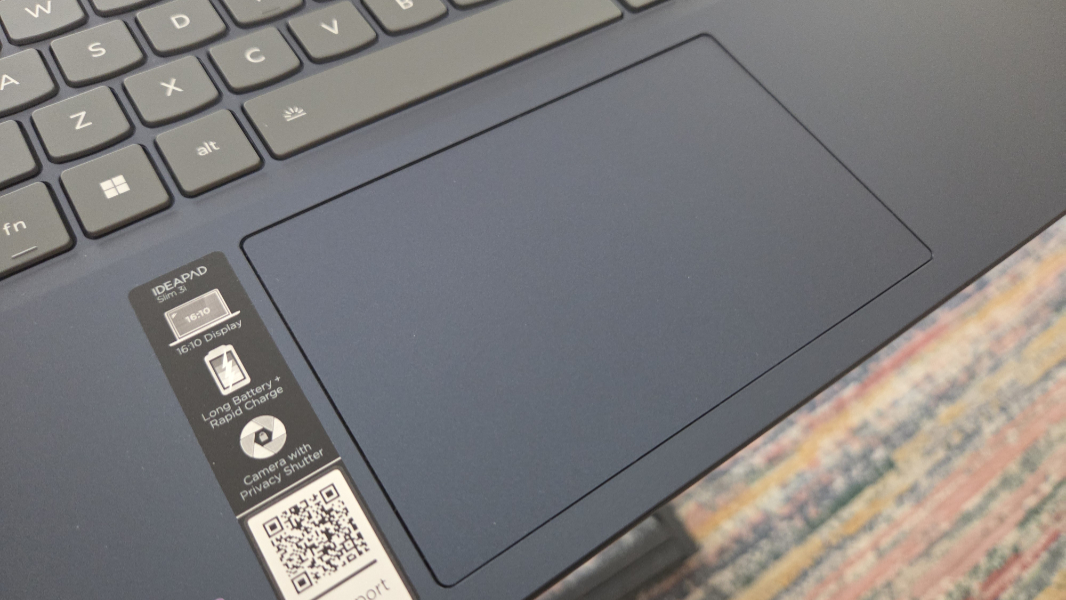
Aesthetically, the IdeaPad won’t win any awards, but it comes in a handsome Cosmic Blue color that’s very similar to the more expensive Yoga 9i. It doesn’t look or feel cheap.
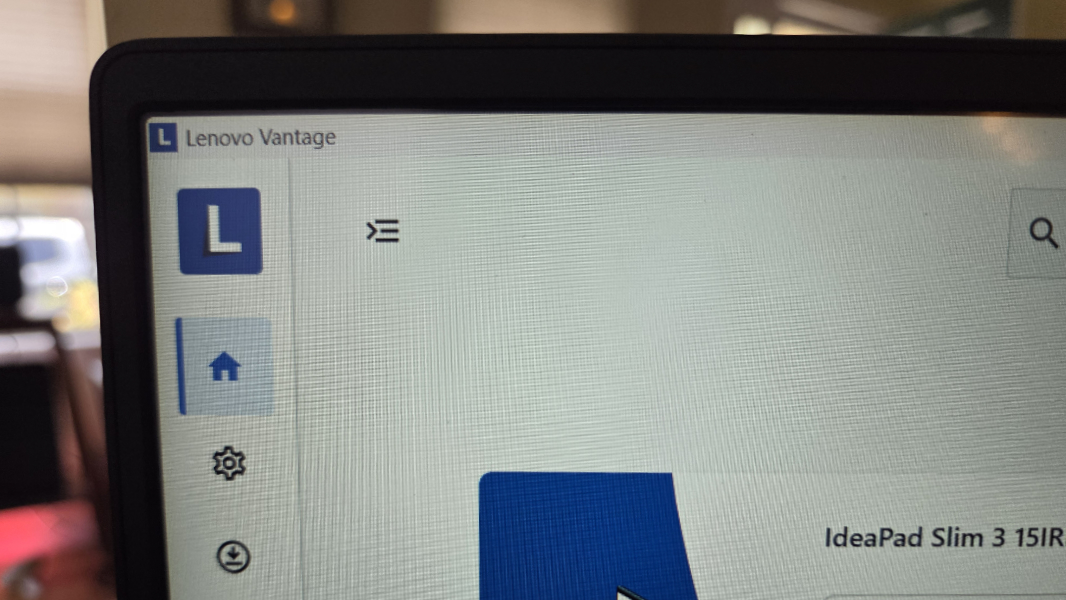
I was a bit nervous about the bundled software, given the price point. There aren’t that many apps and utilities, thankfully, but they do maximum damage. In addition to Dolby Access and Intel Graphics Command Center, there are six Lenovo apps, not counting the user guide link: Lenovo HotKeys (keyboard configuration), Lenovo Now (product registration and Lenovo and third-party upsells), Lenovo Subscription Marketplace (a link to the Lenovo Software & Subscriptions website), Lenovo Vantage (drivers product service, and Lenovo upsells), and Smart Connect (for integration with Lenovo and Motorola phones, tablets, and PCs).
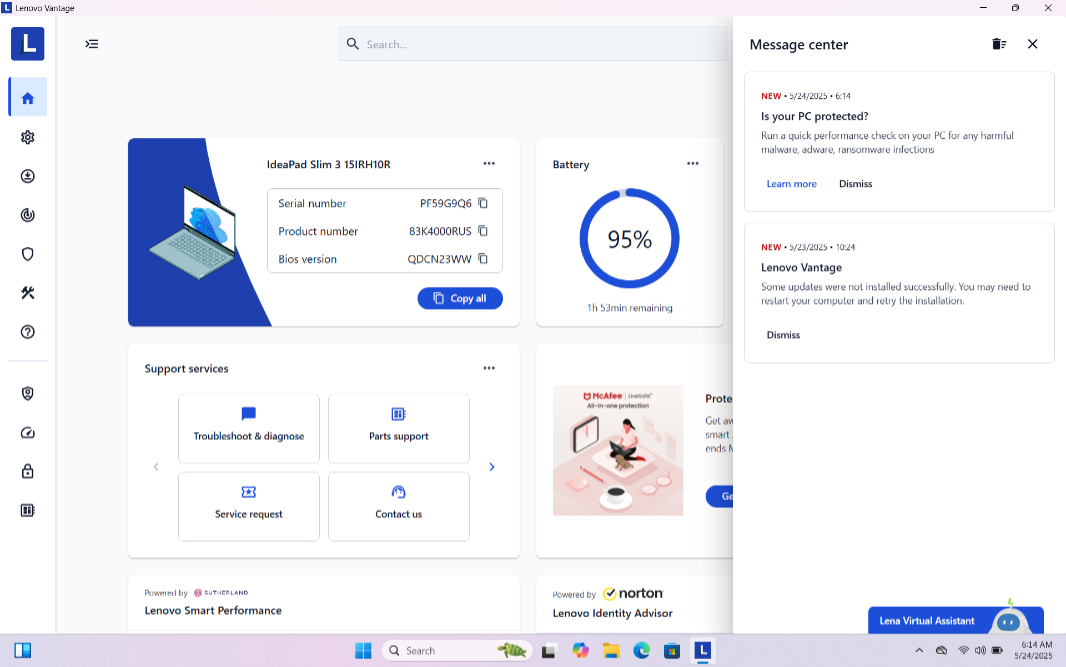
That Lenovo combines utility with upsells in two of those apps is problematic. That Vantage pops up constant banner notifications advertising those upsells, but never for anything useful, is even more problematic. It’s not great.
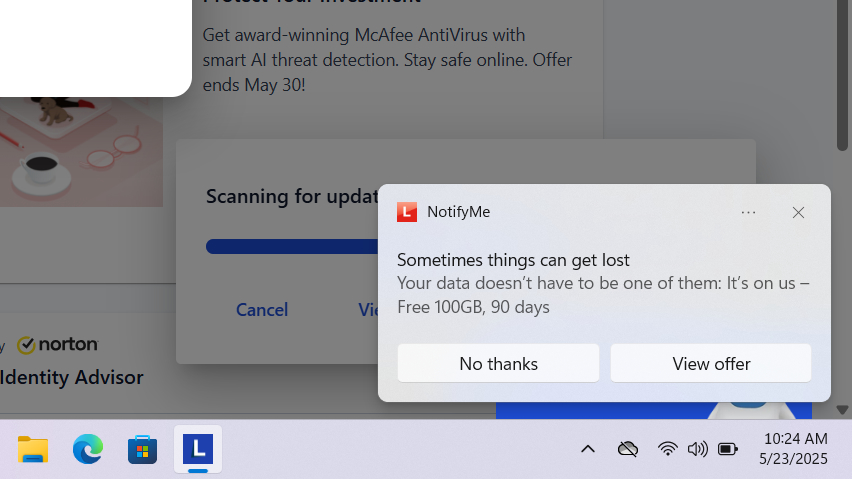
But it’s also $770 at Costco. And that’s pretty great, given the utility. In time, I will exorcize the nonsense from this PC to get a cleaner experience, but for now, I will suffer in the interests of science. I can say this. This PC appears to be more useful on a day-to-day basis than I’d expected, and that’s surprising.
More soon.