Lenovo Yoga Book 9i Gen 10 First Impressions
- Paul Thurrott
- Jun 11, 2025
-
6
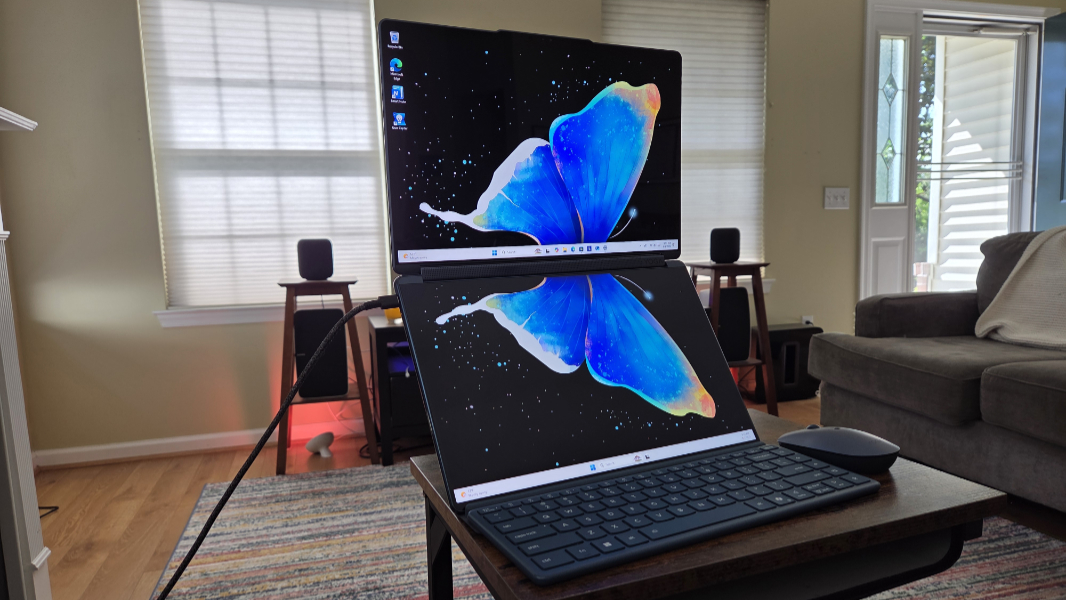
Lenovo has revved its dual-screen Yoga Book 9i with the latest Intel internals and bigger displays but with the same form factor as before. That suggests that it may solve some of the issues I experienced with the previous model, while retaining its unique versatility and complexity. The bad news? It definitely hasn’t fixed all the issues I documented two years ago.
The term dual-screen laptop seems like an oxymoron, but the Yoga Book makes it real. And awkward as it can be, I want this to work: I brought the Lenovo Yoga 9i 2-in-1 Aura Edition I’m also reviewing with me on my May trip to Seattle, and it’s a fine laptop, but I kept wishing for more display real estate. There are solutions to that problem, of course–a larger laptop, or a separate USB-C display–but those take up more space and add bulk. The Yoga Book delivers two 14-inch displays in a form factor that weighs just 2.69 pounds, assuming we pretend the keyboard, folding folio stand, mouse, and power adapter aren’t necessary (which they are). By comparison, the single screen Yoga 9i weighs 2.91 pounds.
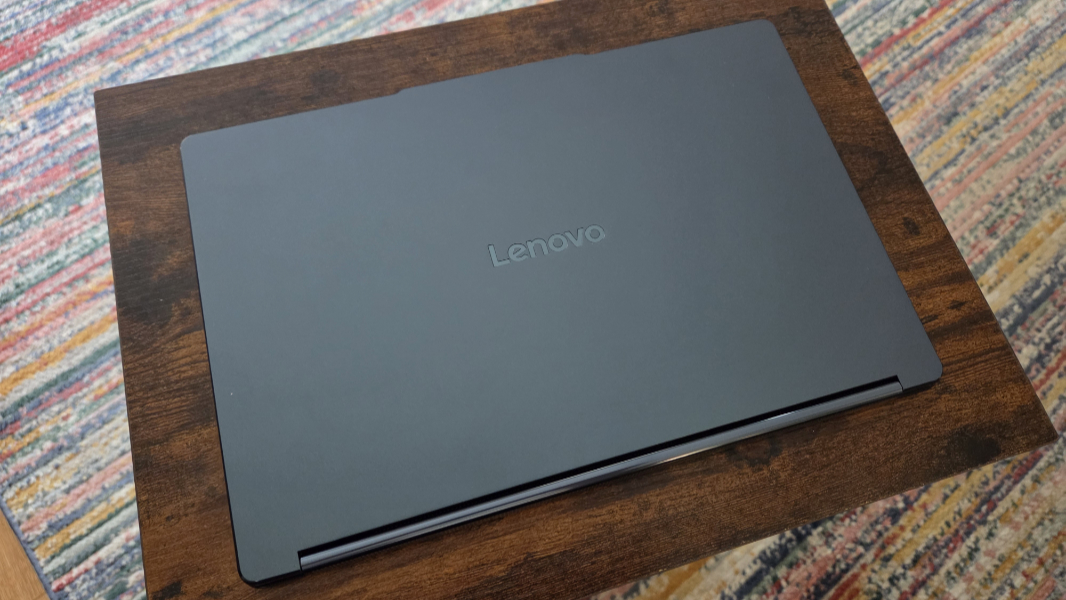
Granted, there are all kinds of caveats.
Unfolding the Yoga Book to take advantage of both screens on a flight would be difficult to impossible unless you travel in a luxury manner to which I am unaccustomed. But the Yoga Book’s versatility offers a solution. You could simply use it in its smallish clamshell mode, with its keyboard resting on the bottom half of the display. It would be a bit cramped, and you’d have to rely on touch or the mouse since there’s no touchpad. But it would work.
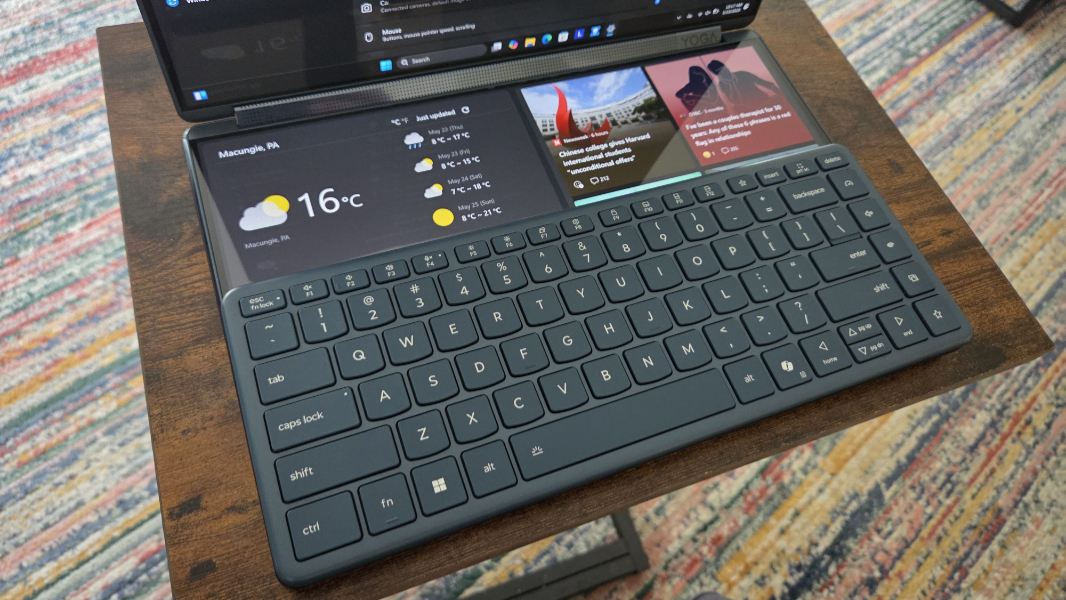
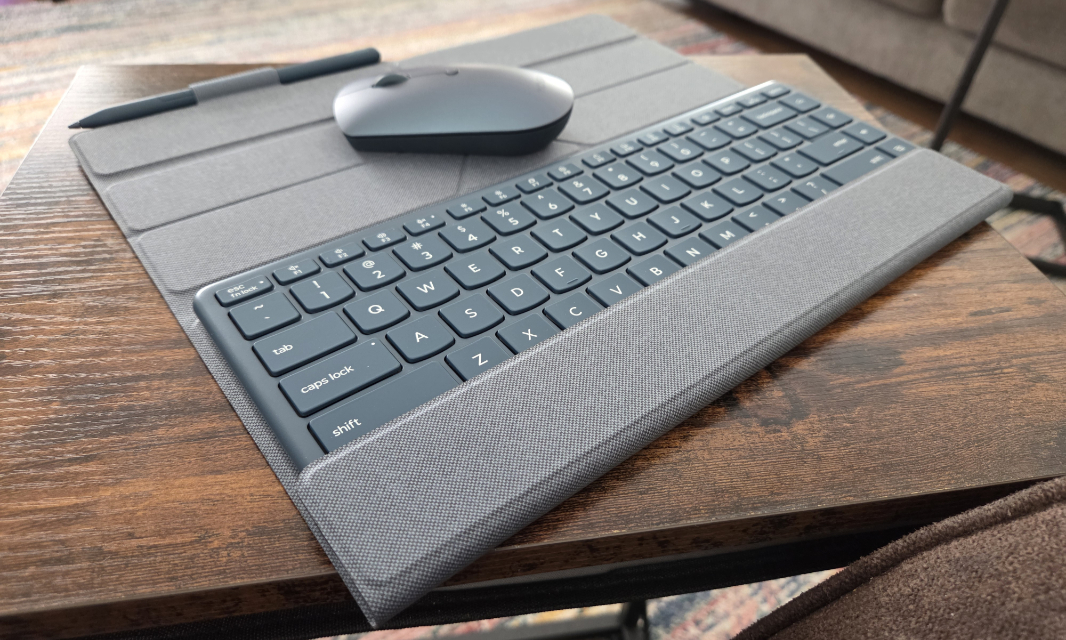
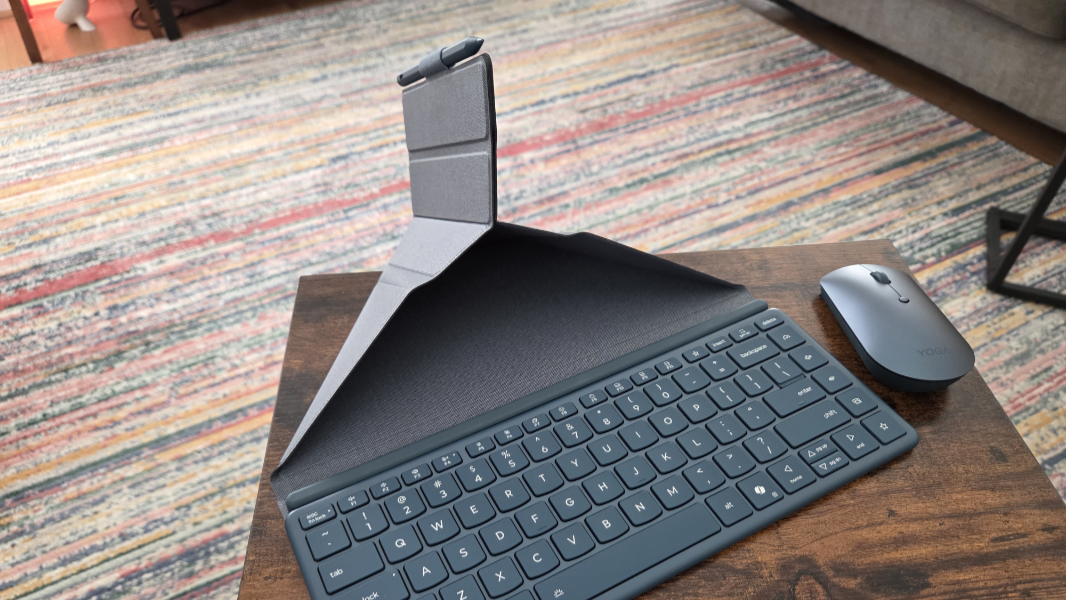
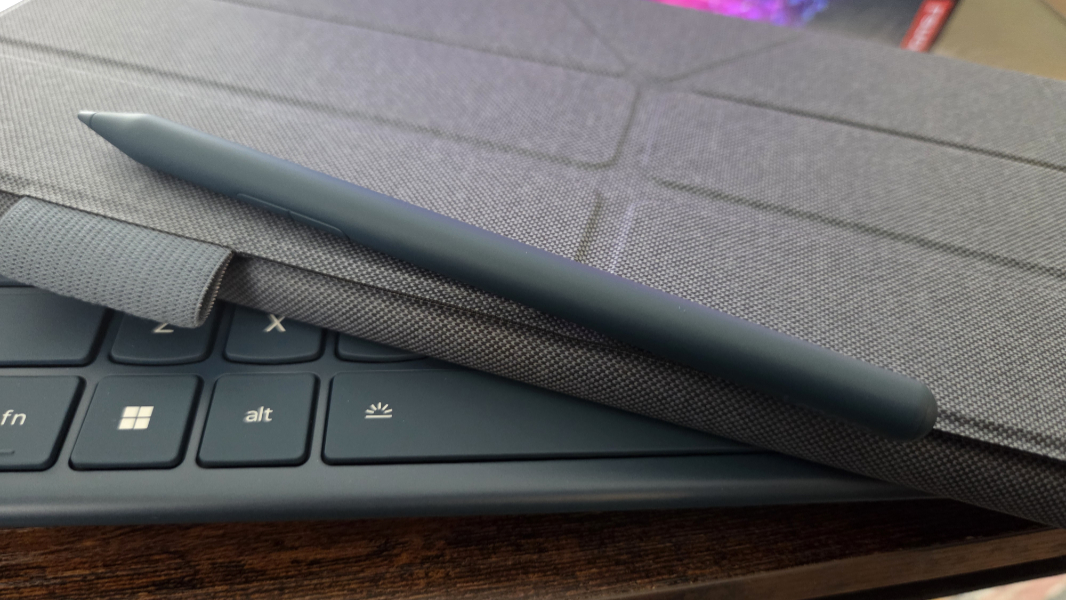
So that’s interesting. But you also pay for this privilege, in ways both literal and not. Where larger laptops bring additional weight as a trade-off, the Yoga Book brings complexity. The keyboard and mouse are standalone devices to be carried separately, and each has its own battery. The keyboard is wrapped in the bundled folding folio stand in transit, which is fine, but it’s another thing you have to figure out, in this case with a weird origami-like maneuver. And there’s a smart pen, which also gets held by that folio stand, via a small loop. And the power adapter and the weird little charging cable for the keyboard. It’s a lot of moving pieces, and that’s before you even consider the different ways you can utilize the two displays.
To be clear, I’m not sold on this form factor. As with phones, I find folding displays to be a much more elegant solution than two discrete displays. The crease between the Yoga Book’s two display is a bit much, and I find it distracting in portrait and landscape modes. That said, those who routinely use two displays with their PC at home or work will perhaps be less put off by this.
On and on it goes. I guess your initial reaction to the form factor is the most telling. You’re either intrigued and want to know more. Or you can see that you don’t want or need this Rube Goldbergian contraption and you can move on.
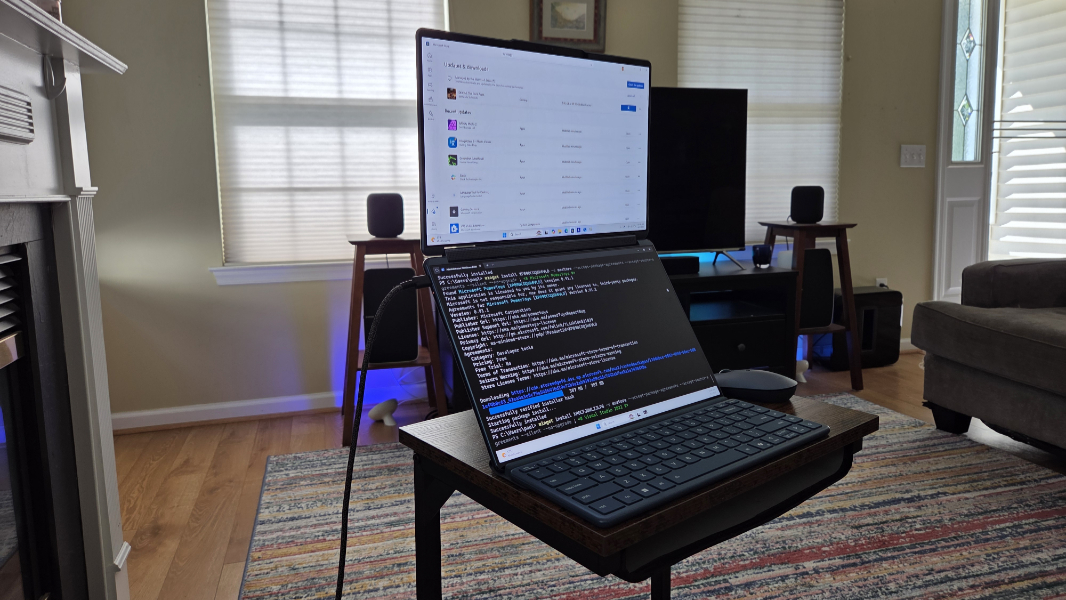
If you do want to know more, the Lenovo Yoga Book 9i is powered by an Intel Core Ultra 7 255H processor of the “Arrow Lake” variety. And that’s a curiosity: It lacks the Copilot+ PC-class NPU and excellent integrated Arc graphics found in Core Ultra Series 2 V-class (“Lunar Lake”) chips and instead makes do with weaker NPU and Arc integrated graphics more akin to what we saw in “Meteor Lake.” It can be ordered with 16 or 32 GB of LPDDR5X-8400 RAM, and you can choose between 512 GB and 1 TB M.2 2242 PCIe Gen 4 TLC SSD storage. Those are at least fairly standard parts.
Connectivity consists of Wi-Fi 7 and Bluetooth 5.4, standard with modern Intel processors.
Expansion is similar to what we saw two years ago, with three Thunderbolt 4/USB4 Type-C ports, none of which are in a good position if you want to use those dual screens to their fullest. If you look at the PC in clamshell mode, there is one on the back left and two on the back right. But that means none are near the bottom in portrait mode. And when in landscape mode, the available port(s) are awkwardly on the top, right where you don’t want them.
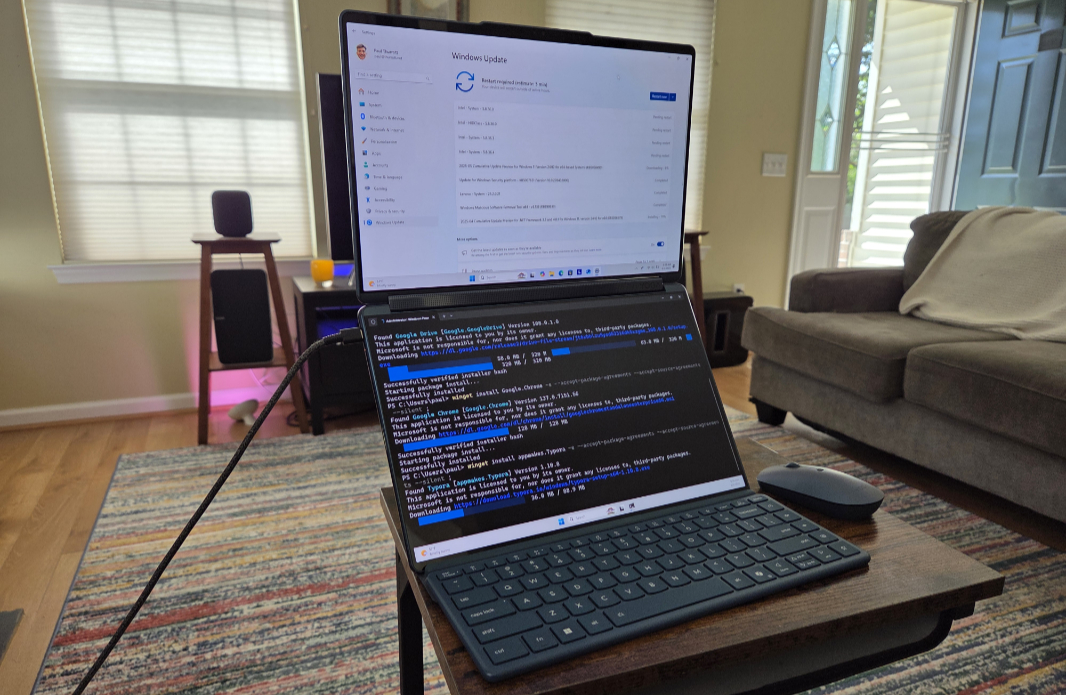
For those who work from home or on the go, the Yoga Book delivers a 5 MP webcam (in the “top” screen while in portrait or clamshell modes, of course) with an e-Privacy Shutter and dual microphones. And while playing video across the two screens would be a terrible experience because of the inch-plus gap in the middle, this PC also two 2-watt speakers in its rotating speaker bar and Dolby Atmos support.
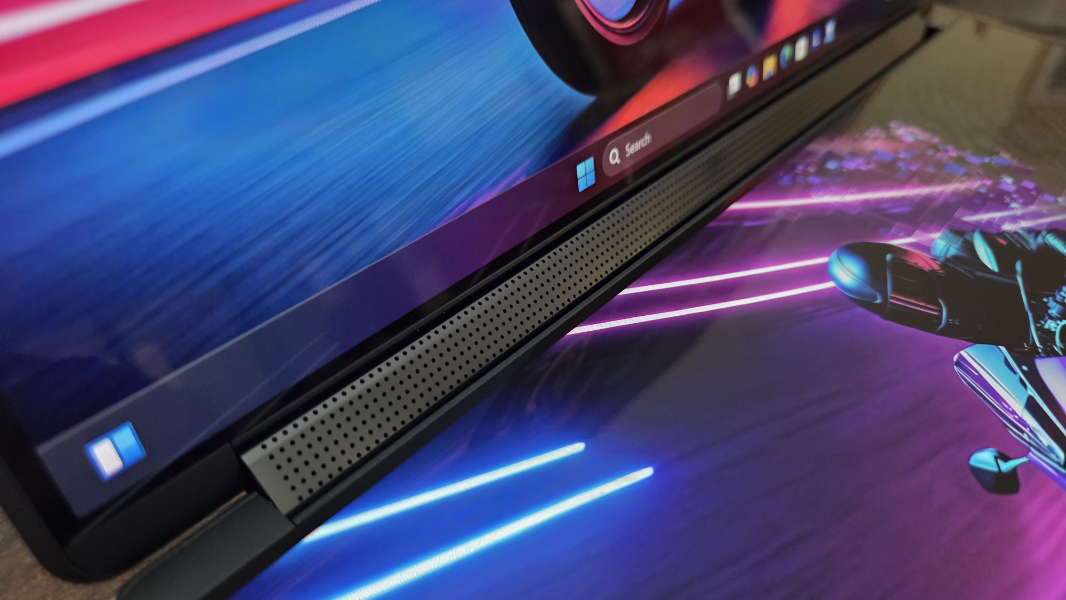
But the screens are, of course, the main attraction. And there’s been an upgrade: Where the Yoga Book 9i I reviewed two years ago came with dual 13.3-inch 2.8K (2880 x 1800) OLED panels, this updated model has bigger 14-inch panels that are otherwise very similar: Both are 16:10 PureSight OLED panels with a 2.8K (2880 x 1800) resolution, a variable refresh rate (VRR) up to 120 Hz, multitouch, Dolby Vision and HDR 600 True Black, 100 percent coverage of the DCI-P3 color space, and Low Blue Light EyeSafe capabilities that emit up to 500 nits of brightness normally (or 750 nits of peak brightness with HDR content).
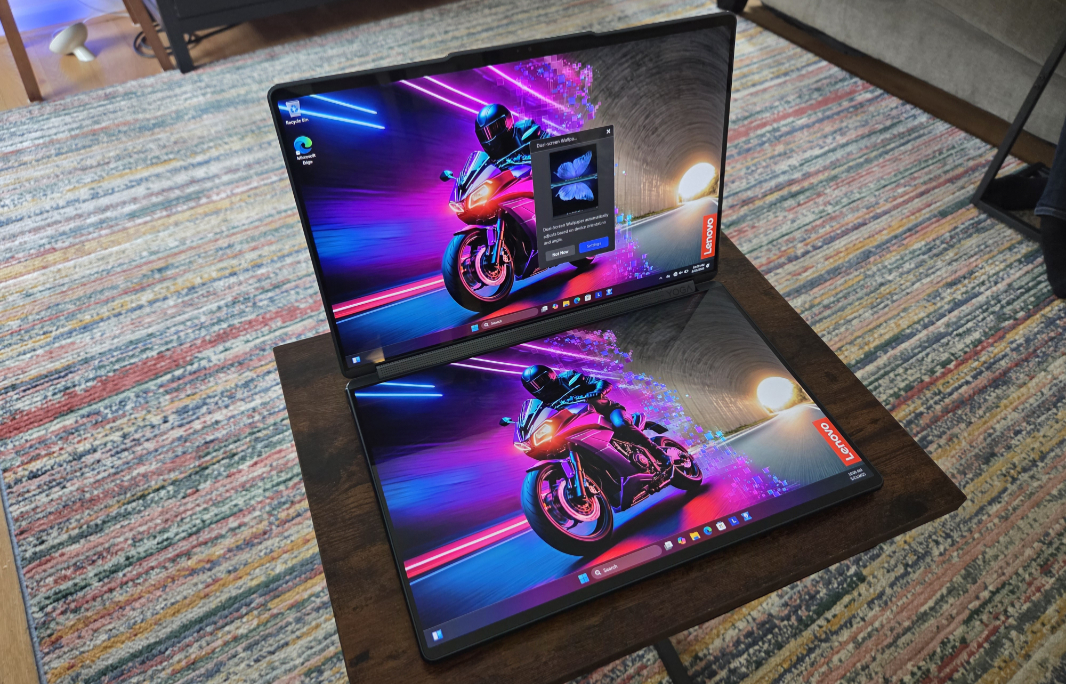
So they’re obviously stunning, and that’s true whether you’re using them together or just one of them in clamshell or tent mode. But that gap. And then some weird issues I didn’t anticipate, like running Doom: The Dark Ages and not sure what to expect and having the game locked to the top display in portrait mode … upside down.
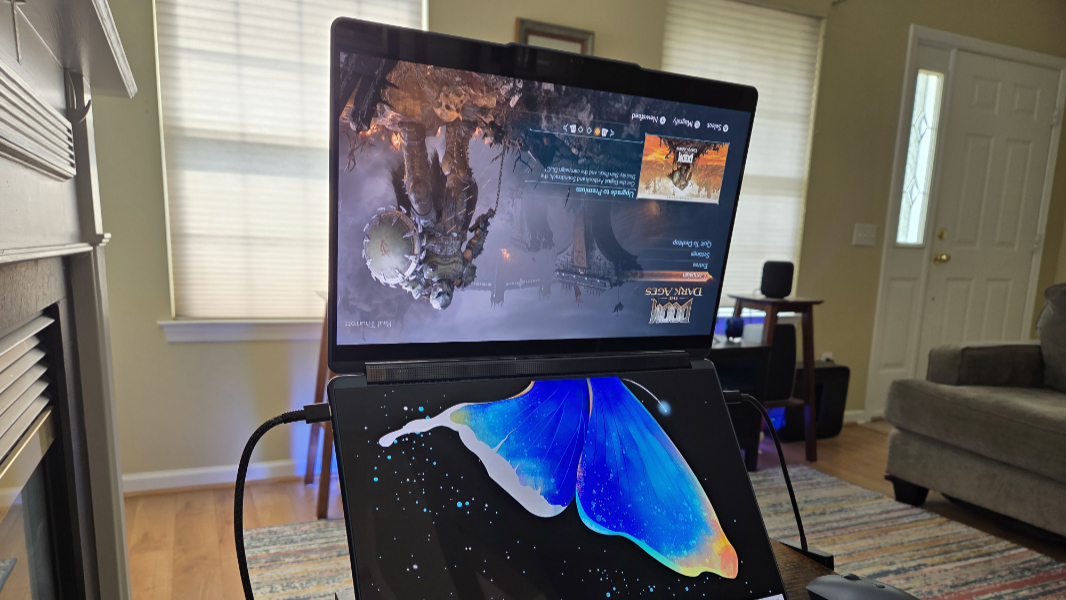
(For whatever it’s worth, rotating the screen to portrait and then back into landscape worked temporarily. But after a second or two, it reverted to being upside-down.)
OK, maybe that’s not fair: Few people would ever play a game like this on this kind of PC. And for those who don’t know, you can’t use the other screen interactively while playing a game full-screen. When you do, the game minimizes. But putting the screen in “PC screen only” mode, which disables the bottom screen in portrait, didn’t work either. Weird.
Moving on.
There’s a lot going on here. Among other things, Lenovo bundles a lot of software on the Yoga Book to help you use the two displays more effectively, but it can be a little busy and it’s often not seamless, and not just with games. The complexity of all those parts is ever-present, and I still wish for an integrated touchpad with the keyboard, though a lower screen-based software solution is available if you use the thing in clamshell mode (which obviates the benefits of having two displays). The more modern innards and bigger displays are both a plus. And at $2100 to $2200, depending on configuration, the price is dear. I guess you could price it against a comparable laptop and a USB-C display.
More soon.