Soundcore Sleep A30 Earbuds Review
- Paul Thurrott
- Jan 20, 2026
-
0
As a tinnitus and sleep apnea sufferer, I sleep poorly. And so I do what I can to mitigate that. I use a CPAP because I have to, and I try to keep the bedroom as cool as possible, relying on a fan for both air and white noise. But we spend about half our time in Mexico City now, and it can get loud if there’s a party nearby or whatever. And so every once in a while, I will rely on active noise cancelling (ANC) earbuds, sometimes with music playing as softly as possible.
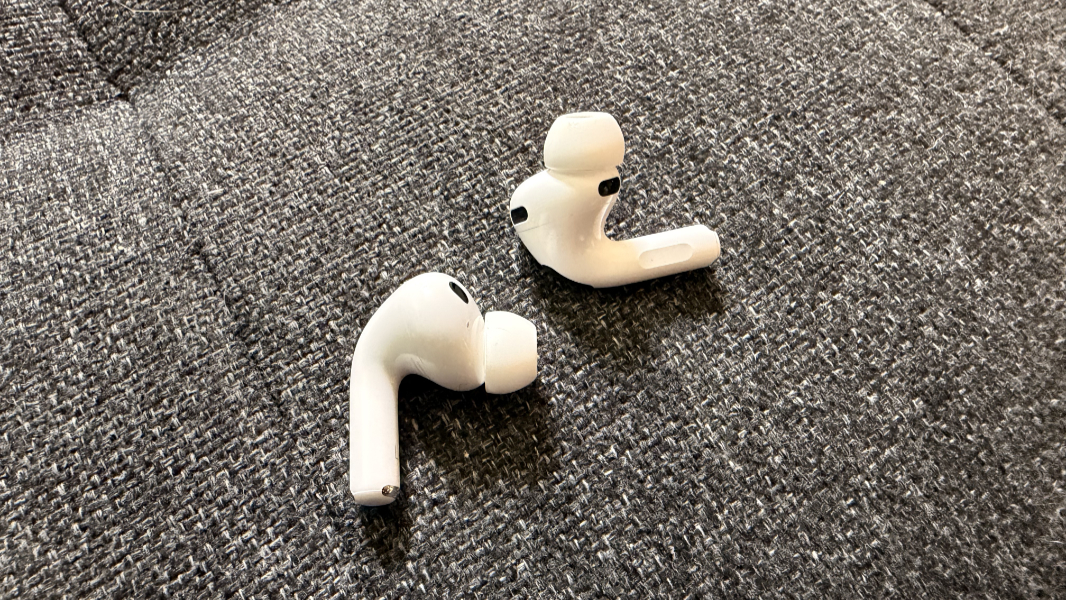
It’s not a great experience: The iconic stalks that stick out of AirPods make sleep difficult and even painful, and I will invariably lose one or both at some point at night. The Google Pixel Buds Pro 2 have a more rounded shape, but they curiously work just as poorly and with the same issues: Ear pain and the inevitable scramble to locate the buds in the bed when I wake up.
Given all that, I’ve been intrigued by the small but growing selection of earbuds specifically designed for sleep. I think the first I was aware of was from Bose. But in the past year, two main contenders have emerged: The Ozlo Sleepbuds and the Soundcore Sleep A-series. If they have one thing in common, it’s that they’re expensive. The Ozlos, especially, are too expensive, for me at least, for a kneejerk purchase. And so I put it off.
But because I’d mentioned this at some point, I guess, my wife gave me a pair of Soundcore Sleep A30 earbuds for Christmas. There’s now a slightly improved Sleep A30 Special model as well, which offers better battery life. Based on my experience with the A30s over the past month-ish, I would recommend that version as my earbuds routinely lose power in my last hour or so of sleep. This isn’t a huge issue, since I am literally sleeping by that point anyway, but it’s a bit surprising to me that they don’t typically last an entire night.
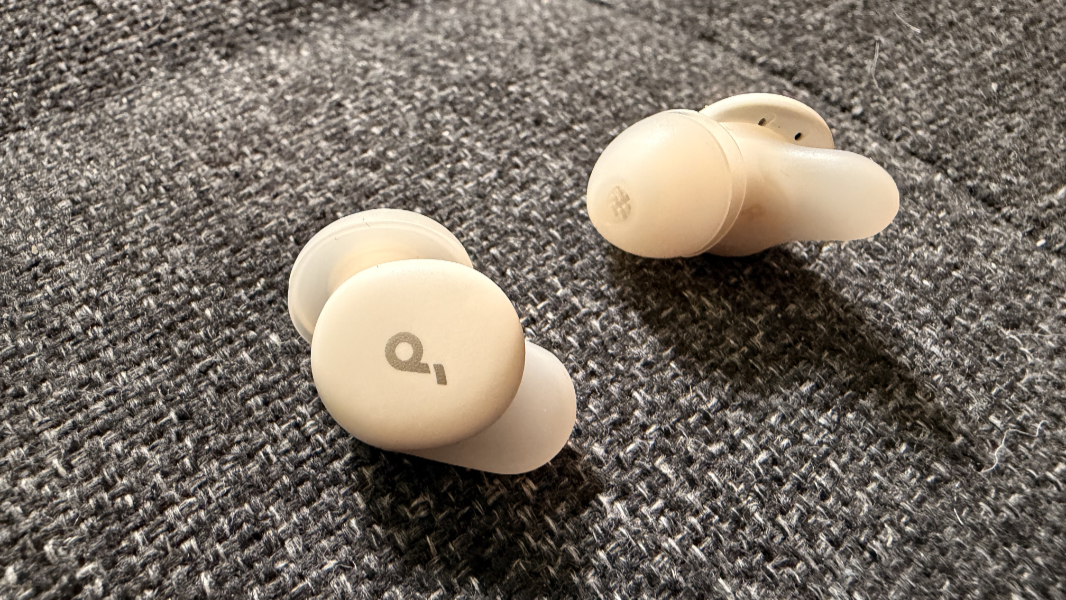
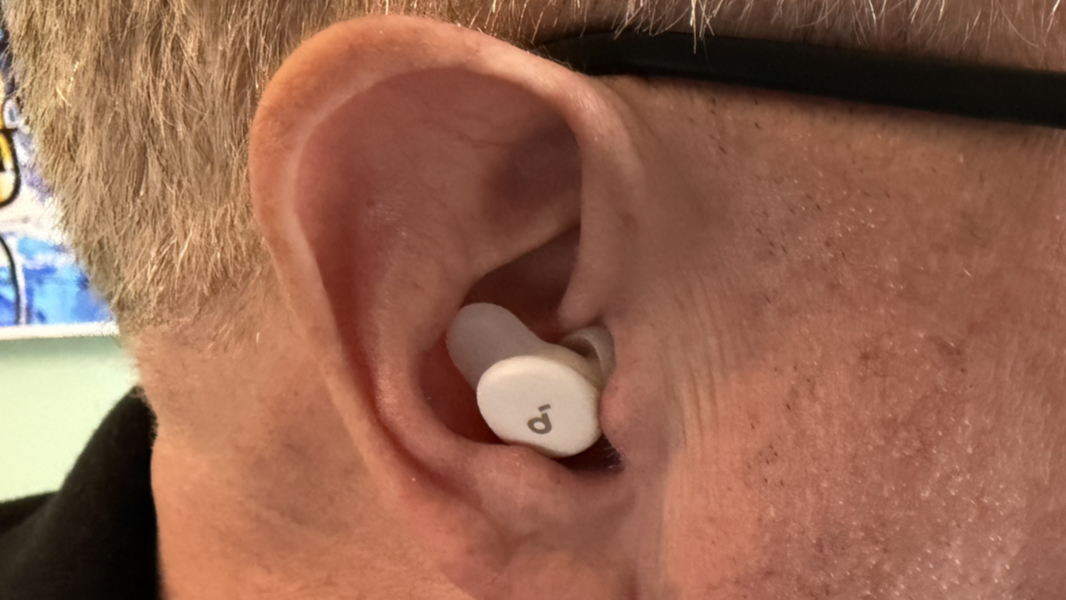
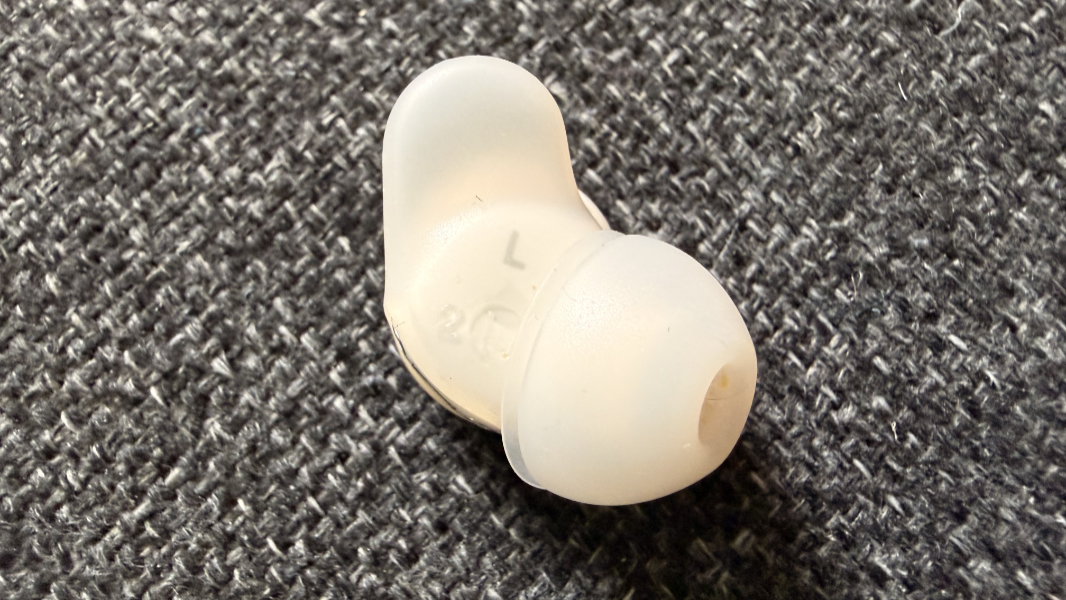
For the most part, the Sleep A30s solve the problems of normal earbuds. They are comfortable to sleep with, regardless of position, and with none of the ear pain that traditional earbuds cause. And they stay in my ears most nights, which is a considerable improvement over my other earbuds, which rarely do so.
The ANC is OK, but not as good as that offered by the Apple AirPods Pro 2/3 and Google Pixel Buds Pro 2 I also own and have tried to sleep with. Soundcore promotes a so-called triple noise-reduction system in the A30s that combines ANC, passive noise cancellation, and an adaptive snore-masking feature. But they’re just not as good as blocking noise. Good but not great.
But the big deal here, once you get beyond the basic comfort issues of other earbuds, is that Soundcore provides a variety of what I’ll call ambient audio choices that elevate these buds above traditional offerings in which you might play music, audiobooks, or podcasts. I mean, you can still do that. But that’s not what I want. And the choices in the app are interesting. And curiously complex to access.
None of what you’re about to read undermines the overall experience. But from the moment you open the large Soundcore A30 case to the time you fall asleep, you have several hurdles to get by.
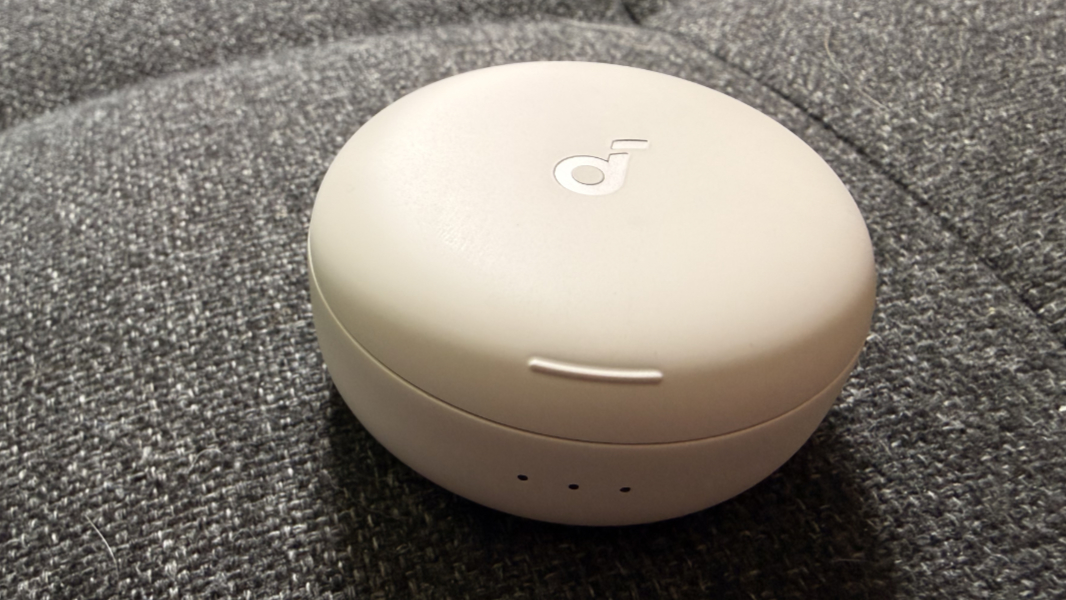
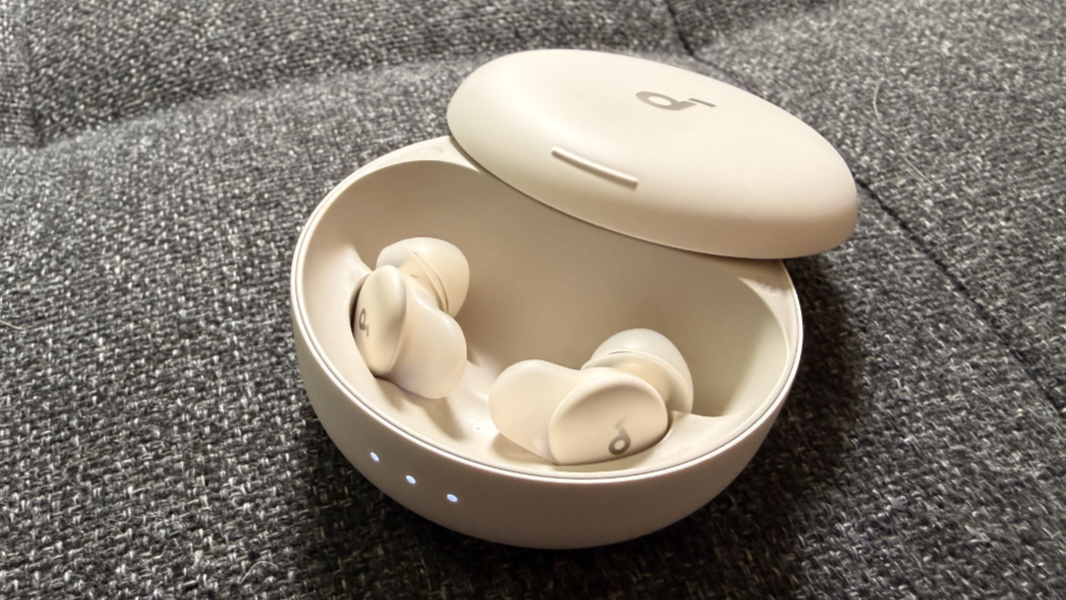
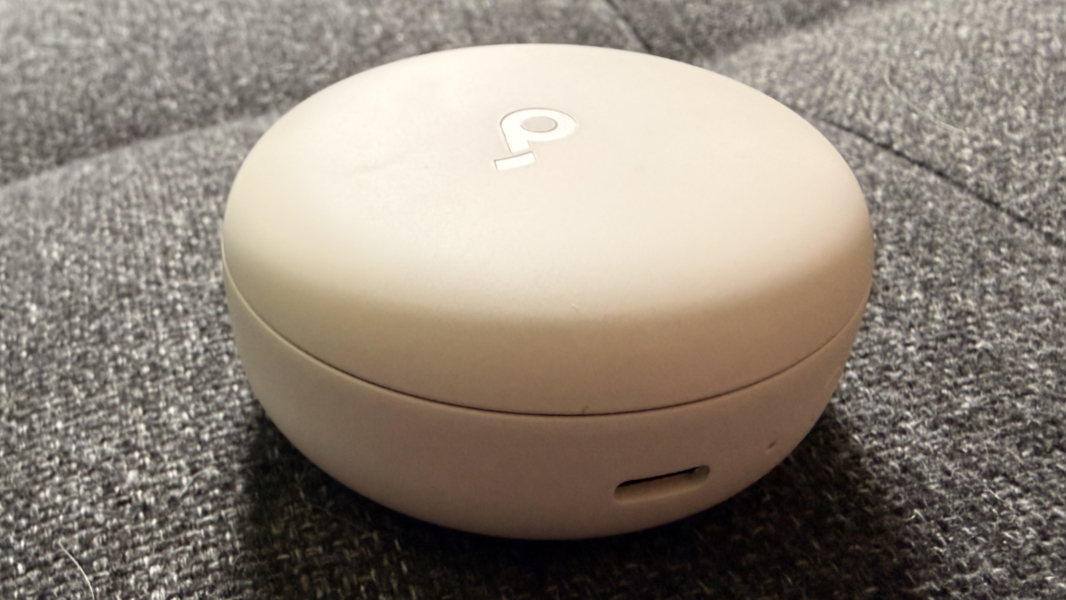
The first is that case, which is large compared to that of my other earbuds.
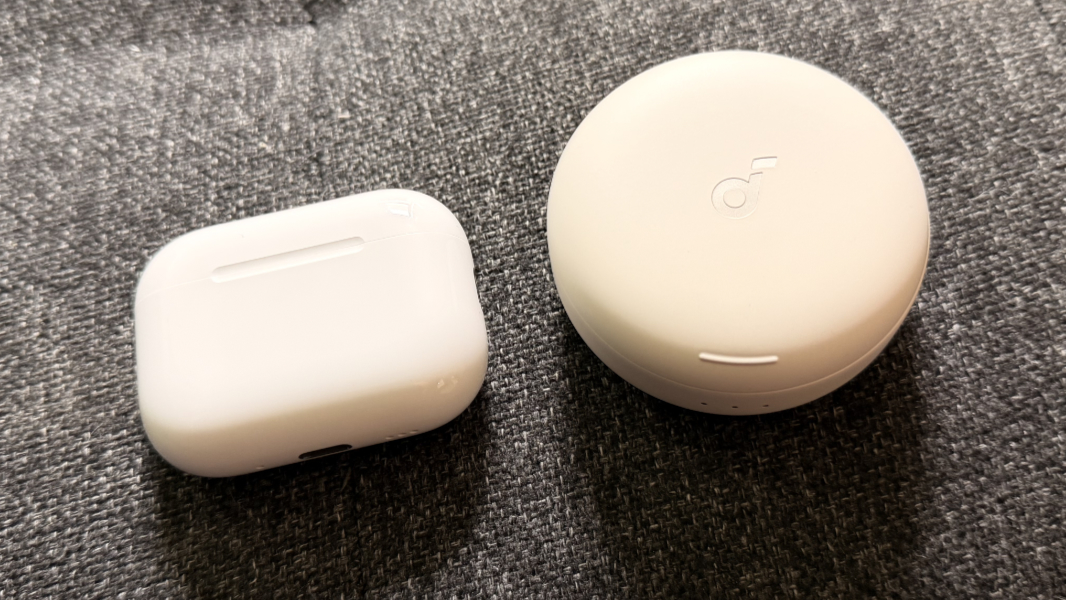
It also opens in an unfamiliar way: Instead of flipping open, a cover slides back to reveal the earbuds. And because of the case’s round shape, it can be difficult to find the front, especially in the dark. A slight ridge helps a bit.
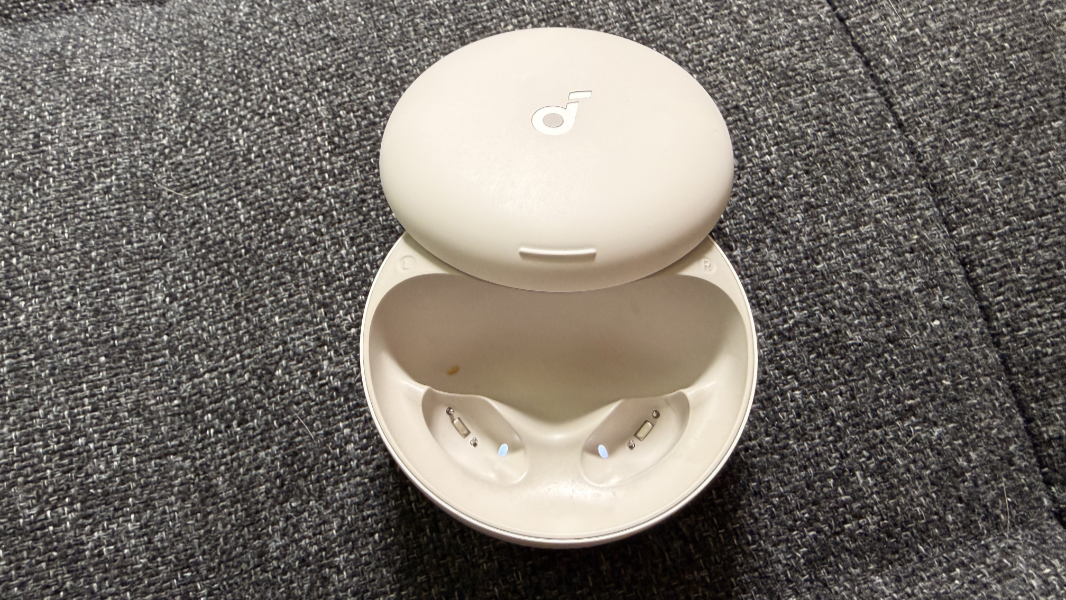
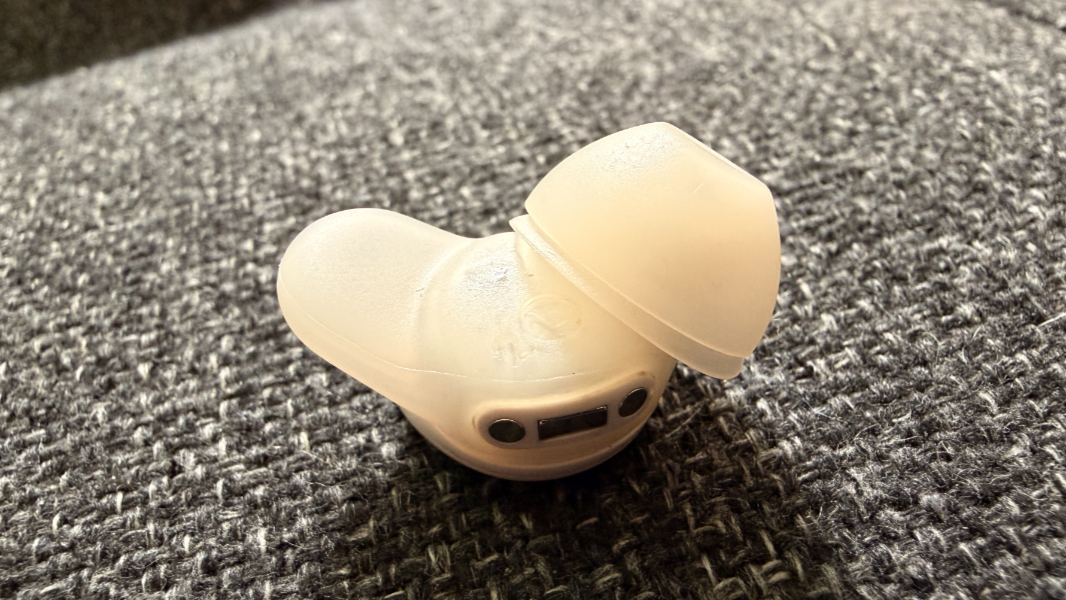
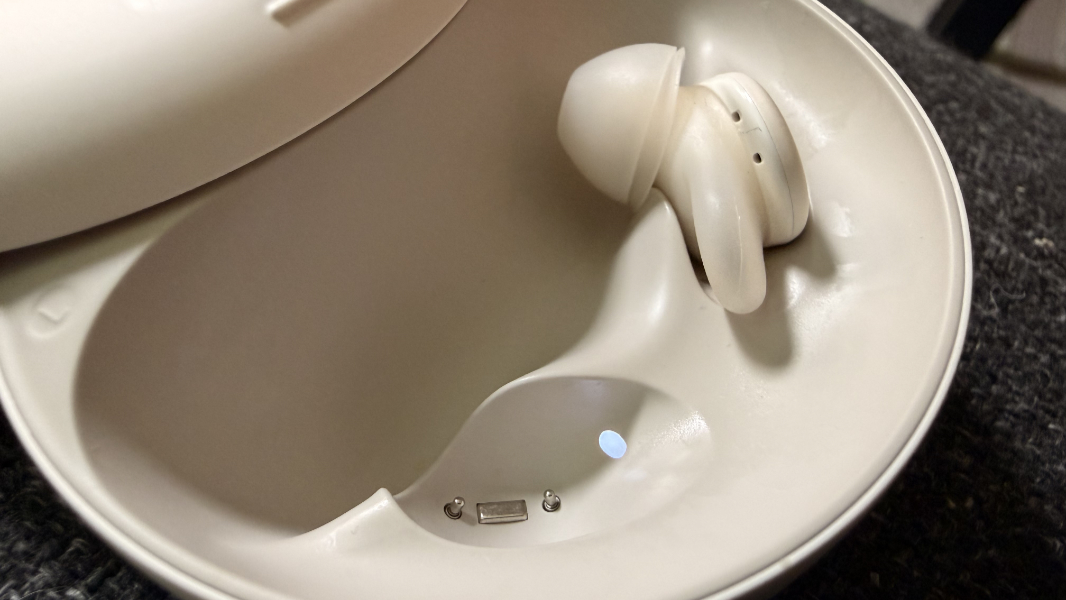
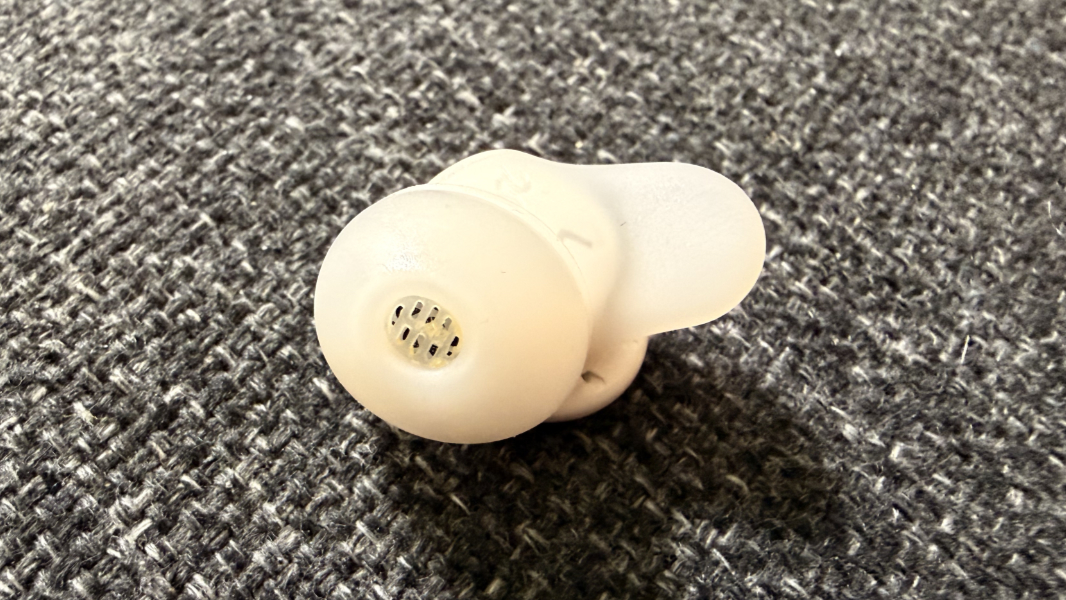
The A30s sit in the case in a strange way, though that’s not unique to earbuds, I guess, and it’s something you get used to. They go in the ears normally enough, though, and even though they’re small, very small, and I have large hands and fingers, I’ve never really struggled with that bit at least.
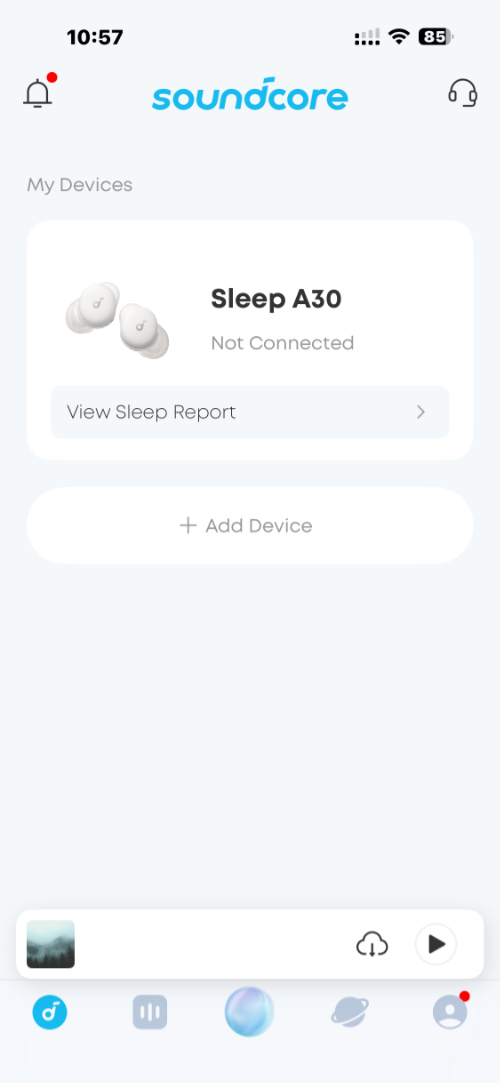
With the buds in my ears, I then open the app, and there is a noticeable wait every night before it will respond: It displays the earbuds on the home page but says they are not connected.
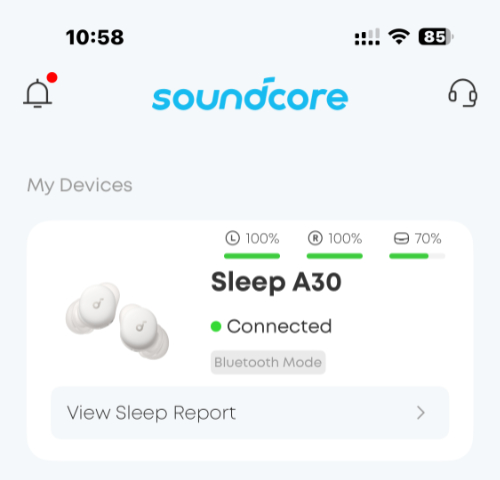
So I wait. And after 5 or 10 seconds, the display changes to show they’re connected (with battery life readings for each bud and the case). And then I can actually use the app. To be clear, as I do this each night, I am ready to go to sleep. This process delays that.
When you tap the buds graphic, you’re presented with the main interface, and I consider this to be the most confusing aspect of this product.
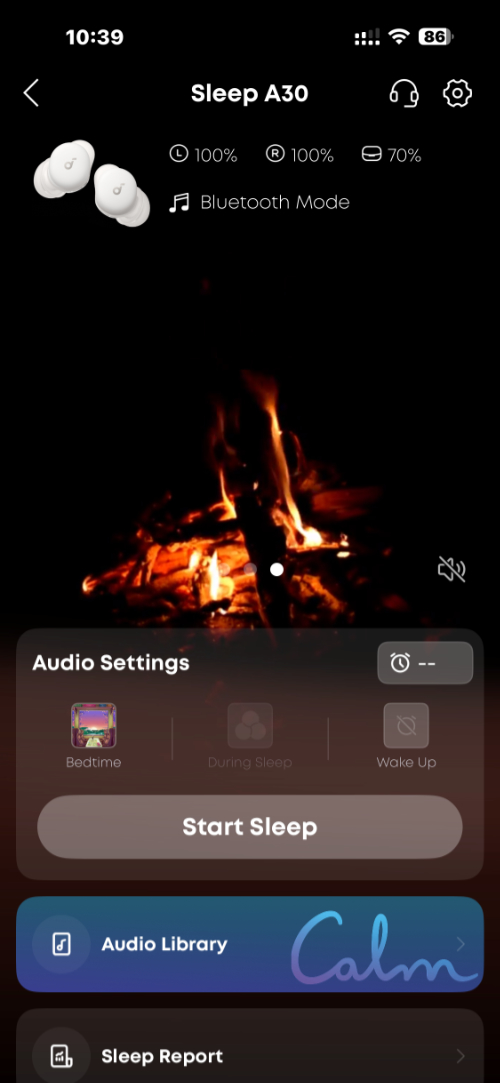
Despite having used these earbuds every single night for almost four weeks, I still stare at this screen, unsure where to go next. At the top, there’s a video of a fire playing (called ember glow), and you can hear the crackling sound through the buds. If this is the ambient audio you want, you’re all set. But you can also swipe left and right to access a few others, like serene ocean and tranquil forest. And, honestly, each of these is pretty good.
Below that top carousel of three ambient audio choices is an Audio Settings block with Bedtime, During Sleep, and Wake Up choices, plus a Start Sleep button. Each of these choices requires you to sign in to a Soundcore account, which I’ve never configured. So I ignore that.
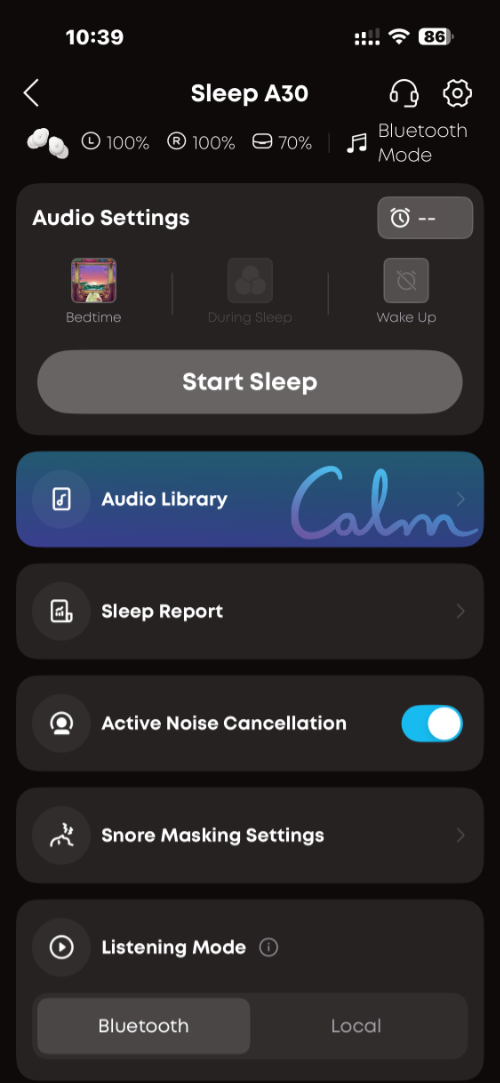
The next block is Audio Library and that’s where I typically head, though as noted, I’m doing this as I’m about to fall asleep and often forget where to go. Audio Library displays a Sleep Stories tab by default, an after some short experiments, I discovered that this is very much what I do not want.
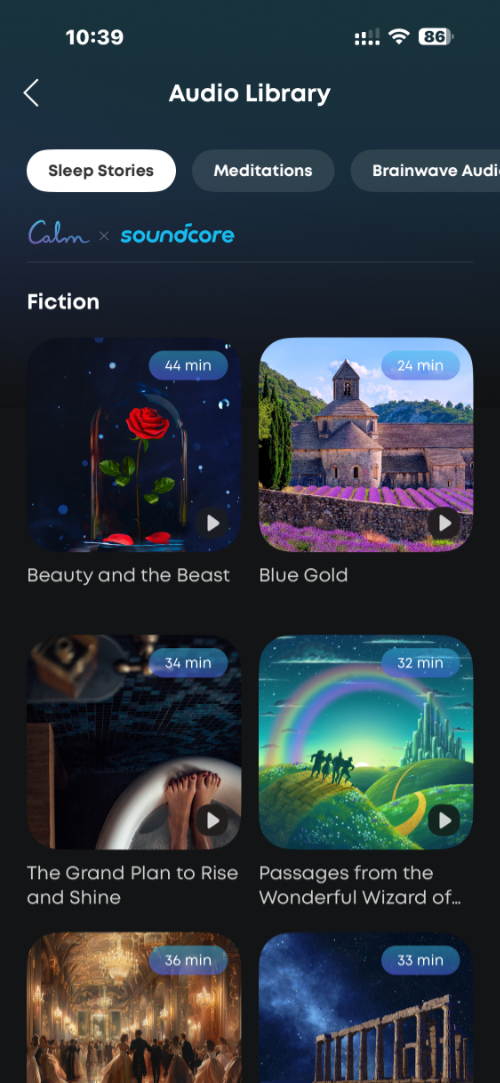
These are stories, provided through a partnership with Calm, often read by celebrities, that are basically like short audiobooks. The issue here is twofold. They’re too short, usually 30 to 45 minutes, and I don’t want someone talking in my ear when I’m trying to sleep.
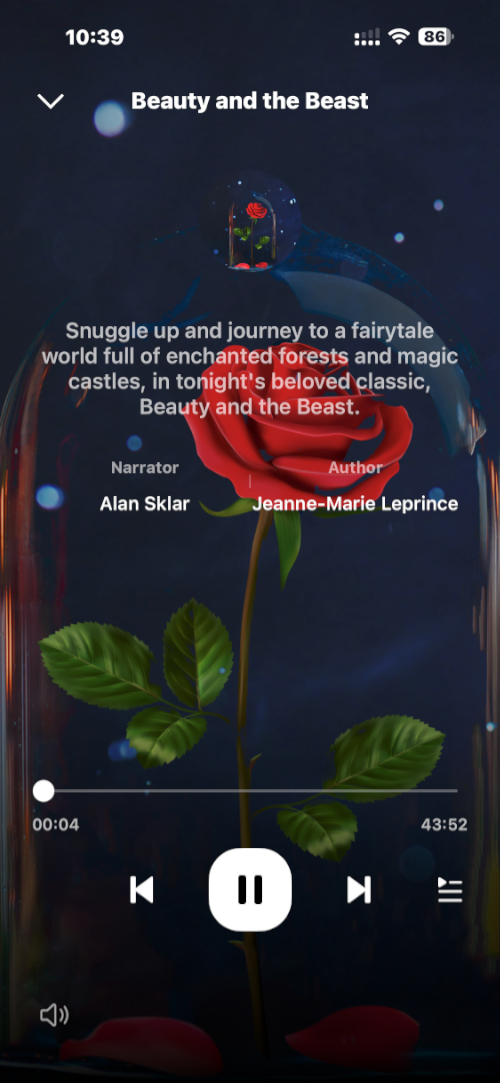
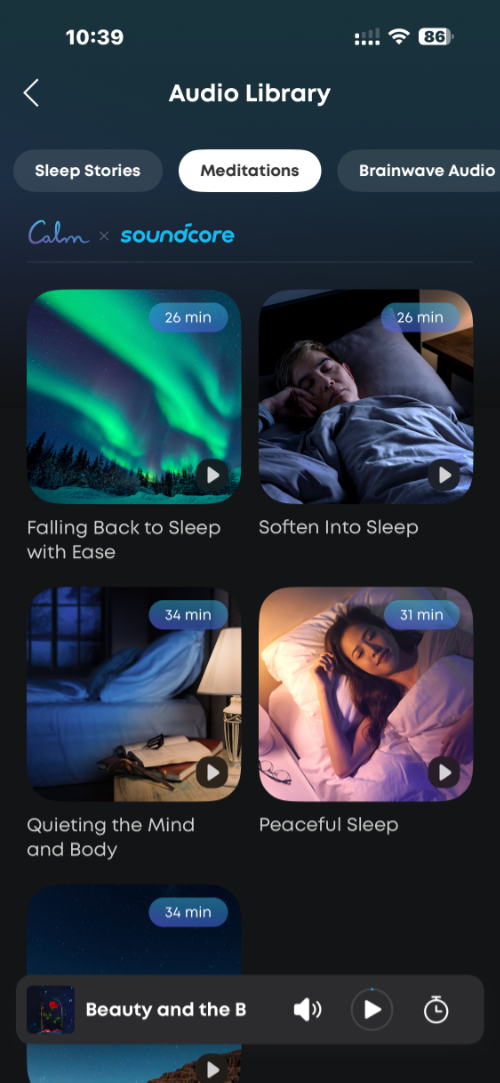
The next few tabs offer more content I don’t want. The Meditations tab is also a Calm offering, with just a handful of 30 minute-ish guided meditations that some may love, but I find annoying.
The next tab, Brainwave Audio, is interesting in theory, but also not what I’m looking for: This provides different themed sound frequencies in each ear, with choices like Starry Sky, Ocean, Forest, and others. But I find this distracting, sort of the opposite of white noise. For example, the Ocean choice isn’t just ocean sounds, it’s music-like sounds, different in each ear, that just don’t have the desired effect. At least for me.
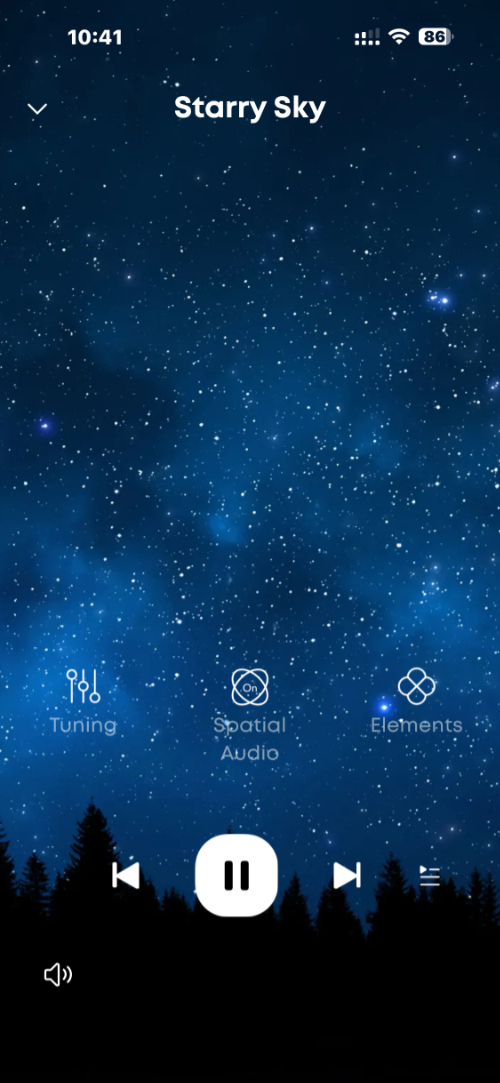
That said, others may find these options interesting, and the Brainwave Audio choices support tuning, spatial audio, and elements options, the latter of which lets you add bizarre other sounds, like a singing bowl, wooden fish, and others to the mix. I find all this distracting.
The final two tabs are more useful to me.
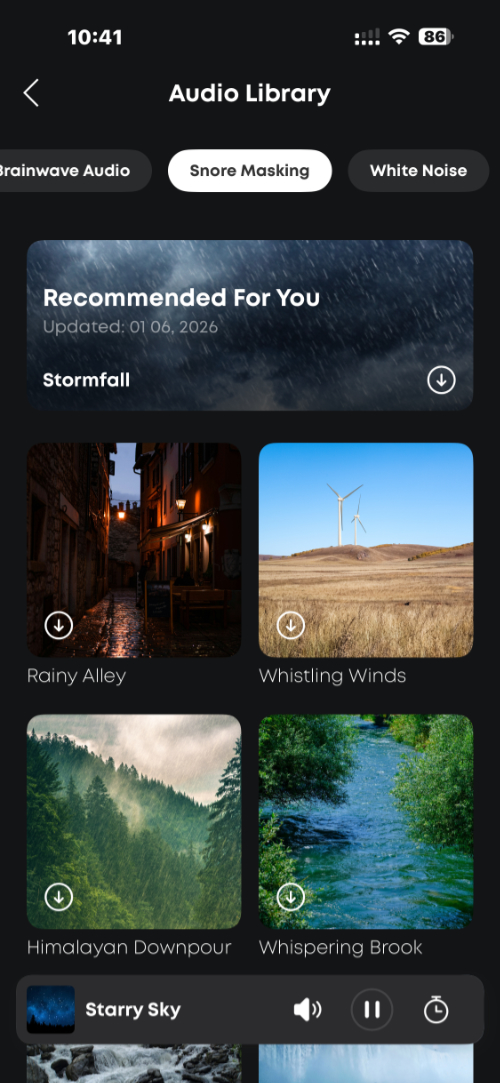
Snore Masking offers several ambient audio choices similar (or in one case identical) to the three on the main interface page, and I like some of them quite a bit. Select choices here include Rainy Alley, which I slept to last night, Whispering Brook, Niagara Falls, and Still Lake, and this is the sort of non-distracting white noise-like experience I want. Some of these are quite good, and unlike the options on the previous tabs, they just play all night until the battery dies. Excellent.
The final tab is called White Noise. There are far too many choices here, and the text for each is very difficult to read because of the light color. But this is my favorite part of the app, in part because you can mix and match up to three audio choices, each with different volume levels, if desired, and like the previous tab, whatever you choose here will play all night.
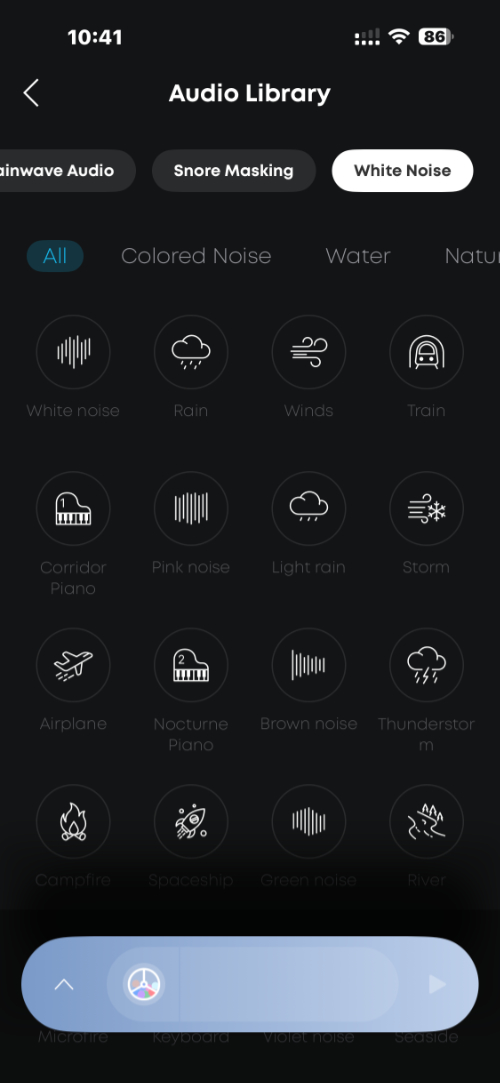
There are several top-level subtabs here, for All, Colored Noise, Water, Nature, Life, and Meditation. Colored Noise includes choices like White noise, Pink noise, Brown noise, Green noise, and others, and I’m semi-familiar with these because of my sleep issues and a bit of research, but don’t like any of them. What I do like are the Water and Nature sounds, which include choices such as Rain, Light rain, Thunderstorm, River, and many, many others.
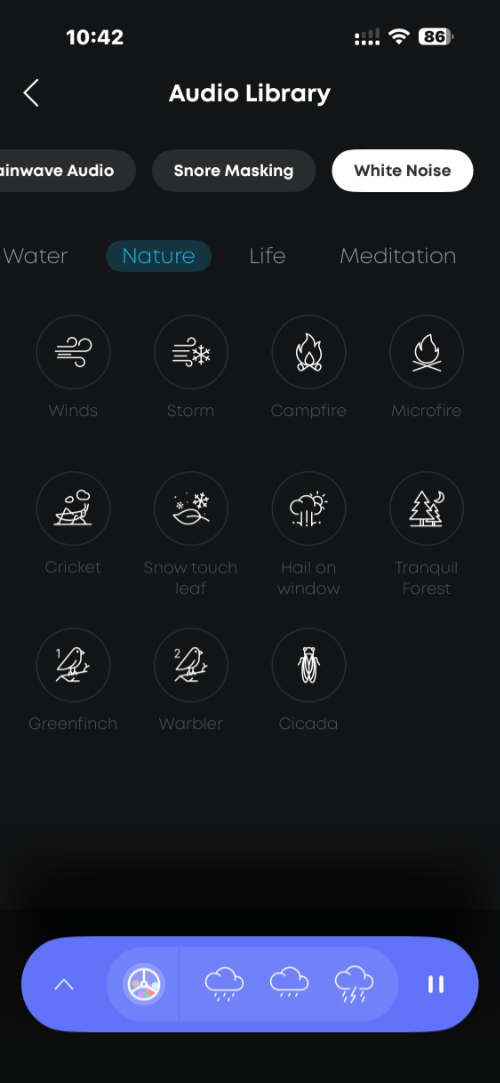
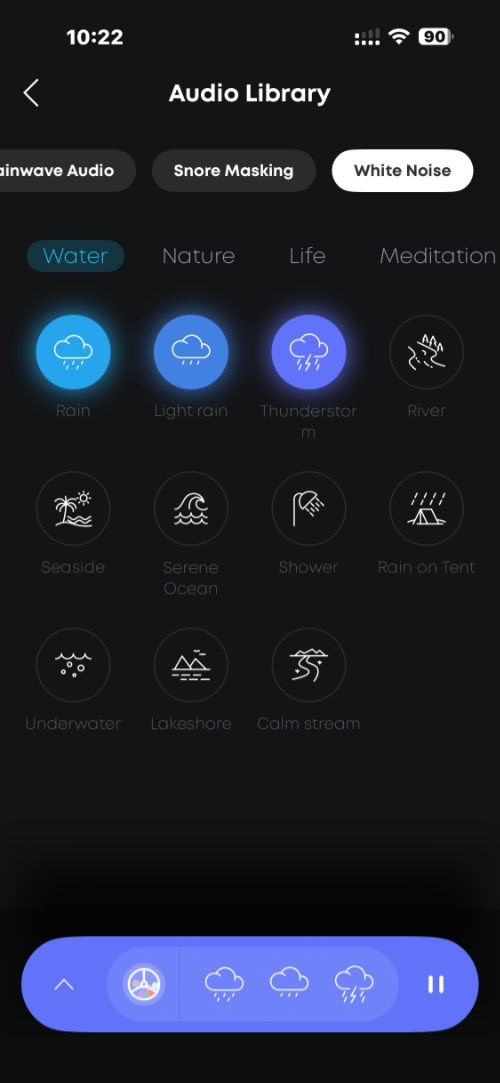
I’ve gone through different sets of choices, but one of the most common I use is Rain, Light rain, and Thunderstorm. As you tap each choice, it’s added to a toolbar on the bottom.
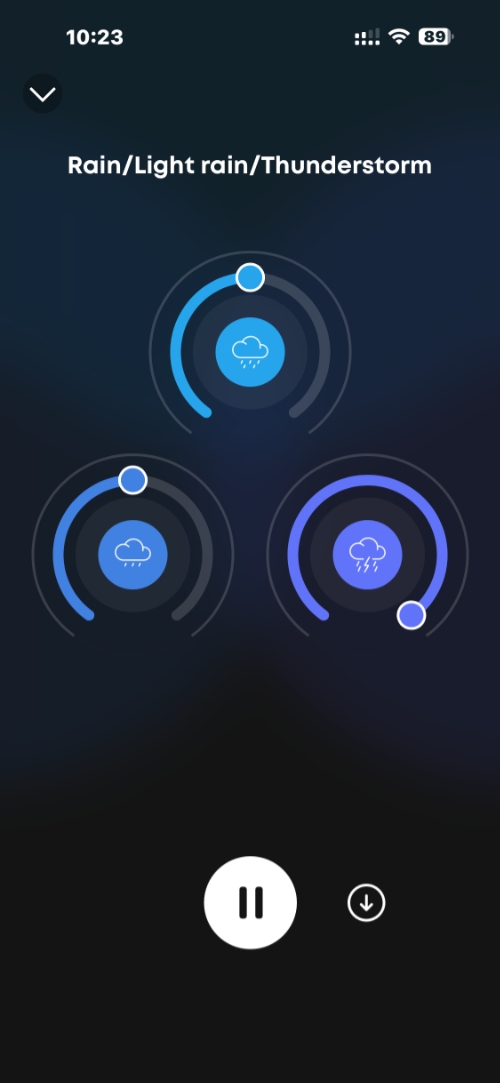
And then you can tap that toolbar to display a page with which you can change the volume of each audio choice separately. Here, I turn up Thunderstorm all the way and leave the other two at the default volume level.
There are other combinations I like, but you get the idea. In addition to manually selecting these choices each night, you can save one, and only one, mix to your earbuds and it will be available offline. The app lets you switch between Bluetooth and Local modes, the latter of which makes your own downloaded mix available.
There are many more features, and more complexity, but that’s pretty much how I’ve used the A30s. And … I do like them quite a bit, enough to just keep using them each night. I wish the app were a little simpler, that the battery life was better, and that there was some way to have a few more offline/Local audio mixes stored in the buds. But they work well.
Two final notes: The largish A30 case is charged over USB-C only, with no wireless charging option. It also has very bright and very white lights, inside and out, that are a bit much in the dark.
I wouldn’t use the A30s as normal earbuds, and especially not on a plane or other loud environment as the battery life and ANC aren’t as good as with traditional ANC earbuds. But if you suffer from sleep issues or need ANC earbuds every night or from time-to-time, the Soundcore Sleep A30 Earbuds are a solid choice. Again, I recommend the Special model, which improves battery life for a bit more money. But the A30s I have solve a real problem and work nicely too.
The Soundcore Sleep A30 Earbuds normally cost $199, while the Sleep A30 Special Earbuds are $230. But they’re both available for the same price, $199, right now on Amazon.