HP EliteBook X G1i 14 First Impressions
- Paul Thurrott
- Aug 08, 2025
-
2
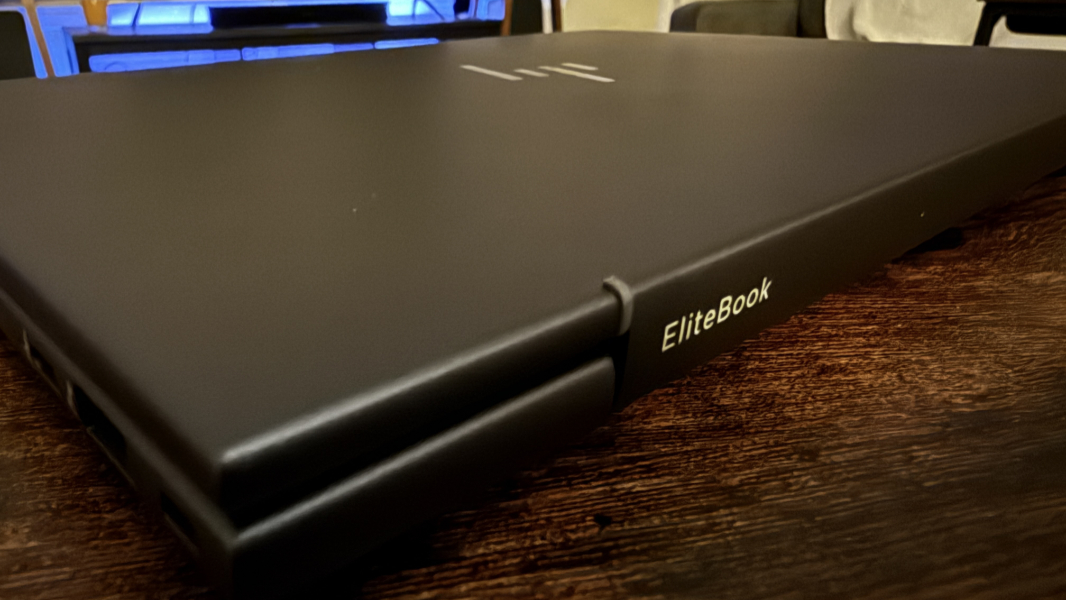
The HP EliteBook X G1i is a business-class laptop with a thin and light form factor, Intel Core Ultra innards, and a 14-inch multi-touch display. For the HP fans in the audience, it’s a successor to the old EliteBook 84x line, but with a fun Dragonfly-inspired touch of color.
And, yes, I went into this a bit tentatively given my less than optimal experiences with its consumer-focused sibling, the OmniBook X Flip. But I’ve not had any major issues in early usage, and even the battery life is trending nicely.
More on that in the eventual review, of course. For now, let’s focus on what I do know for sure.
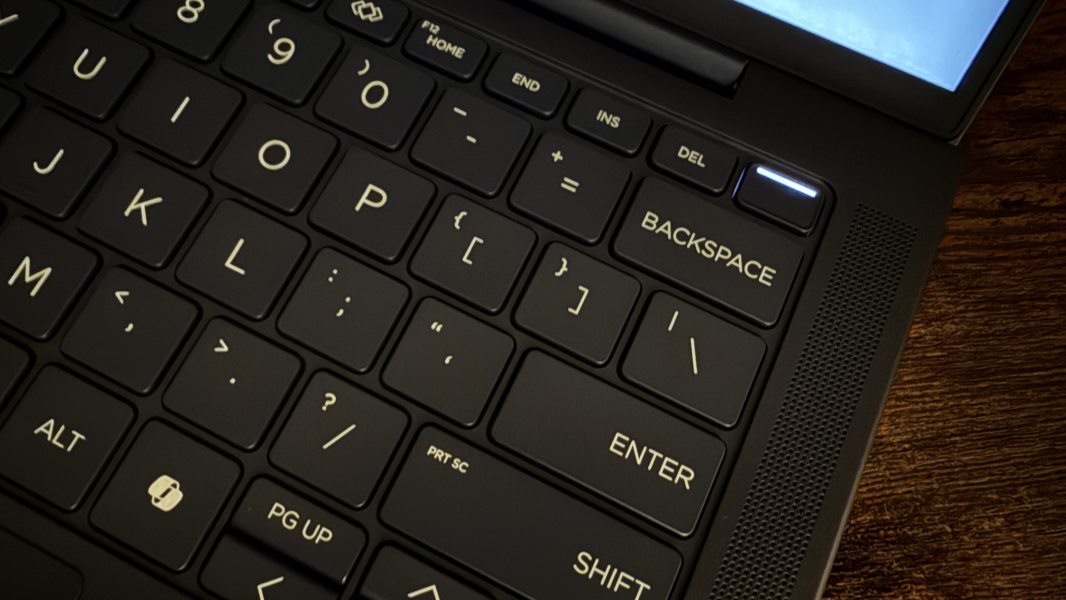
The look is pretty terrific. It’s a Dragonfly-like atmospheric blue color with slightly darker keyboard keys for a nice visual offset. (It’s more blue than the black suggested by these photos.) The display lays flat, the bezels on the display are notably small on the left and right sides, and it’s thin at just 0.58 inches and light at 3.09 pounds. It feels like a feather compared to the 14-inch OmniBook X Flip I just reviewed.
But like that consumer product, this laptop is also available in AMD and Intel versions, which I like. The review unit provides an Intel Core Ultra 7 268V “Lunar Lake” processor with an integrated and non-upgradable 32 GB of LPDDR5x RAM and 512 GB of PCIe NVMe TLC M.2-based SSD storage. But there are Core Ultra 5 and 16 GB options as well, and storage up to at least 1 TB. This is a Copilot+ PC, of course, so you get whatever that gives you functionally. I know, it’s not much.
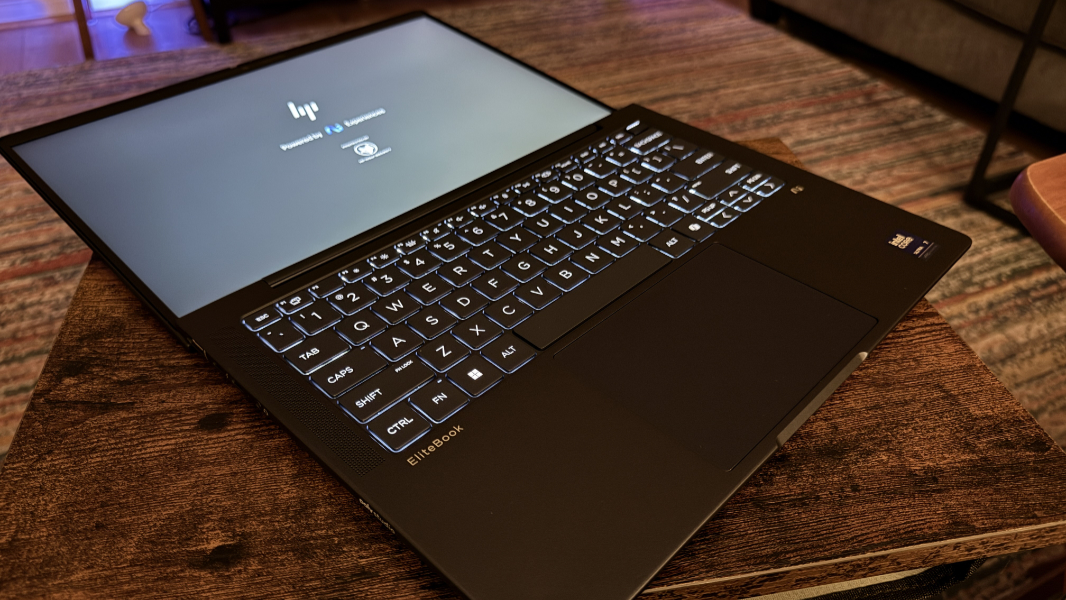
The display on the review unit is a Full HD+ (1920 x 1200) touch IPS panel with an anti-glare coating and 100 percent sRGB coverage that emits 400 nits of light. But as we saw with the OmniBooks, there is a 2.8K (2880 x 1880) OLED option as well for those who prefer it and don’t mind a hit to battery life. I think the display in the review unit is the right choice for the target audience, and using it in the car on the way to North Carolina, I could see that its relative lack of reflections can be beneficial.
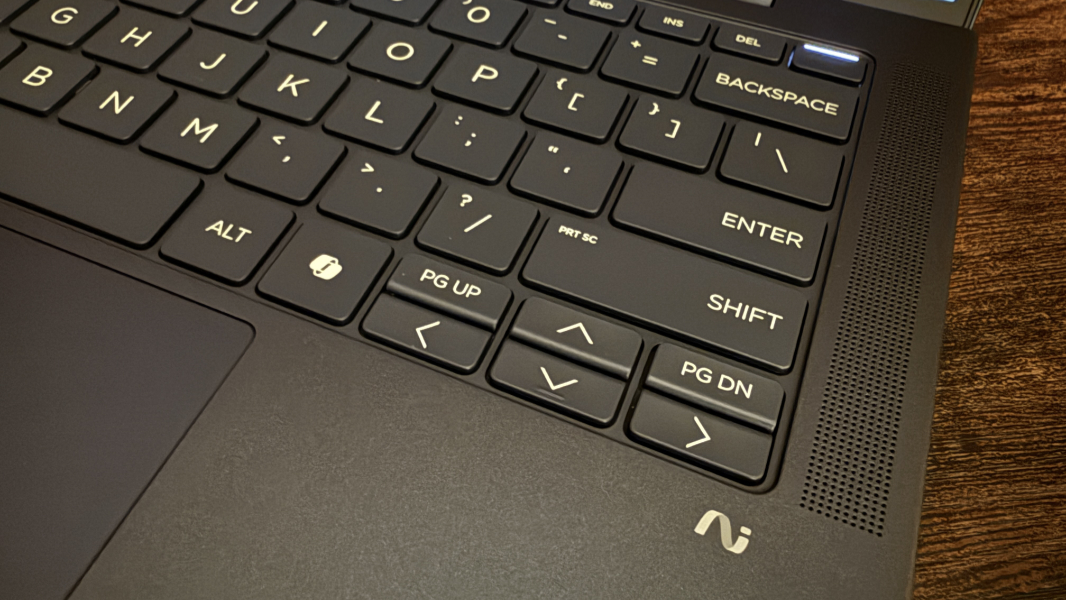
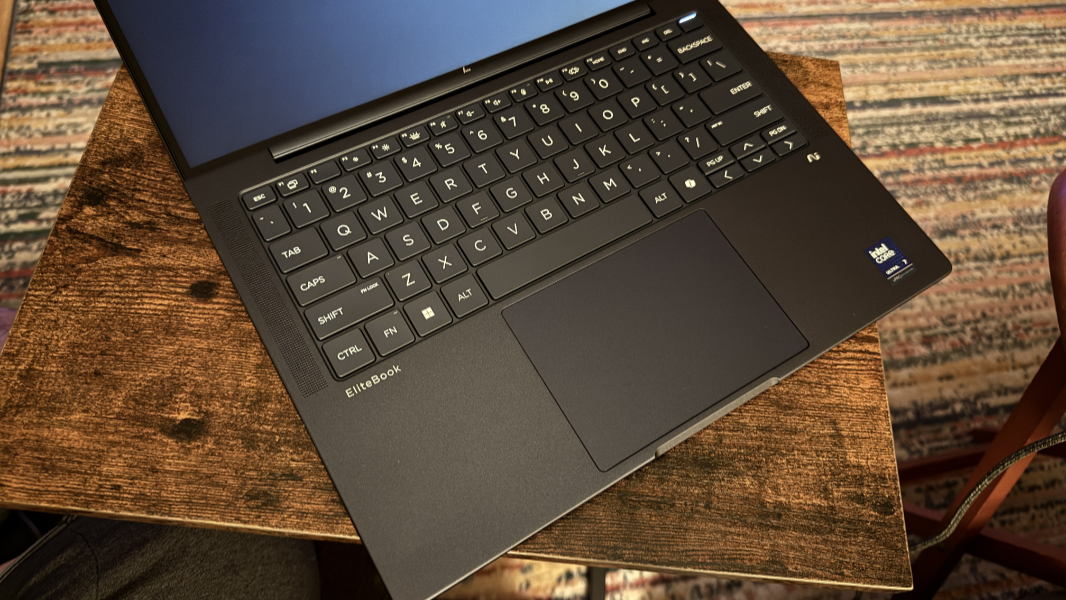
They keyboard is terrific, like most HP premium laptop keyboards, and will appeal to just about anyone, but especially those put off by the lattice-free designs used by the latest OmniBook X Flips. It’s full-sized and backlit, of course, and framed by speaker grills on either side.
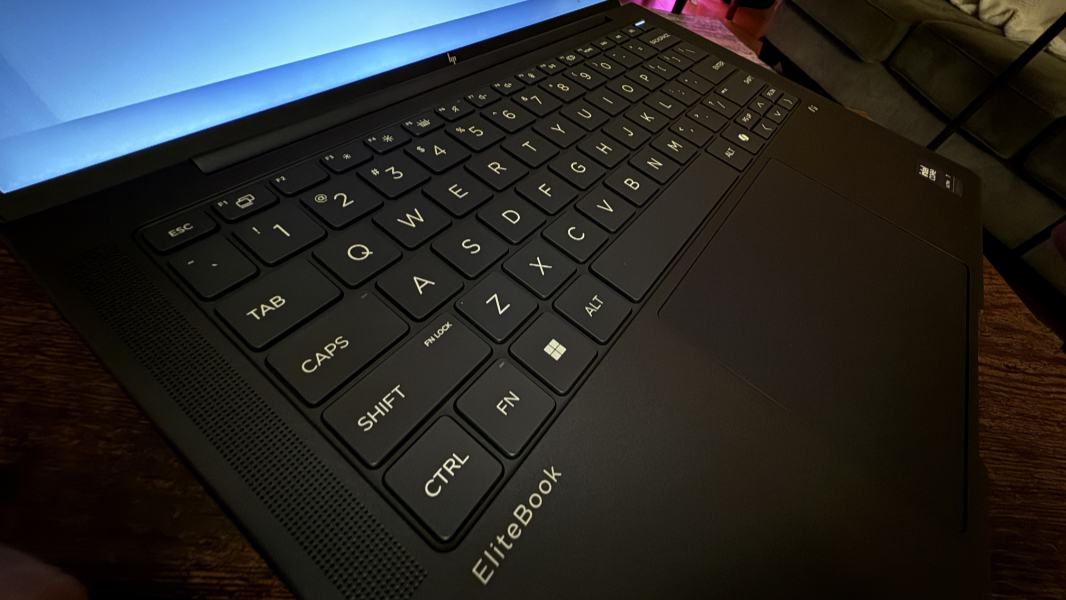
It’s mostly excellent, but with a major Achilles Heel: As with the EliteBook 1040 from last year, it has tiny PgUp and PgDn keys and none of the usual Fn + arrow key keyboard shortcuts (for Home, End, and so on) work. So you need to use the dedicated Home and End keys in the top keyboard row. Boo.
The touchpad is large and mechanical and seems to work well so far, at least.
Hybrid workers get a Poly Camera-enhanced 5 MP webcam and dual-array microphones. There are four speakers, two upward-firing and two downward firing in the front under the wrist rest. And HP supplies Windows Hello ESS-compatible facial recognition and fingerprint recognition capabilities, which is ideal.
Connectivity is modern, of course, with Intel Wi-Fi 7 and Bluetooth 5.4.
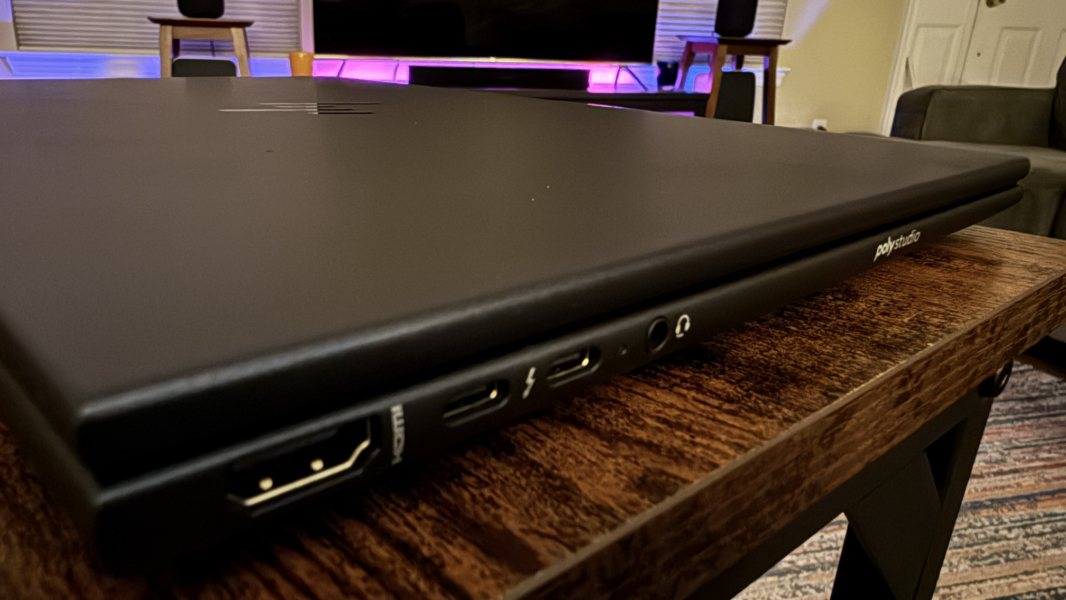
Expansion is excellent, in keeping with the business user focus. And unlike with the two recent OmniBooks, there are USB-C ports on each side of the laptop.
On the left, HP provides a full-sized HDMI 2.1 video-out port, two 40 Gbps Thunderbolt 4/USB4 Type-C ports (with USB Power Delivery, DisplayPort 2.1, and HP Sleep and Charge), and a combo microphone/headphone jack.
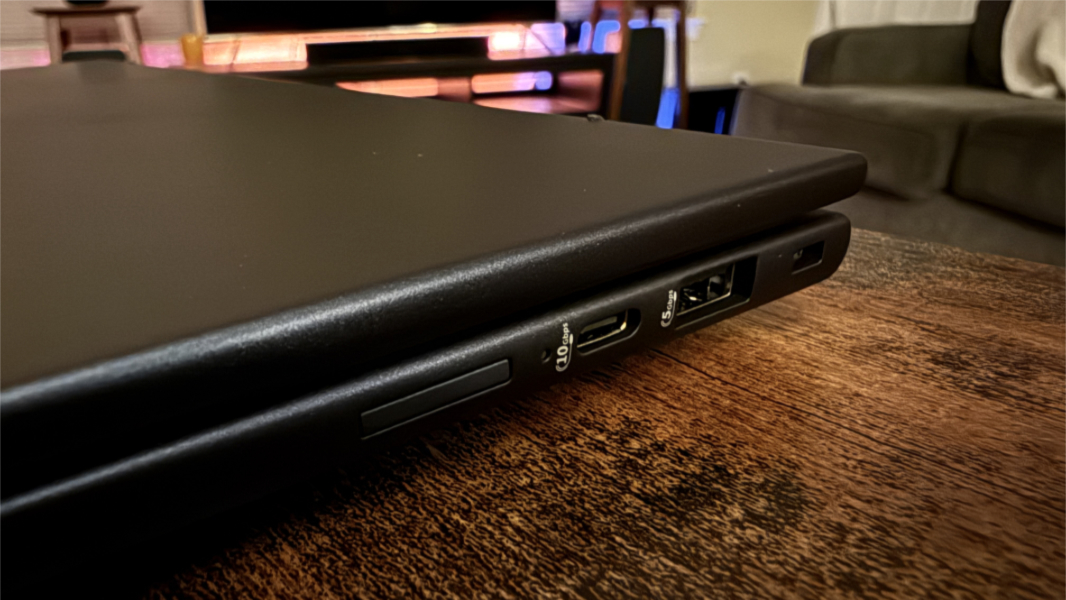
And on the right, there’s a full-sized 5 and powered Gbps USB Type-A and a 10 Gbps USB Type-C port (with USB Power Delivery and DisplayPort 1.4), plus a Kensington nano lock slot.
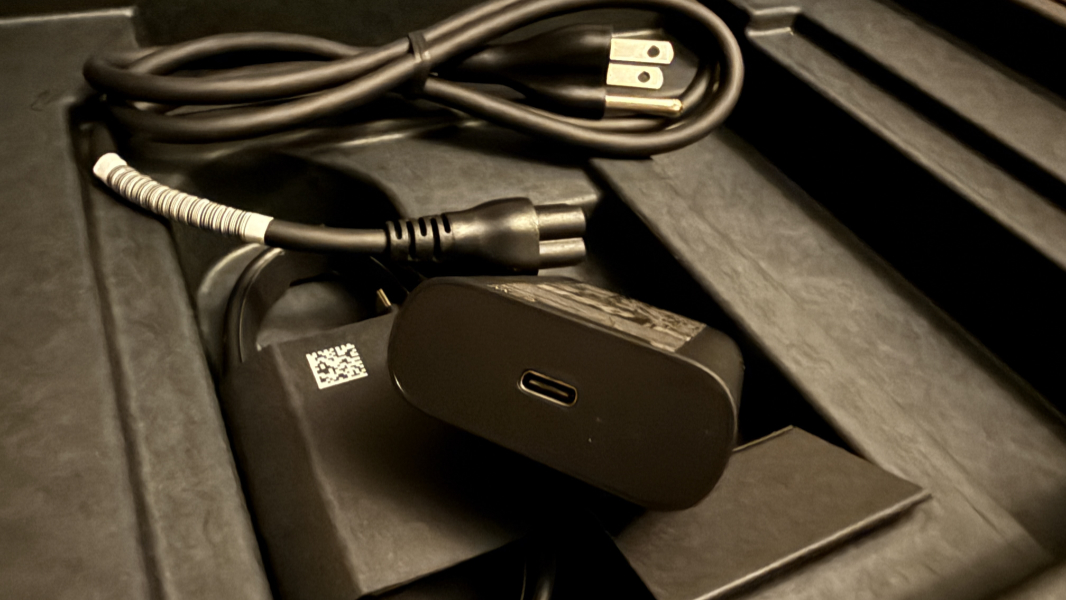
Power comes via a standard 65-watt USB-C power adapter. but there’s been a nice upgrade here, surprisingly: The USB-C cable is no longer hard-wired into the HP power brick. This is the first time I’ve seen this from HP.
As a commercial PC, the EliteBook X G1 comes with Windows 11 Pro and several HP utilities, but no crapware.
This HP is expensive, at least for individuals. The review configuration retails for over $3000, somehow, though it’s always on sale and costs $1800 at the time of this writing. That’s still too much money for the value, but this laptop comes with three years of warranty support with HP Wolf Security, and so it’s overkill for consumers or other individual buyers. That’s by design, frankly. But you can get a 32 GB/1 TB/Full HD+ configuration at Costco for just $1400 right now too.
More soon.