HP OmniBook Ultra 14 (Snapdragon X2) First Impressions
- Paul Thurrott
- Jun 01, 2026
-
5
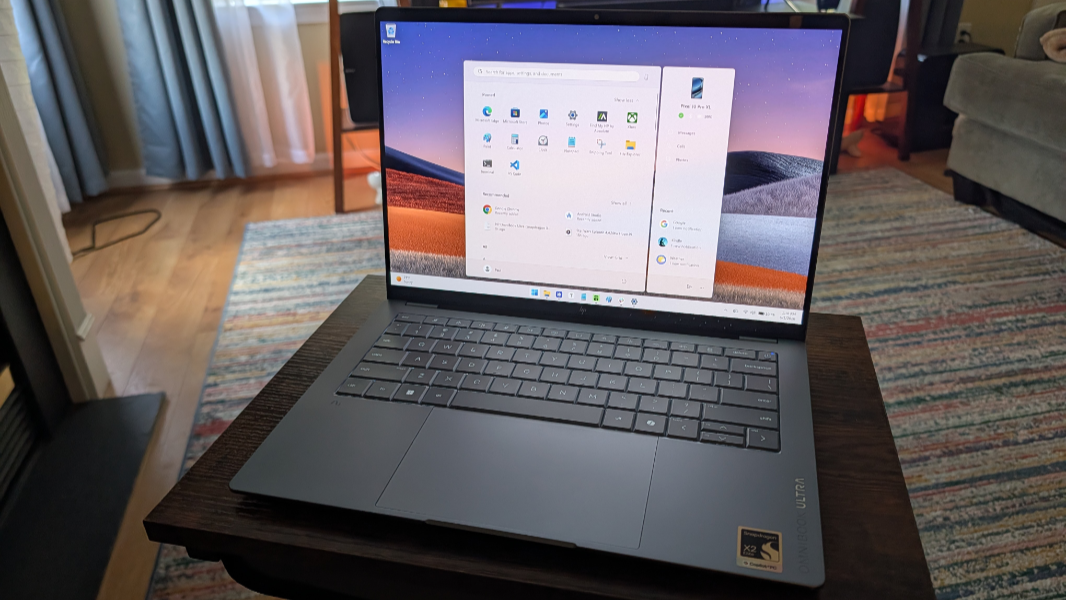
HP described its latest OmniBook Ultra Copilot+ PC as the world’s slimmest consumer notebook when it was announced at CES in January. But two things stood out to me: The OmniBook Ultra would be available in both Intel Core Ultra Series 3 “Panther Lake” and Snapdragon X2 Elite variants, the latter of which would include an HP-exclusive chip variant. And the release timing was indeterminate, no doubt because of the component crisis that, if anything, has only gotten more problematic since then.
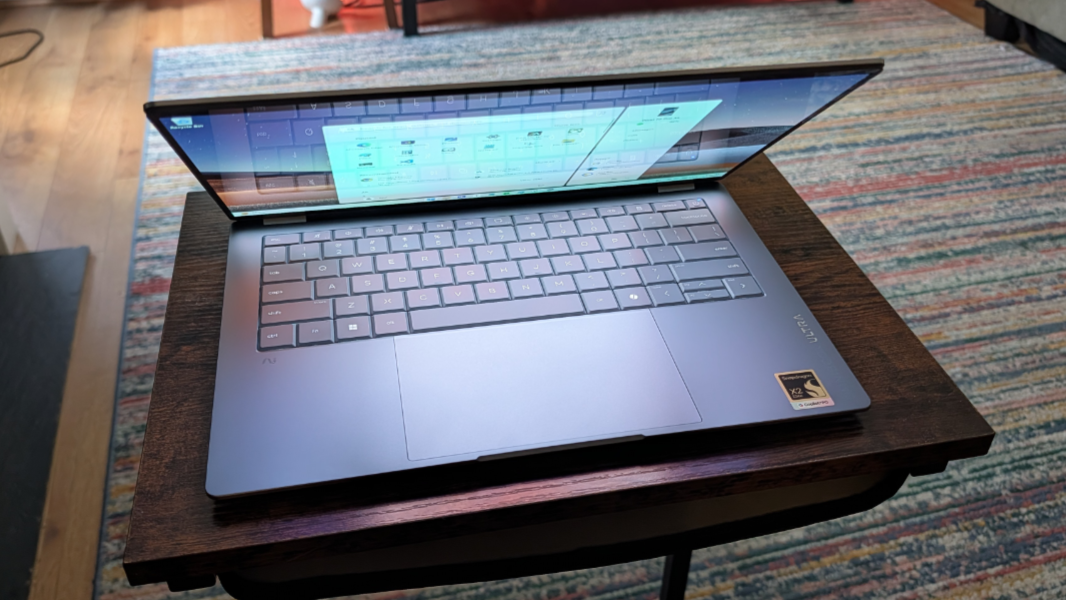
I was lucky enough to get a pre-production Panther Lake-based OmniBook Ultra, and as I wrote in my review, it’s a nearly-perfect premium Copilot+ PC laptop with incredible performance. And HP overcame the component crisis issues, in part, by offering the Windows 11 on Arm versions of the OmniBook Ultra with lower-cost Snapdragon X2 chips too. So there’s some choice there now, and lower prices for certain models.
Granted, the OmniBook Ultra is a premium laptop regardless of configuration, and the component crisis is real. So pricing on the X2 variants technically starts at about $2200, though I will point out that a base configuration with a 4 GHz Snapdragon X2 Plus X2P-64-100 processor, 16 GB of RAM, 512 GB of SSD storage, and a Full HD+ (1920 x 1200) OLED display is just $1200 thanks to a sale. And that is an excellent price here in 2026 and for a PC of this quality.
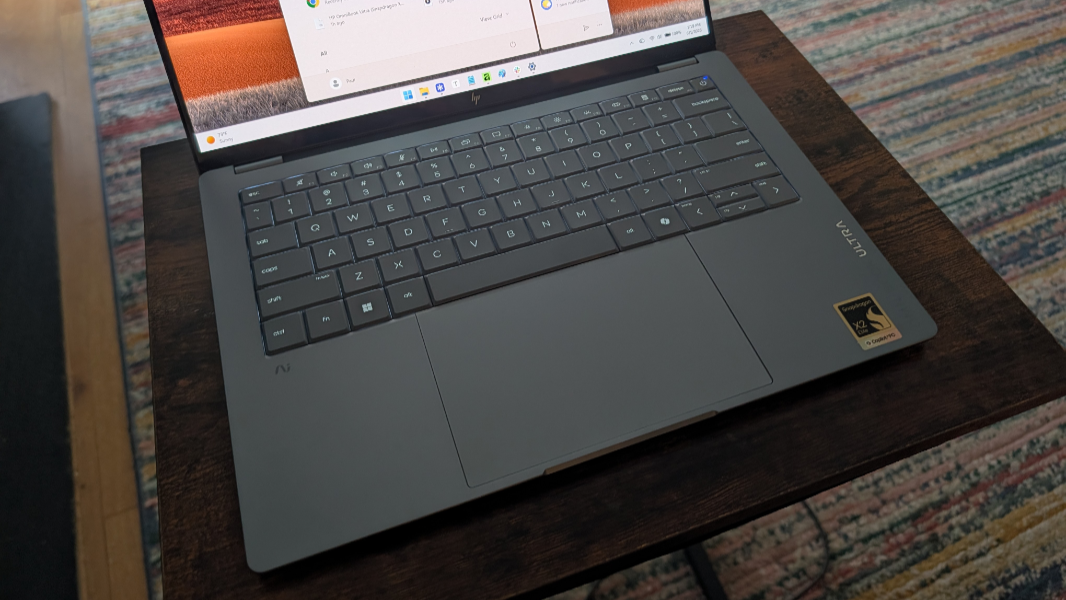
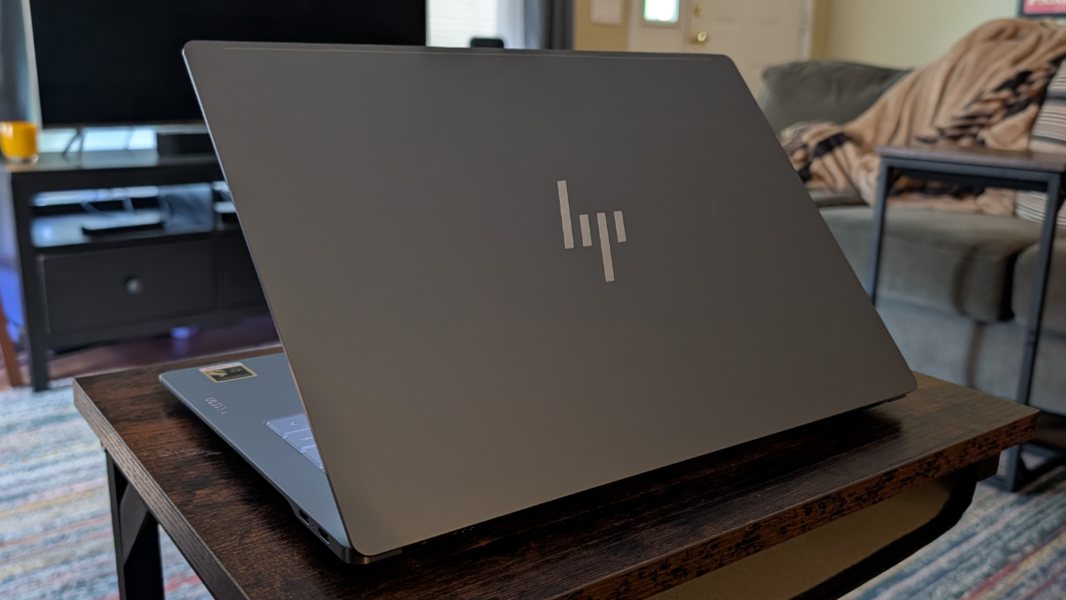
The look is sleek, thanks to a 0.42-inch thickness at the device’s thinnest point–which seems even thinner thanks to its curvy design–and a weight of just 2.83 pounds.
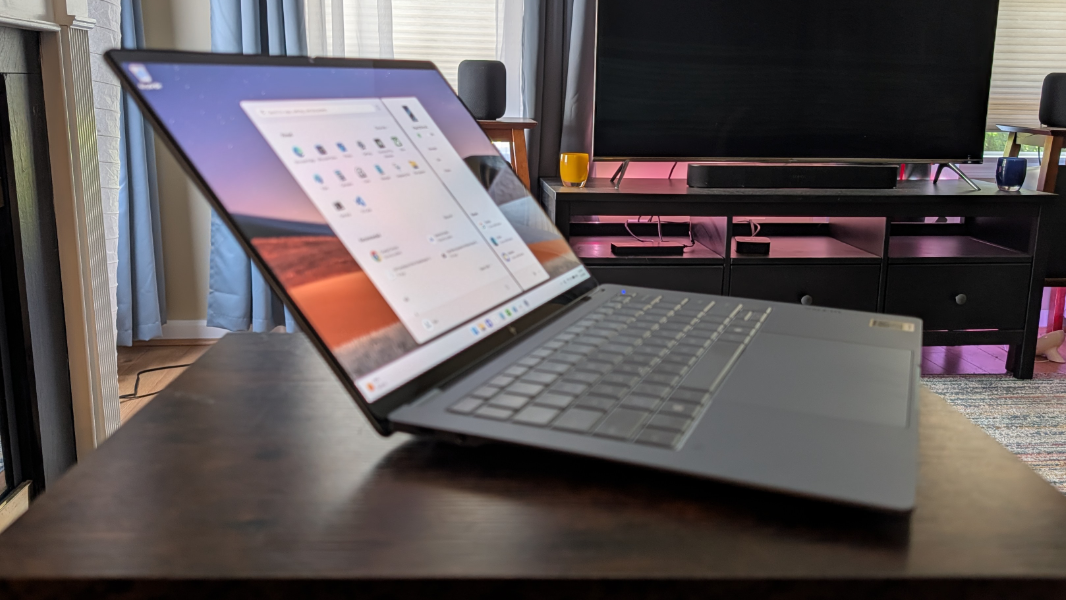
The body is made of forged anodized aluminum that allows for some fun color choices–with brushed metal sides–and it’s augmented with an anti-fingerprint finish.
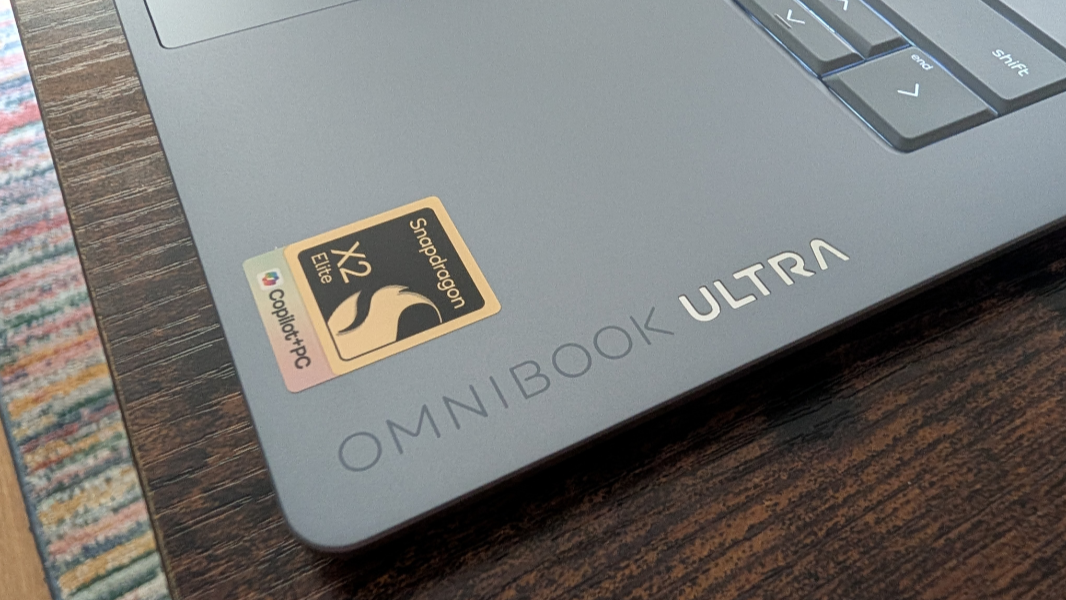
You can configure an OmniBook Ultra with a choice of four Qualcomm processors, the Snapdragon X2 Plus noted above, and then three Snapdragon X2 Elite variants: A 4.7 GHz 12-core X2E-84-100 with 32 GB of RAM, a 5 GHz 18 core X2E-90-100 with 32 GB of RAM, and a 5 GHz 18-core X2E-90-100 with 64 GB of RAM. The Snapdragon X2 Plus has an 80 TOPS Hexagon NPU, while the X2 Elite versions have a faster 85 TOPS NPU.
You can also configure an OmniBook Ultra with 512 GB, 1 TB, or 2 TB of M.2-based PCIe Gen 5 NVMe SSD storage. And there two display choices, both of which are 14-inch OLED multitouch panels with a 16:10 aspect ratio, a 91 percent screen-to-body ratio (meaning very small bezels), ultra-wide viewing angles, edge-to-edge micro-edge Gorilla Glass 3, low blue light, and 100 percent DCI-P3 color gamut coverage.
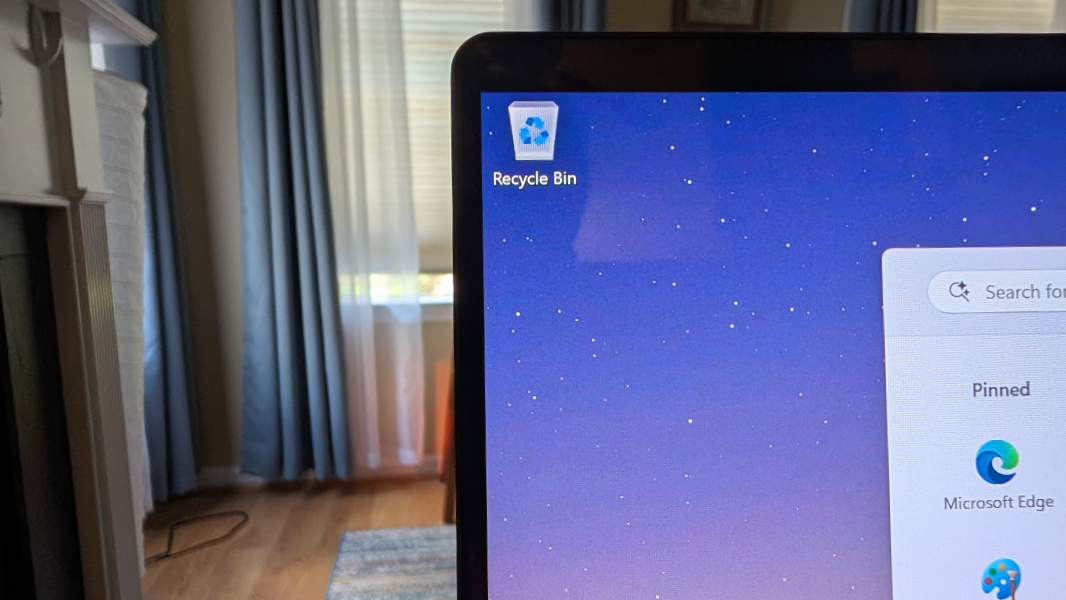
The base display is a Full HD+ (1920 x 1200) panel with a 60 Hz refresh rate that emits 300 nits of brightness. And the upgrade display is a 3K (2880 x 1800) panel with a 120 Hz variable refresh rate (VRR) that emits 500 nits of brightness for SDR content and 1100 nits for HDR.
The review unit is maxed out with the Snapdragon X2 Elite X2E-90-100 processor, 64 GB of RAM, 2 TB of SSD storage, and the 3K OLED display. Yeah, awesome.
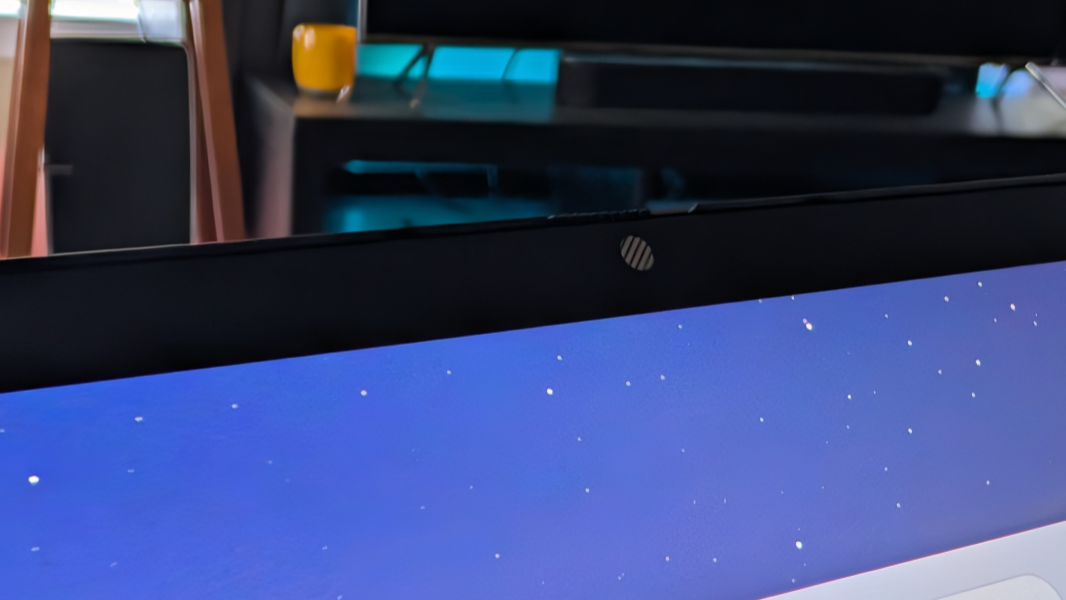
Everything else is modern and high-end, as expected, too. There’s Wi-Fi 7 and Bluetooth 5.4 for connectivity. Quad speaker sound. A 5 MP webcam with Auto HDR and dual-array microphones for remote work.
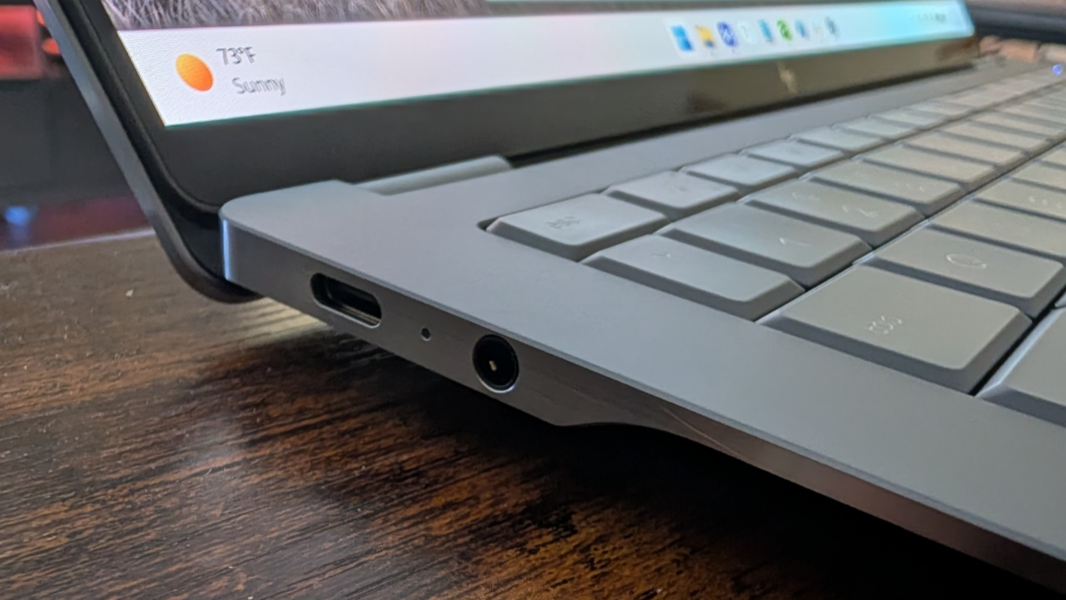
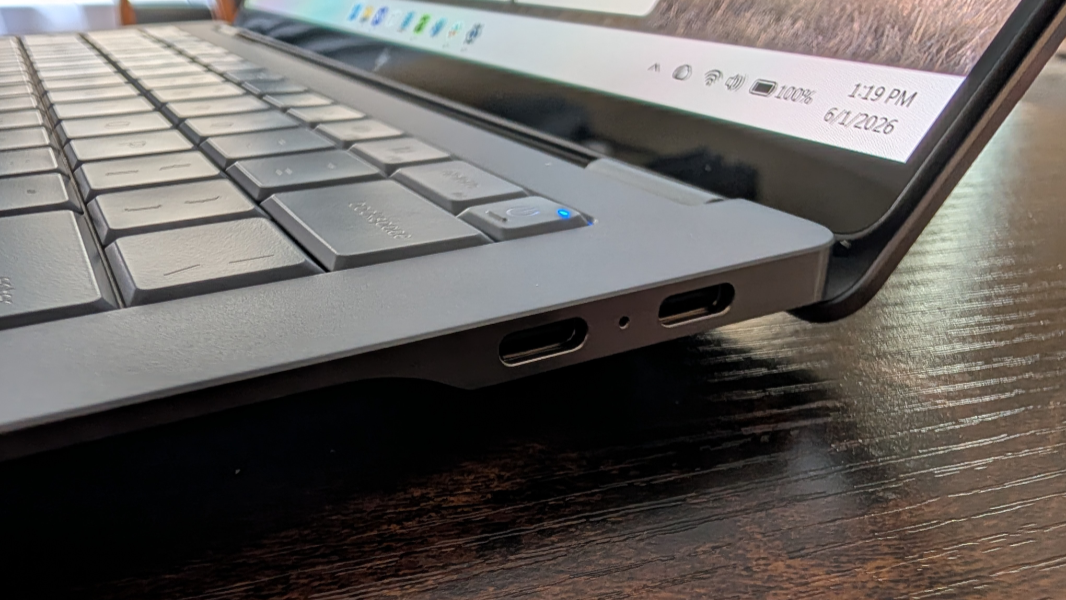
And three 40 Gbps Thunderbolt 4/USB4 ports–one on the left and two on the right–with Power Delivery 3.1, DisplayPort 1.4, and HP Sleep and Charge capabilities, plus a comb microphone/headphone jack on the left.
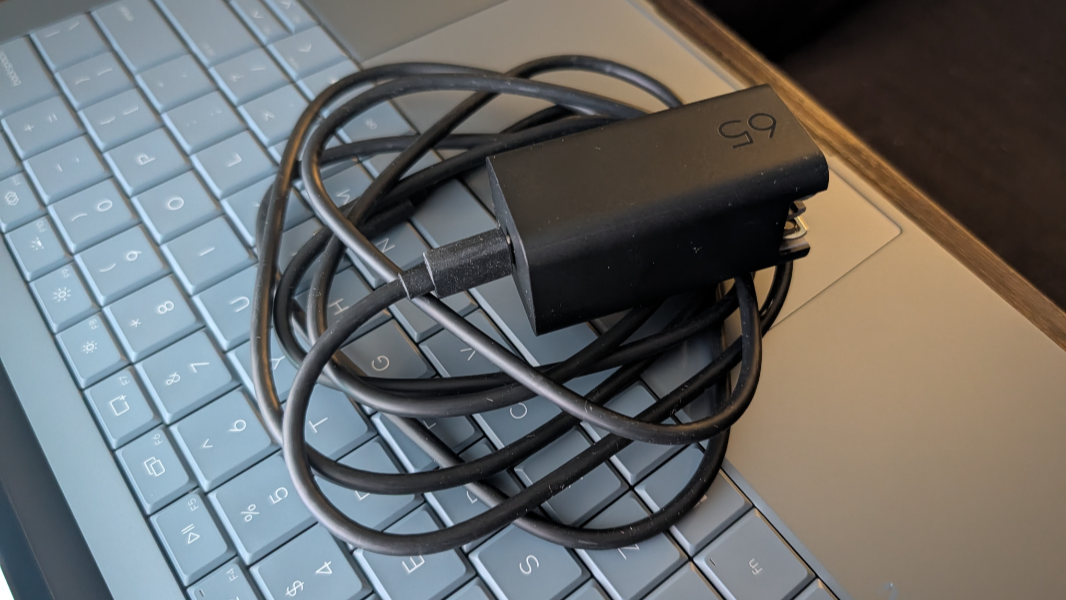
You can charge the laptop’s 70 watt-hour battery to 50 percent in just 45 minutes using the slim, bundled GaN-based USB-C power adapter, which features a removable cable and folding prongs. And though HP claims up to 44 hours of battery life, I normally expect about half when it comes to such claims and would be surprised if it was much more than one-third. But yeah. I will check that.
But there is the component crisis. If you configure an OmniBook Ultra on HP.com, you can see some reasonable prices like the $70 display upgrade and the $120 it costs to go from 512 GB to 1 TB of storage. But the processor upgrades are tough: The base X2 Elite costs an additional $400, and the mid-level X2 Elite is an additional $540. A top-of-the line X2 Elite like the one in the review unit–wait for it–adds an astonishing $1120 to the price. Configured like the loaner, the costs jumps to over $3400, though that configuration is likewise on sale today, for $2730.
Given my predilection for Snapdragon chips, I’m obviously eager to take this laptop for a spin. But I will also be looking at a production unit Panther Lake variant too. More on both soon.