Hands-On: Roku Streaming Stick Plus
- Paul Thurrott
- May 17, 2025
-
4
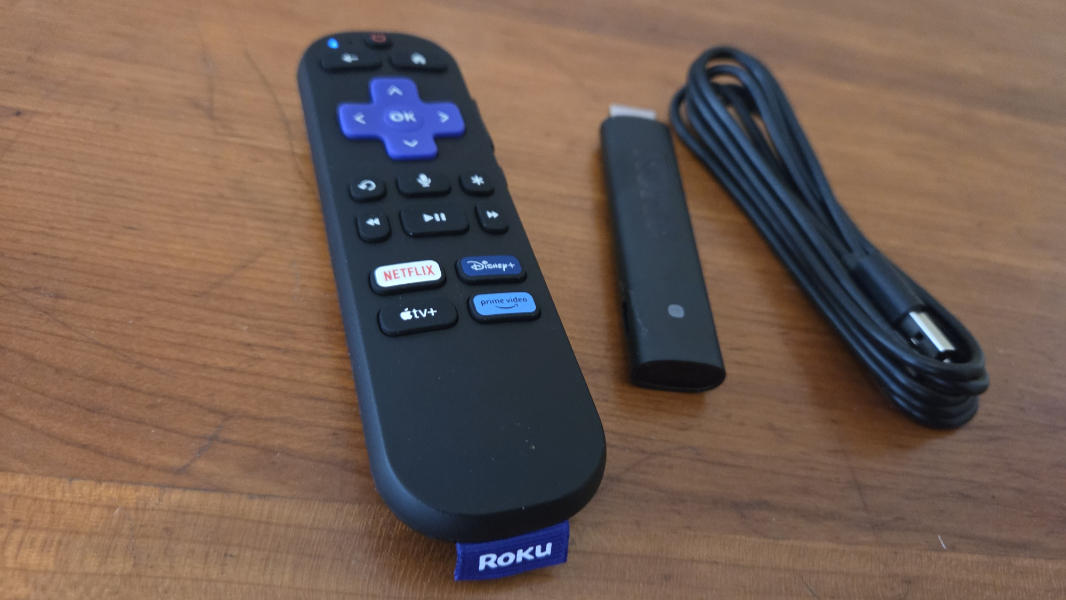
The recently released Roku Streaming Stick Plus is the smallest streaming stick I’ve seen, yet it offers 4K and HDR video and terrific performance. The only thing holding it back, of course, is the company that makes it and its advertising-centric interfaces.
It’s reasonable to compare the Roku Streaming Stick Plus to the Amazon Fire TV Stick 4K Max I’m also evaluating: Both are affordable (the Roku is $10 cheaper, at $39.99), highly portable, and capable, with terrific performance and video quality. But the Roku is immediately superior in a few key areas. Most notably, it’s so small that it won’t block adjacent HDMI ports on the back of your TV, so it doesn’t require a dongle if you need to use both. And more subjectively, I prefer the bulbous Roku voice remote to Amazon’s flatter version, though they’re both serviceable.
Amazon and Roku approach the streaming market similarly. Both offer standalone streamers in stick and traditional set-top box forms. Both offer smart TVs, both first- and third-party. Both offer soundbars and speakers. And both are investing in smart home integrations, with Roku supporting both Amazon Alexa and Google Home ecosystems, plus Apple AirPlay and Apple Home.
From a positioning standpoint, the Roku Streaming Stick Plus is a bit more downmarket than the Fire TV Stick 4K Max: It supports 4K and HDR but not Dolby Vision. For that, you will need a $49.99 Streaming Stick 4K or the higher-end, $99.99f Roku Ultra, You could also save $10 and opt for the Full HD-capable base Roku Streaming Stick.
? Unboxing
Roku goes with a more traditional retail-style box for its products, which makes sense since they’re sold by traditional retailers and online. It’s a little old-school, and cheap, as expected.
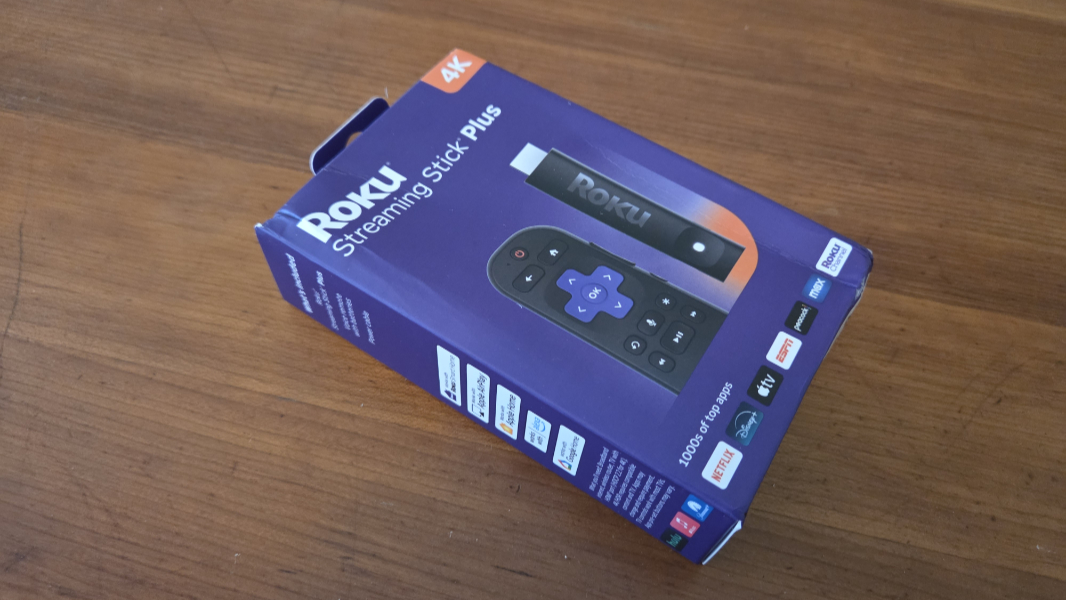
And there’s not much to the hardware found inside: You get the tiny stick, the voice remote, and a USB-C to USB-A cable for power, but no power adapter.
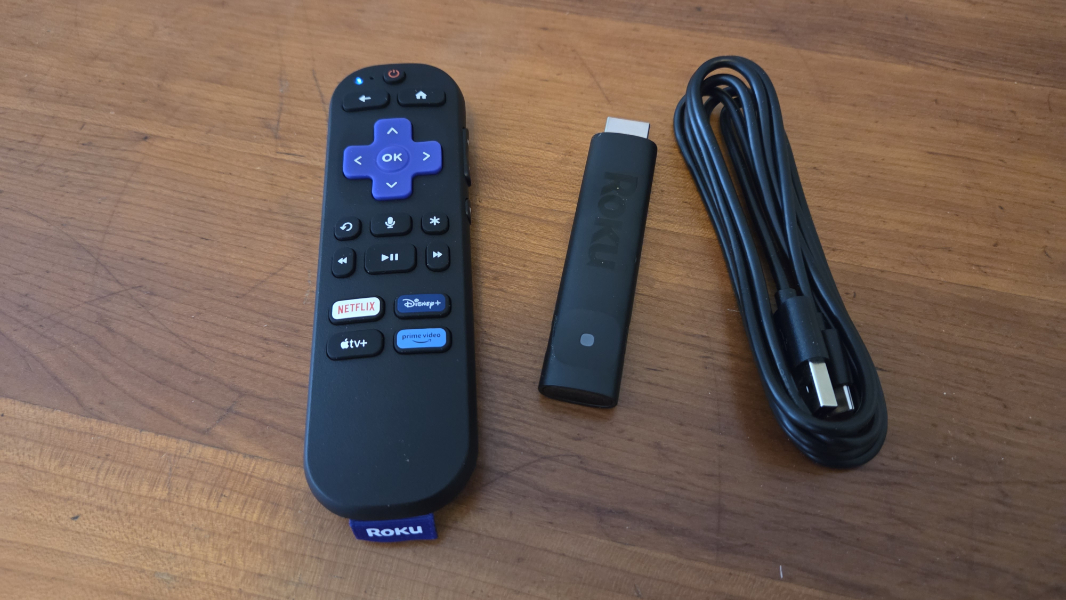
As with other streaming sticks–and most USB-based devices these days, that’s normal, and most have TVs with a USB-A port to provide the power the stick needs. I do like that Roku went with USB-C, which is more common these days. The Fire TV’s use of micro USB is bizarre.
?️ Inside the stick, outside the remote
As noted previously, the Roku Streaming Stick Plus is delightfully tiny and its even kind of attractive in ways the Fire TV is not. This doesn’t matter in some ways, as you’ll never see it behind the TV. But if you travel with this devices, as so many streaming stick owners do, you’ll appreciate it. I just like it for the smooth design and its oddly obvious power button.
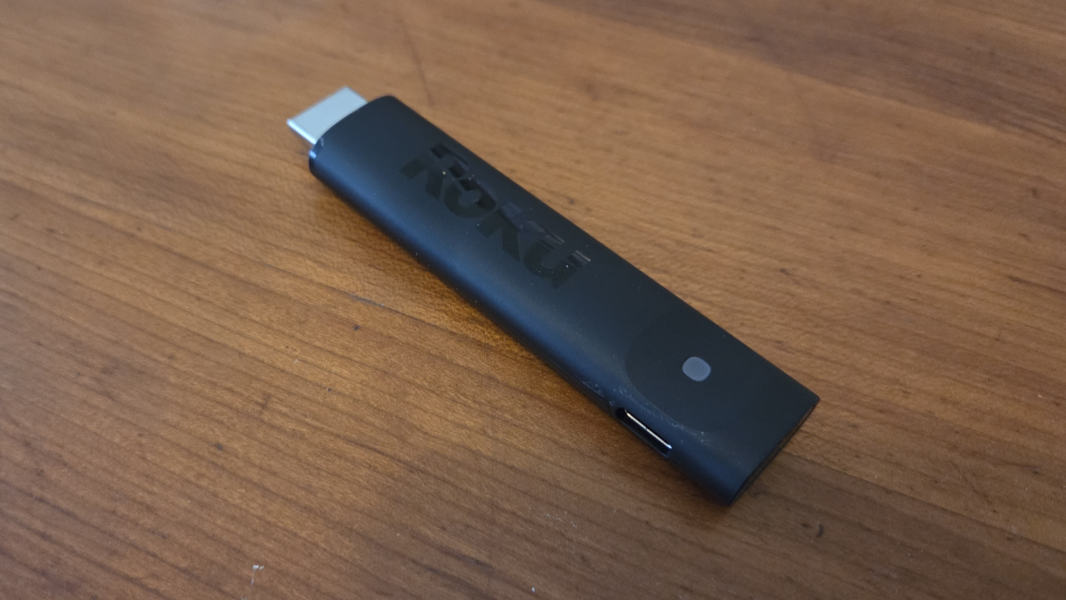
Roku provides even fewer details about the processors and other chips inside its streaming sticks than Amazon does. There’s lame and outdated Wi-Fi 5, which isn’t ideal, though it seems to work fine in our condo. The HDMI plug supports HDCP 2.2 and the stick can upscale 720p and 1080p video to 4K, and native 4K at 60 Hz. The HDR support includes HDR10, HDR10+, and HLG. I guess that’s all we need to know.
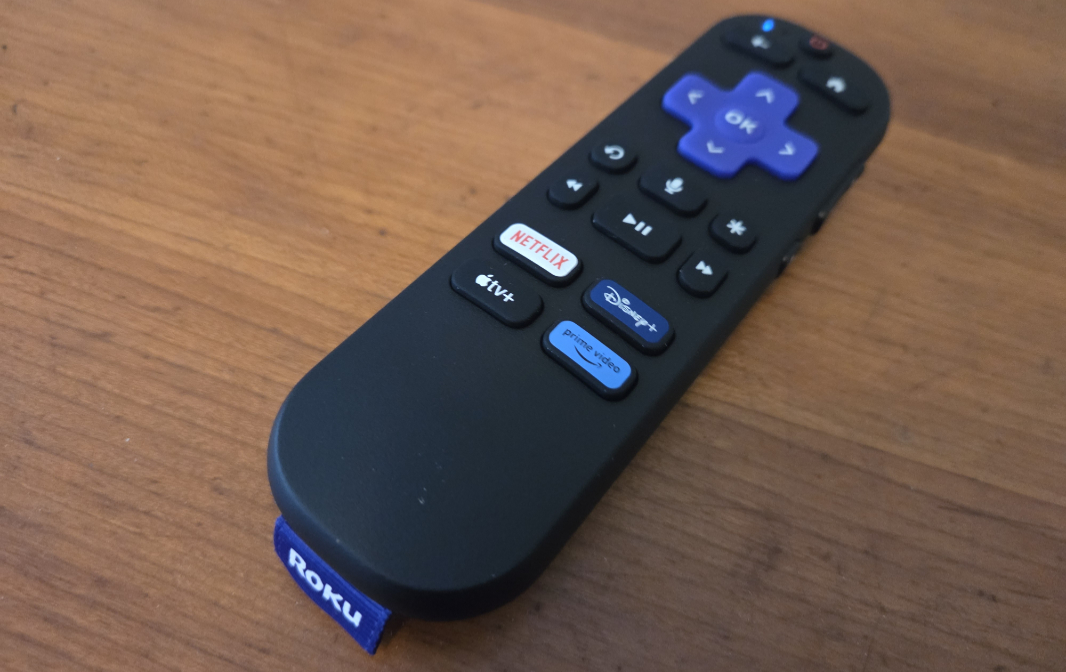
As a long time Roku user, the remote is familiar. It’s the latest version, with integrated volume and mute buttons on the side–they’re a bit small and not as ideal as those on the Fire TV remote–and voice capabilities. As with Amazon, there are four streaming service pre-set buttons, in this case for Netflix, Disney+, Apple TV+, and Prime Video. It can of course control your TV and other audio/video equipment.
?️ Initial setup
As with the Fire TV Stick 4K Max, I initially set up the Roku using a spare PC display before moving it to the TV in our living room. This let me update the software and sign in to my apps so that I could just use the device normally on the TV.
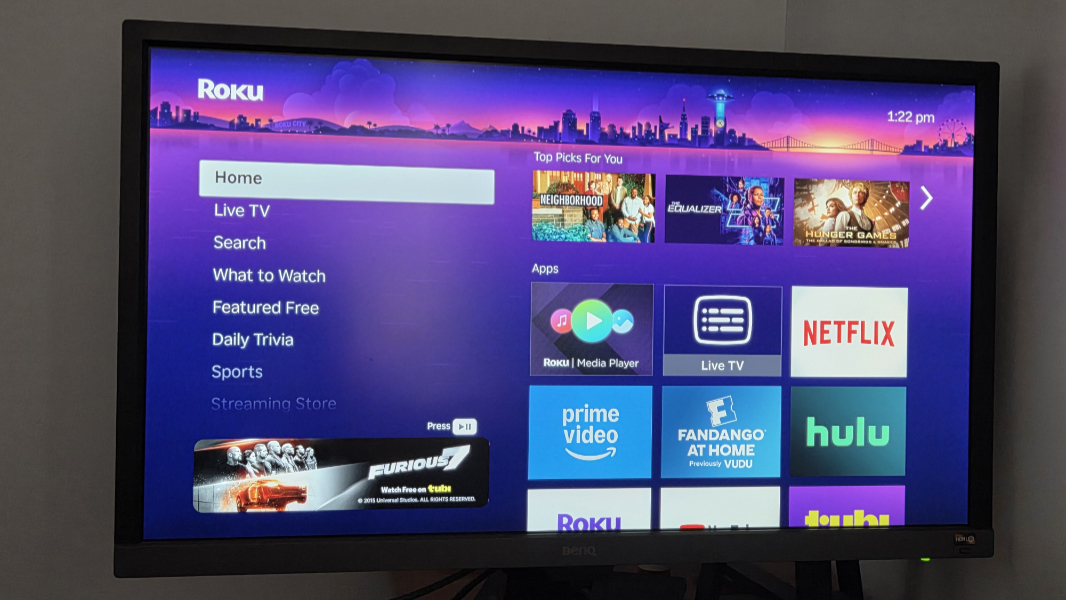
When I did make that shift, it automatically configured itself correctly for our TV–with 4K video and HDR10 capabilities, since this stick doesn’t do Dolby Vision–including its audio capabilities, which include both Dolby and DTS. So there’s not much to report here: It just worked properly out of the box.
? A few thoughts
As was the case with the Fire TV stick, Roku provided timely reminders about two recent developments in this market that I don’t really see on Apple TV. There’s a ton of free content out there, via live (streaming) TV functionality and standalone services, and there are a ton of ads. Those two things go hand-in-hand, of course.
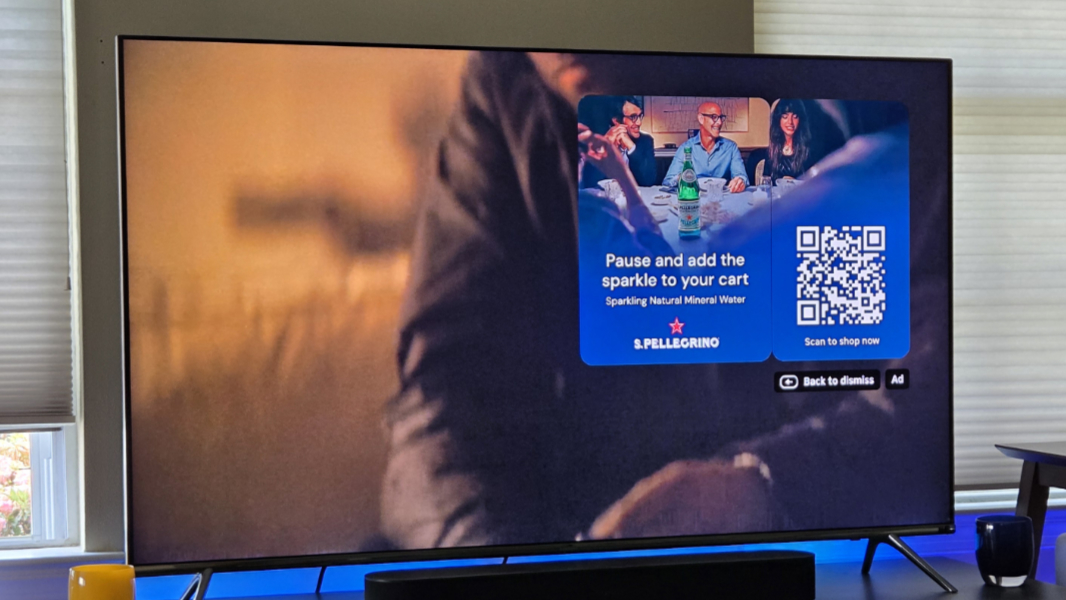
Advertising is a key discussion with any living room streamer, and given recent news about Roku playing ads when you pause playback, I was expecting this to be an even bigger issue with this device than it is with Fire TV. But it’s not as heavy-handed as I feared. I haven’t yet seen any ads in a pause screen Netflix, Hulu, Apple TV+, Prime Video or YouTube, which makes sense. And while content on the RokuChannel is another thing entirely, the pause screen ads there were mostly unobtrusive, static images with QR codes and not videos, and they can be dismissed by tapping the remote’s Back button.
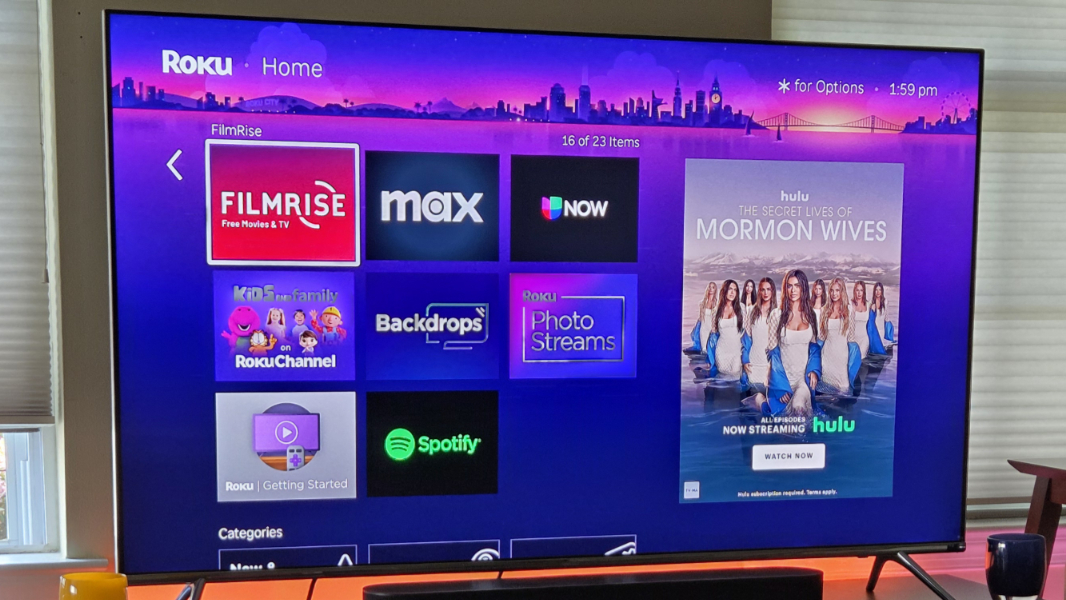
There are ads in the home screen. If the menu is displayed, they appear below that menu. And if you select one of the thumbnail icons in the grid, they appear over on the right, and these ads do take up a lot of space.
There are also ads of a sort in the lame purple default screensaver, but they’re subtle as well, and appear as small billboards in this slowly animated, amateurish, and scrolling backdrop. Overall, I didn’t find most of this problematic and, as noted, it’s not as in your face as with Fire TV, nor was there audio.
The Roku OS user interface couldn’t be simpler, but it’s also basic and almost ugly looking compared to the UIs on other streamers. It hasn’t changed much over the years, either. It’s just a column of menu options on the left and then a grid of boxy icons on the right. This makes the channels and settings you need to access easy to find, at least. No one will be confused by this interface.
For the most part. There’s no live TV/guide button on the remote, as is the case on Fire TV. If you are watching live TV (or, streaming it) through the built-in app, you can view a TV guide, of course, and select what to watch. But once you are watching a channel, it’s unclear how to get back to the guide. Tapping the Up or Down button will navigate according to the previous/next channel in that guide, but pressing Back takes you out of live TV entirely. It’s a little tedious.
I also had line of sight issues between the Roku remote and stick that I didn’t experience with the Fire TV. This is the type of thing you get used to by pointing the remote more directly at where the stick is located, but on my TV, I can place the stick in site because it uses an HDMI breakout box. I have to think this could be an issue if the stick is directly behind the TV.
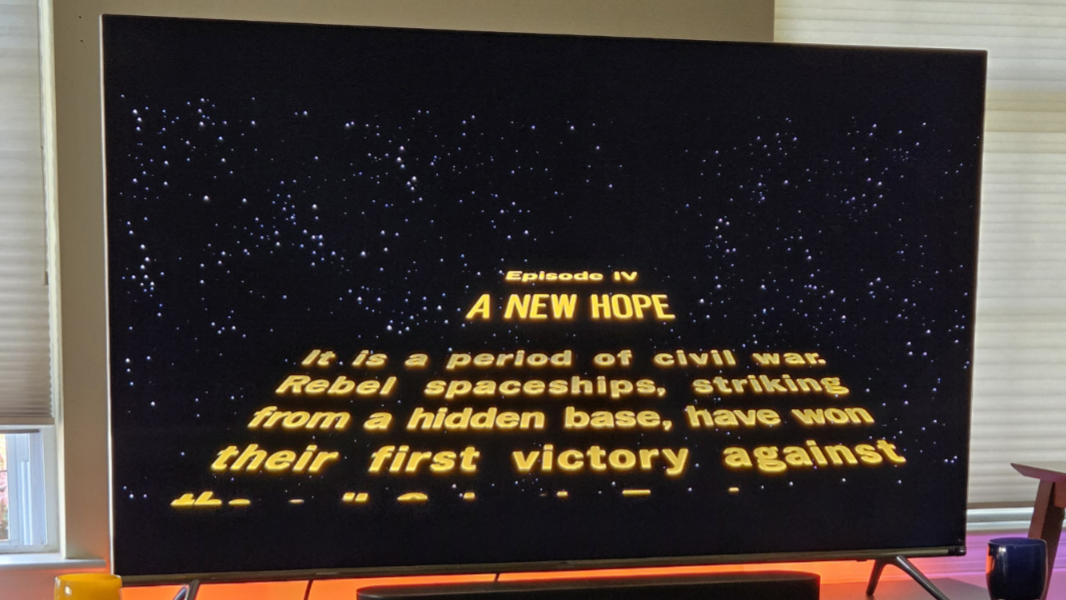
Voice control is interesting and mostly worked. It’s a little slow, but holding down the microphone button and saying something like “Play Star Wars on Hulu” has the desired effect. It’s like the entire tech industry is training us to be comfortable talking to devices. And it’s working.
Overall, I feel like the Roku experience hasn’t changed much overall since I last used it regularly. It was instantly familiar, and something I could live with if I had to. But it’s not as clean and elegant as what I see on Apple TV. Even the Fire TV interface is more sophisticated, though that is a bit more overt with the ads. In the good news department, I believe there are more accessibility features in Roku than is the case with Amazon.
I will need to spend more time with each of the sticks I recently bought–and refresh my understanding of Google TV–but if I had to choose between the Roku and Fire TV sticks right now, I’d probably stick with the former. That said, the Dolby Vision-capable Streaming Stick 4K might be the better model, plus it offers superior Wi-Fi capabilities thanks to its multiple antennas and longer-range receiver. The line of sight thing is problematic, though.
More soon.