Hands-On: Amazon Fire TV Stick 4K Max
- Paul Thurrott
- May 15, 2025
-
6

It’s been a while since I’ve used an Amazon Fire TV device–I believe my previous unit was a Fire TV Stick 4K from over five years ago–so it’s fair to claim that this update is a bit overdue. We used to move between differently streaming devices and platforms fairly regularly, but we long ago settled on Apple TV 4K for our TV interface, and it’s mostly worked fine. But as they say, it’s like riding bike.
Except, of course, when it’s not. A lot has changed in those five-plus years. Most recently, Amazon stepped up advertising on Fire TV, multiple times, introduced a Matter-based streaming alternative to Apple Airplay and Google Chromecast, and added various gaming features, including Xbox Cloud Gaming support. And it has of course been adding AI capabilities to the product line, most notably AI search.
Nothing says 2025 more than “ads and AI,” I guess.
Fire TV is undeniably popular as a platform, thanks to Amazon’s ubiquity and all the Prime tie-ins. As of late 2024, the online retailing giant had sold over 250 million of these products, which now range from the stick form factor I got to the beefier Fire TV Cube and Fire TV-powered smart TVs. My guess is that the latter category is responsible for the bulk of Fire TV usage now, not that it matters. But fans of the ecosystem are well-served by a growing set of products and services that also include soundbars and integration with the Echo line of smart speakers.
From a positioning perspective, Fire TV–like Echo–is mostly low-rent, in keeping with Amazon’s Walmart-like retailer brand, and similar in many ways to what we see with Roku. Low prices and a creeping number of ever-more intrusive and non-avoidable advertising in more places, but also some interesting quality upticks and a few surprisingly high-end offerings. The Fire TV Stick 4K Max I purchased is one of four dedicated streaming devices that Amazon now sells, below the Fire TV Cube but at the high-end of the stick form factor range. It’s normally $49.99, but I got it for $39.99, randomly on sale. Either way, it’s affordable.
? Unboxing
The Fire TV Stick 4K Max arrives in one of those standard Amazon packages that I assume is meant to be eco-friendly in the same way that using a paper straw on a cruise-liner is eco-friendly. There’s a bit of Apple influence there in the smallness of the box and how tightly everything fits inside, and then the standard Amazon cheapness, which is curiously endearing. Anyone who has purchased a Kindle or other Amazon device recently knows what I mean.
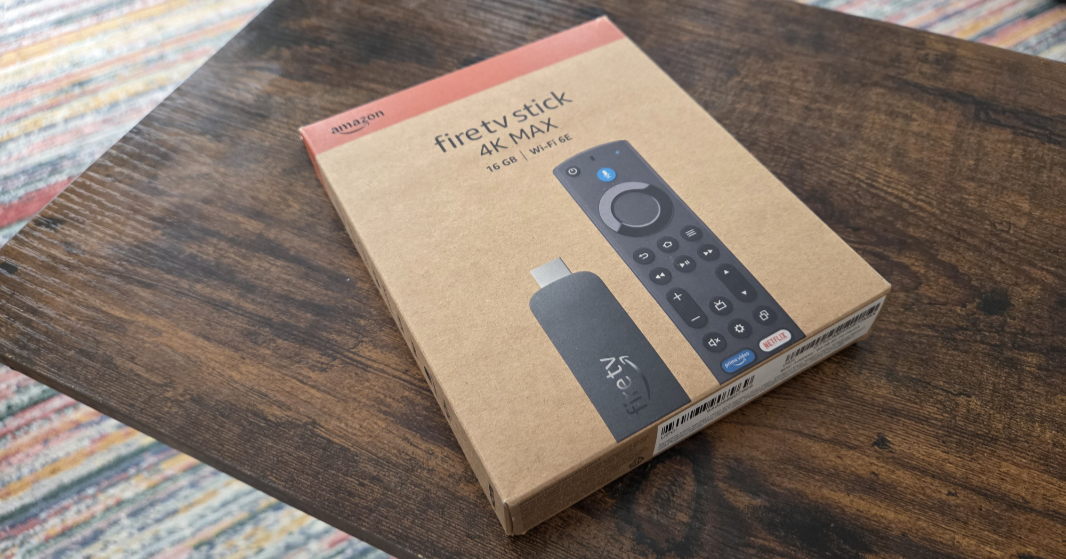
Inside the box, Amazon provides the Fire TV Stick 4K Max, of course, a USB power cable (as Amazon calls it, this thing is literally micro USB on the stick side and USB-A on the other, both of which are bizarre), an HDMI extender for those tight spaces behind so many TVs, an Alexa Voice Remote Enhanced remote control (yes, that’s the name), and two AAA batteries that were wedged so perfectly into the box that I gave up trying to get them out.
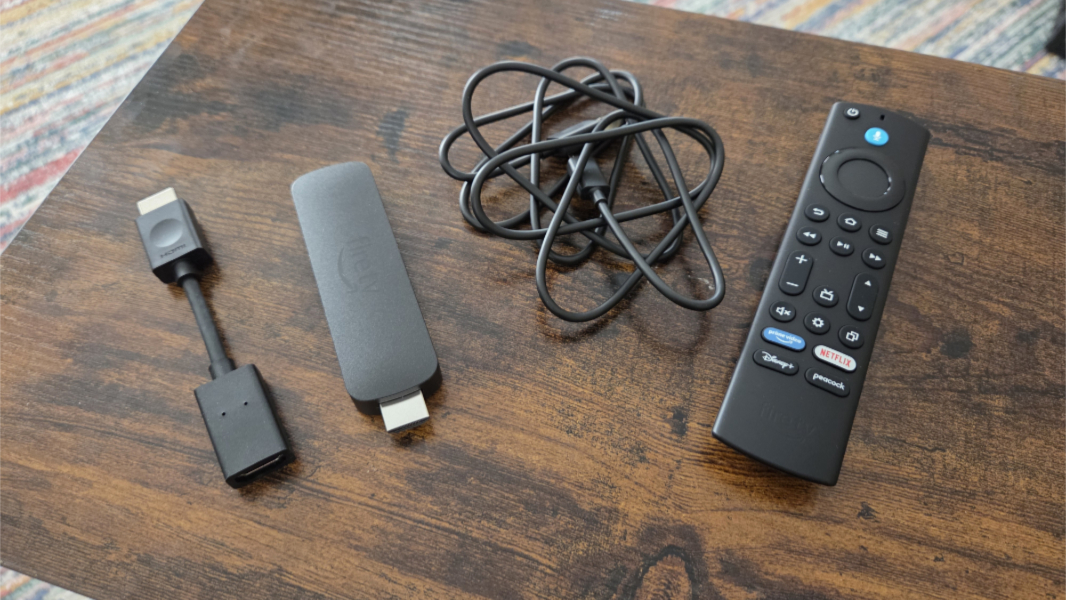
That’s all good, and fairly complete. But unlike my previous Fire TV Stick 4K, there’s no power adapter. That doesn’t bother me–my TV, like most these days, has USB ports for powering this type of device–but it’s worth knowing about if you need one. I struggled to find a USB-A power adapter from an old phone when I first powered on the device using a PC monitor. And it would be disappointing to get this thing delivered and not be able to use it if you lacked a way to power it.
?️ Inside the stick, outside the remote
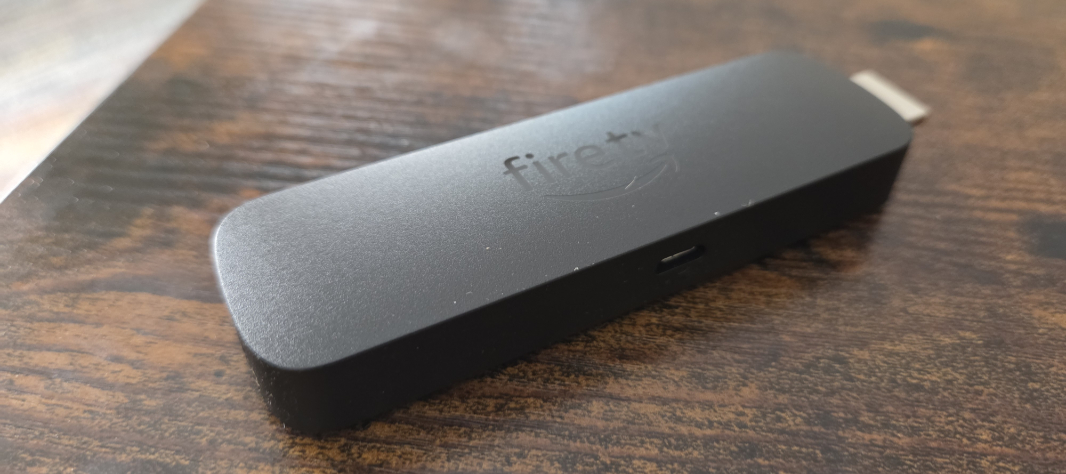
The Amazon Fire TV Stick 4K Max is powered by a quad-core processor of unknown vintage that runs at 2 GHz, with an equally mysterious GPU, 16 GB of storage, and Wi-Fi 6E and Bluetooth 5.2/LE capabilities. That it is notably smaller than the remote that comes with it is, of course, hilarious. But it’s also typical of stick-type streamers. And the Roku Streaming Stick Plus I also purchased recently is even smaller.
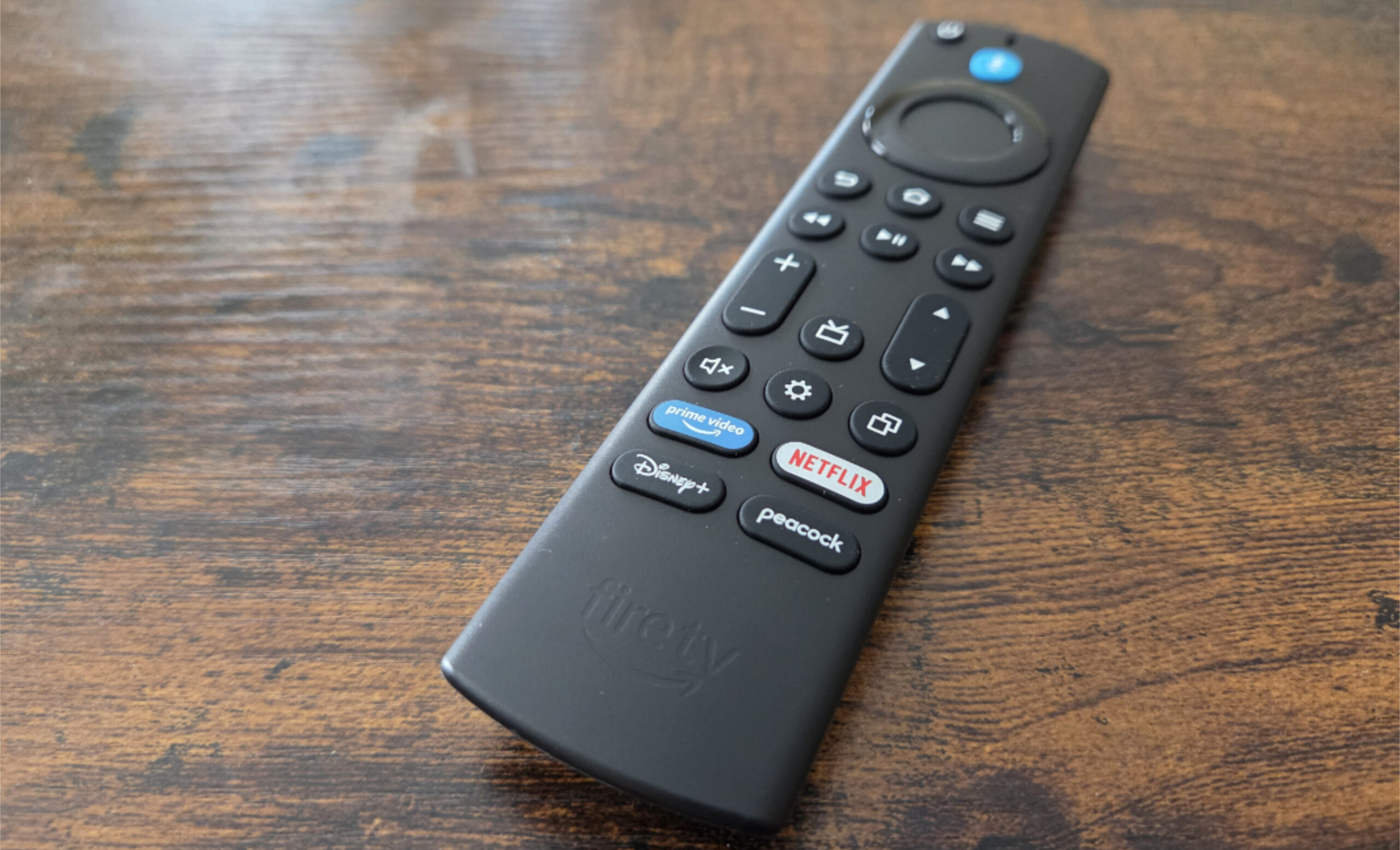
The remote is mostly straightforward, with a tall, thin form factor, ideally placed buttons, dedicated Prime Video, Netflix, Disney+, and Peacock buttons on the bottom. It does all the usual remote control stuff–you can control the TV along with the streamer, for example–and a few non-obvious buttons related to a TV guide-like Prime Video Channels interface for live TV, Recents, and options. Nothing unusual or difficult to sort out.
?️ Initial setup
As noted, I initially set up the Fire TV Stick 4K Max using a spare PC monitor so I didn’t need to disrupt our TV, but once that was done, I moved it to the TV in our living room. Like Kindles and other Amazon devices, it was auto-registered to my account at purchase time, and I’ve always felt like that’s a nice touch.
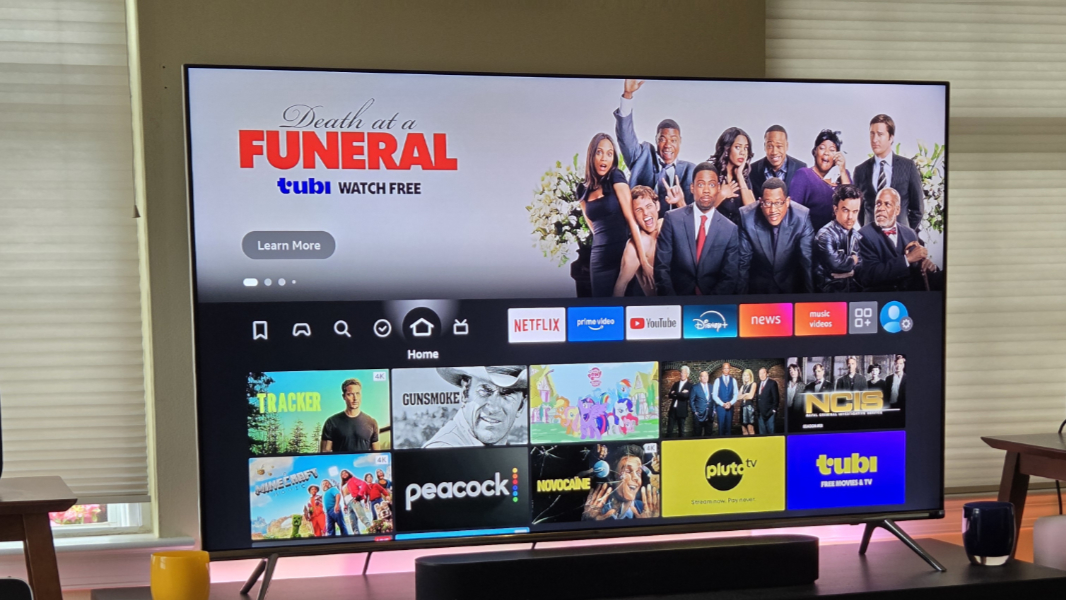
The home screen is as obvious as can be, with a scrolling series of promotional images at the top, many of which are advertisements. Below that is a row of presets like My Stuff, Games, Find, Free, Home, and Live, and then a set of app shortcuts–Netflix, Prime Video, YouTube, and Disney+, plus News and Music Videos, Your Apps and Channels (which is basically a full-screen overflow displaying those and the other preinstalled apps), and Settings.
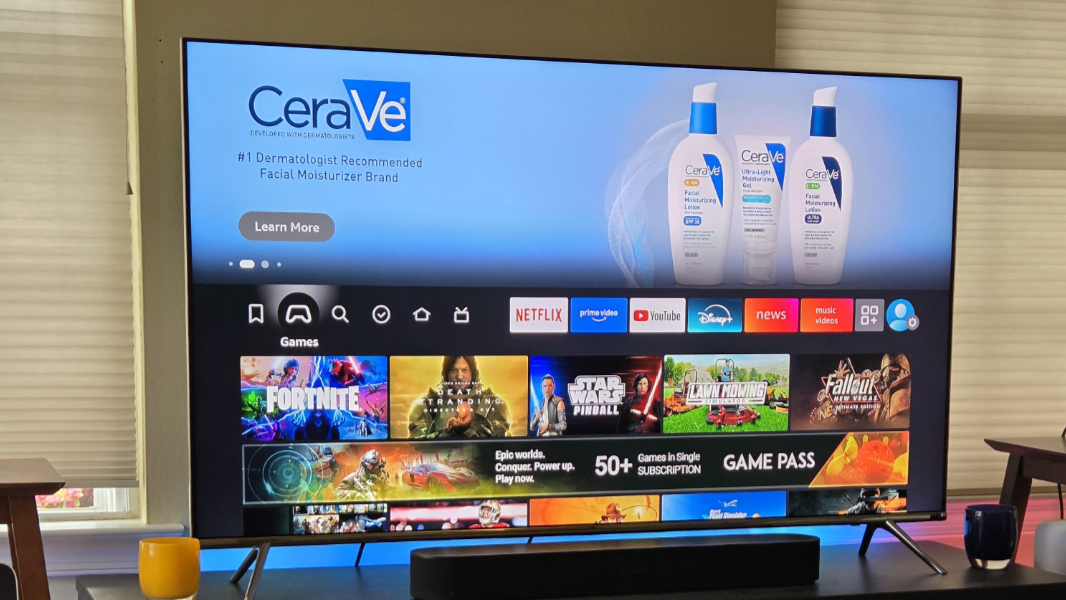
What you see below that row depends on what’s selected. For example, if you select Games, you will see thumbnails and ads for games that extend down over themed rows like Prime free to play, Stream Xbox games on Fire TV, Play games with Fire TV remote, and more. The Free view has rows of thumbnails like Recommended free movies and TV shows, Free movies and TV, Local news and sports, and so on.
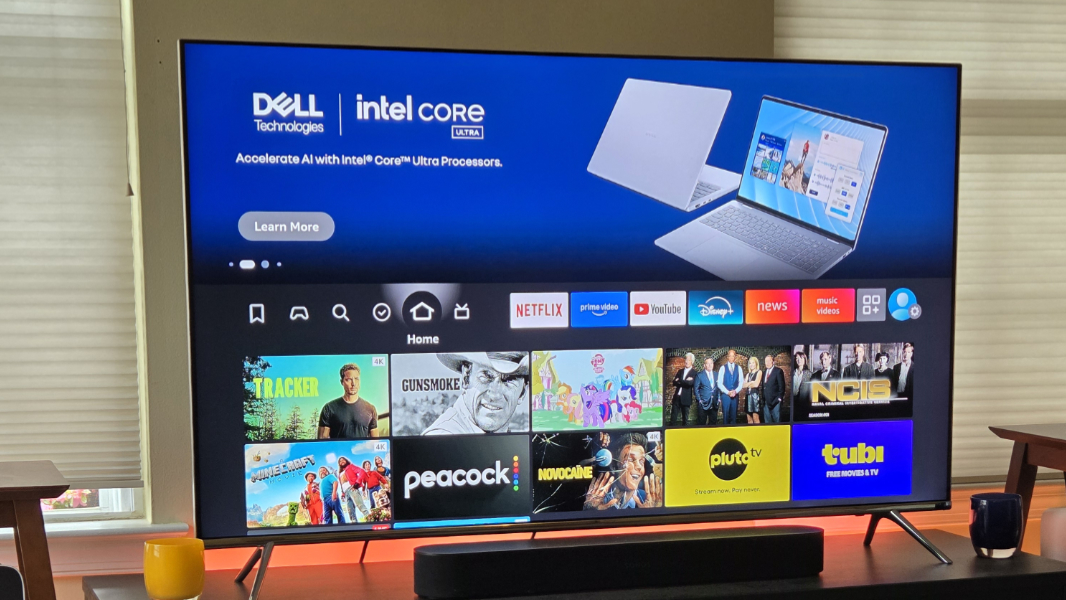 Annoyingly, the ads here play sound when you select one, as do the video thumbnails. (Humorously, the first time I experienced this, by highlighting “Bull Durham” in Free played audio in some eastern European language.)
My initial cursory exploration of the UI led me running to Settings to see what I could turn off. While there, I turned off navigation sounds, enabled the volume leveler and dialogue enhancer features, and, blessedly, disabled video autoplay and audio autoplay. (And, yes, the menu, text, and Alexa voice languages were all set to English, so I’m not sure what happened with that movie preview.)
? A few thoughts
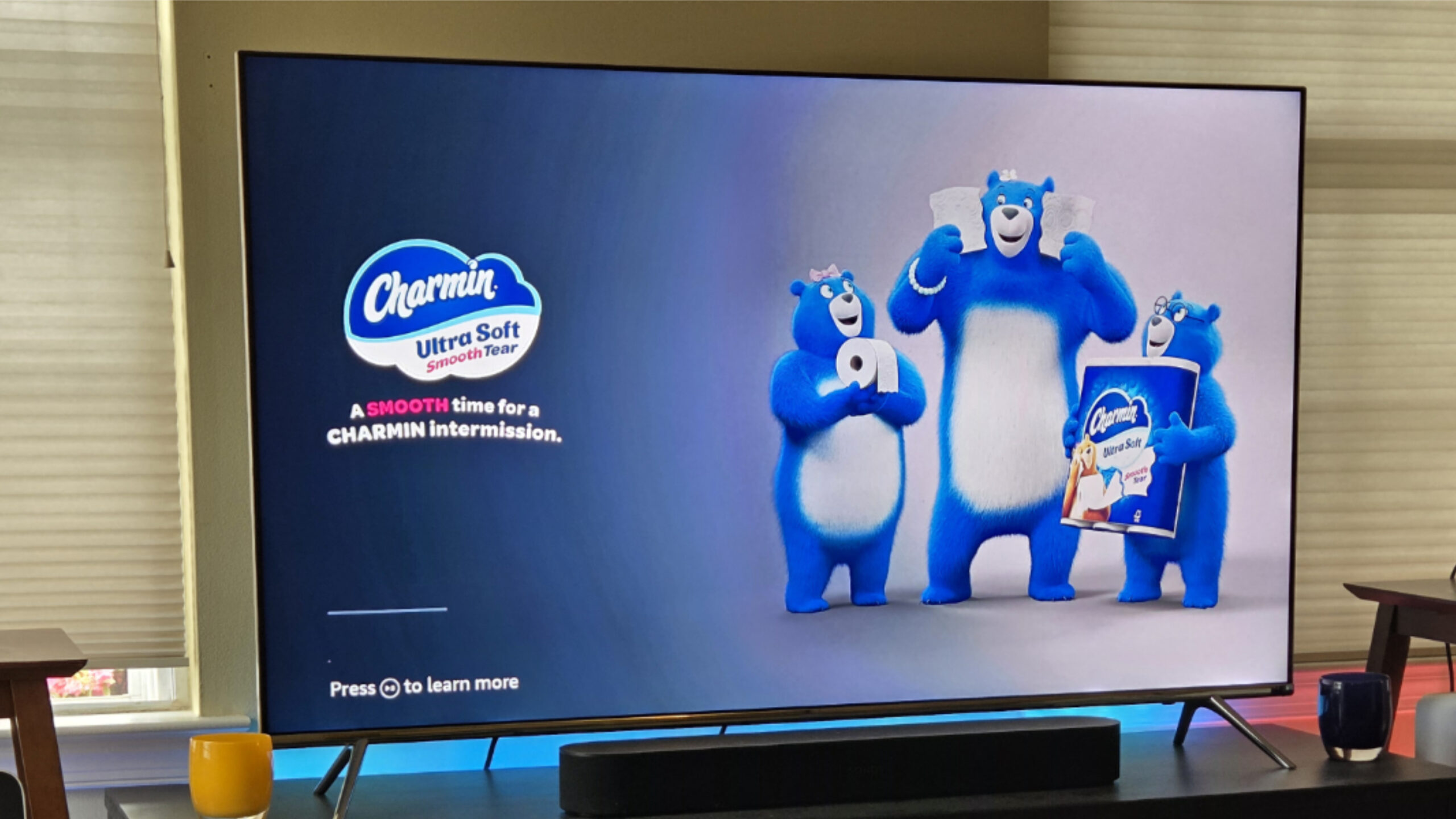
Coming off Apple TV, I found the advertisements everywhere to be a bit grating. It’s understandable that the free content and live TV streaming would be full of ads, but if you leave it sitting there long enough, it will just start playing ads full-screen. And Amazon infamously displays ads in Prime Video TV shows and movies unless you pay extra, which I refuse to do. This feels like slippery slope territory to me.
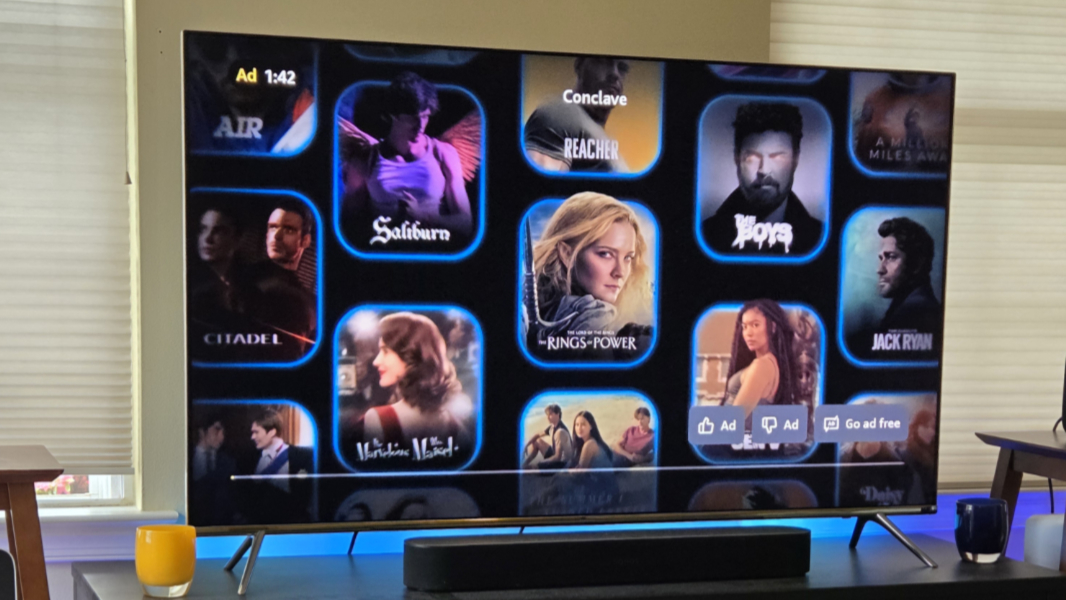
Like the Kindle and Kindle Fire mobile devices, the UI here is a sort of giant Amazon ad, and that can be good or bad depending on how invested you are in this ecosystem. I did like that the Prime Video app was automatically signed in to my account, a nicety. But the other apps I tested all had QR code-based sign in interfaces, sparing me from having to use the remote to tediously select letters onscreen.
But it’s still Amazon. Prime Video also played video previews with sound, ignoring my configuration. (You can mute them but not turn them off entirely in the app.) YouTube likewise autoplayed videos on preview, come to think of it. Only Netflix didn’t annoy me with motion and sound.
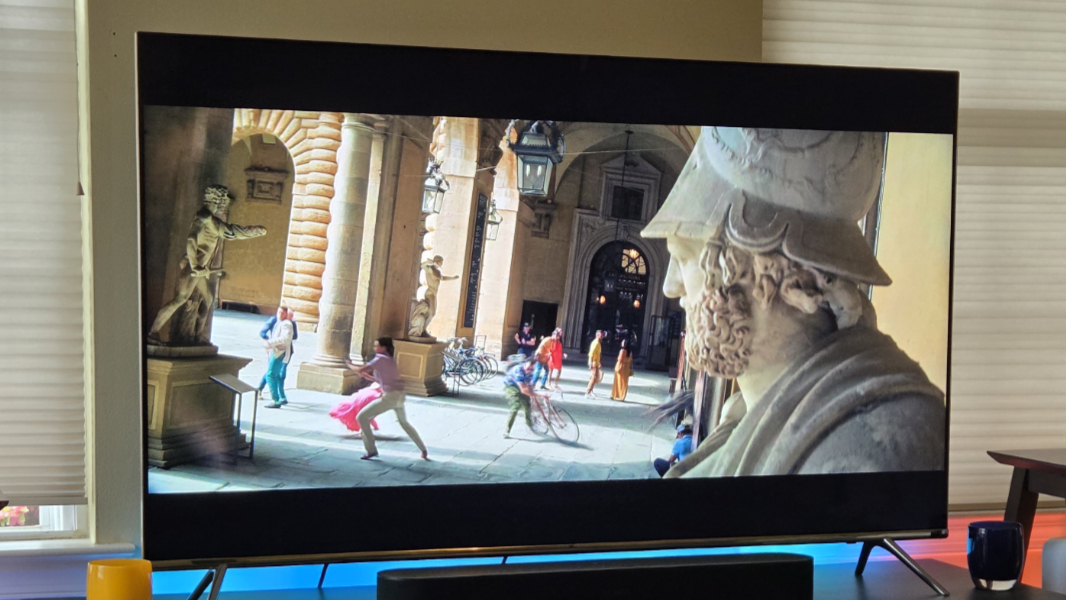
But it’s not all bad. Performance seems quite good, though it’s not clear if it will degrade in time. And if so, whatever, it’s inexpensive. Video and audio quality were likewise solid on my 4K smart TV, which, like this streamer, supports Dolby Vision and HDR. The audio played automatically through the Sonos Beam soundbar I no longer use; apparently, it’s still connected, but it sounds great.
More soon.