Windows 11 Canary Build 26227 Adds New Copilot App and Emoji 15.1 Support
- Laurent Giret
- May 30, 2024
-
0
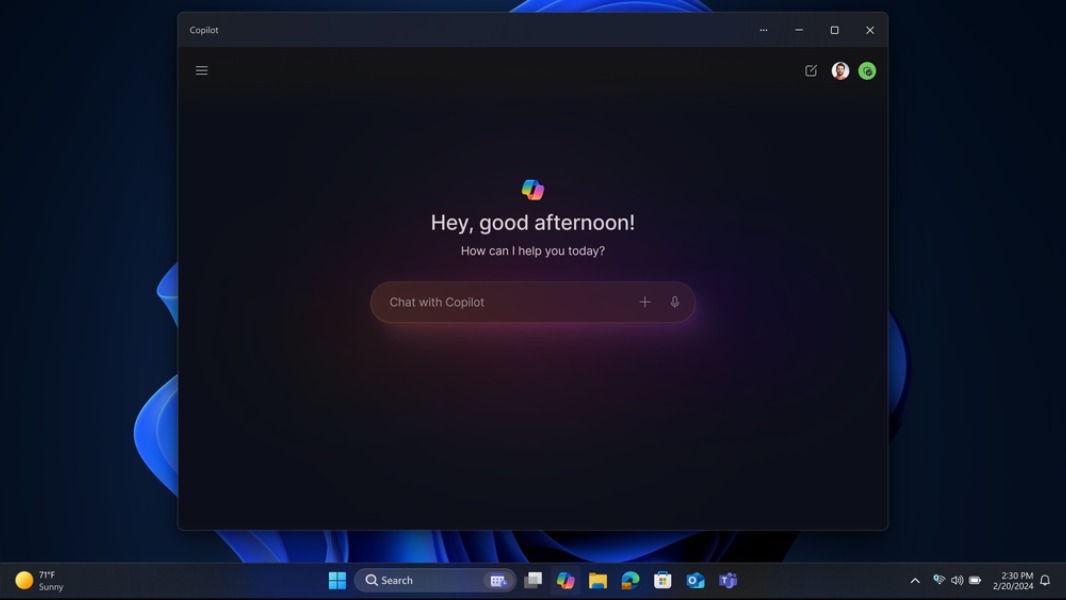
Microsoft has just released the Windows 11 Canary build 26227, which introduces the new Copilot standalone app that’s also coming to Windows 11 later this year. This new Copilot app is also available in the optional “D” update for Windows 11 version 24H2 that Microsoft released yesterday, though it appears to be quite buggy at the moment.
This standalone Copilot app can be resized and moved around the screen, just like a regular app. “This model also allows Microsoft to more agilely develop and optimize the experience based on user feedback,” the Windows Insider team explained today.
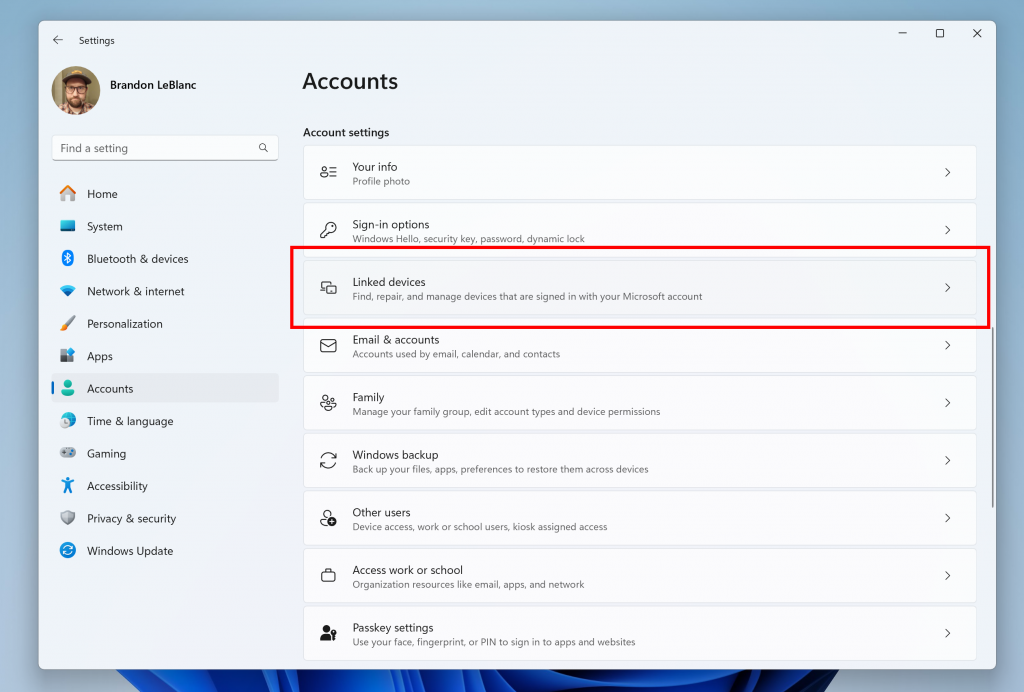
In the Settings app, a new Linked devices page is now available under Settings > Accounts. Here, Windows 11 Home and Pro users who are signed into the OS with a Microsoft account will be able to manage their PCs and Xbox consoles. This new Linked Devices page is also available in the optional Windows 11 update for non-Insiders Microsoft released yesterday.
Today’s Windows 11 Canary build 26227 also adds support for various new emoji included in the Emoji 15.1 update. The latest additions highlighted by the Windows Insider team include head shaking horizontally and vertically, phoenix, lime, brown mushroom and broken chain.

Lastly, Canary Channel testers with an Android phone can now text suggested replies in Phone Link. Before replying to a text message, the app will now display 3 contextually relevant replies in bubbles right above the reply box. The Windows Insider team said that these suggested replies are also rolling out to Insiders on other channels.