Microsoft is Rebranding Windows 11’s Drag Tray Feature to ‘Drop Tray’
- Laurent Giret
- Mar 13, 2026
-
11

This seems to have become a new tradition, but Microsoft has just dropped three new Windows 11 preview builds for Insiders on the Canary, Dev, and Beta Channels. Once again, Canary Insiders are getting a new build with very minor changes, while Dev and Beta testers will see that the Drag Tray feature has been renamed to “Drop Tray.” There are a couple of other changes I will detail below.
Let’s start with the Canary build 28020.1737: The only change in this build is that men users can now set up their pen tail button to launch the same app as the Copilot keyboard key. This new feature is also included in the 25H2 build 26100.8106 and 24H2 build 26200.8106 that dropped on the Release Preview Channel yesterday.
As often, the new Dev Channel build 26300.8068 and Beta Channel build 26220.8062 include the same set of changes that will be gradually rolled out to Insiders. Here is what to expect:
Drop Tray: Microsoft is renaming the existing Drag Tray feature to Drop Tray, and it’s moving the corresponding settings for Drop Tray from Nearby Sharing to now be under System > Multitasking.
Pen Settings: Pen users will be able to set up their pen tail button to launch the same app as the Copilot keyboard key. This is the same change that’s included in the latest Canary and Release Preview builds.
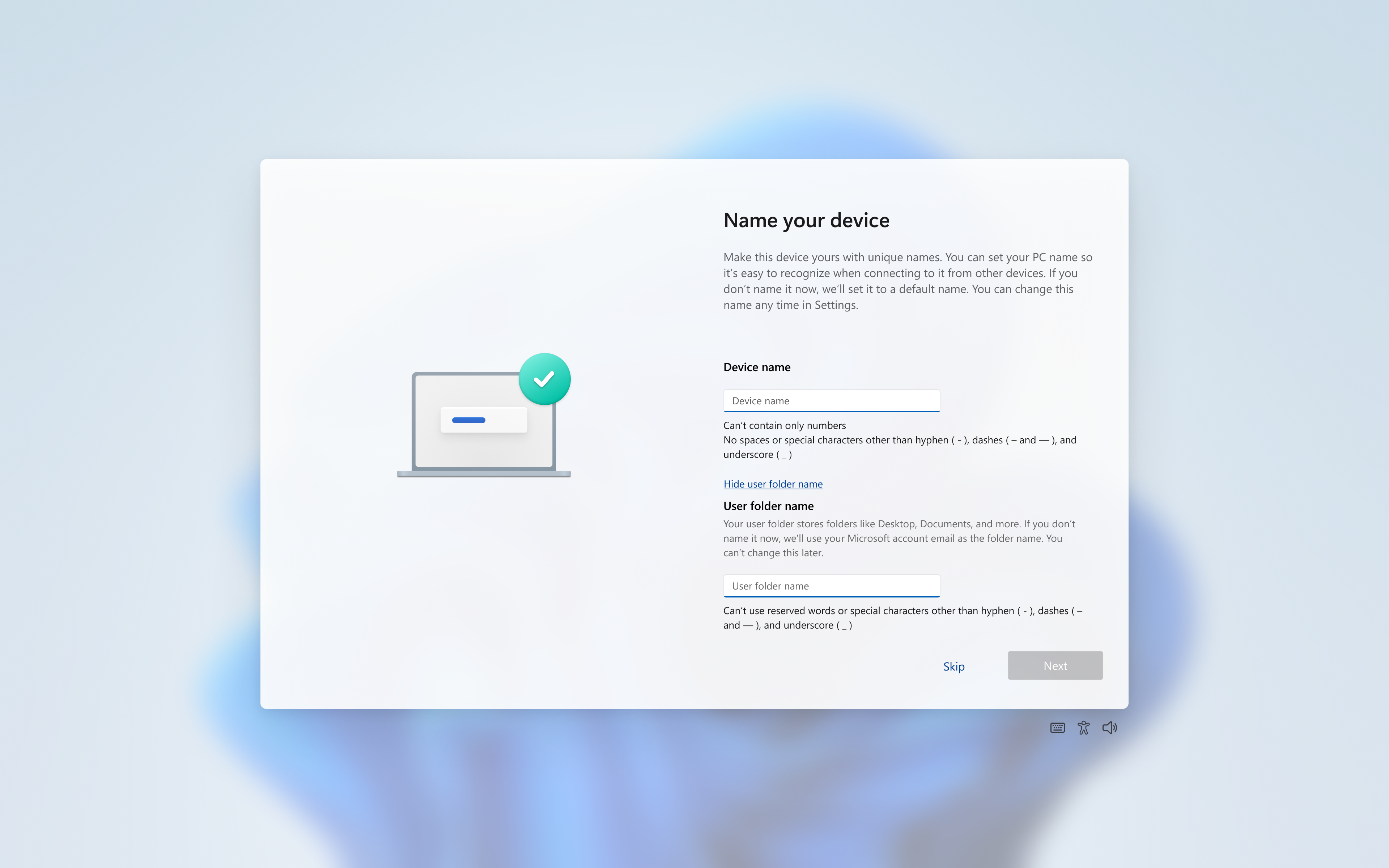
User folder names changes: Insiders can now choose a custom name for their user folder on the Device Name page when going through Windows setup. User folder names must follow standard Windows naming requirements.
Point-in-time restore updates: When launching a point-in-time restore, local admins will now see a settings dialog where they can view or change the default restore settings. The new experience also shows a list of restore points available on the device.
It will be interesting to see if the Windows Insider team manages to stick with this weekly release schedule for the Canary, Dev, and Beta Channels. Microsoft opened a new upgrade path for Canary Insiders with the release of the build 29531.1000 as an optional update on February 18, but there have been no new 29500 series builds since then.