Windows 11 Field Guide Update: Thankless
- Paul Thurrott
- Jun 20, 2024
-
5
After weeks of monotonous, mind-numbing work, I’ve finally completed a major update to the Phone Link chapter. I hope you never need it: Phone Link is a wonderful idea in theory, but it’s buggy, hard to configure and use correctly, and it offers a different set of features depending on the type of phone you have.
I did this work now because I purchased (and reviewed) a Samsung Galaxy S24 Ultra earlier this year, and it provides the top level of functionality you can get in Phone Link. Between that device, my Google Pixel 8 Pro, and Apple iPhone 15 Pro, I have one of each type of phone that Phone Link supports, and so I interrupted my equally mind-numbing work updating the Microsoft Edge chapters in the book to get this done.
And my God, was it terrible. Terrible and thankless.
Please don’t take that as me reaching out for a thank you, none is needed. I only mean that sometimes I do this sort of work, go through this kind of ordeal, knowing that it will take a long time, end badly, and then probably help very few people. And yet, I’m a completionist, and I needed to get it done. I’m glad it’s over. At least until there are more major changes in this app or Windows 11’s other phone integration features, I guess.
This chapter is massive: 57 pages in PDF form, with 78 screenshots. And it’s all pretty much brand-new: The text has been completely rewritten and reorganized, and every screenshot is new to this update.
The Windows 11 Field Guide is bigger as a result, too: 1,150 pages in PDF form, and a massive 386 MB download. Sorry.
This isn’t the only work I’ve done on the book, but I only provide email updates to those who purchased it occasionally, and so I’ll provide a quick rundown of recent work here with links to some recent developments. Please check Thurrott.com for more comprehensive and frequent updates.
I spent much of the early part of 2024 updating the Windows 11 Field Guide for Windows 11 version 23H2. And as I hope you’ve seen, you’ll be getting free updates throughout this year that will cover version 24H2 too as well. Microsoft’s updating strategy has changed, and while there are more new features arriving more often these days, the differences between product editions–Microsoft supports versions 22H2, 23H2, and 24H2 as I write this–are minimal. So the overall feature sets in each are, or will be, the same.
That said, I did run into one horrible issue while updating the book for 23H2, and I ran into it twice: Microsoft added Copilot in the initial release of 23H2, but then it moved its Taskbar to a new location just a few months later, forcing me to retake hundreds of screenshots. But with the release of 24H2 happening in limited form (for Copilot+ PCs at first) now, it decided to move the Copilot Taskbar icon a second time in about six months. And … I’ve had it. So I came up with a new way to handle screenshots that involve the Taskbar. The new Phone Link chapter uses this style.

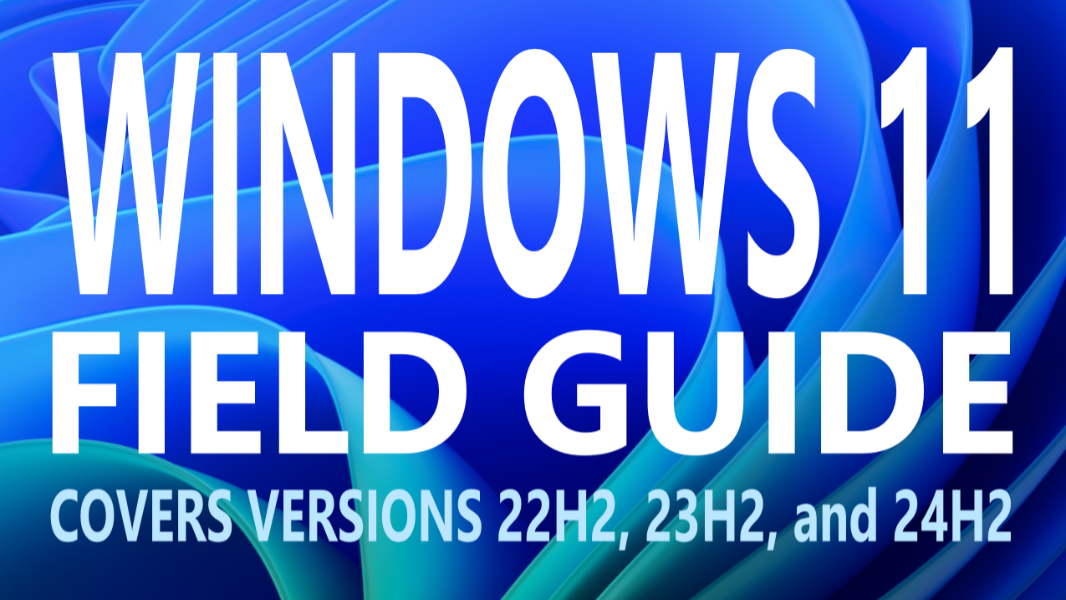
I was originally going to use different book covers for the 22H2, 23H2, and 24H2 “editions” of the Windows 11 Field Guide, but because of the identical feature sets mentioned above, I’ve pushed those all aside and created a new book cover design based on the rainbow-colored “Bloom” wallpapers that Microsoft includes with Copilot+ PCs. The cover also makes it obvious that the book applies to all three supported Windows 11 versions now. So that’s nice.
I’ll keep working, but I’m hoping that future updates won’t be so time-consuming and painful. Thanks for reading, and thanks for buying my book. It’s a labor of love, but I like to think it helps people sometimes at least.
More soon.
–Paul