Lenovo ThinkPad P1 (Gen 8) First Impressions
- Paul Thurrott
- Nov 25, 2025
-
0
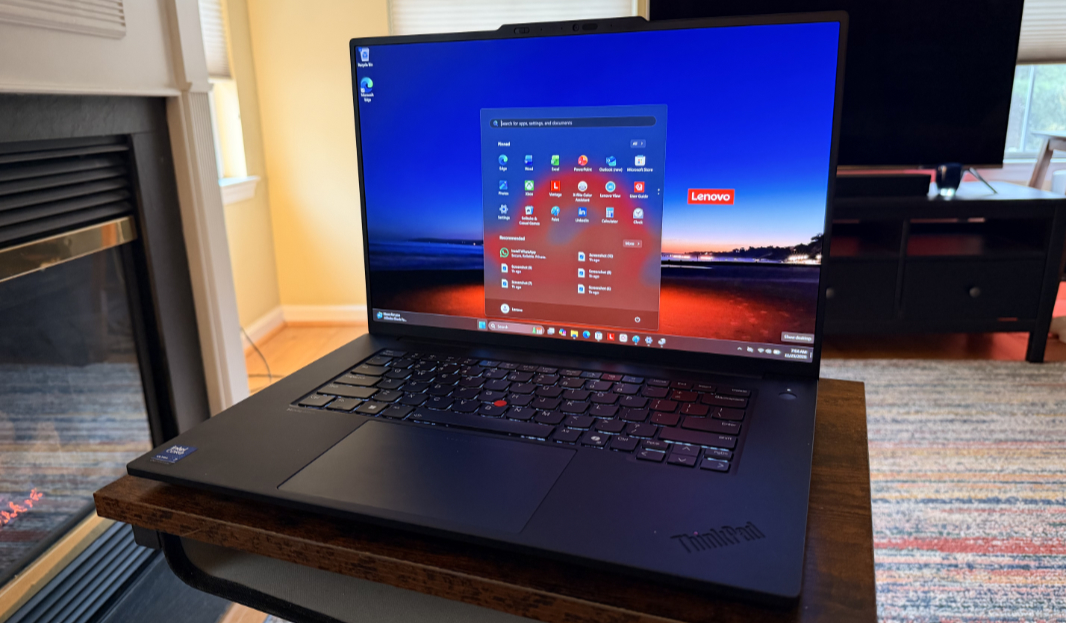
The ThinkPad P1 is a 16-inch portable workstation with H-series Intel Core Ultra processors, NVIDIA RTX PRO 2000 graphics, Thunderbolt 5, and other leading-edge components. Best of all, it comes without a space hogging and error-inducing numeric keypad, creating a cleaner look and a better experience for most customers.
So, yeah. A bit of a beast.
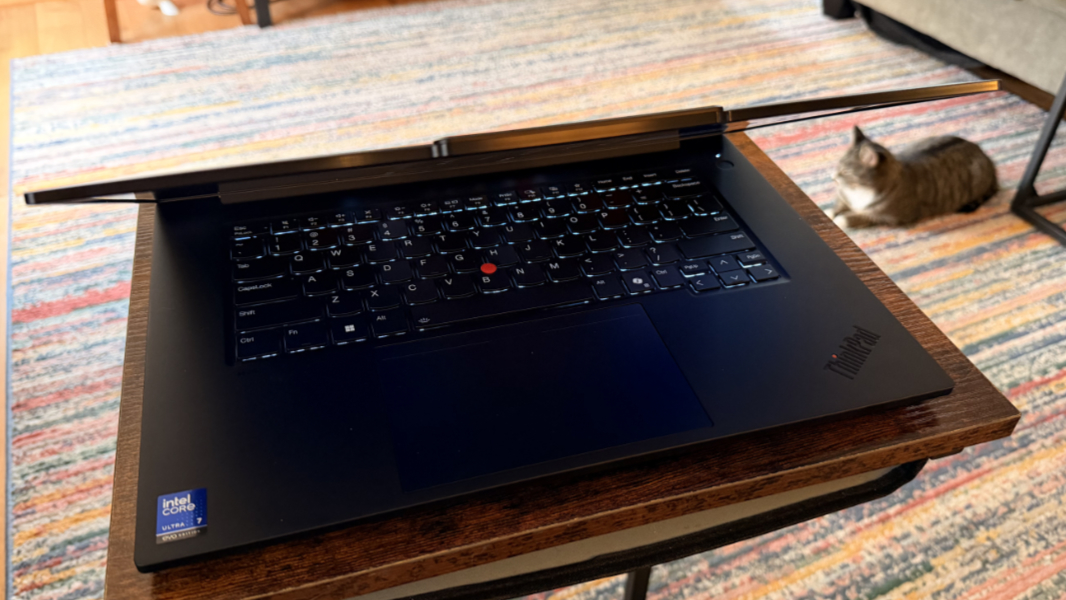
Lenovo offers three processor choices here, and each is of the latest “Arrow Lake” variety, and not “Lunar Lake,” which means these are not Copilot+ PCs because of that chipset’s 13 TOPS NPUs. But that’s the weirdness of this slice in time, I suppose, and the CPU and GPU tiles are beefier than the versions we see in Lunar Lake. In any event, you can choose between an Intel Core Ultra 7 255H, 7 265H, or 9 285H processor, the latter two of which also offer Intel’s vPro management technologies. The review unit includes the base processor choice.
Each of these processors includes an integrated Intel Arc GPU tile in addition to that “Meteor Lake”-class NPU. But Lenovo bolsters the graphics and overall performance by including a choice of two Nvidia “Blackwell”-era dedicated graphics chipsets too: An RTX PRO 1000 GPU with 8 GB of dedicated GDDR7 RAM or the RTX PRO 2000 in the review unit, also with 8 GB of RAM. Either should be pretty impressive for workstation scenarios with ISV certifications, and suitable for high-end local AI workloads.
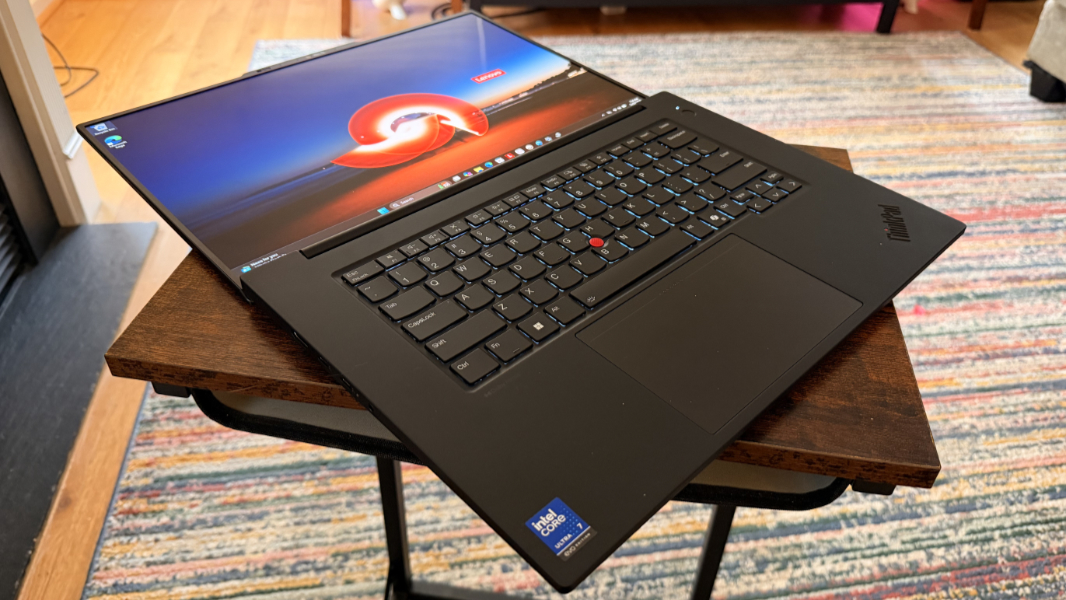
One of the nicer innovations inside the P1 is its use of Compression Attached Memory Module version 2 (CAMM2) RAM: This type of RAM module bridges the gap between soldered and SO-DIMM-based RAM by being smaller and faster than the latter while also being user upgradeable, unlike soldered on RAM. So you can configure a P1 with 16, 32, or 64 GB of 7467MT/s LPDDR5x RAM at purchase time and then replace the RAM with a larger card later. (I will look into this, but I assume there is only a single CAMM2 card slot in the laptop.)
The storage possibilities are likewise high-end, thanks to the P1’s two M.2 slots: You can configure each with 512 GB, 1 TB, 2 TB, or 4 TB of PCIe Gen5 NVMe Performance SSD storage for a total of up to 8 TB and with RAID 0/1 support if desired. The review unit arrived with 32 GB of RAM and a single 1 TB SSD.
Customers can choose between three displays, each of which is 16 inches with a 16:10 aspect ratio:
- 3.2K (3200 x 2000) Tandem-OLED multitouch panel with a 40 to 120 Hz variable refresh rate (VRR), 100 percent DCI-P3 color gamut coverage, DisplayHDR 600, Dolby Vision, X-Rite Factory Color Calibration (FCC), and TÜV Eyesafe certified low blue light capabilities, and an antiglare, antireflective, and antismudge coating that emits 600 nits of light. This is the display included with the review unit.
- WQUXGA (UHD+, 3840 x 2400) IPS non-touch panel with a 120 Hz VRR, 100 percent DCI-P3 coverage, DisplayHDR 400, Dolby Vision®, X-Rite Factory Color Calibration, and TÜV Eyesafe certified low blue light capabilities, and an antiglare coating that emits 800 nits of light.
- WUXGA (Full HD+, 1920 x 1200) low power IPS non-touch panel with 100 percent sRGB color gamut coverage, X-Rite Factory Color Calibration and TÜV Eyesafe certified low blue light capabilities, and an antiglare coating that emits 500 nits of light.
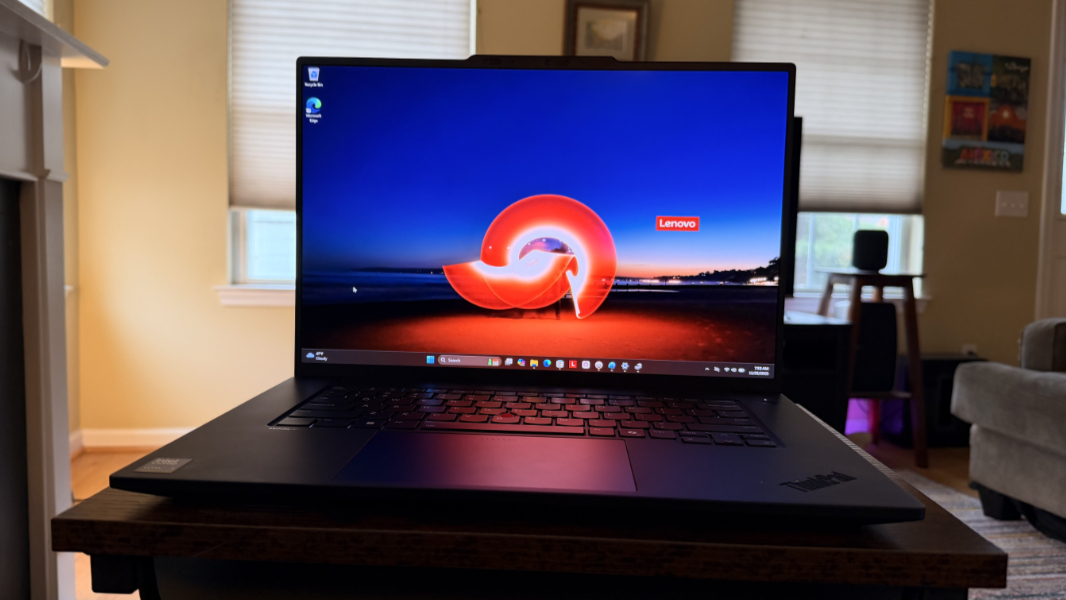
Connectivity is modern, with Wi-Fi 7 and Bluetooth 5.4, as is the 5 MP Windows Hello Enhanced Sign-In Security (ESS)-compatible webcam, the Dolby Atmos-enhanced and bottom firing 2-watt speakers, and the far-field microphones.
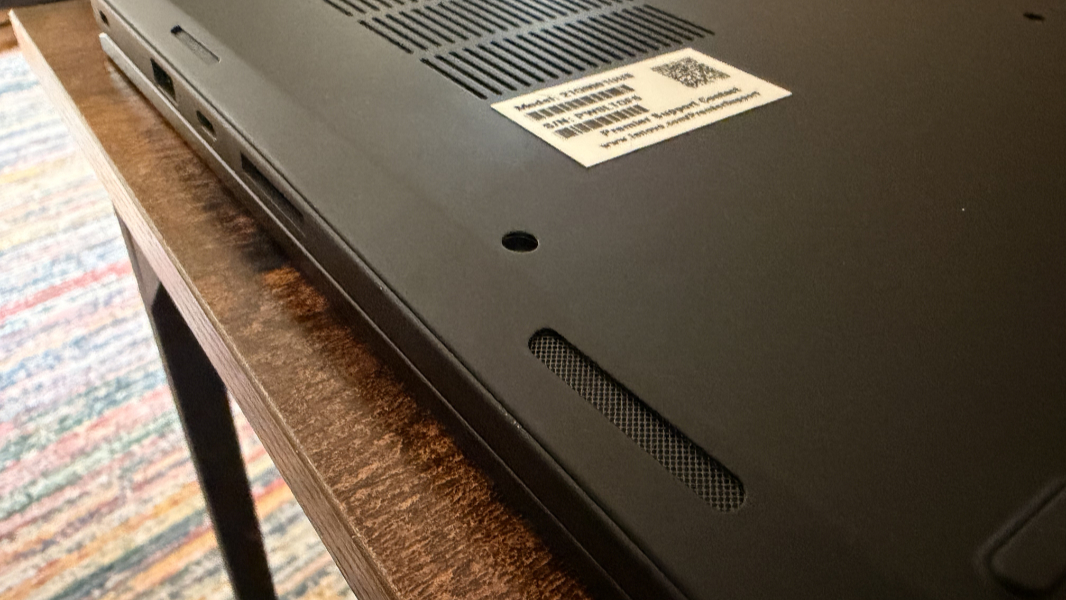
Expansion looks solid, and there’s at least one USB-C port on each side of the laptop, which I like to see.
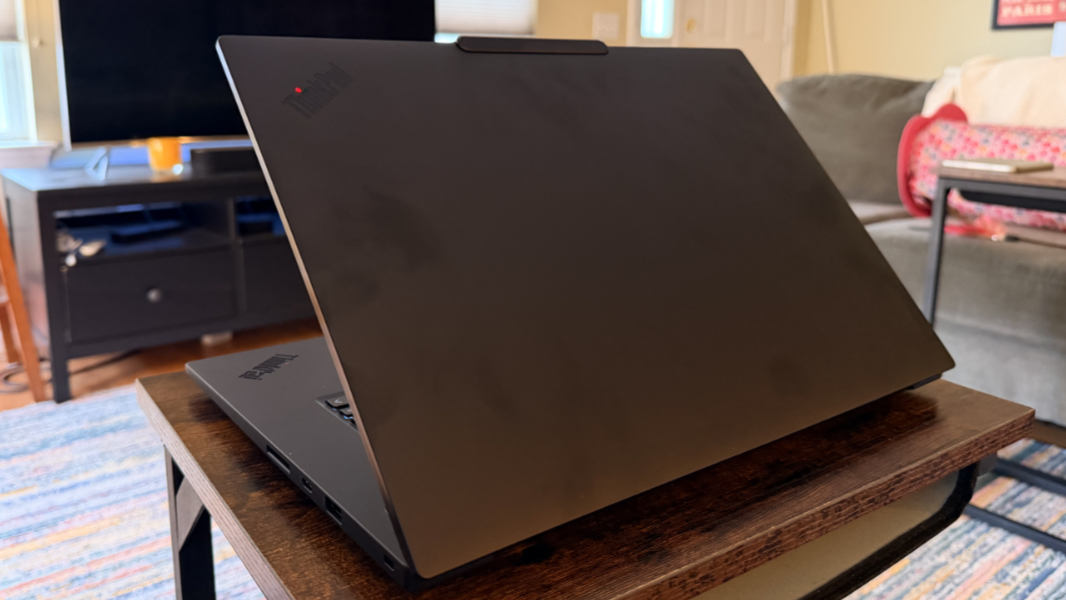
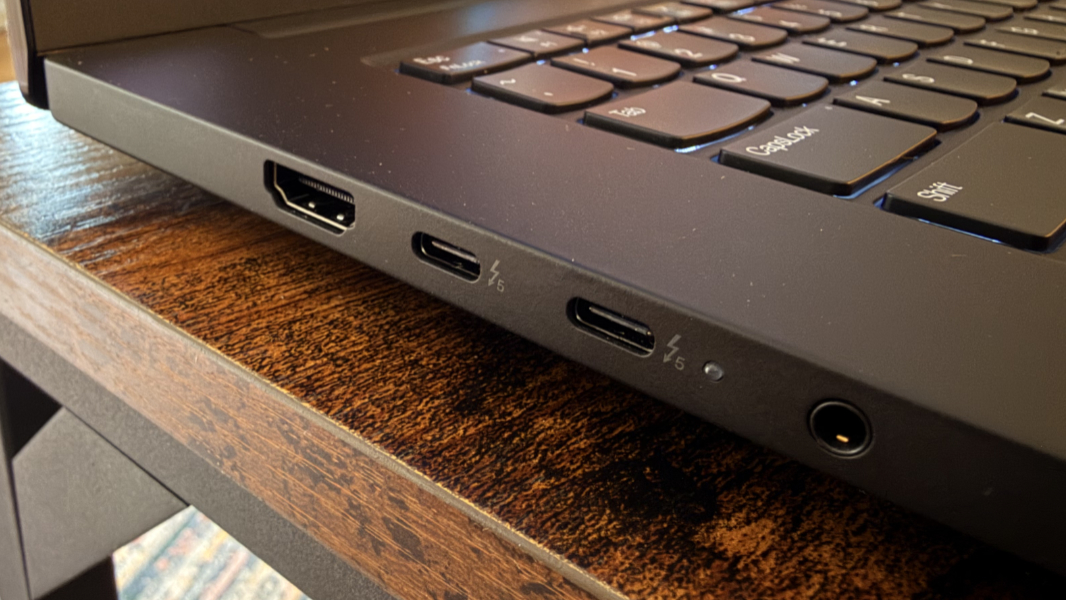
On the left, Lenovo provides a 10 Gbps USB Type-A port, two 80 Gbps Thunderbolt 5 Type-C ports with Power Delivery 3.1 and DisplayPort 2.1, and a combo headphone/microphone jack. (This is the first time I’ve seen a Thunderbolt 5 port, I think, but I don’t have any compatible accessories.)
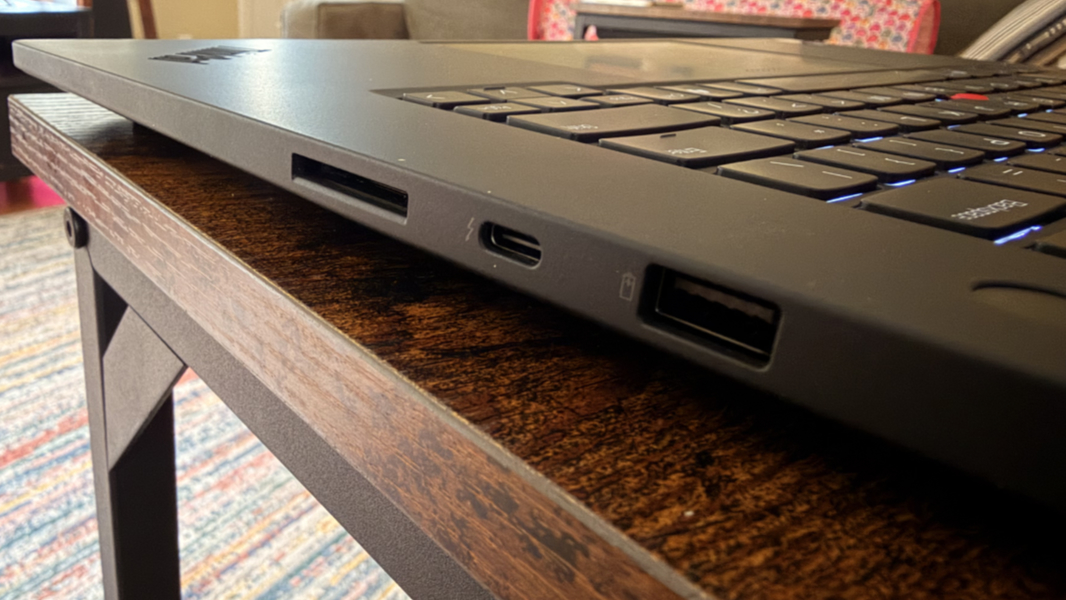
On the right, you’ll find an SD Express 7.0 card reader, a 40 Gbps Thunderbolt 4 Type-C port with Power Delivery 3.1 and DisplayPort 2.1, and a Kensington nano security slot.
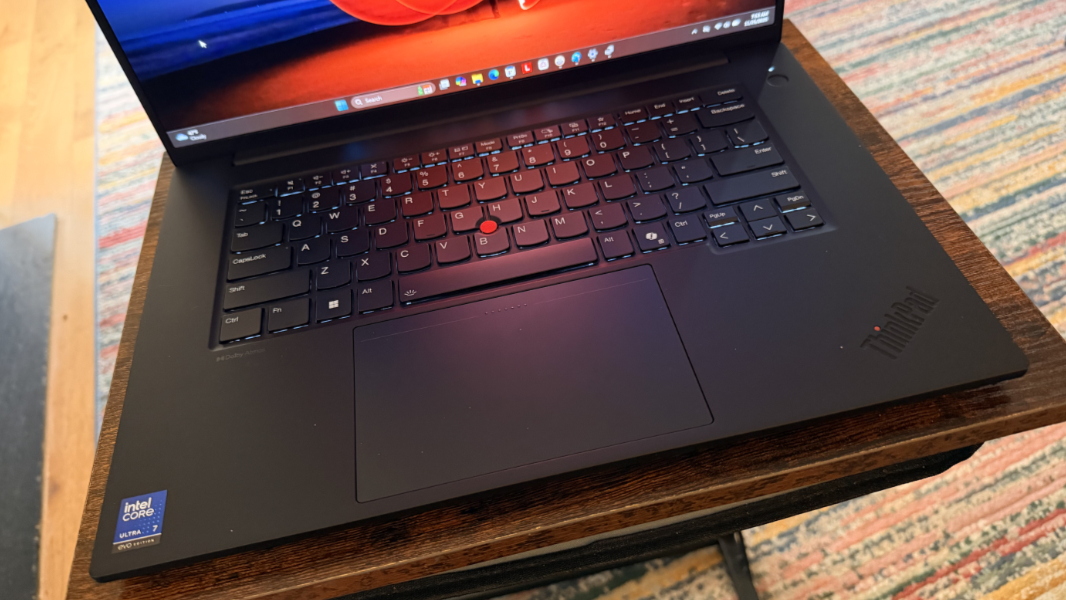
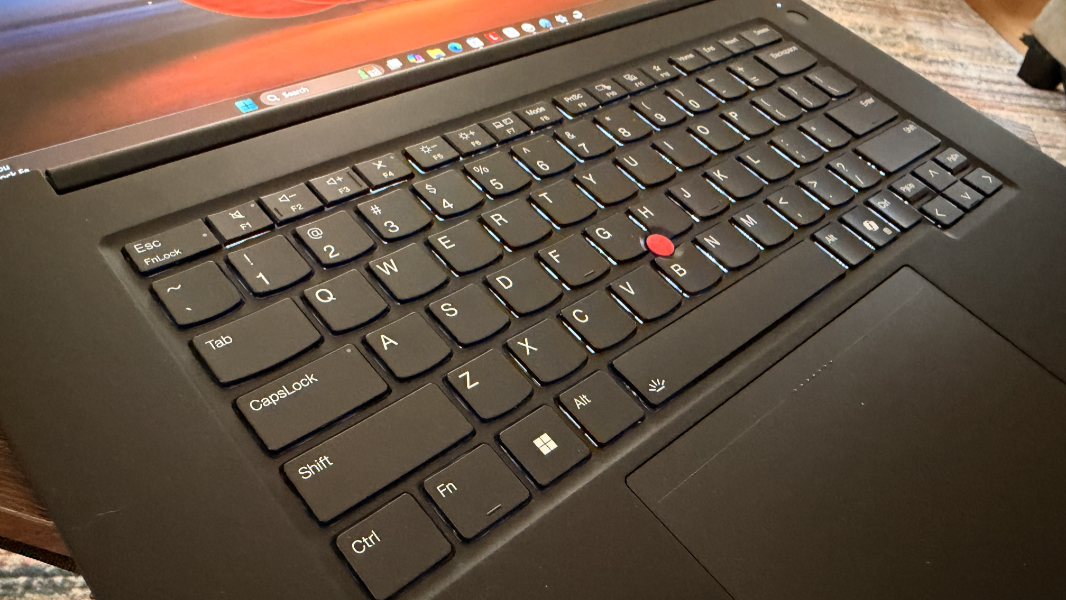
The keyboard looks heavenly, and it supports the TrackPoint dual-pointing system that ThinkPad fans expect with a very large glass and haptic touchpad.
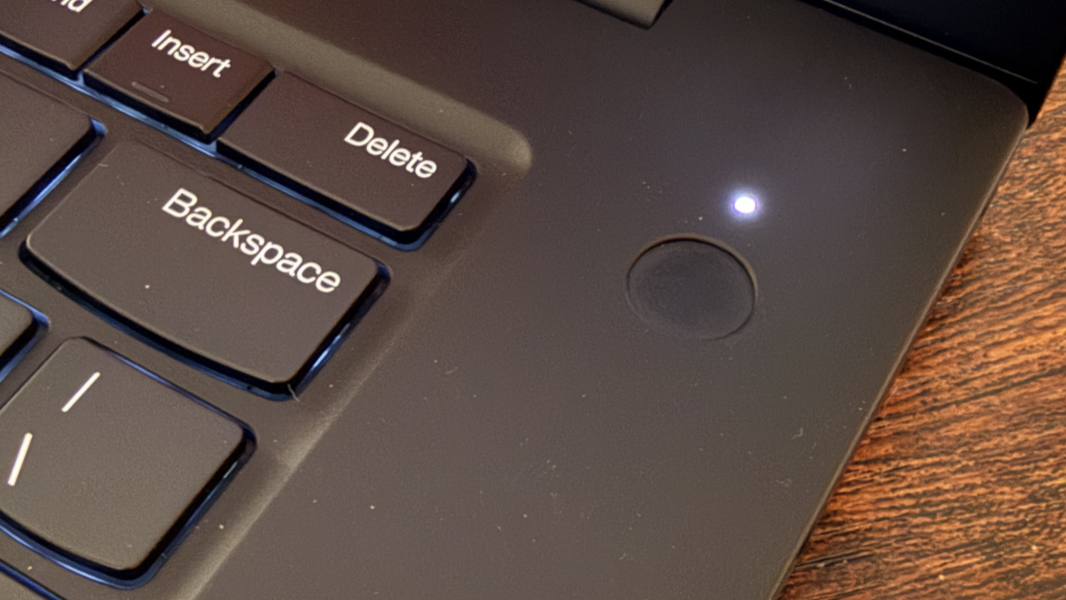
There is a Windows Hello ESS-compatible fingerprint reader built into the round power button that’s located outside the keyboard, to its top right.
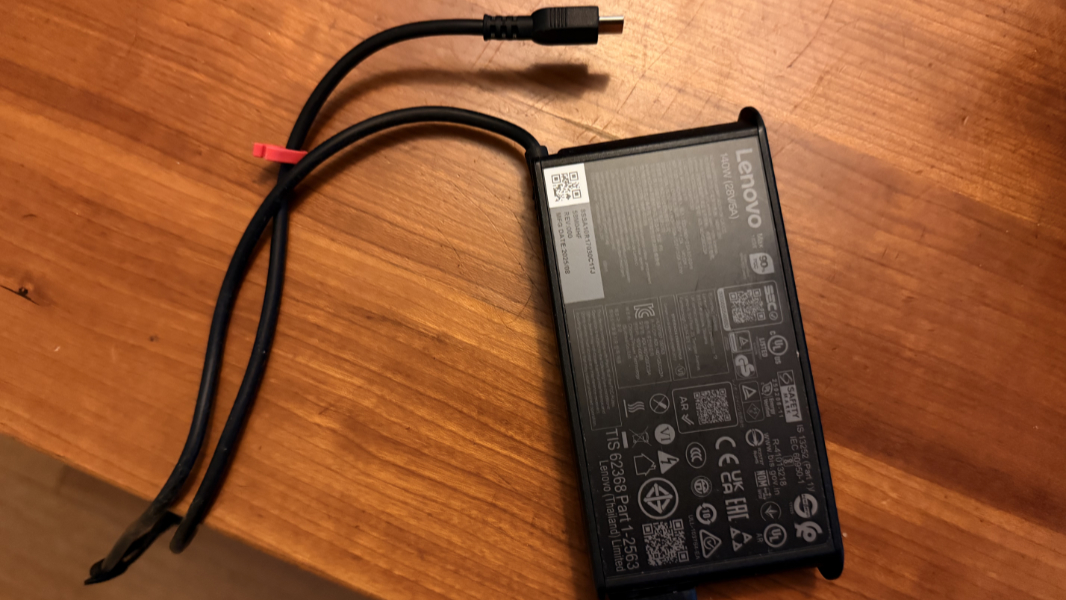
The P1 is beefy enough that it includes a 140-watt GaN power adapter, but thankfully it’s USB-C based and not a proprietary connection. It can charge the 90 watt-hour battery in the laptop to 80 percent in 60 minutes, Lenovo says.
The ThinkPad P1 is, of course, on the large side, but it’s quite svelte given the display panel size at 13.95 x 9.49 x 0.39/ 0.62 (front/rear) inches and just over 4 pounds. Honestly, this is my kind of laptop. You know, apart from the Intel chip.
Pricing is of course expensive and it escalates quickly with upgrades. A base model P1 with a Core Ultra 7 255H, 16 GB of RAM, 512 GB of storage, and the base display comes in at about $2500 (about $2100 on sale as I write this). You could spend up to $4384 ($3726 on sale) on this laptop, or $5100 ($4337) with two 4 TB SSD drives. But the review unit configuration is about $3445 (or a bit under $3000 on sale).
More soon.