Dynabook Tecra A65-M Review
- Paul Thurrott
- Jul 13, 2026
-
3
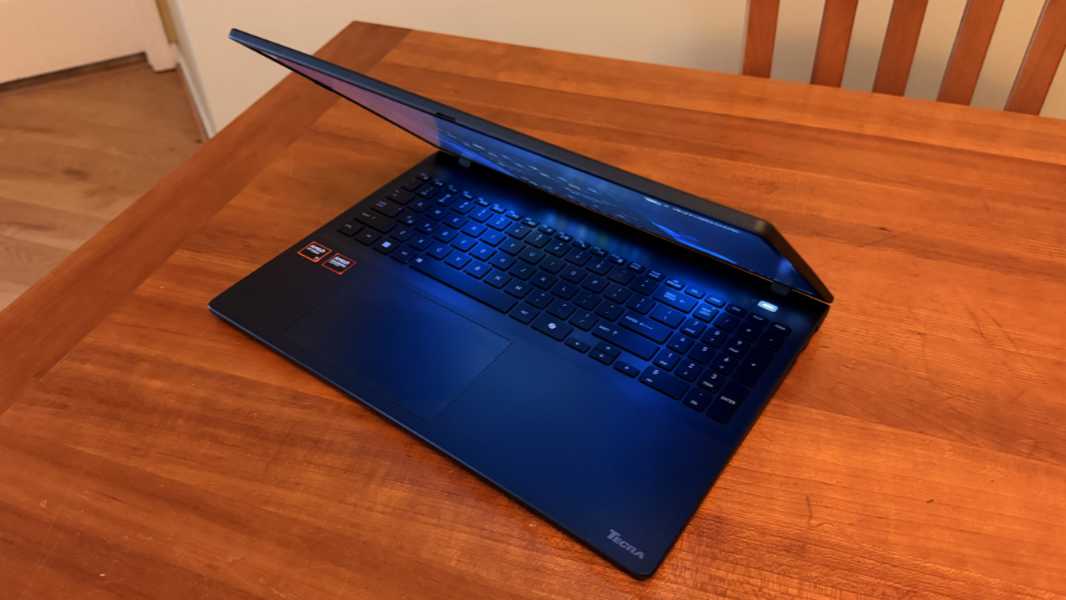
The Dynabook Tecra A65-M is in many ways emblematic of this AI-driven component crisis era, a good enough laptop aimed at small businesses that are cash-strapped in the best of times.
For those unfamiliar, Dynabook is the Sharp-owned heir to Toshiba in the PC market and it has carried forward with familiar brands like Satellite Pro at the low-end, Portégé at the high-end, and Tecra right there in the sweet spot middle. The A65-M branding says most of what you need to know once you decipher the tea leaves; this is a 16-inch laptop based on an AMD chipset and designed for the needs of small business users.
Design
The Tecra A65-M is devoid of pretense. It’s a big 16-inch laptop, and not a particularly thin or light laptop, at 0.78 inches thick and about 3.7 pounds. But it’s made for work, not to look pretty and turn heads. This is a small business workhorse.
It’s made of polycarbonate ABS, a form of plastic that looks and feels great and is durable enough to pass the MIL-STD-810H series of durability and reliability tests. Polycarbonate also helps to keep the weight down, though again, it’s not particularly light. There’s no egregious flex anywhere, including the display panel, and I have to really push down on the center of the keyboard to notice any give.
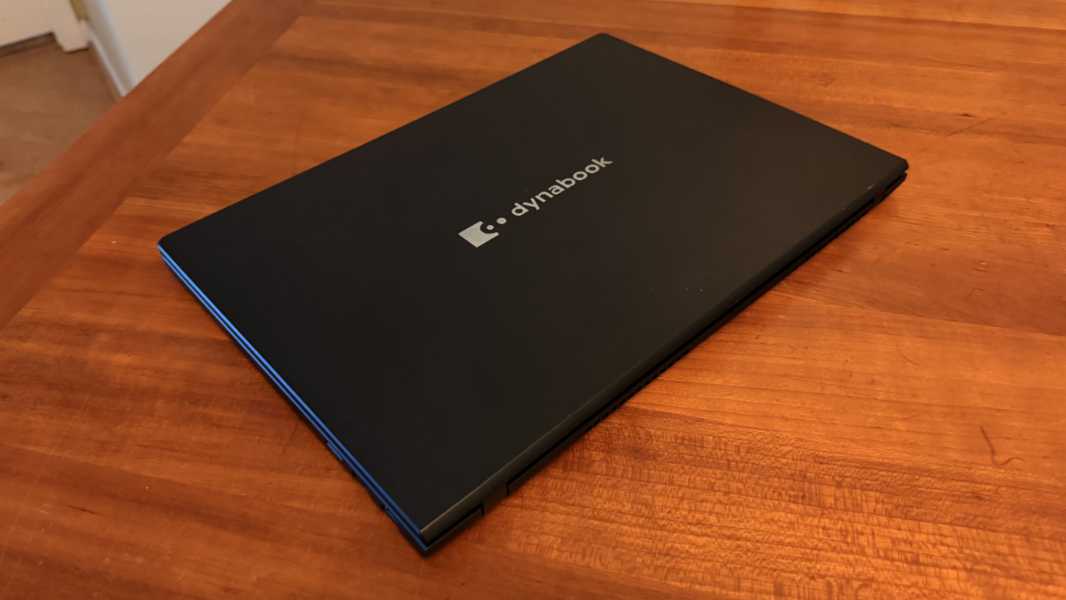
Even the color is non-pretentious: Dynabook calls is dark blue, and not some coy marketing name that means, well, dark blue. And it is dark: In many lighting conditions, it looks black.
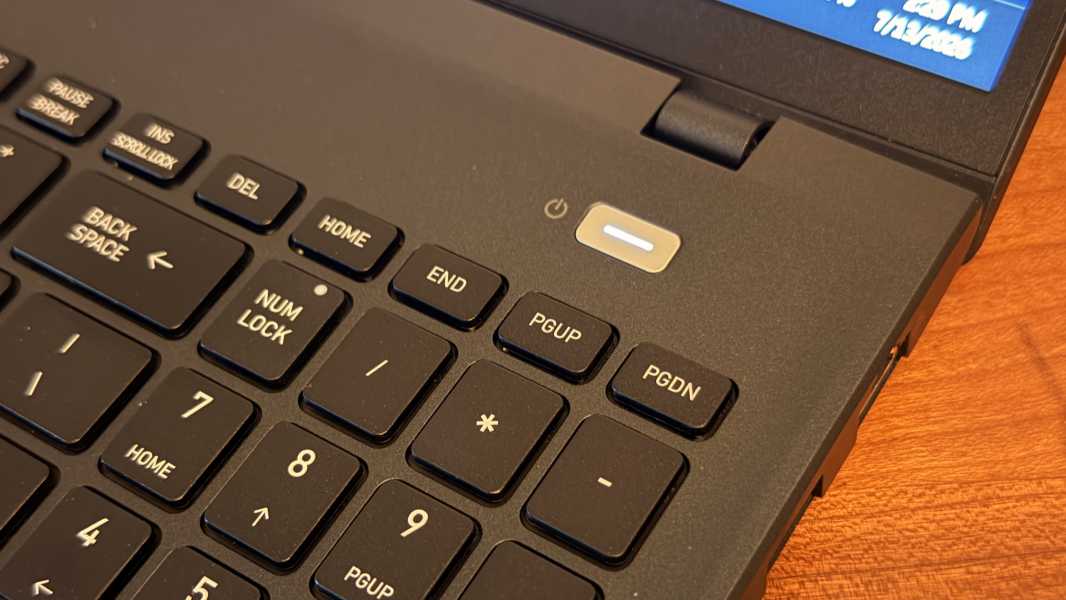
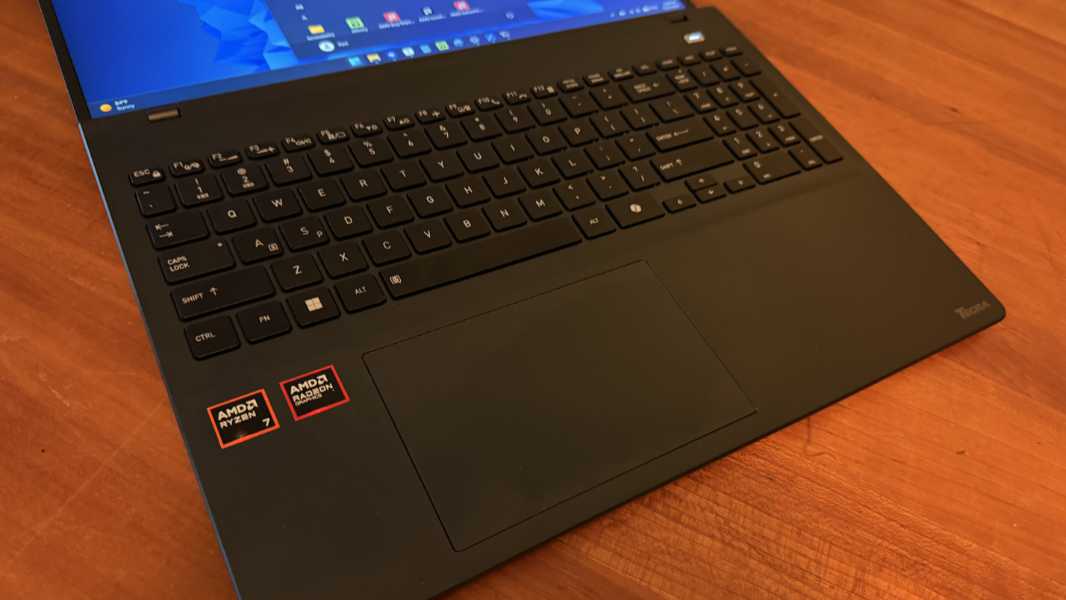
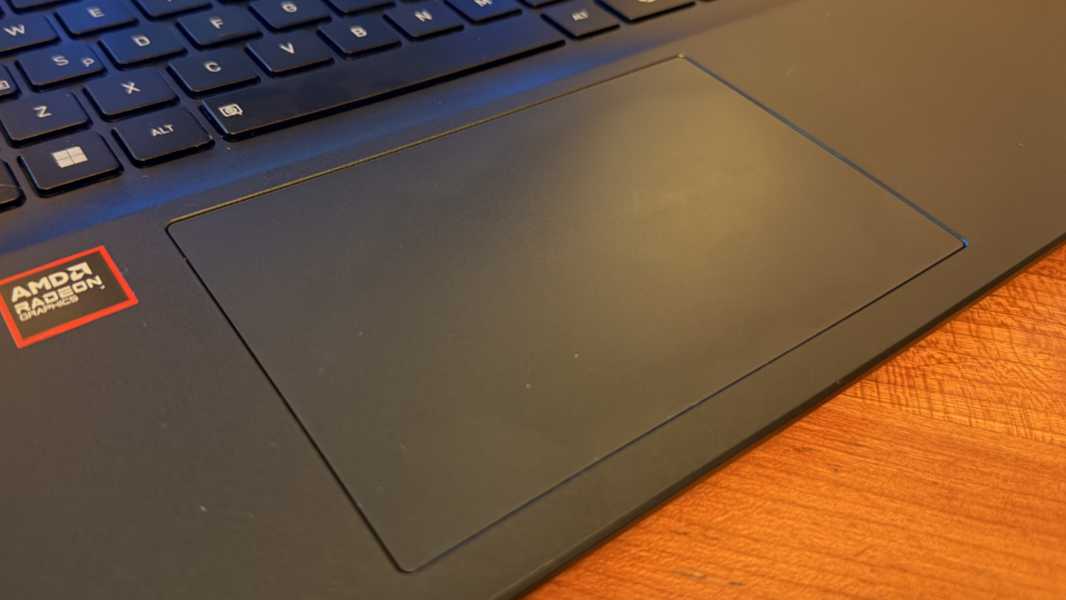
From a design perspective, my only quibble is the numeric keypad, which offsets the touchpad too far to the left. I’d prefer to see a version with just the keyboard floating in the center of the available space. But Toshiba at least inset the floating keys of the keyboard into a short indent, which helps to keep the keycaps from staining the display with oil when the lid is closed.
Display
The display is basic but functional for the target audience. The review unit includes a 16-inch non-touch IPS panel, but you can configure the same display with multitouch too, if you prefer.
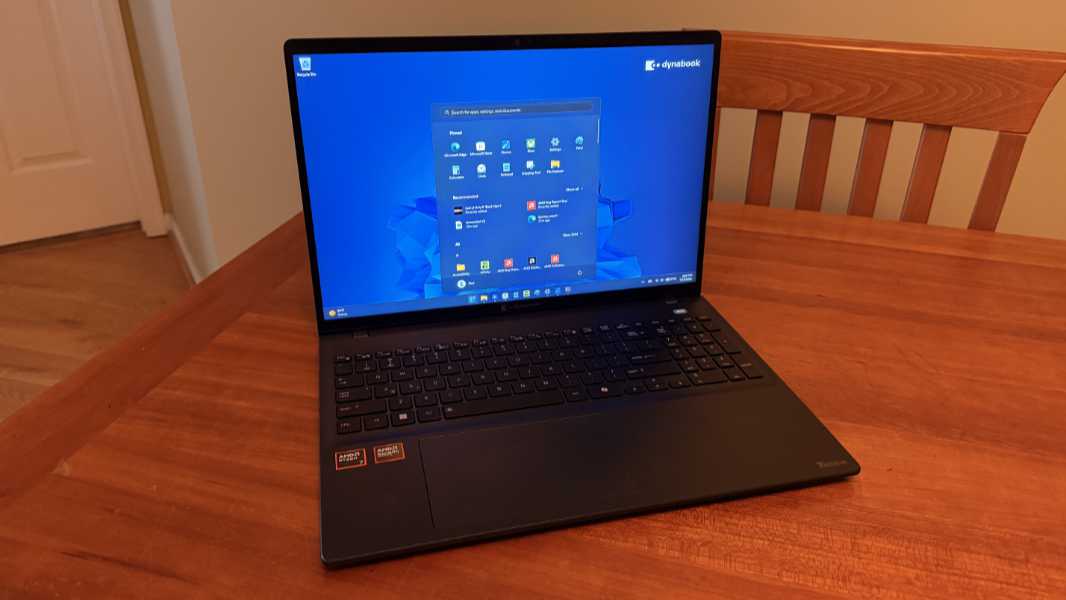
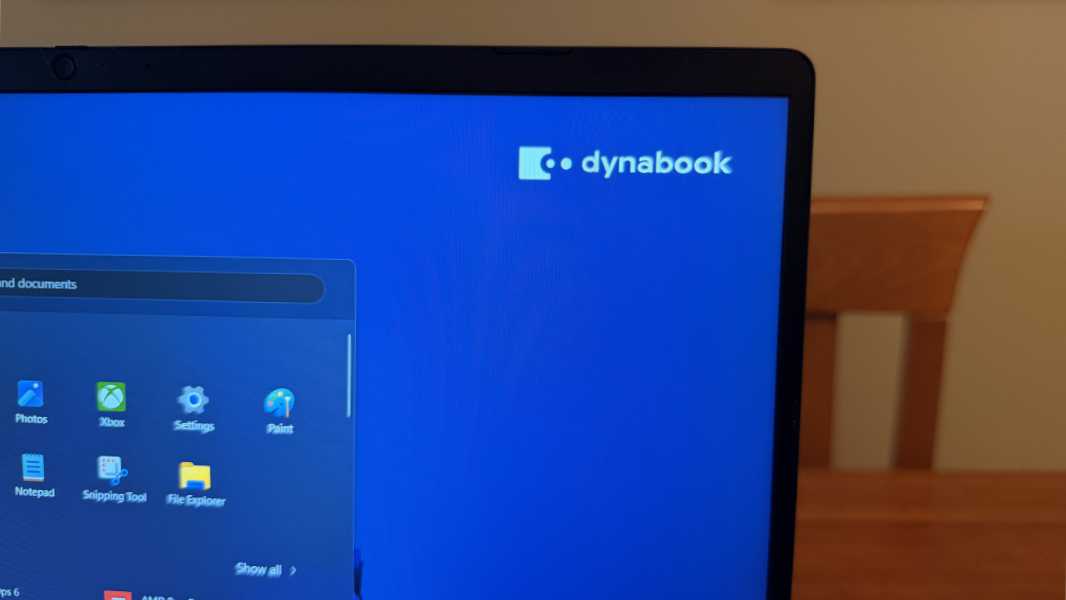
Either way, you get a matte display with a 16:10 aspect ratio, a Full HD+ (1920 x 1200) resolution, and an anti-glare film that emits 300 nits of brightness. This is perfectly adequate for indoor use, but it’s a bit flat-looking, not glossy, and it never gets overly bright.
What’s missing is full coverage of any color gamut, which means the Tecra A65-M is fine for standard productivity tasks but not what a professional creator would need. I had no issues with it, and the bezels are notably thin on the sides.
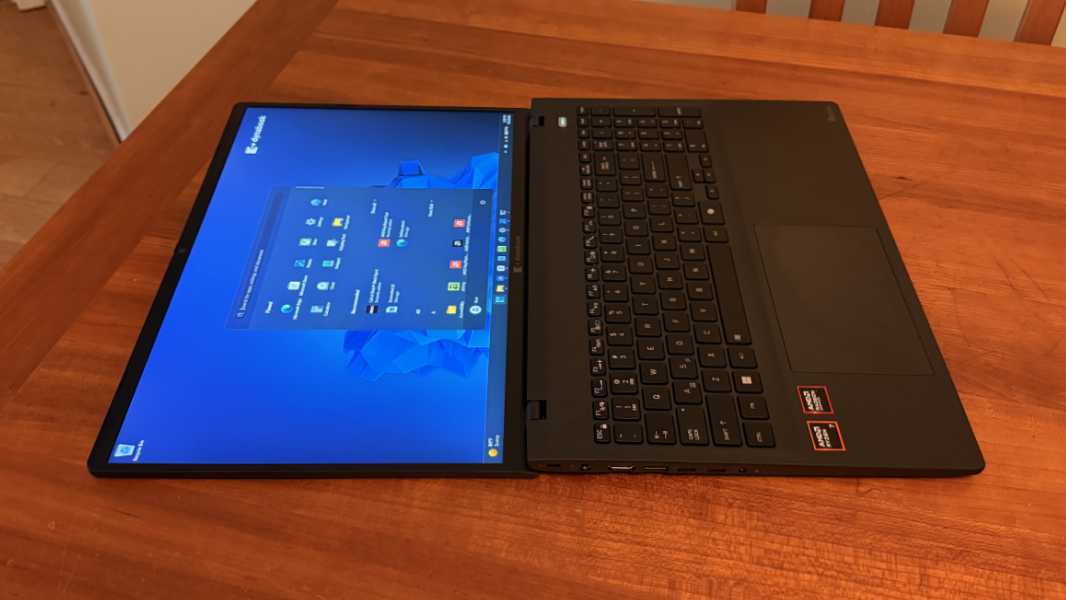
As good, the display can lie flat thanks to its 180-degree hinge. This is a nicety not a necessity, but always appreciated.
Internal components
The Tecra ships with a choice of mid-tier AMD Ryzen 5 and 7 processors–Ryzen 5 230, Ryzen 7 250, Ryzen 5 Pro 230, or Ryzen 7 Pro 250–8, 16, 32, or 64 GB of upgradeable DDR5 5600MT/s RAM with two slots, and 256 GB, 512 GB, 1 TB, or 2 TB of PCIe NVMe SSD storage.
The review unit came with a Ryzen 7 250 with 16 GB of RAM and a 512 GB SSD, so it’s basically a step up with each component and feels like the right configuration for most.
In this age of doing more with less, it works well if you stick to the intended productivity workloads–Microsoft Office, web browsers, Slack, Zoom, Teams, and the like, and basic image editing apps–and matches nicely with the matte display.
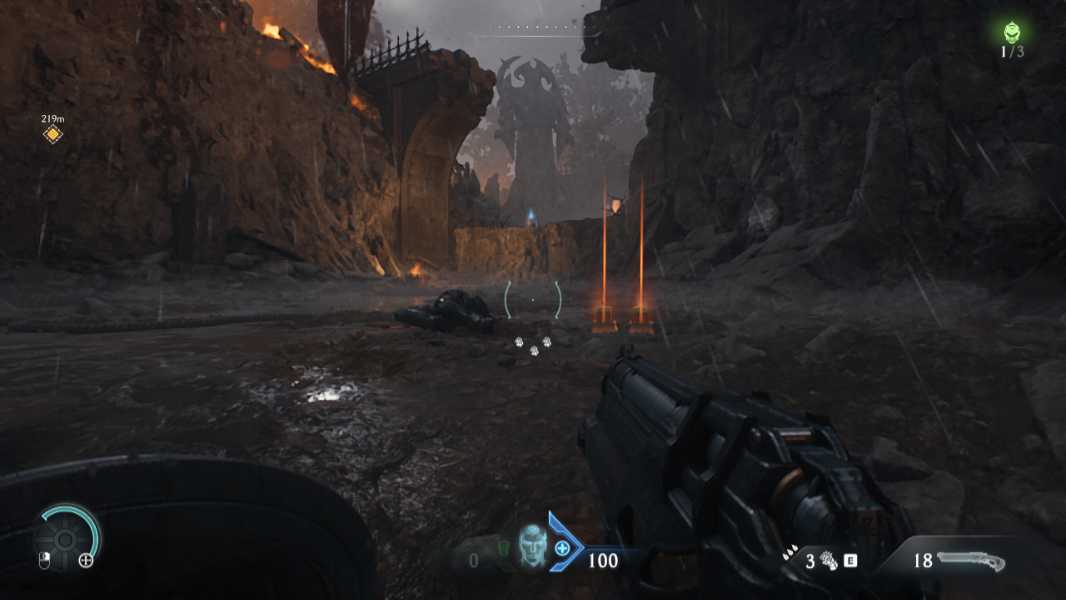
What the A65-M can’t do, of course, is play modern AAA games at 1080p or better with high frame rates. But it’s still reasonably good if you can’t help yourself, which says a lot about how far even mid-level laptops have come in recent years. I couldn’t get Call of Duty: Black Ops 7 to play because of a TPM error I never sorted out; Activision provides instructions for fixing this, but everything was configured correctly. Call of Duty: Black Ops 6 is basically the same game, however, and that ran fine with about 50 FPS at a render resolution of 50 percent (960 x 608) with AMD FSR1 upscaling and low/medium graphics quality. And DOOM: The Dark Ages looks and runs great. What an age to be alive.
If you stress the processor, the Tecra’s fan kick on as expected, and that’s noticeable not just in games but also during long installer routines, whether it’s apps, games, or some system update. That’s reasonable, and I never noticed any heat at all.
Connectivity
The Tecra A65-M ships with Wi-Fi 7 and Bluetooth 5.4 connectivity, both of which worked normally and without issue.
Ports and expansion
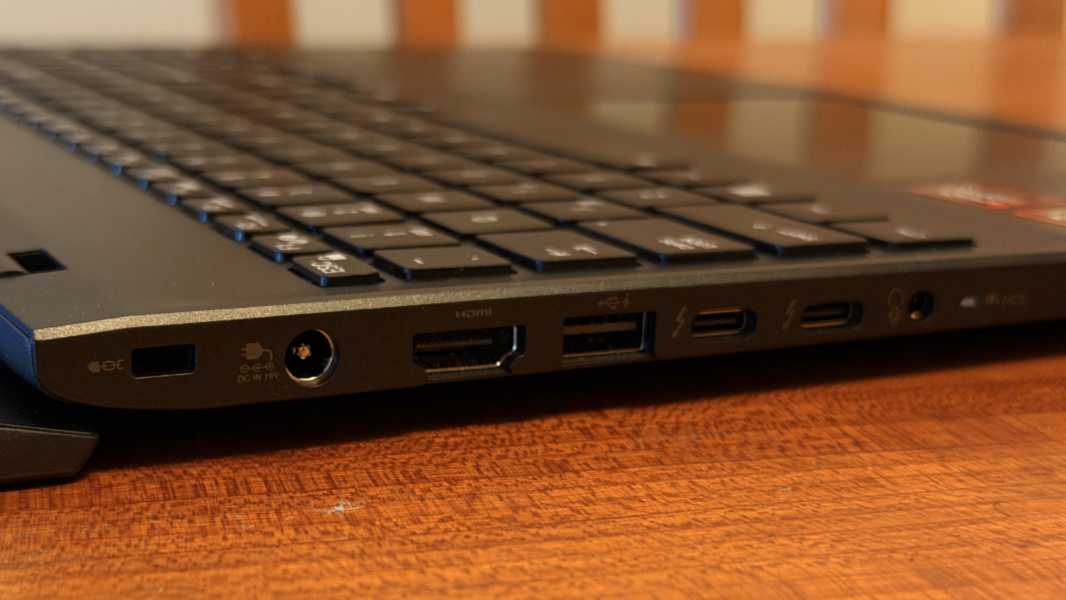
The A65-M provides a nice mix and modern and legacy ports, though both USB-C ports are on the same side, a minor no-no at best at this price point.
On the left is a full-sized HDMI video-out port, a 10 Gbps full-sized USB 3.2 Gen 1 always-on port, and two 40 Gbps Thunderbolt 4/USB4 Type-C ports, plus a Kensington lock slot, a proprietary power connector, and a combo microphone/headphone jack.
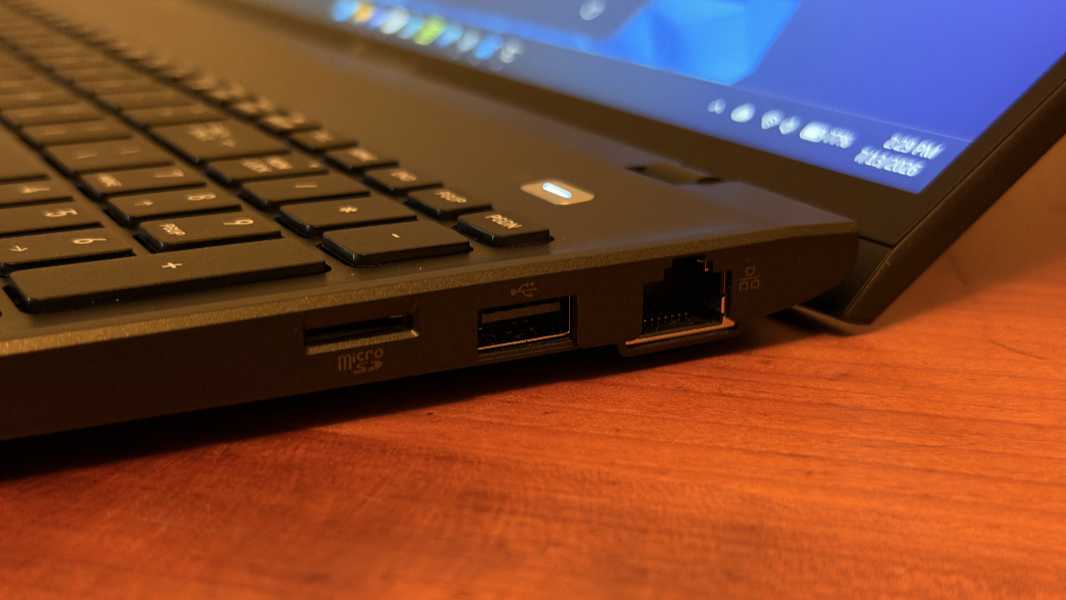
On the right, there’s a microSD card slot, a 10 Gbps full-sized USB 3.2 Gen 1 port (without always-on), and a full-sized gigabit Ethernet port. You don’t see that very often.
Audio and video
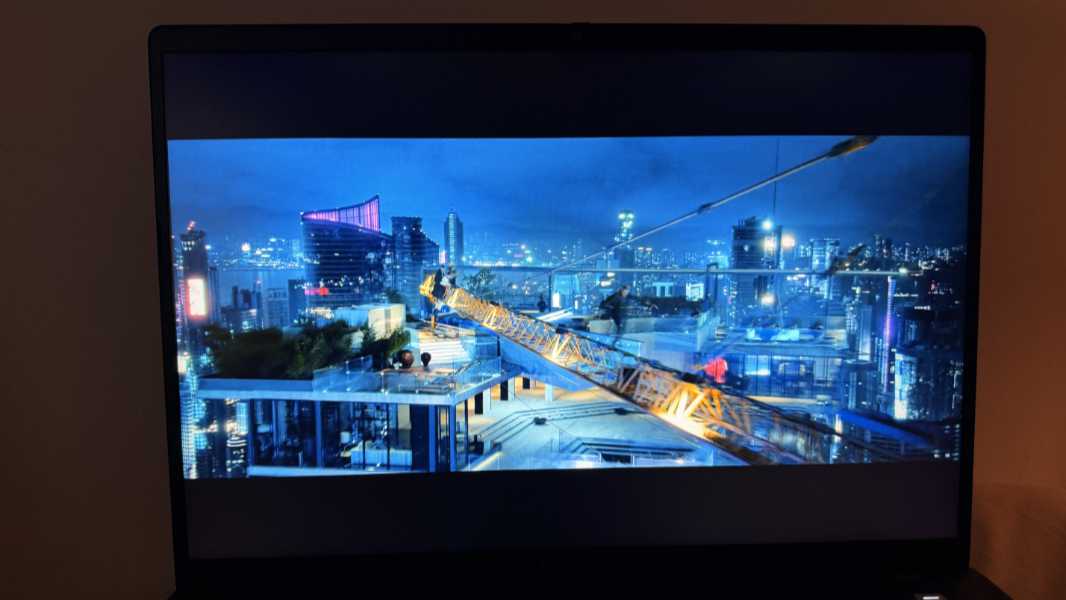
The multimedia experience is about as expected and is better than adequate. You get downward-firing stereo speakers in the front under the wrist rests, but sound is also coming through the keyboard. There’s a solid stereo soundstage and the speakers are bolstered by DTS audio processing. But there’s no dynamic mode so you need to use the bundled app to choose between music, movies, and games presets, or you can make a custom audio profile and/or play around with an equalizer.
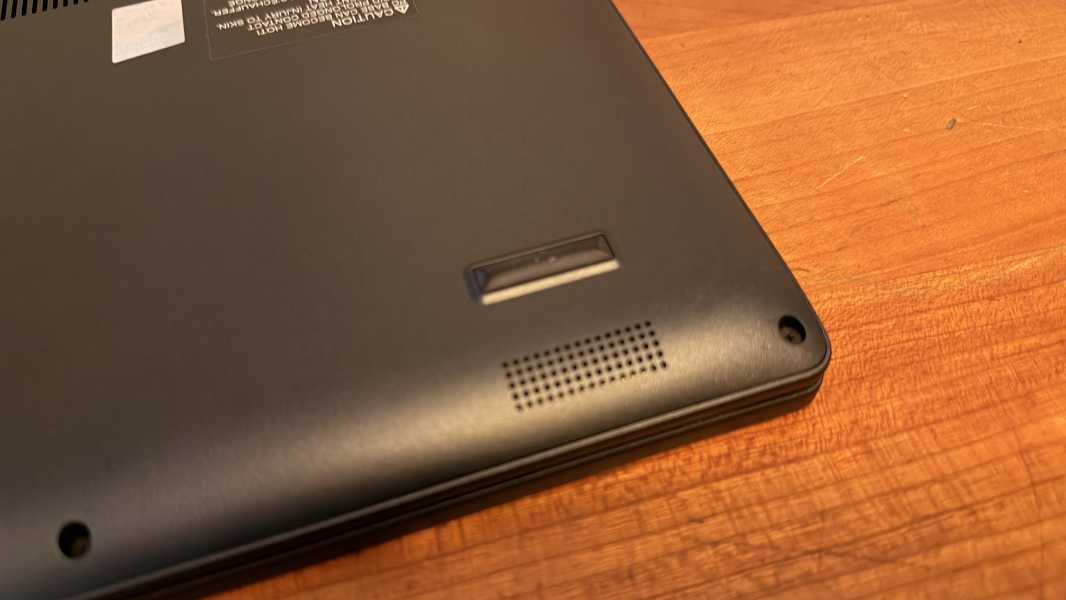
The thing, it sounds good. The speakers get loud enough to fill a small room and they never distort, even at 100 percent volume. The matte display may not be optimized for video content, but 16 inches is 16 inches and it’s a nice overall presentation that never felt lacking in any way.
Hybrid work
The A65-M comes with a 5 MP webcam allegedly, but I never got it to display video at better than 720p and the image is full of static. In the good news department, it does support some Windows Studio Effects, despite it not being a Copilot+ PC, but only automatic framing, eye contact, and background effects.
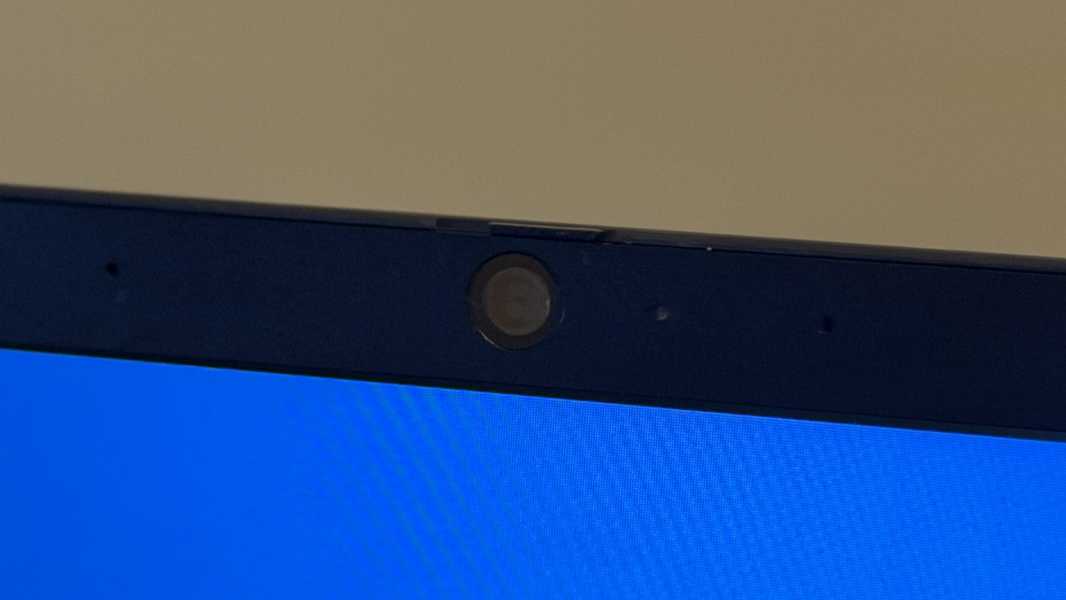
The dual-array microphones are likewise lackluster, so you’ll want an external webcam and microphone for important calls.
Keyboard and touchpad
The Tecra A65-M delivers a full-sized, spill-resistant, island-style keyboard with a numeric keypad. It’s OK. The numpad causes some typing issues, of course, but the textured keys also feel a bit soft and indeterminate, and without the feedback I like. Well, aside from the decidedly non-cheap mini-thud each makes when pressed, which gives it a more premium vibe.
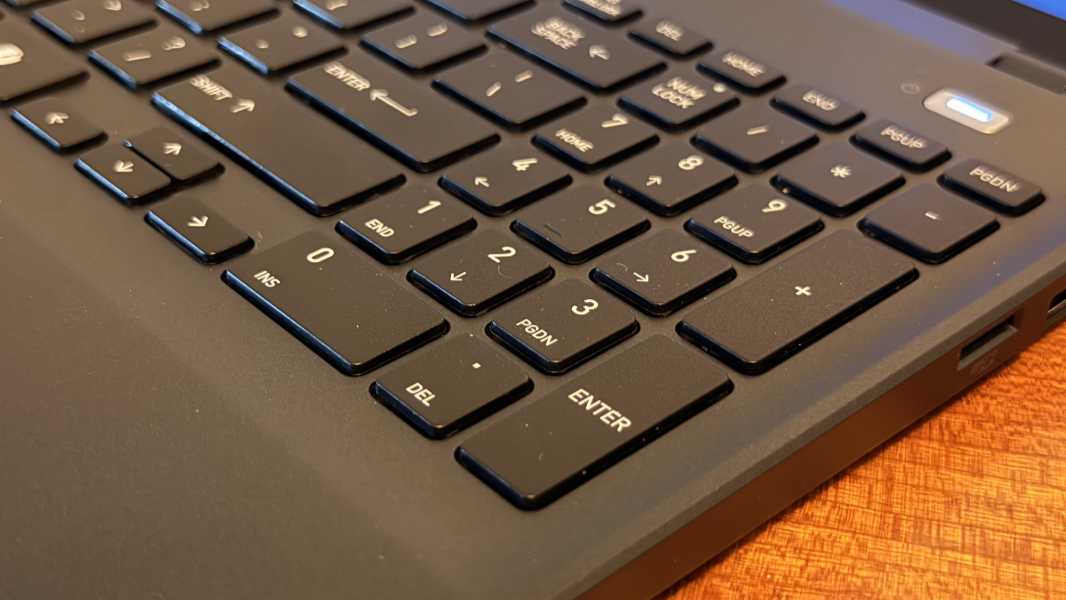
Unlike most of the laptops I review, the function key row is preset to just be function keys and not the multimedia and other functions they offer. I never did find a way to revert that, but you get used to it. (And in my case, I don’t really use those keys as much as I might have otherwise thought.)
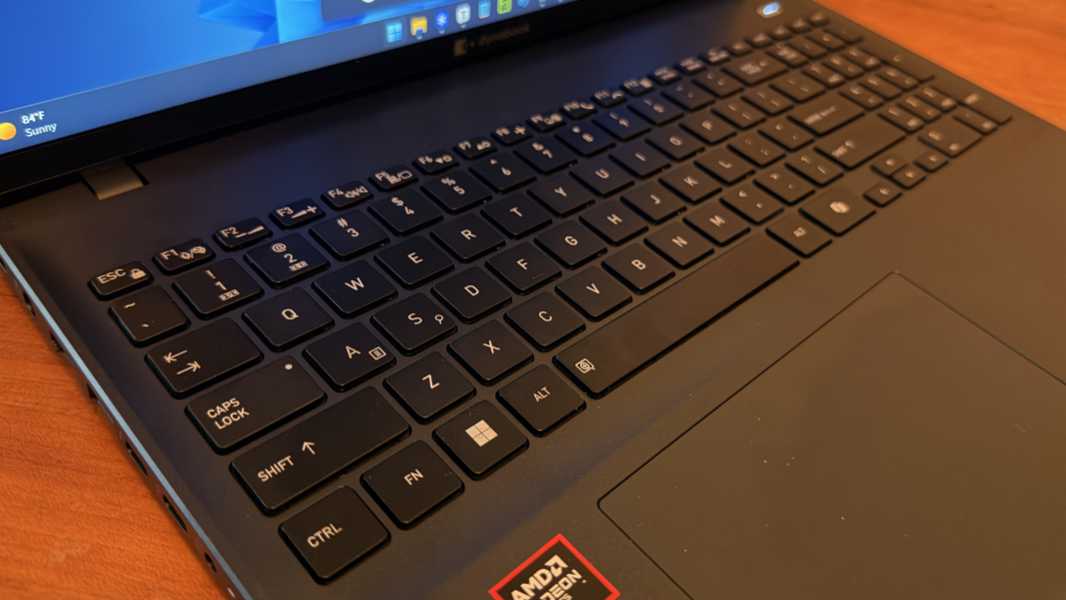
The mechanical touchpad is often to the left because of the numpad, and I’m told it can be outfitted with an optional Windows Hello-compatible fingerprint reader, though the review unit did not have this feature. It was reasonably accurate and reliable, though I did have to disable three-finger gestures, which is typical for me.
Security
The Dynabook Tecra A65-M is a Secured-Core PC with its dTPM 2.0 chip, but it’s no Copilot+ PC. There’s a manual webcam privacy shutter on the top of the display lid and a function key to mute the microphones.
But here’s the weirdest thing I’ve seen in a while: The review unit didn’t include Windows Hello facial or fingerprint recognition. Both are available as options, but I had to sign-in with a PIN every day for the first time in many years.
Sustainability
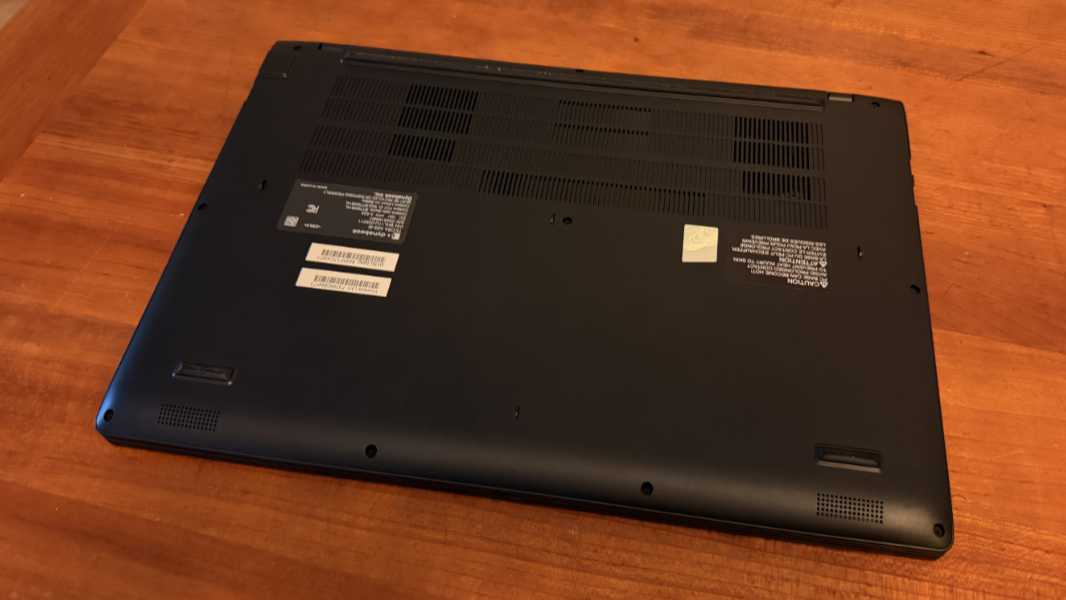
I didn’t find any documentation about recycled materials, but the Tecra A65-M delivers on a sustainability feature I’d like to see more of: In addition to its easily-accessible and replaceable M.2 SSD and battery, this laptop comes with two SO-DIMM slots for RAM. And that means you can upgrade the RAM all the way up to 64 GB using two 32 GB DDR5 DIMM cards. Very nice.
Efficiency and portability
Dynabook is light on the system utilities, which I prefer, but it does customize the Tecra A65-M’s power management functionality a bit and it lets customers go even further if they want via a dynabook Settings app. By default, the laptop uses a “dynabook standard” power mode that appears to run reasonably efficiently and consume very little power. But you can configure this in any number of ways, to be even more efficient or to simply deliver the most power.
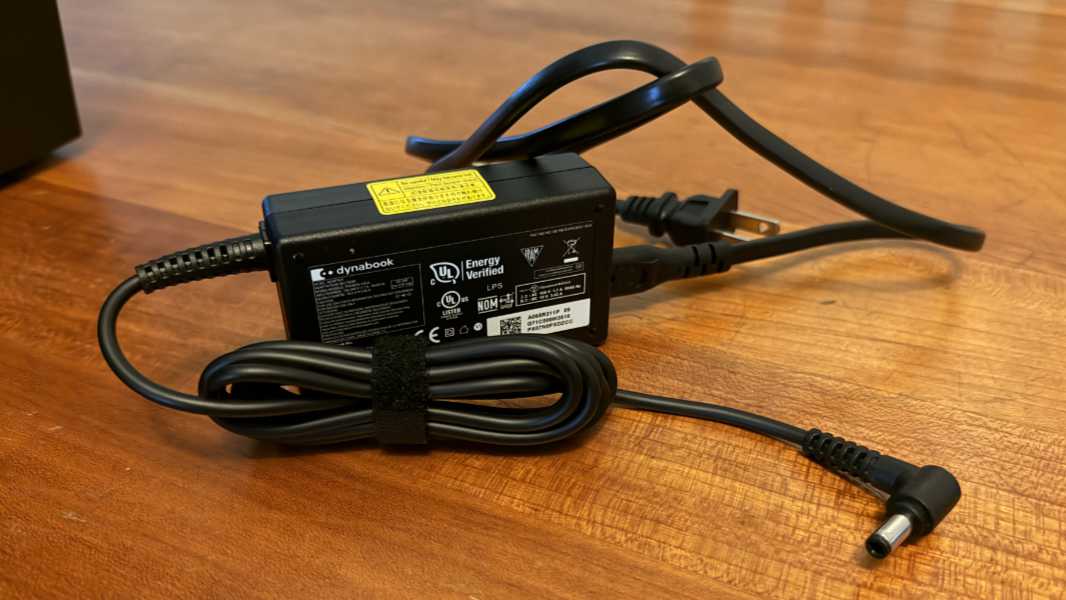
Battery life surprised me, and in a positive way: I saw an average of over 8 hours of uptime in regular use, more than I expected. That’s impressive for a few reasons, one being the laptop’s somewhat small 60 watt-hour battery. You can charge it with the proprietary 65-watt charger, but any USB-C charger will work as well. I didn’t notice any fast charging functionality.
Instant-on performance and reliability were very good, about as good as any x86 laptop these days. And while the 16-inch Tecra is inherently not the most portable laptop out there, I never had issues lugging it around. And I suspect that most customers are not the frequent flier type to begin with.
Software
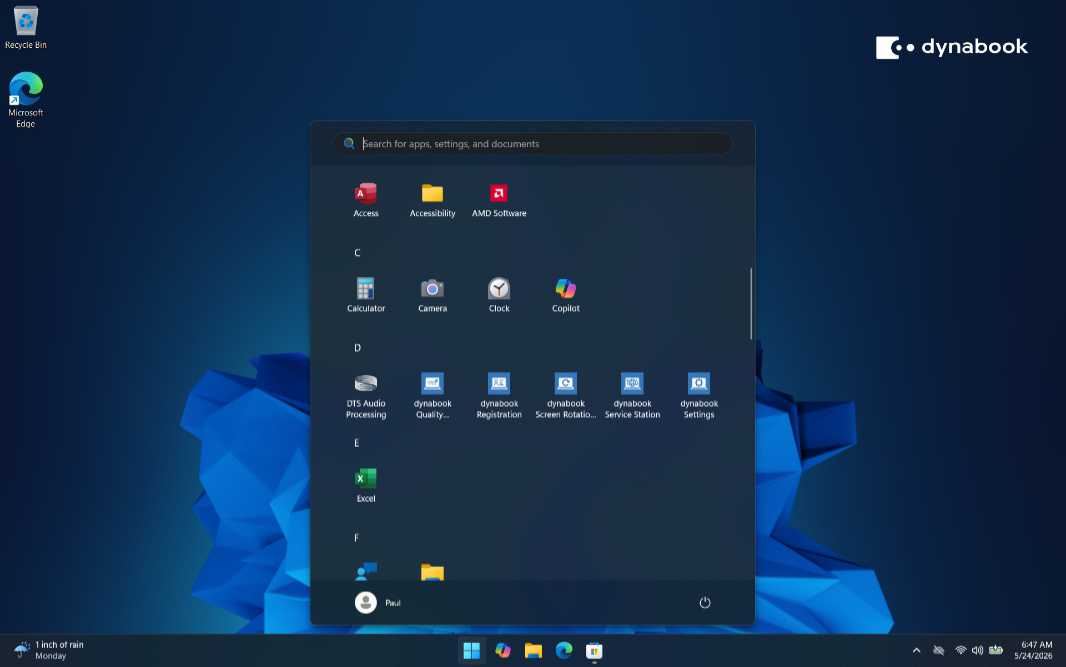
Is there is a solid win anywhere here, it’s the software loadout, which is delightfully devoid of any crapware. There are five Dynabook utilities, DTS Audio Processing and Realtek Audio Console apps for the speakers, AMD Software, and a link to the user manual in Start, that’s it. Very nice.
Pricing and configurations
The biggest problem with the Tecra A65-M might be just finding one to buy. The Dynabook website has a model with an AMD Ryzen 7 250 processor, 16 GB of RAM, and 512 GB of SSD storage for $1394, with a normal list price of $1549. But I don’t see other configurations or any way to customize one at the time of this writing. Amazon, Best Buy, and Walmart all sell various Dynabook Tecra models, too, but I never found any A65-Ms.
Recommendations and conclusions
If you just need to get work done and aren’t interested in paying extra for top-of-the-line components and premium design cues, the Dynabook A65-M has you covered. It features mid-tier AMD Ryzen processors, upgradeable RAM and SSD storage, a large 16-inch display, modern connectivity, and all the expansion anyone could ever need, including even a full-sized Ethernet port. This dark blue laptop is about as inconspicuous as it can be, but that’s a good thing in many ways, and I appreciate the lack of pretension. This is a workhorse not a show-off, and it’s a good value if you can just find one in the configuration you need.
At-a-glance
Pros
✔️ Capable internals
✔️ Large 16-inch lie-flat display
✔️ Easily upgradeable RAM, which is unusual, and SSD
✔️ Modern connectivity
✔️ Solid stereo speaker setup
✔️ Surprisingly good battery life for a bit x86 laptop
✔️ No crapware at all
Cons
❌ No Windows Hello facial or fingerprint recognition (in the review unit)
❌ Built-in webcam and microphones are lackluster
❌ Mushy keyboard that’s offset by a numeric keypad