PowerToys 0.102 Brings Two New Utilities, Other Updates
- Paul Thurrott
- Oct 22, 2026
-
0
Microsoft has released PowerToys 0.102 with two new mouse utilities, Mouse Button Lock and CursorHide, plus several other updates.
Here’s what’s new.
Mouse Button Lock. This new utility lets you lock a mouse button as being actively clicked and held so you can continue dragging or selecting items. Then, when you click any button, the lock is released. “This is especially useful for gaming, working in professional applications that require extensive dragging and selection, and improving accessibility for users who find it difficult to hold down a mouse button for extended periods,” Microsoft says.
CursorHide. This new utility hides the mouse pointer while you type, after a period of inactivity, or both, and displays it again as soon as you move the mouse.
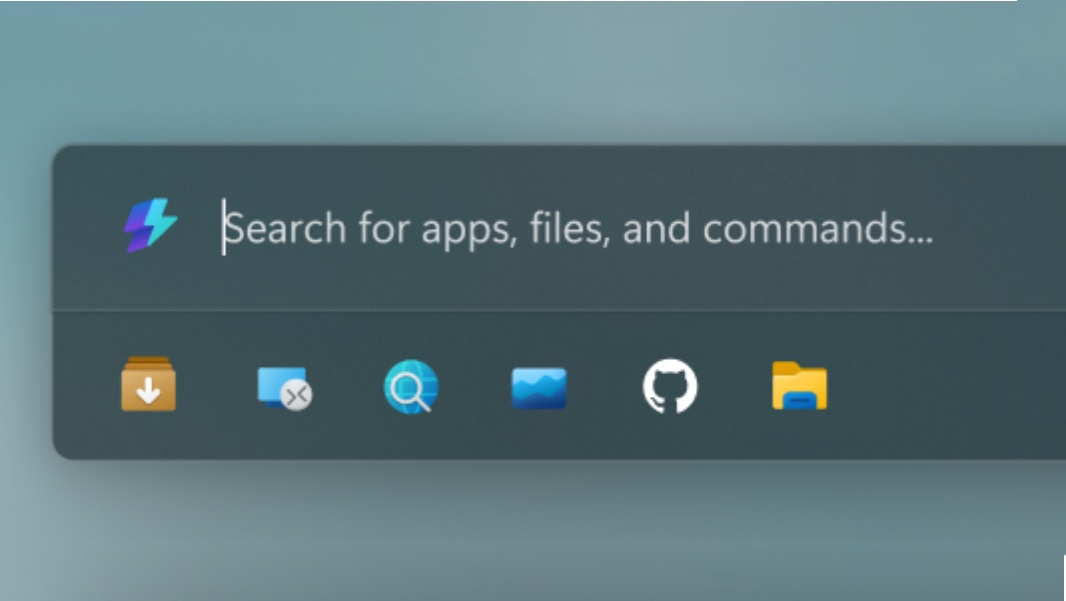
Command Palette. Microsoft’s erstwhile Start replacement now supports a quick-access shelf in Compact mode that displays pinned apps and settings below the search box, settings search, a keyboard-first dock, Copilot key support, multiple clocks, and other updates.
ZoomIt. This utility can now capture what you say along with the screen snip using a new Snip with dictation feature. ZoomIt also supports smooth zoom transitions and better audio pacing in recordings now, and this update includes a fix for silent recordings on multichannel and spatial-audio devices.
Keyboard Manager. This utility now supports tap-alone remaps, meaning single key triggers that work in addition to keyboard shortcuts that include that key. There’s also a new searchable key picker, so you can remap media keys or keys your keyboard doesn’t have, and build a full shortcut using just the mouse.
New command line tools. Now PowerToys–Advanced Paste, Light Switch, Peek, PowerDisplay, and Settings–can be scripted from the command line. And FancyZones, Image Resizer, File Locksmith, and PowerDisplay work from the command line in any folder.
But wait, there’s more. Several other utilities, including Color Picker, Text Extractor, FancyZones, and others were updated as well.