Lenovo ThinkPad X12 Detachable Gen 2 First Impressions
- Paul Thurrott
- Aug 26, 2024
-
0
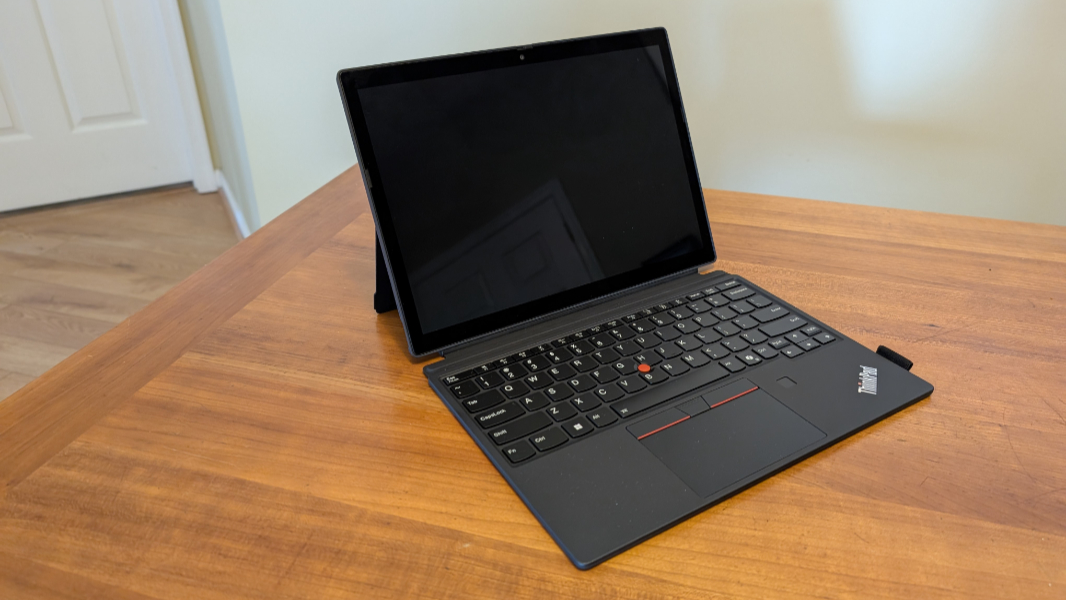
It’s been three long years since the original ThinkPad X12 Detachable, but Lenovo’s back with a fresh take on this iconic slate tablet PC. The basics are unchanged–my God, those bezels–but there are lots of small updates, and I’m curious to see how the Core Ultra U-series processors it provides will fare in real-world use.
It’s simplistic but also accurate to say that the X12 is Lenovo’s ThinkPad-flavored take on the Surface Pro, Microsoft’s key contribution to PC form factors. It’s a 12.3-inch slate that can be used as a standalone tablet with multitouch and smart pen capabilities, plus front- and rear-facing cameras, which are pretty unique in the PC space.
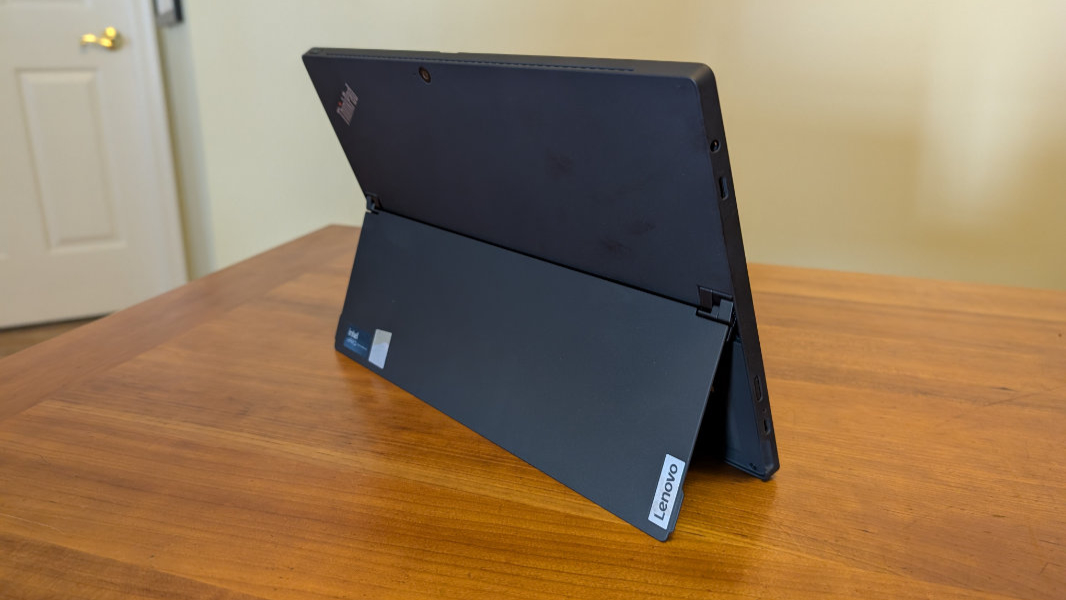
Or, you can attach its folio keyboard with integrated TrackPoint dual-pointing capabilities, and use it as a small laptop. The keyboard is “nearly full-sized,” so we’ll see how that works with my large hands. But the touchpad, with its integrated TrackPoint buttons, is the same size as the one on the ThinkPad T14s I just reviewed. The limitation here is the viewing angle: Thanks to the X12’s hinge, it can lean back really far, nearly flat, but it doesn’t pull forward to be as upright as I’d like.
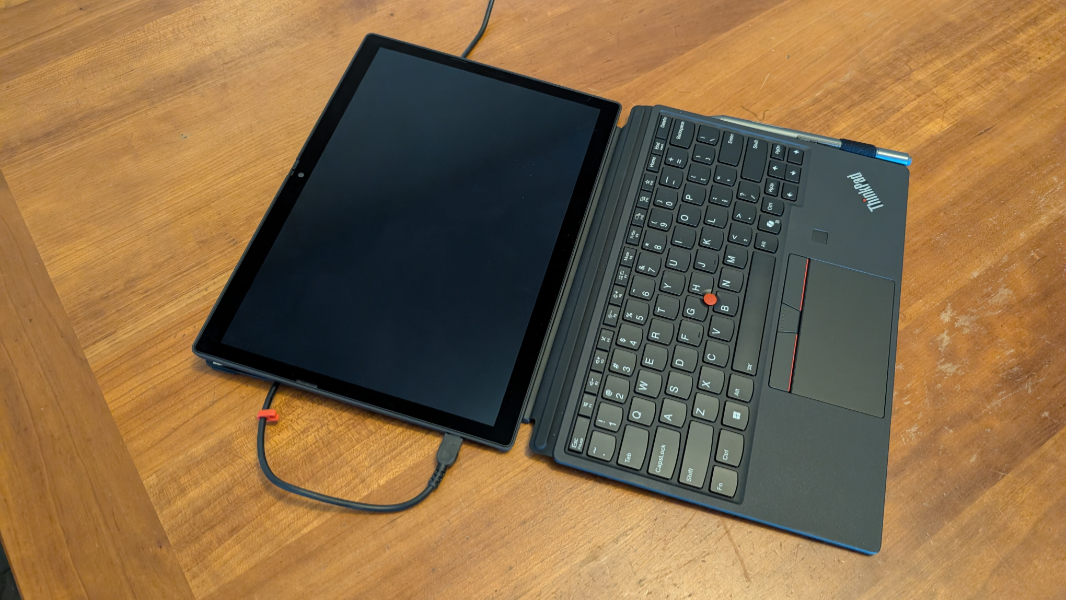
In either form, the X12 gives off all the usual ThinkPad vibes, from its iconic Thunder Black color, red accents, and quality magnesium/aluminum construction.
The display is pretty basic, an IPS panel with an anti-reflective and anti-smudge coating, but it’s Full HD+ (1920 x 1200) with a 16:10 aspect ratio, covers 100 percent of the sRGB color space, and throws off 400 nits of light. It’s protected by Corning Gorilla Glass, though it’s not clear yet which version.
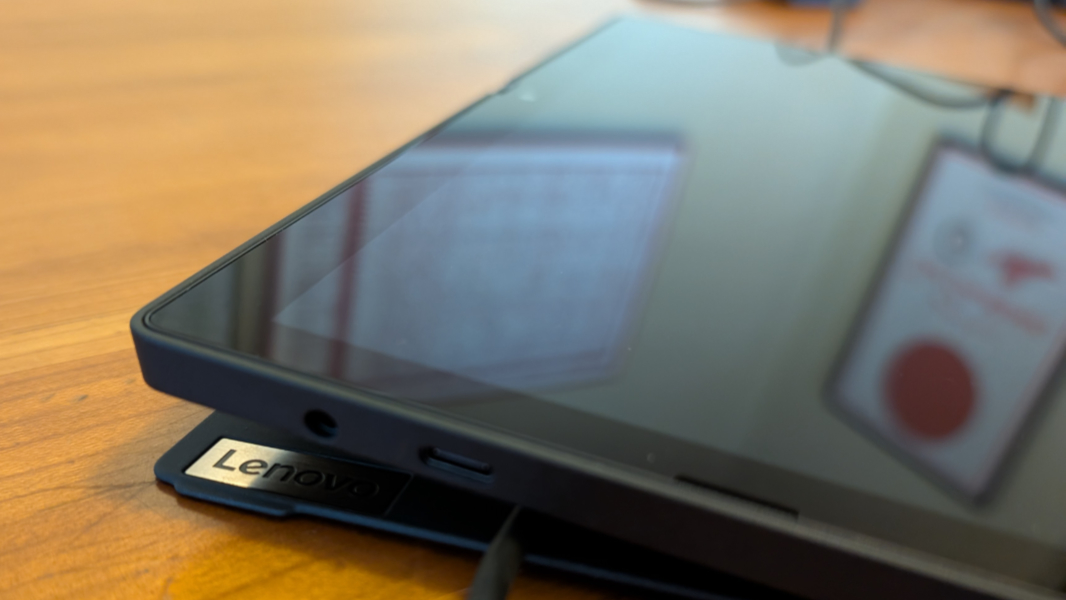
The bezels are almost comically large, a carry-over from the OG X12 Detachable. And it’s impossible to wonder why Lenovo didn’t wedge a 13-inch display in this same form factor. The tablet is very thin at just 0.22 inches, and even with the folio keyboard attached, it’s barely one-third of an inch (0.34 inches) thin. It’s likewise incredibly lightweight: 1.67 pounds by itself or 2.42 pounds with the folio keyboard.
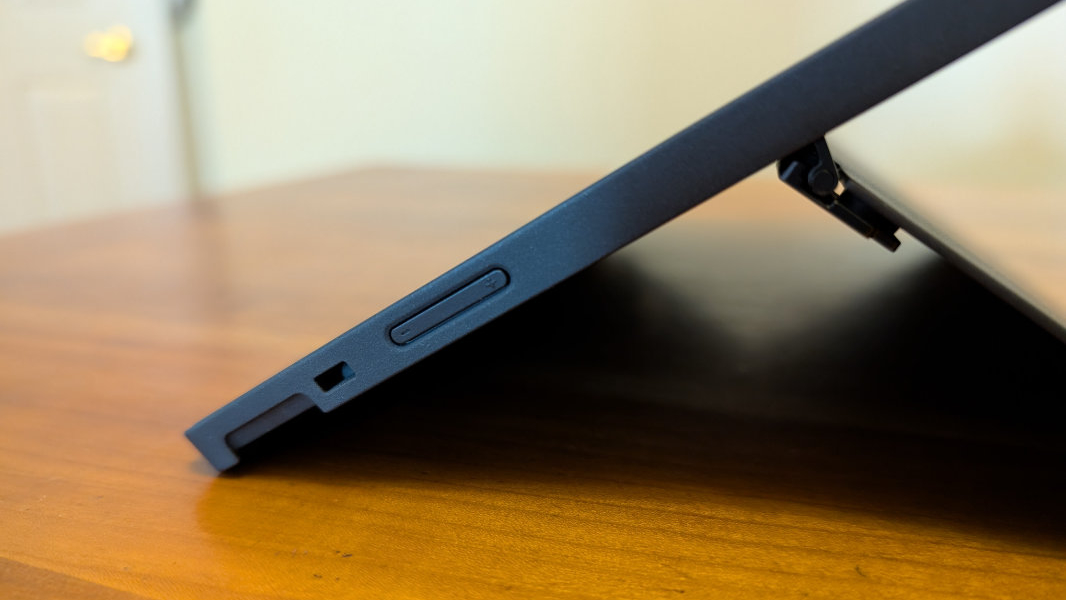
The big deal here, as with the Surface Pro, is the built-in kickstand. It supports an incredibly wide range of angles, especially toward the back, and it seems quite solid.
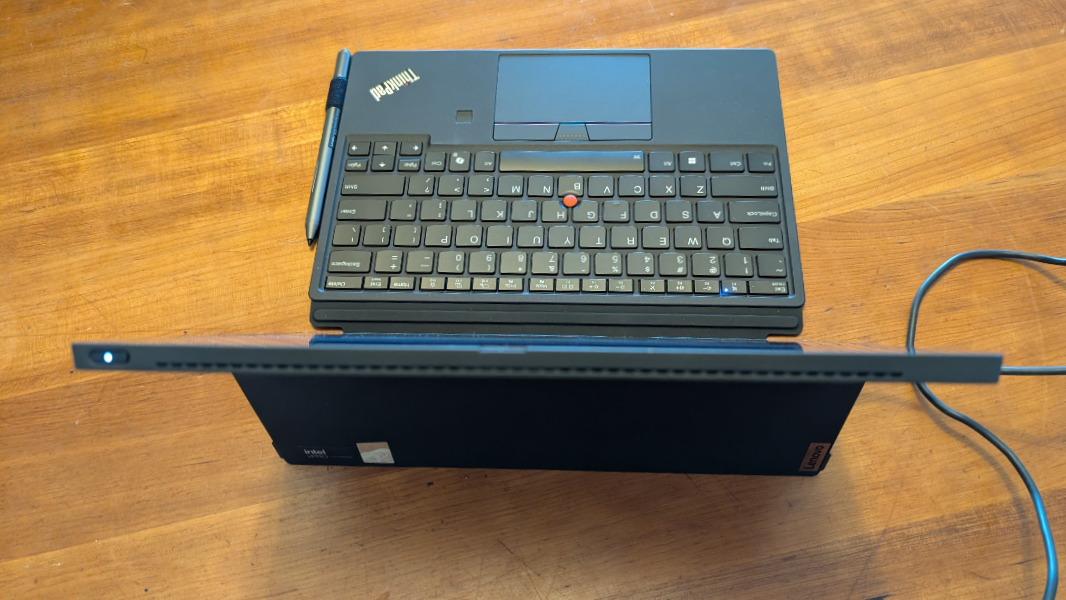
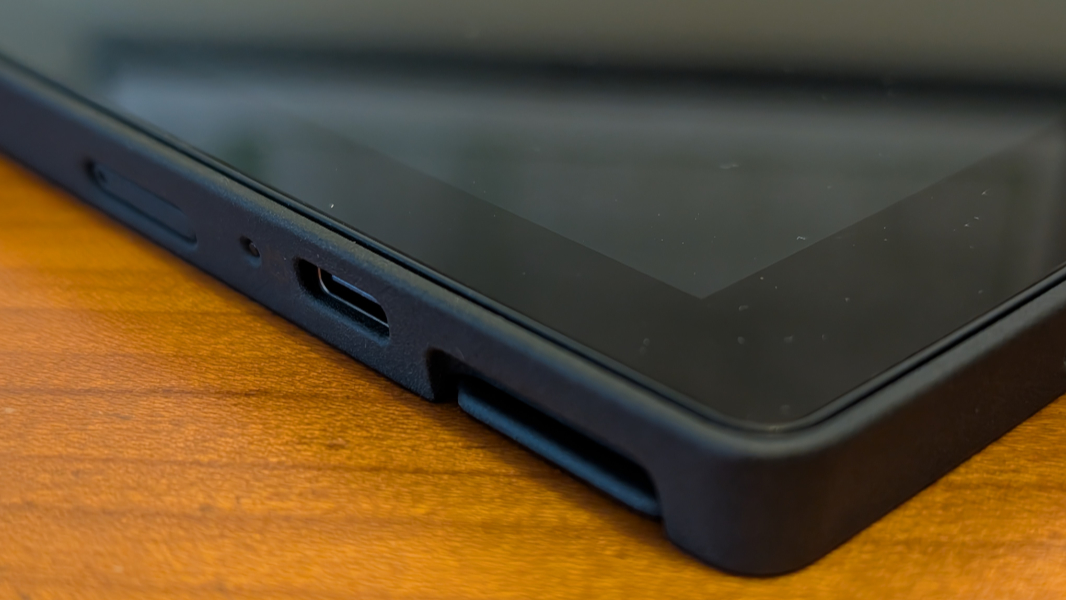
Expansion is not surprisingly limited. There are just two USB Type-C ports, both of them on the left side of the PC, and only one of them (the top one) is Thunderbolt 4 with Power Delivery and DisplayPort 2.1. There’s also a headphone/microphone jack on the side, but way up towards the top.
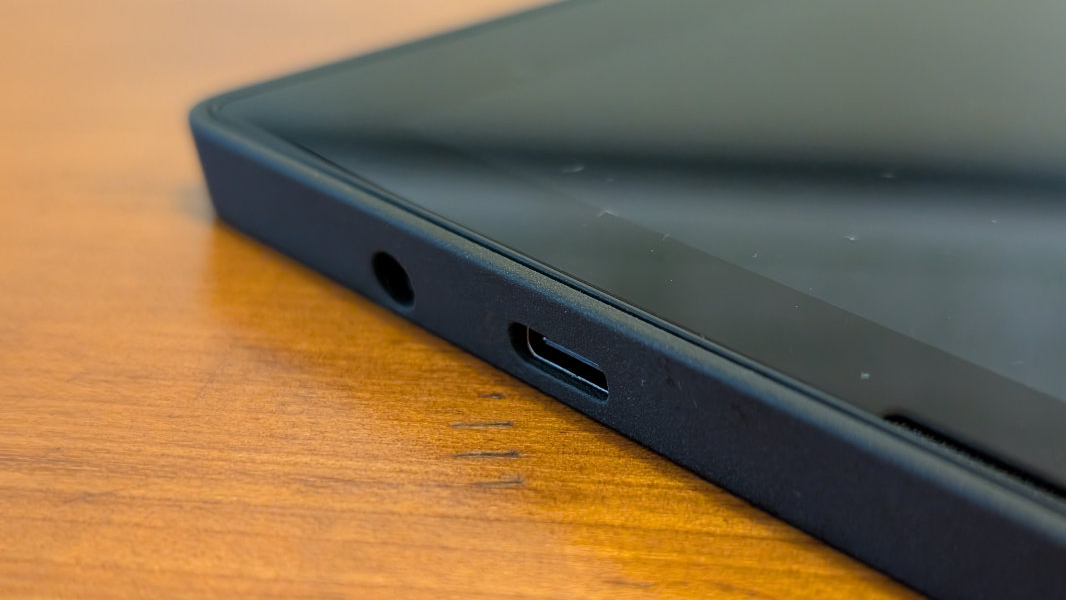
The other, towards the bottom, is a USB 10 Gbps Type-C port, also with Power Delivery and DisplayPort 2.1.
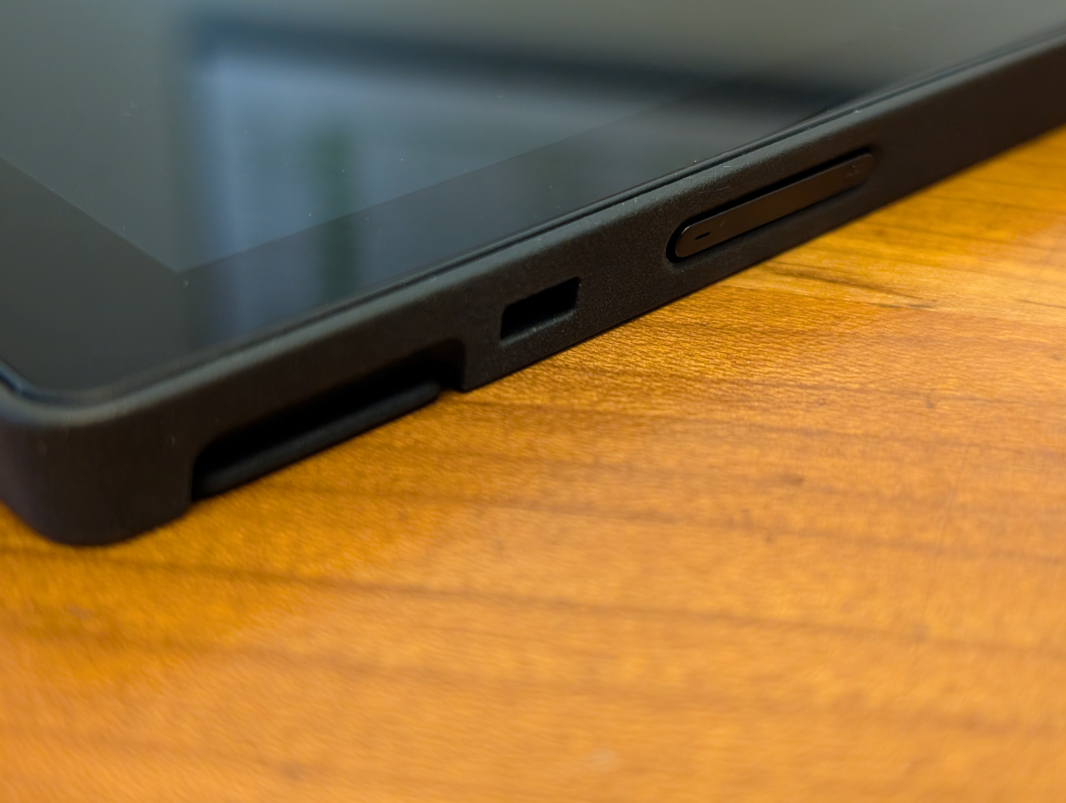
The right side has a Kensington nano lock slot plus a volume toggle. The power button is on the top right.
Internally, Lenovo provides a choice of Intel Core Ultra U-series processors–the Core Ultra 5 134U found in the review unit or a Core Ultra 7 164U. Both are the vPro variants that businesses might want, but the U-series chips are severely limited compared to the H-series versions found in most of the laptops I’ve reviewed this year. Key among those limitations is their previous generation integrated Intel Graphics, a far cry from the Intel Arc graphics used by the H-series chips. I’ve had issues with these Meteor Lake generation chips, but the U-series is particularly troubling. Hopefully, it makes sense in this form factor.
Beyond that, you can configure 16 or 32 GB of soldered LPDDR5X-6400MHz RAM and 256 GB, 512 GB, or 1 TB of M.2-based PCIe Gen4 TLC Opal SSD storage, which can hopefully help work pass the low-performance U-series processor. The review unit includes 16 GB of RAM and 512 GB of storage.
Connectivity is modern enough, with Wi-Fi 6E and Bluetooth 5.3. And there’s optional 4G LTE for those who want an always-connected experience.
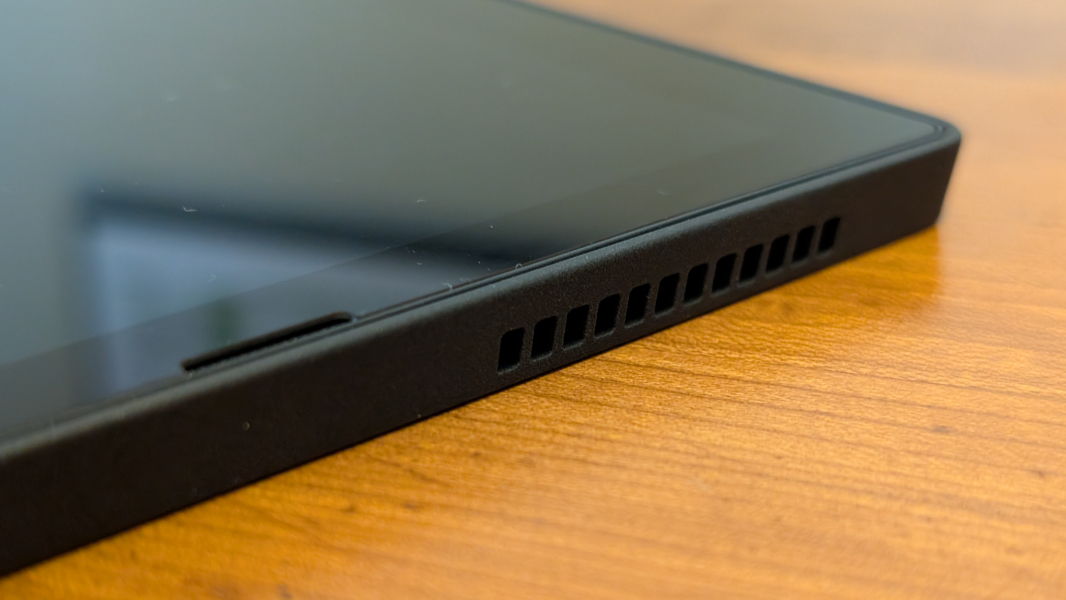
There are only two 1-watt speakers. And though they’re augmented by Dolby Audio, I’m not expecting much there. They’re just tiny slits on either side of the display.
The hybrid work experience should be solid. There’s a 5 MP front-facing camera, a dual microphone array with Dolby Voice, and then that other webcam on the rear, an 8 MP wide-angle camera. Both have manual privacy switches.
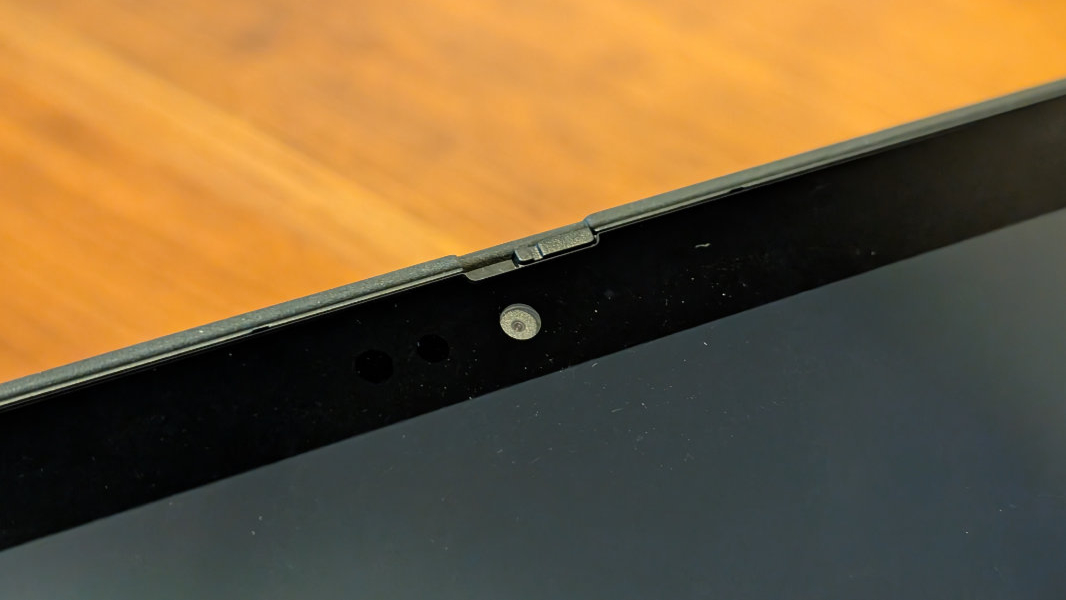
For security, there’s a fingerprint reader in the wrist rest on the keyboard folio and facial recognition via the webcam and IR sensor, so you’ve got the full Windows Hello experience.
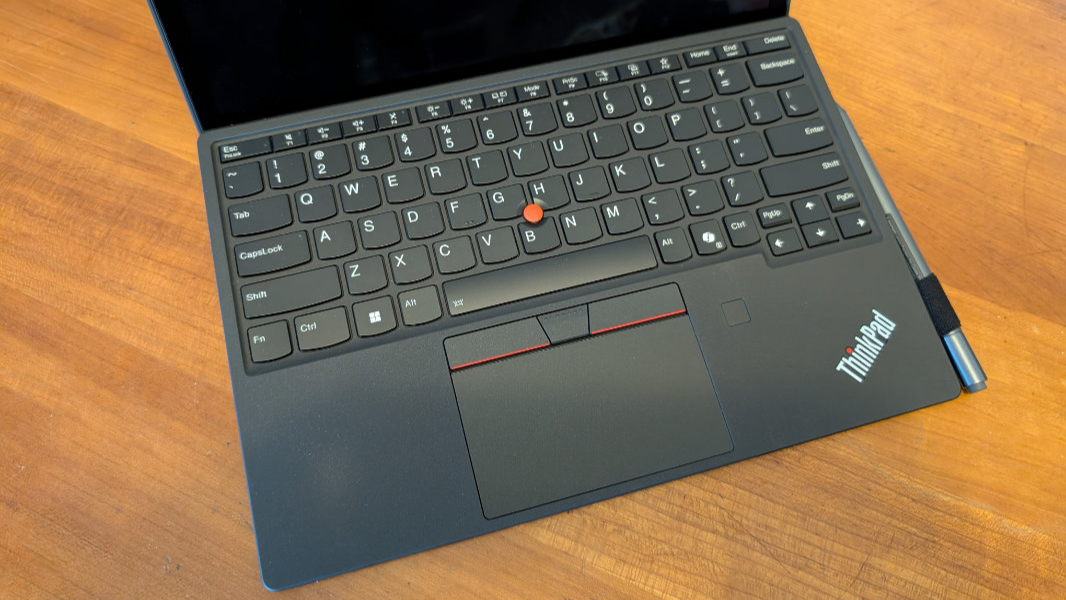
The battery is small at just 42 watt-hours, but that might be fine given the small display. The bundled 65-watt USB-C charger can charge the tablet to 80 percent in 60 minutes, Lenovo says.
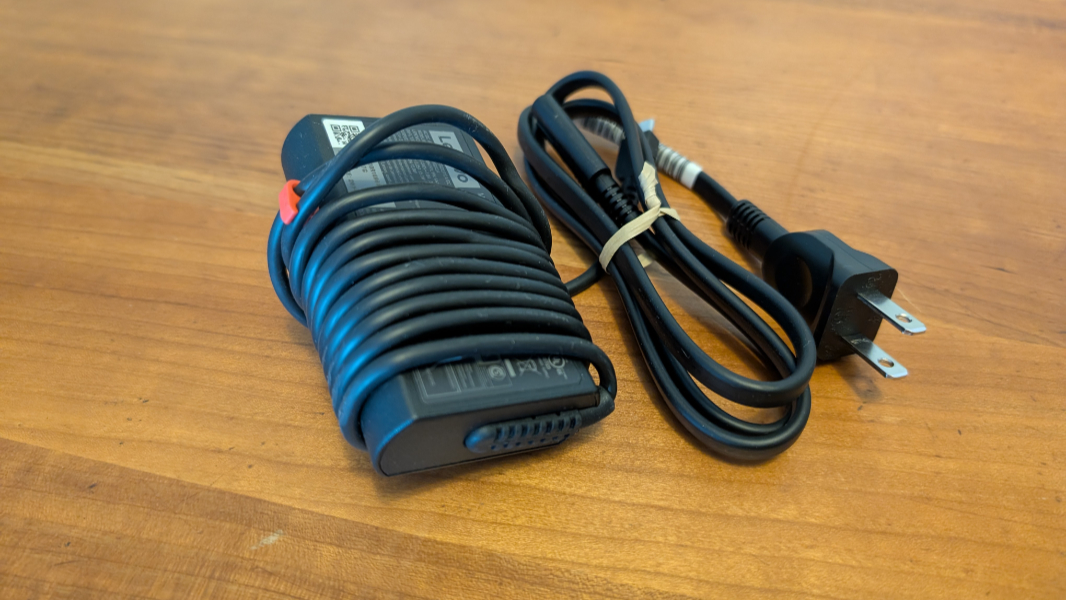
The folio keyboard makes for a reasonably good type cover, despite not being truly full-sized. It seems solid enough, with little bounce, and the scalloped keys feel fine.
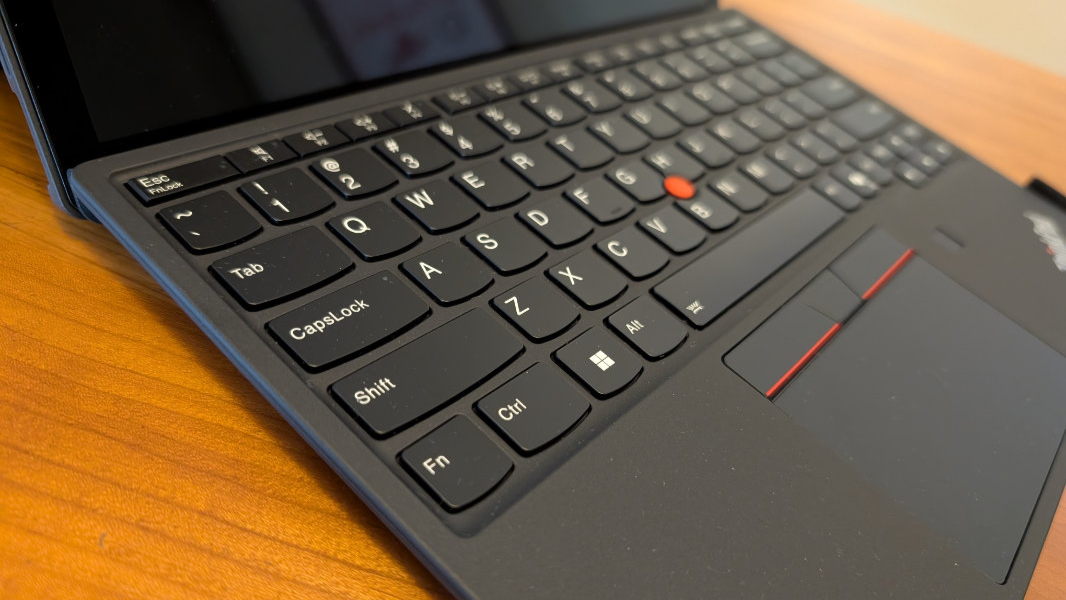
But the Ctrl and Fn keys are reversed, the Copilot key takes up valuable real estate, and the PgUp and PgDn keys are tiny, and jammed into the arrow key area.
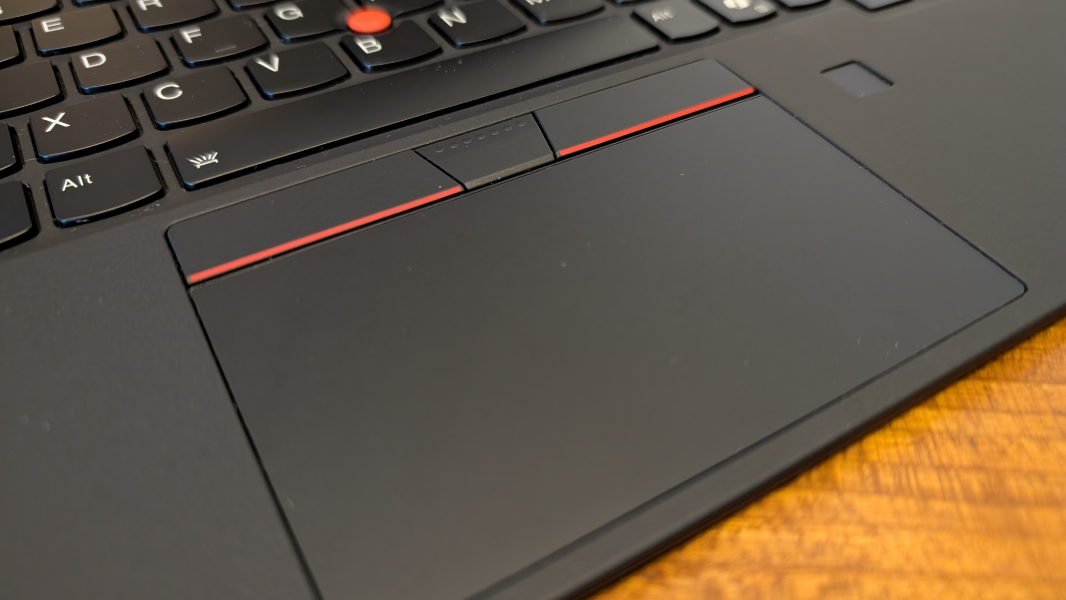
The keyboard supports two angles for typing, which I like, and uses strong magnets when open or closed to make sure it stays where it belongs.
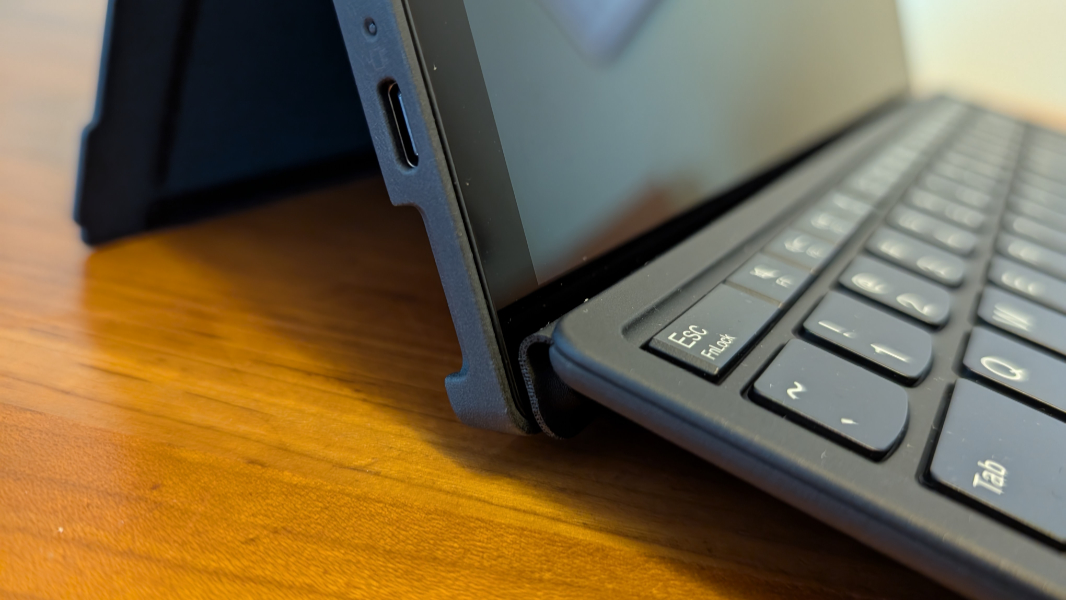
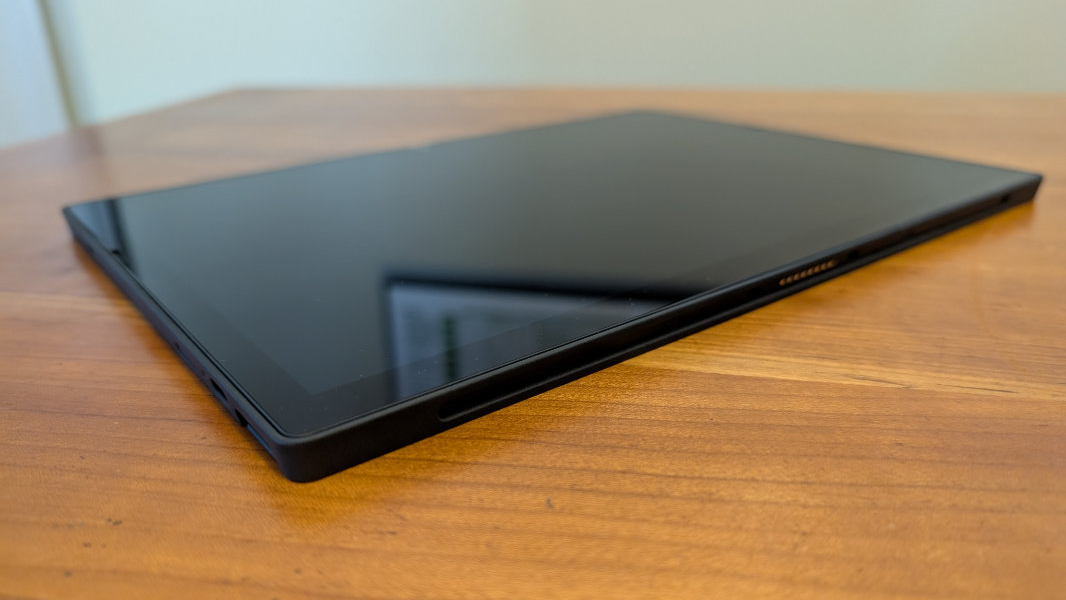
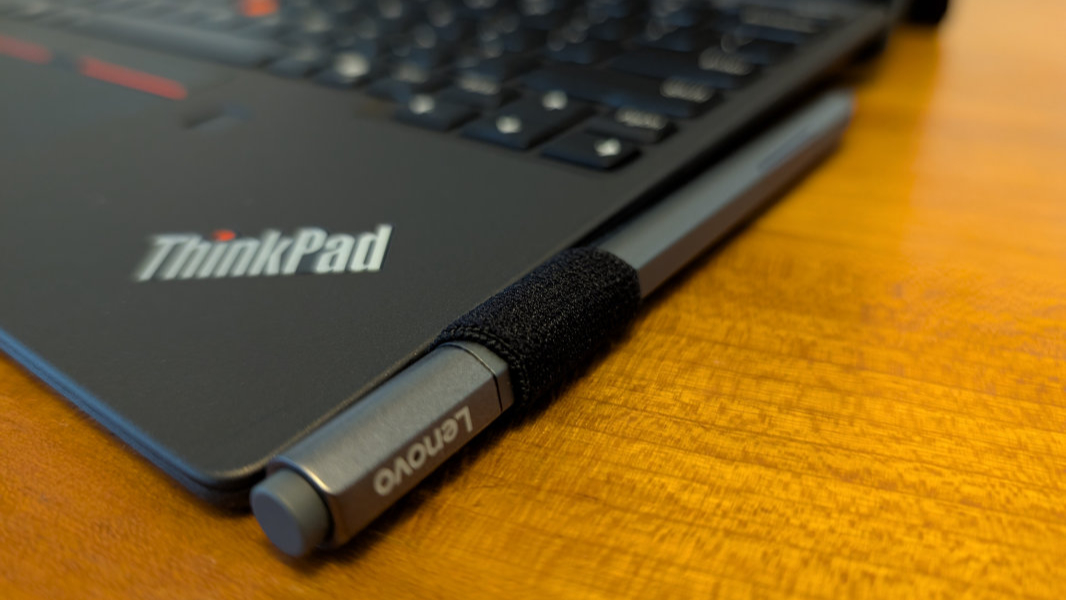
But there’s no internal battery or wireless usage. It has to be connected to the pogo pins on the bottom of the tablet to work. It also has a little loop for securing the bundled Lenovo Digital Pen. (It’s compatible with the improved Lenovo Precision Pen as well.)
The Lenovo ThinkPad X12 Detachable starts at about $1430. A maxed out version with a Core Ultra 7 processor, 32 GB of RAM, 1 TB of storage, and 4G/LTE is a bit over $2000.
More soon.