HP EliteBook 6 G1q First Impressions
- Paul Thurrott
- Sep 19, 2025
-
1
Heading into September, I had to do some internal math to figure out when and how I could review the laptops I had been loaned, given my suddenly complicated schedule. I brought the HP EliteBook X G1i 14 and Lenovo Yoga Pro 9i Aura Edition to Berlin two weeks ago, and wrote both up when I got back. And then I reviewed the HP EliteBook 8 G1a 16 this past week.
So far so good: We’re going to be in Mexico City for the next two months, and I didn’t want to lug multiple review laptops there and then back again. Plus, I had that NAS to bring to Mexico. I knew that would provide a moment of hilarity in the security line at the airport since I planned to carry it on the flight with me.
But I wasn’t quite done yet. I still had the Snapdragon X-based HP OmniBook 5 16 that I bought with my own money. We’re flying to Mexico City as I write this, and my ulterior motive was to leave that laptop there so I have a Snapdragon X laptop in Mexico. (And my Surface Laptop 7 in Pennsylvania.) But we are also flying to Hawaii on Monday for Qualcomm’s annual Snapdragon Summit, and then returning to Mexico City on Friday. And so having a thin and light Snapdragon X-based laptop to bring there seems ideal. Plus, Hawaii is a pretty place to take some product shots.
But the PC industry isn’t resting because I have to travel. HP contacted me about a new lower-end EliteBook laptop, and looking at the calendar, I could see I had just enough time for HP to ship it to me before we left. And so I agreed to review it. Some begrudgingly, if I’m being honest. I figured this was yet another Lunar Lake-based laptop and I’ve kind of had it with Intel’s chips.
Imagine my delight when the box arrived and I discovered that this new laptop, the EliteBook 6 G1q is instead powered by a Qualcomm Snapdragon X Plus processor. Yes. And just like that, I’ve crossed an interesting milestone. I’m using a Snapdragon X Elite-based Snapdragon Dev Kit in my home office for podcasts and other work. I have a Snapdragon X Elite-based Surface Laptop 7, which is still my favorite overall laptop. And now I’m flying to Mexico City with two Arm-powered laptops, the Snapdragon X-based OmniBook 5 and this Snapdragon X Plus-based EliteBook 6. Actually, three: I also brought my Apple MacBook Air M3, which is Arm-based. Or four, if you want to count the iPad Air M3 too. That’s a computer now, too.
This is exciting for me. But let me get to the topic at hand. The EliteBook 6 G1q. What is this thing?
The EliteBook 6 line replaces the old EliteBook 600 series product family. I don’t believe I’ve ever reviewed an EliteBook this far down the portfolio, but one can assume from the numbering scheme that this is a lower-end family of laptops than the EliteBook 8 series, which sits below the EliteBook X series that sits below the EliteBook Ultra series. This is the simplest math imaginable.
But it does raise some questions.
For starters, yes, there are Intel- and AMD-based EliteBook 6 series laptops, too. Intel is represented by 13.3-, 14-, and 16-inch models, AMD is there at 14 and 16 inches. And poor Qualcomm brings up the rear, as always, in this case with the single 14-inch version that I’m reviewing.
With pricing starting just north of $1000, the EliteBook 6 is a premium laptop, of course. But it’s also less pricey than HP’s higher-end EliteBooks, so there have to be compromises somewhere to make this price point. And there are. I’ll get to that momentarily, but HP has always done a good job of bringing new technology from more expensive products down market, so I’m curious how that works here.
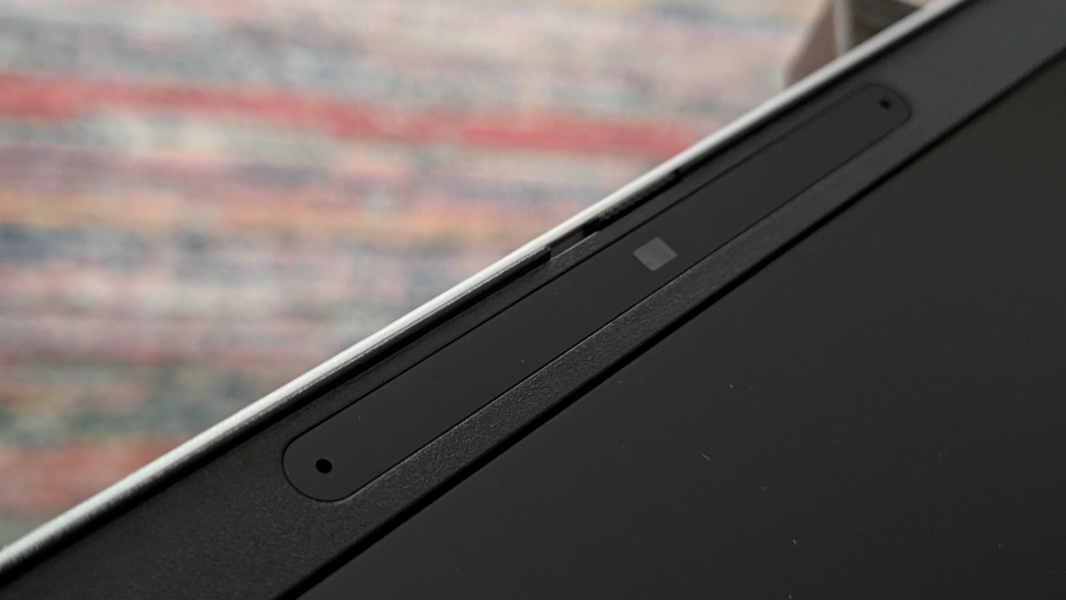
I will say this. It’s likely that the EliteBook 6 G1q is the most configurable Snapdragon-based laptop ever made, especially in the commercial market. There are 6 display choices, two battery choices, two processor choices, three RAM choices, four storage choices, two webcam choices, two Wi-Fi/Bluetooth choices, and even optional cellular broadband. Impressive.
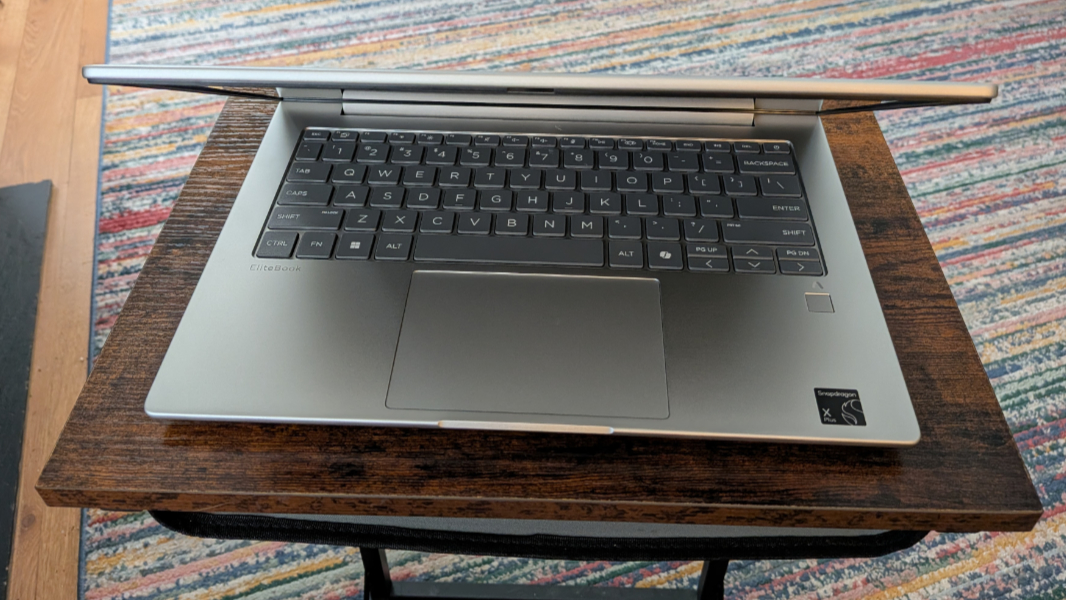
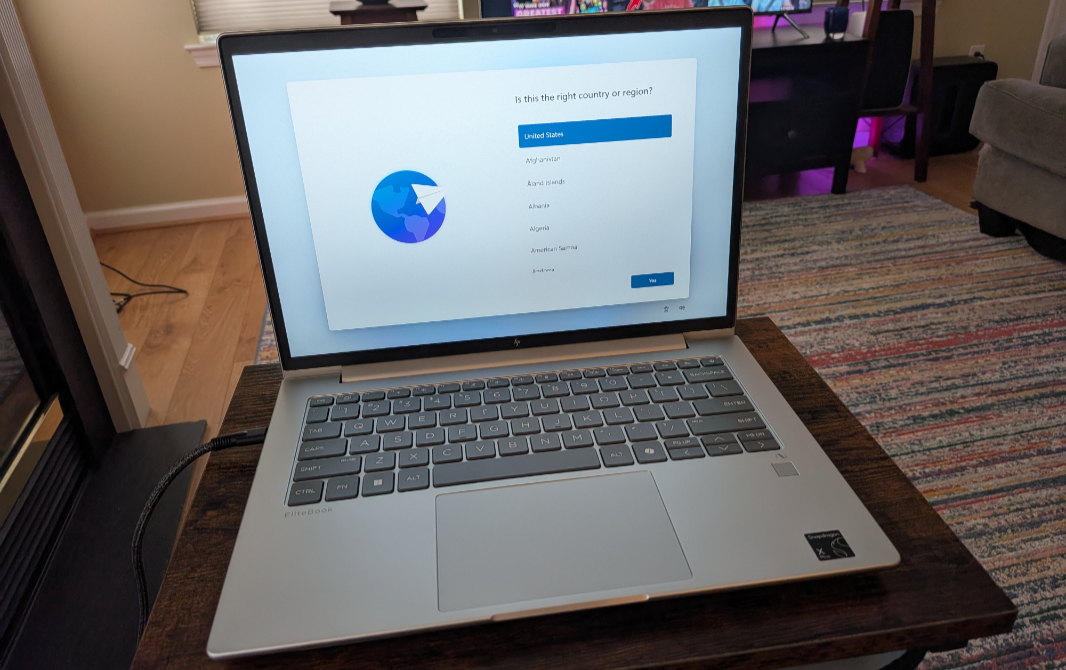
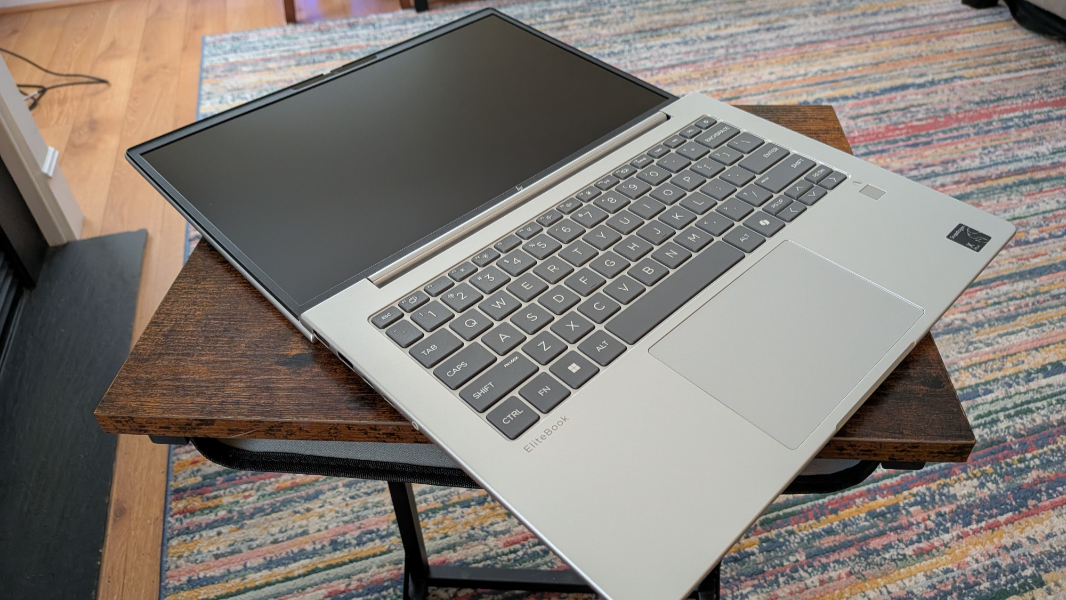
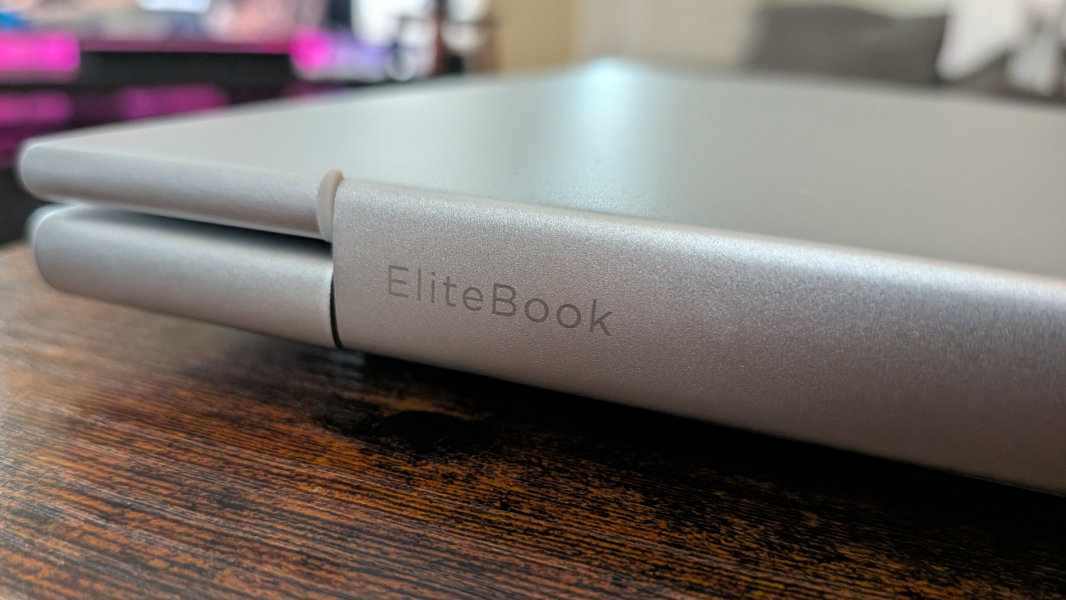
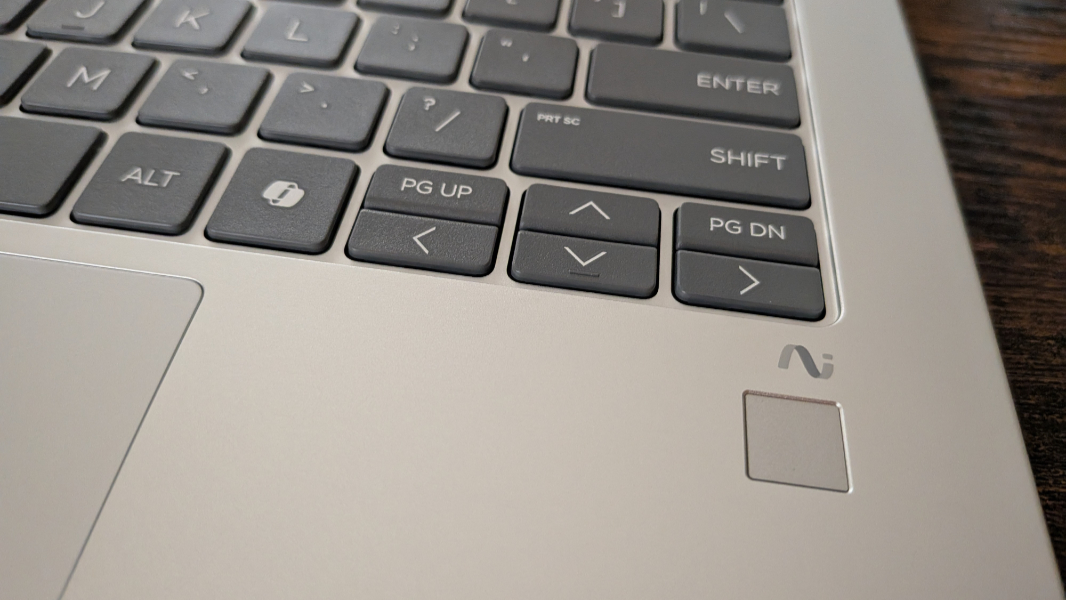
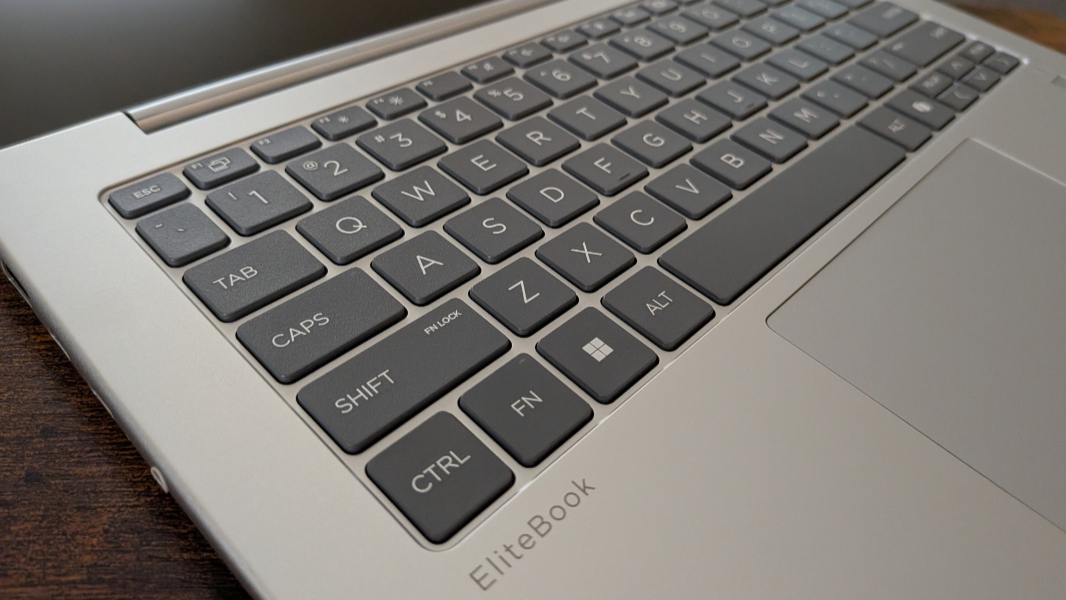
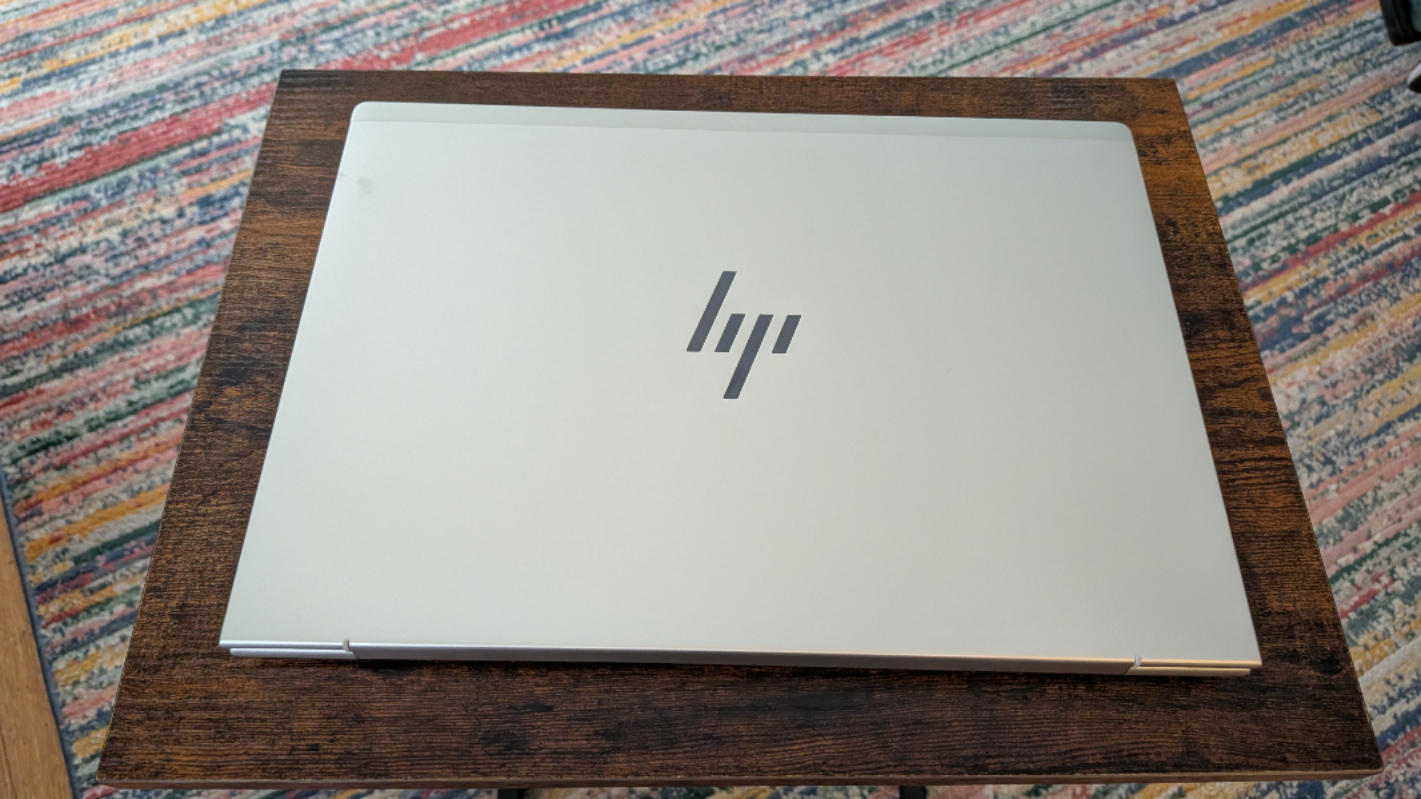
The look is familiar, with a light gray body, dark gray keyboard, and black display bezels. But some of this, especially the bezels, feel a bit cheaper than what we see on more expensive laptops. Mostly because those bezels are curiously big.

And while I can’t quite explain this—maybe it’s just because I’ve been using so many 16-inch laptops lately—the EliteBook G1q looks smaller than its 14-inch size. Indeed, I first assumed it was a 13.3-inch model (which doesn’t exist with a Snapdragon processor), and had to double-check the label on the box to be sure.
In any event, you can configure an EliteBook 6 G1q with one of five 1200p (1920 x 1200) displays or a single 1600p (2560 x 1600) option, all of which are IPS. None appear to offer touch, thankfully, but there are versions that emit 300 nits, 400 nits, and 800 nits, the latter of which also provides HP’s Sure View 5 security technologies. The review unit came with a 400 nits panel with an anti-glare coating.
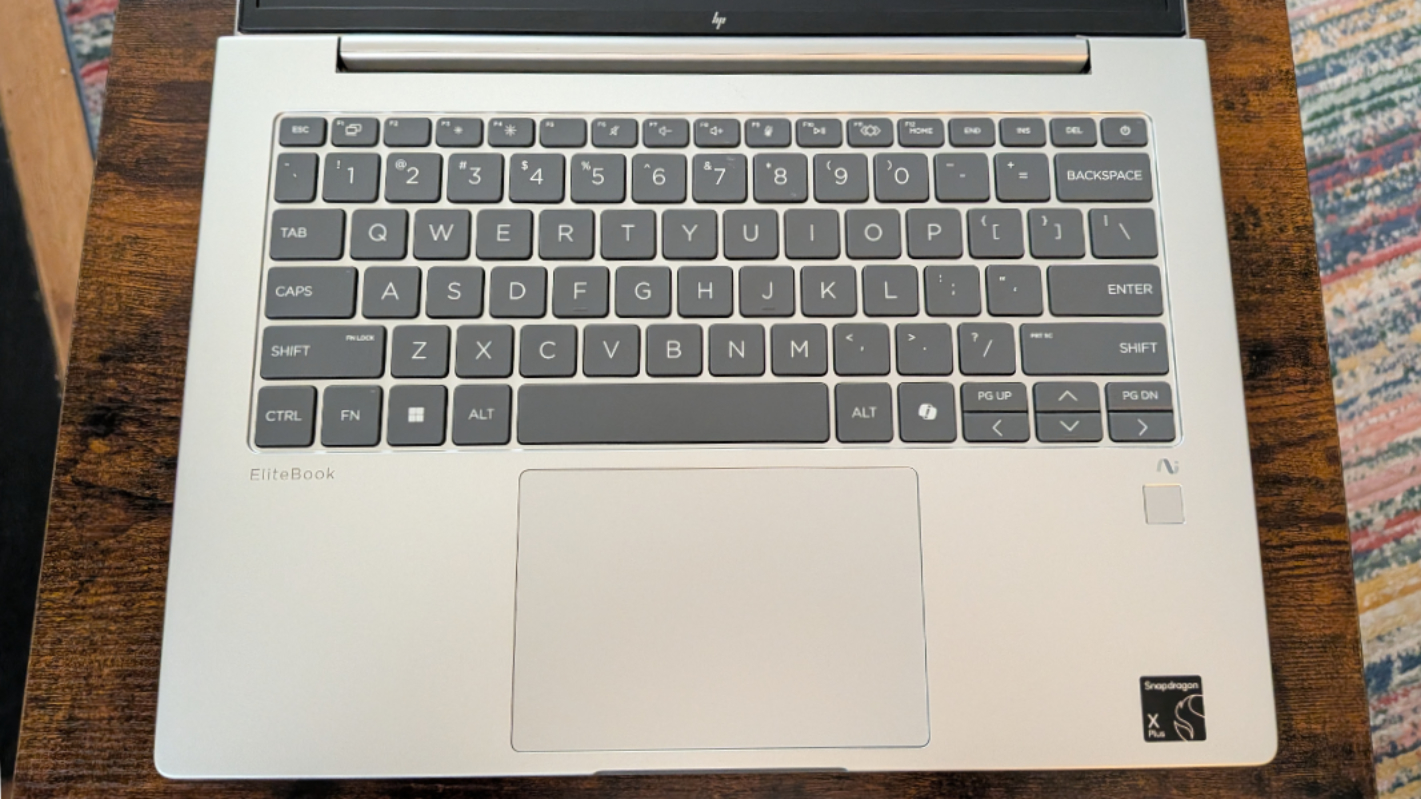
The EliteBook G1q can be had with a Qualcomm Snapdragon X X1-26-100 processor, like my OmniBook 5, but the review unit has an upgrade in the form of a Snapdragon X Plus X1-42-100 processor. Qualcomm has a useful page that compares all of its current-generation Snapdragon X chips, and these two choices are almost identical, with the only major difference being that the X Plus variant has a single-core frequency the X lacks. Each provides a 45 TOPS NPU and integrated Adreno graphics.
You can also choose between 16, 32, and 64 GB of RAM, and 256 GB, 512 GB, and 1 TB of PCIe NVMe SSD storage. The review unit runs right up the middle with 32 GB and 512 GB. The SSD is customer upgradeable.

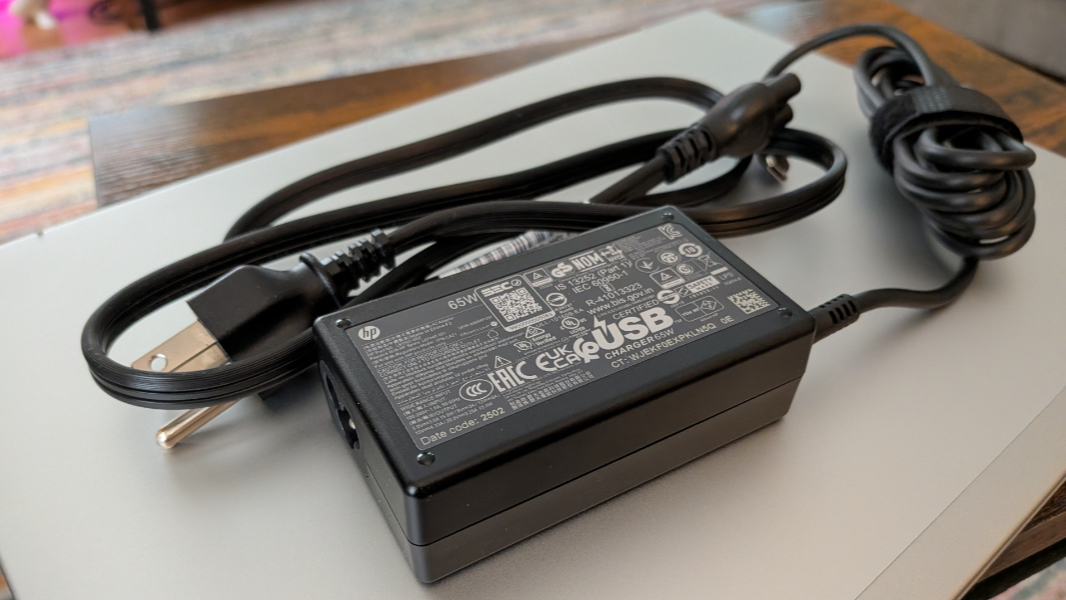
There are two battery choices, as noted, a 3-cell 48 watt-hour (Whr) battery and a 3-cell 56 Whr option that I assume provides a bit more uptime. The battery is held in without screws for easier and less dramatic replacements, and the bundled 65-watt power supply is a blocky new design, though the USB cable is hard-wired to the brick.
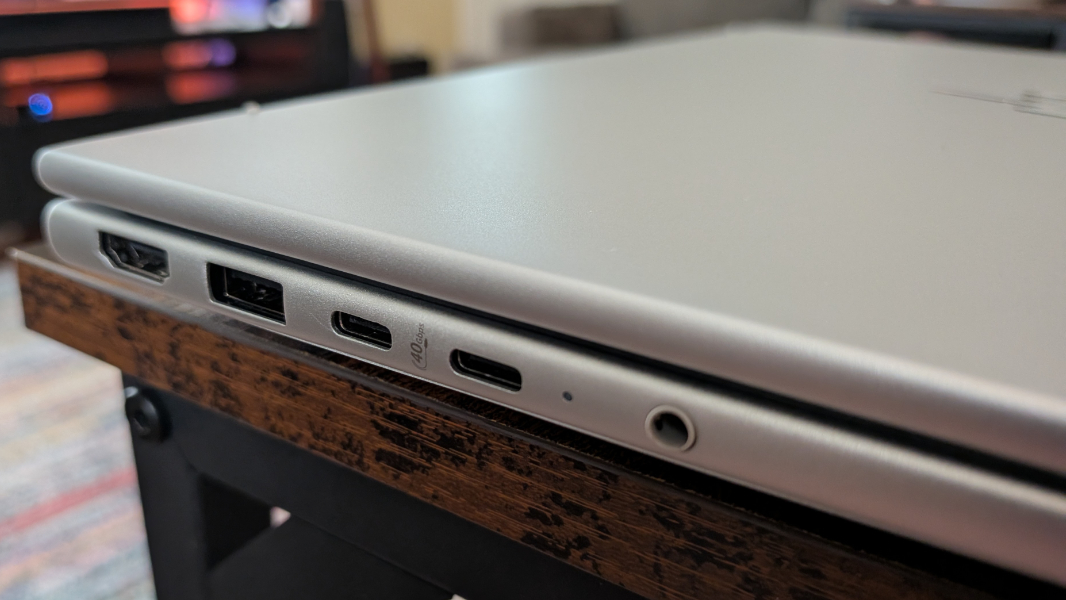
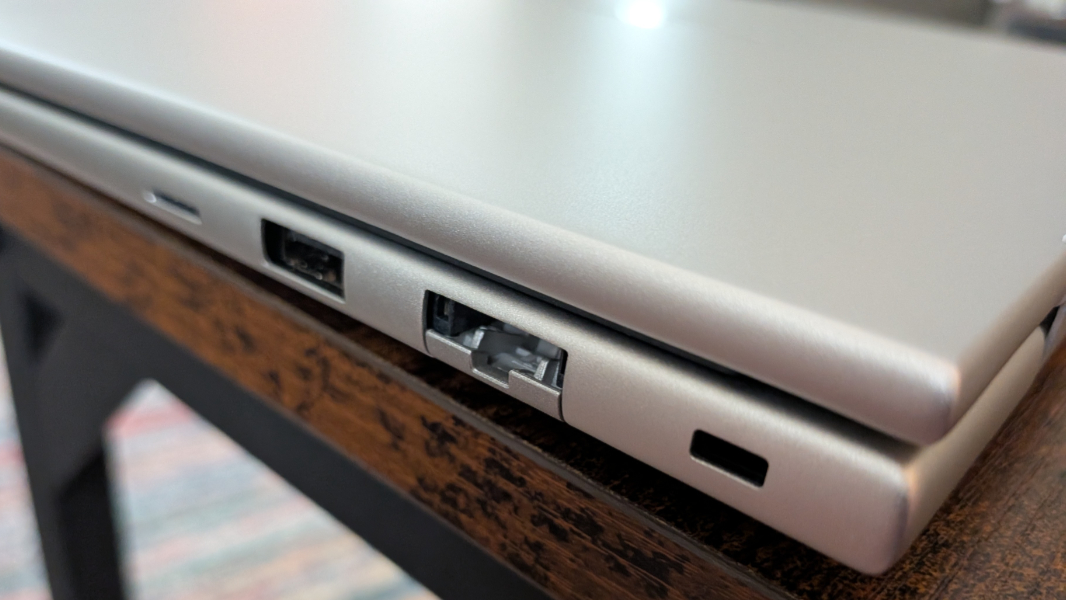
Expansion is reasonable. You get a full-sized HDMI vide-out port, one 5 Gbps USB 3.2 Gen 1 Type-A port, two 40 Gbps Thunderbolt 4/USB4 Type-C ports (with Power Delivery and DisplayPort 1.4), and a combo microphone/headphone jack on the left. And then an optional nano SIM reader, another 5 Gbps USB 3.2 Gen 1 Type-A port, a drop-jaw Ethernet port (!), and a nano lock slot on the right.
The laptop is reaonably thin and light at 3.17 pounds. I assume it delivers stellar battery life, especially with the 56 Whr battery in the review unit. We’ll see.
The review unit has Wi-Fi 7, Bluetooth 5.4, and cellular broadband connectivity, which is handy. And it ships with an optional new service called HP Go that will cost $19 per month and up and give the mobile professionals who need this zero-touch multi-carrier 5G via the top three U.S. carriers.

So there’s a lot going on here. Now, I just need to figure out which of these laptops to bring to Hawaii. It’s a nice problem to have, I know.
More soon.