- Blog
- OneNote
OneNote

Microsoft Demotes OneNote 2016, Moves Forward with Modern OneNote
- Paul Thurrott
- Apr 18, 2018
-
84
comments
Confused why Microsoft is maintaining two different versions of OneNote on Windows? Well, that's about…

Microsoft Improves Immersive Reader Across All Platforms
- Mehedi Hassan
- Mar 21, 2018
-
2
comments
Microsoft's Immersive Reader is getting updated with a new Picture Dictionary feature, along with other…
Microsoft Rolls Out OneNote Updates for Education
- Paul Thurrott
- Sep 21, 2017
-
5
comments
Microsoft has announced a series of educational-focused updates for OneNote that vary across platforms.
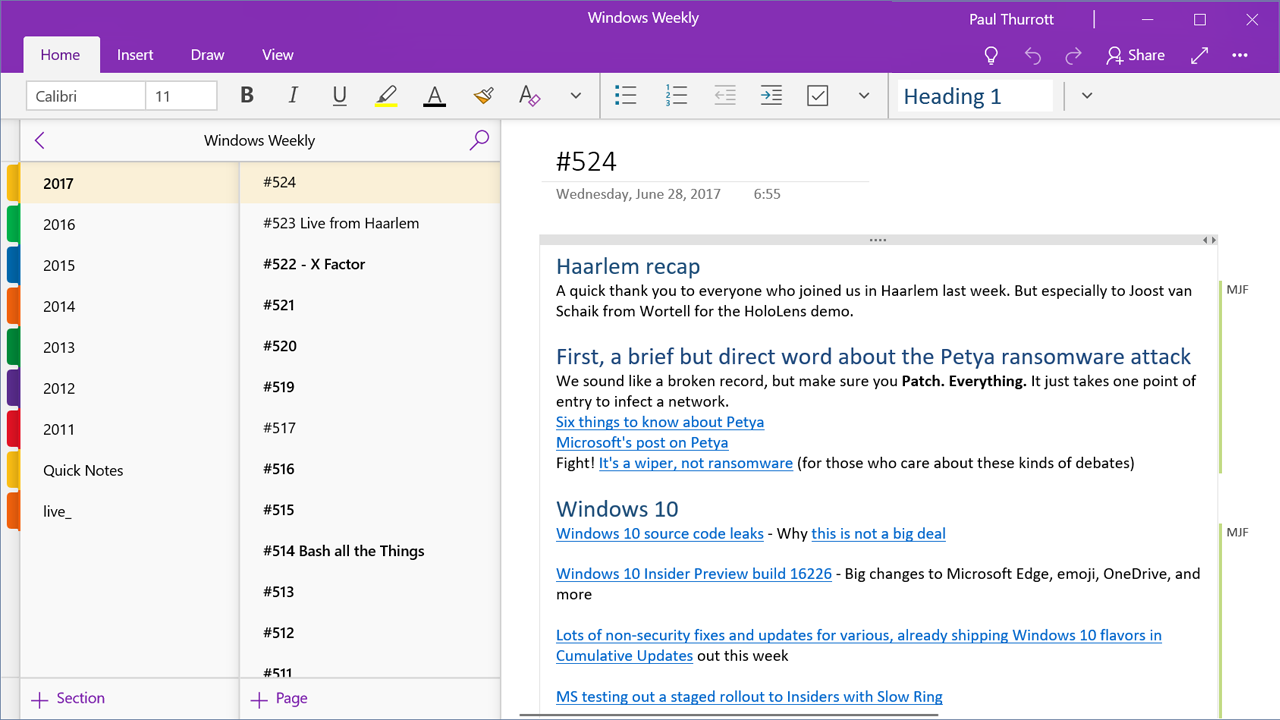
Microsoft Ships Major OneNote for Windows 10 Update … But Only to Skip Ahead Insiders
- Paul Thurrott
- Sep 08, 2017
-
20
comments
Microsoft this week is documenting a major future update to OneNote for Windows 10.

OneNote for Windows 10 August 2017 Feature Update Begins Rolling Out
- Paul Thurrott
- Aug 17, 2017
-
13
comments
Microsoft this week began rolling out the August 2017 Feature Update for OneNote for Windows…
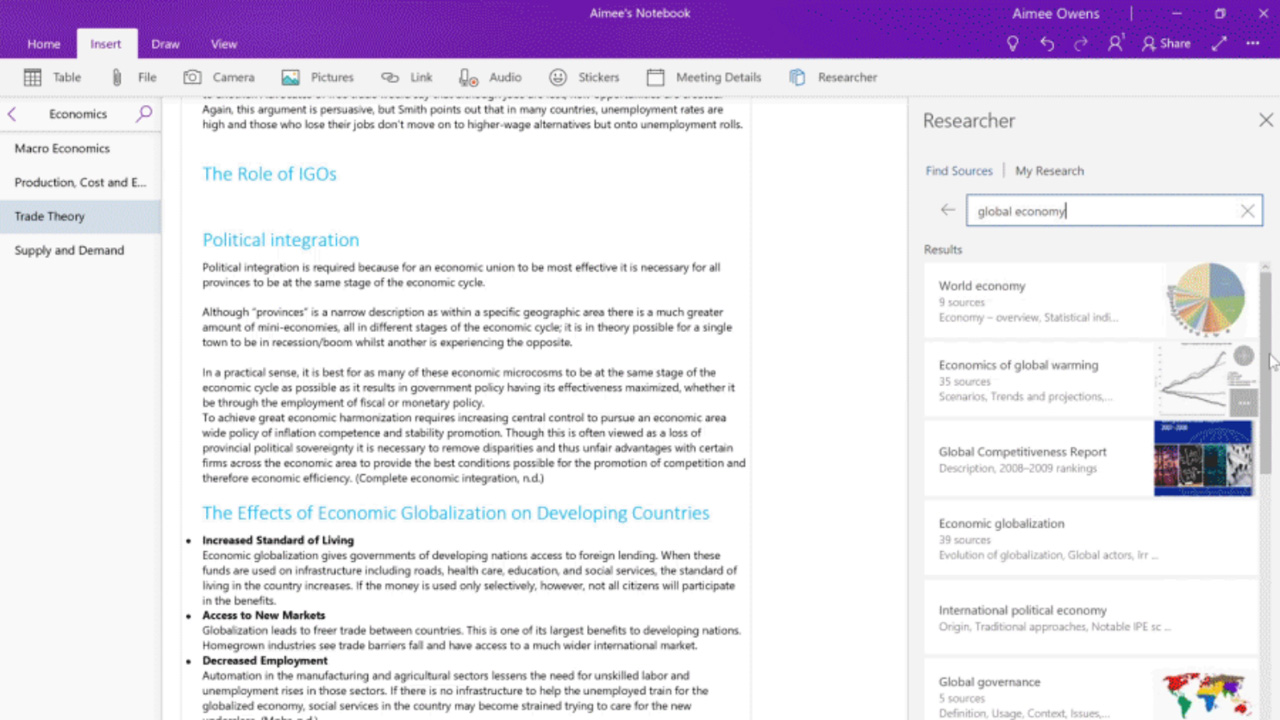
Microsoft Updates OneNote, Tools for Education
- Paul Thurrott
- Jun 26, 2017
-
11
comments
Microsoft today announced a set of updates to Microsoft Updates OneNote, OneNote Class Notebook, and…

Immersive Reader is Now Available in Outlook on the Web and OneNote for Windows 10
- Paul Thurrott
- May 31, 2017
-
4
comments
Microsoft announced today that it has brought its Immersive Reader experience to Outlook on the…
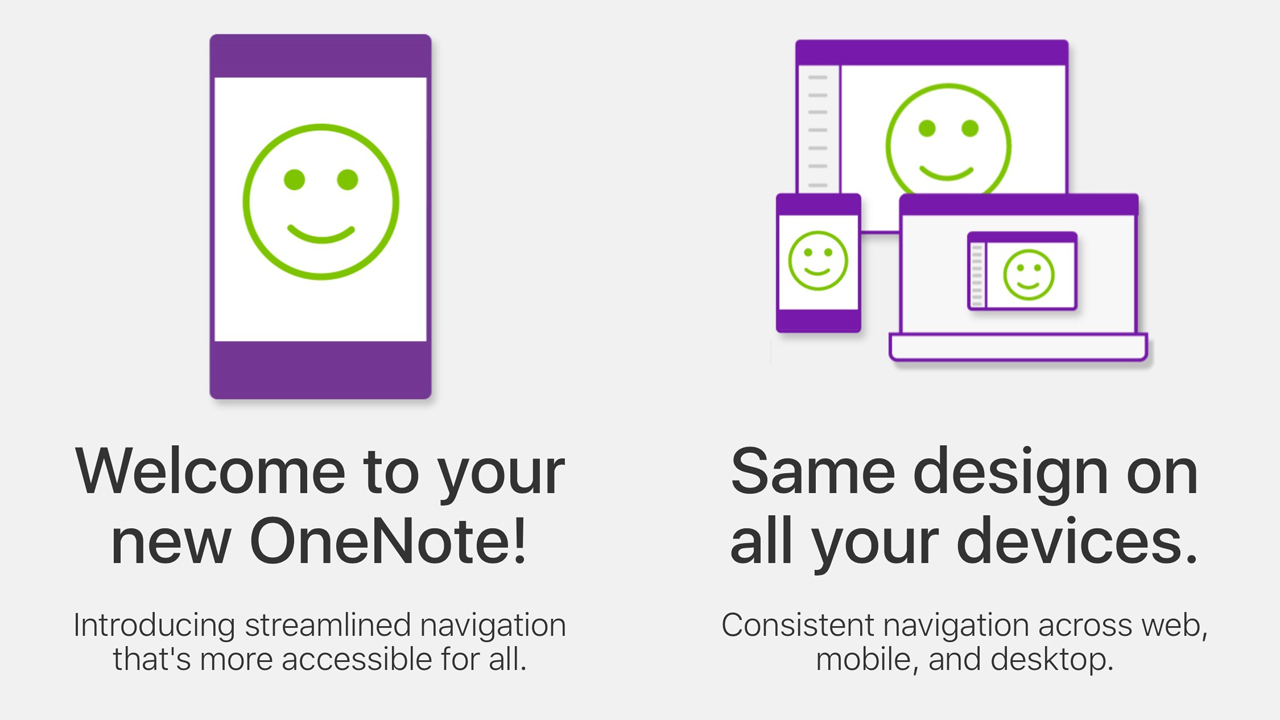
OneNote Gets a Design Refresh on iOS
- Paul Thurrott
- May 17, 2017
-
7
comments
Microsoft has pushed out a nice update to OneNote on iOS that offers an improved…

OneNote for Windows 10 Updated with Section Passwords, Notebook Reordering, More
- Paul Thurrott
- Feb 22, 2017
-
16
comments
OneNote for Windows 10 received a fairly major update today with several new features, including…

How I Use Microsoft OneNote
- Paul Thurrott
- Dec 10, 2016
-
30
comments
Following up on last week's OneNote posts, I thought I'd open up my own notebooks…
, Cache works on both Windows 10 PCs and iPhone, and "allows you to drag text snippets, images, web pages, files, URLs, notes and nearly anything else you might need into the app and then instantly have it available on your iPhone." Contrary to our original understanding, the Windows version of Cache is *not* a UWP app, though it does look like one: [As Rafael found out in October, it's just a .NET/WPF app](https://www.thurrott.com/windows/windows-10/83698/hands-cache-latest-microsoft-garage) and you just download it from the web like any other Windows desktop application. Rafael's initial hands-on was based on leaked code, but this week, I was allowed an official peek at the still-in-beta app, which is still available in both Windows and iPhone flavors. (Presumably, it will come to at least Android should it move forward into public usage.) That said, it doesn't appear that much has changed since October. But let's get what it *is* out of the way first. Cache has been liked to everything from Reading List---an add-on app for Internet Explorer in the Windows 8 days---to [Pocket](https://getpocket.com/), a useful service I use every single day. Back in August, [WalkingCat noted that Cache seemed "kinda similar" to OneClip](https://twitter.com/h0x0d/status/767892390963060736?ref_src=twsrc%5Etfw), another Microsoft Garage project, albeit one that never materialized. Today we know that [Cache is indeed OneClip, but with a new name](https://twitter.com/h0x0d/status/788905643180642305). But how does it relate to OneNote, an admittedly heavier tool that can also be used for similar purposes? Microsoft describes Cache as, yes, a visual bookmarking tool," one that helps you "centralize all related content around your projects and ideas." Nebulous, I know. The parallels with OneNote are hard to escape. Cache lets you "have all your content organized around the projects or tasks [that] are important to you. It brings everything (files, emails, webpages, images, and more) to one place, regardless of the app it was created in." Projecting the understood intent of this tool, then, it seems that the rough idea here is the same as with OneNote, where you are using a single tool to collect information that you will later transform into a document or communication of some kind. But OneNote and Cache differ in the implementation details: Where OneNote is organized like a paper notebook, Cache uses project-centric organization. And as a more modern tool that was built specifically for the needs of today, it looks and works a bit differently than does OneNote. Put another way, Cache seems designed for the UNIX-like single-task-based app model that is common in mobile, whereas OneNote is still an old-school monolithic desktop application at heart. OneNote is literally about notes, though you may of course bundle or link to other content types. But Cache is about collecting multiple content types in projects. Some of which may be notes. Asking why Microsoft would duplicate functionality like this misses the point. "Microsoft" isn't collectively doing a thing here. This is a Microsoft Garage project, which means two things: It is driven by a single human being. And it is specifically designed to address a modern need. So if it happens to duplicate functionality from a legacy Office application, as it does, so be it. This is Microsoft experimenting with mobile. Throwing spaghetti at the wall and seeing what sticks. As Rafael did before me, I spent a bit of time pulling different kinds of content into a sample collection I created in the Windows application. (Cache uses collections instead of notebooks or sections.) And as you might expect, the content opens elsewhere when you select it: Word documents open in Word, text documents open in Notepad, and so on. That said, basic image types like JPEG open right in the app for some reason. And text snippets---like text dragged from a web page---also open right in Cache. One nice bit: You can dock the app to the side of your desktop so it's always there when you're doing research and want to drag things over to it. That works pretty well. I was given access to the iPhone app as well, but I've not yet heard back from Apple to get the TestFlight-based access I actually need to use the app while in beta. (I use TestFlight for other pre-release apps, too, like Bear, a writing tool, and Google Chrome.) But I feel like I've waited long enough on this post, so I'll address the mobile experience when I can. I'm not 100 percent sure "where" Cache data is stored, and I do wonder if it relies on the source of the information you're caching to stay where it is. For example, if I drag a document into Cache and then delete that document, does the cached document no longer work? And if it does work, where is it stored? Until this thing is better baked, I won't bother to figure this out, and of course I'd like to see the mobile app in action and compare the workflow speed and efficiency to that of OneNote.](https://thurrott-assets.nyc3.digitaloceanspaces.com/web/2016/12/cached.jpg)
A Quick Peek at Microsoft Cache Beta
- Paul Thurrott
- Dec 07, 2016
-
3
comments
Cache is a secretive Microsoft Garage project that first leaked a few months ago. But…
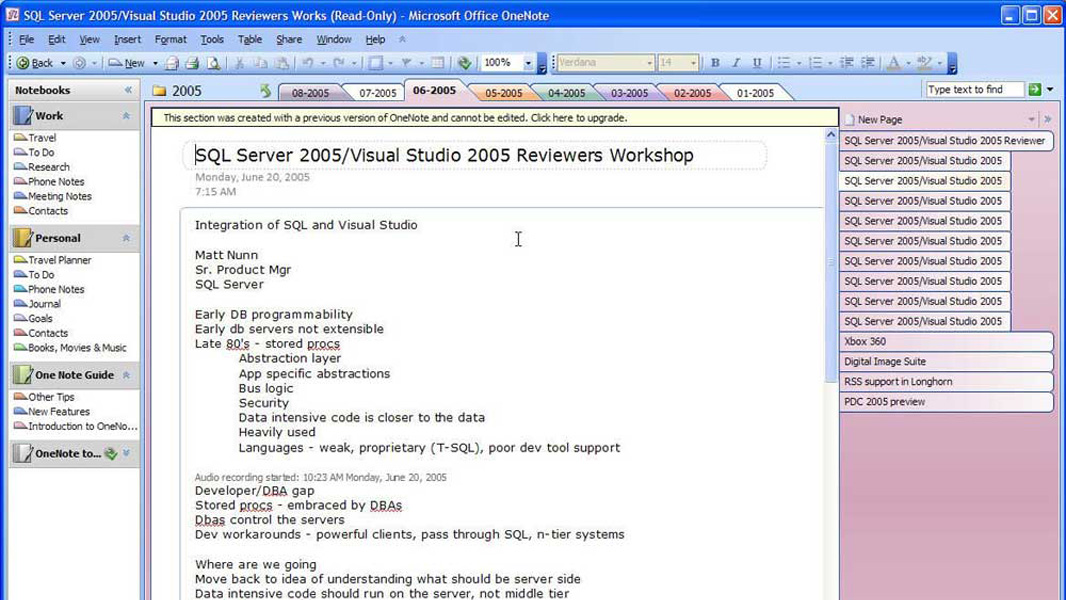
A Personal History of Microsoft OneNote
- Paul Thurrott
- Nov 29, 2016
-
31
comments
Codenamed "Scribbler," Microsoft OneNote was announced at COMDEX 2002 and would ship as part of…

A Few Tips for Integrating OneNote Into Your Life
- Paul Thurrott
- Nov 28, 2016
-
40
comments
OneNote is the best note-taking solution in the world, and it's available for free for…

October Updates for OneNote Focus Largely on Android
- Paul Thurrott
- Oct 18, 2016
-
4
comments
Today, Microsoft announced several new updates for its OneNote mobile app on Android. Plus a…
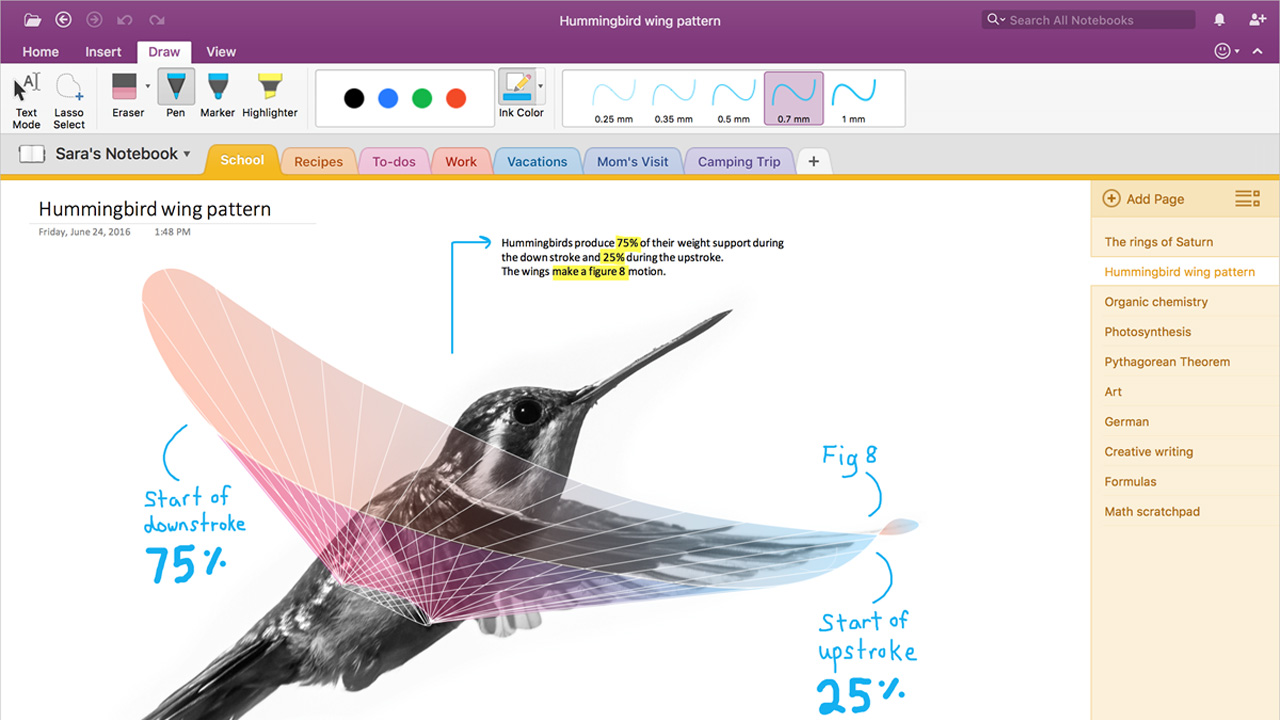
Microsoft Brings Its OneNote Importer Tool to Mac
- Paul Thurrott
- Aug 18, 2016
-
0
comment
While Mac users aren't exactly known for saving money, a recent price hike at Evernote…
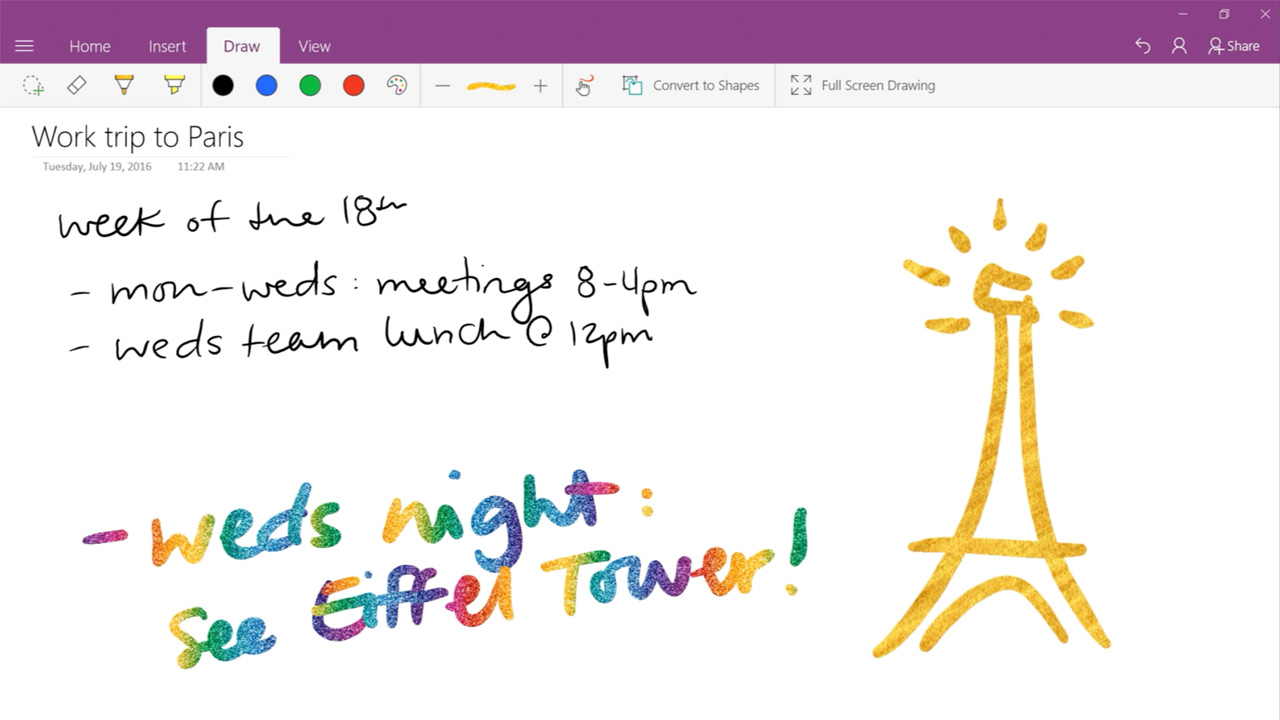
Microsoft Announces July Updates for OneNote
- Paul Thurrott
- Jul 22, 2016
-
1
comment
Windows isn't the only traditional Microsoft software that is being updated like a service: Its…