Microsoft Issues Patch Tuesday Updates for All Windows 11 Versions
- Paul Thurrott
- Aug 13, 2024
-
0
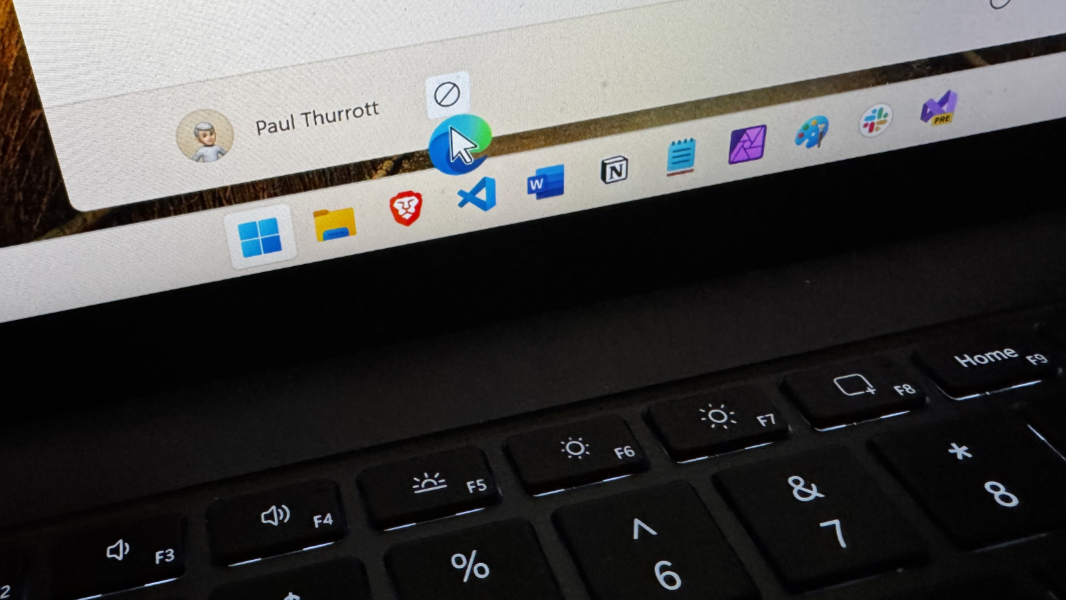
With Windows 11 version 24H2 set for a broader release in the coming months, Microsoft today issued its Patch Tuesday cumulative updates for all three supported Windows 11 versions. As expected, this is a big month for new features, and each supported version–22H2, 23H2, and 24H2–is once again aligned from a functional standpoint.
Windows 11 versions 22H2 and 23H2 are both receiving KB5041585, which updates the build number to 22621.4037 (22H2) or 22631.4037 (23H2). As expected, this brings all the new features previously released in July’s Week D update to stable, including the ability to drag app shortcuts from the Pinned area in Start to the Taskbar so you can pin them there as well, a duplicate tab option when you right-click in File Explorer, new Taskbar keyboard focus functionality, and a few other things.
Windows 11 version 24H2 is receiving KB5041571, which updates the build number to 26100.1457. As expected, this brings all the features from July’s Week D preview update for 24H2–which was issued late, in Week E–to stable. In other words, the same features as noted above: You can drag app shortcuts from Start to the Taskbar, and so on.
So we’re in alignment again. You know, until that changes. Which it will.