Lenovo ThinkPad P16 Gen 3 First Impressions
- Paul Thurrott
- Mar 14, 2026
-
18
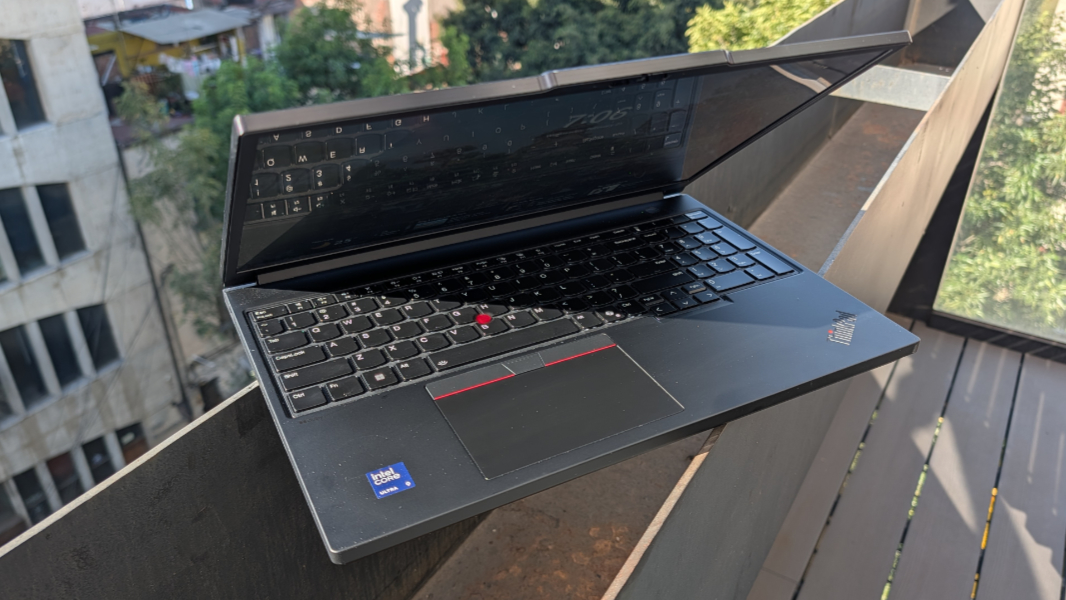
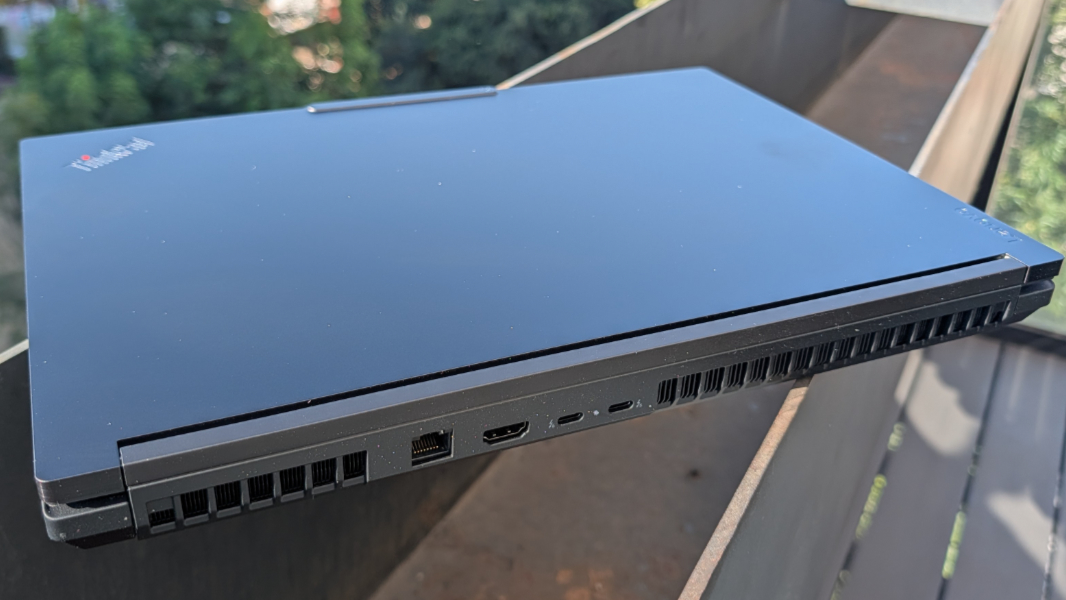
You can tell you’re using an unusually large laptop when many of the ports are on the rear, which most laptops dedicate solely to heat exhaust. But that’s where they are on the ThinkPad P16 Gen 3, a beefy monster of a portable workstation that actually lives up to that description. This is not your typical ThinkPad.
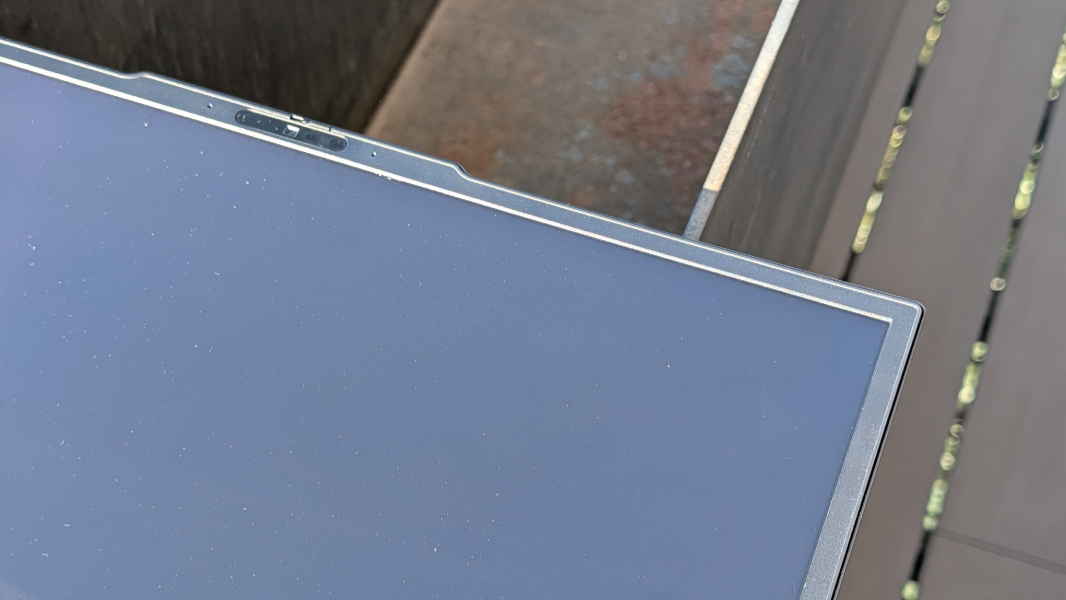
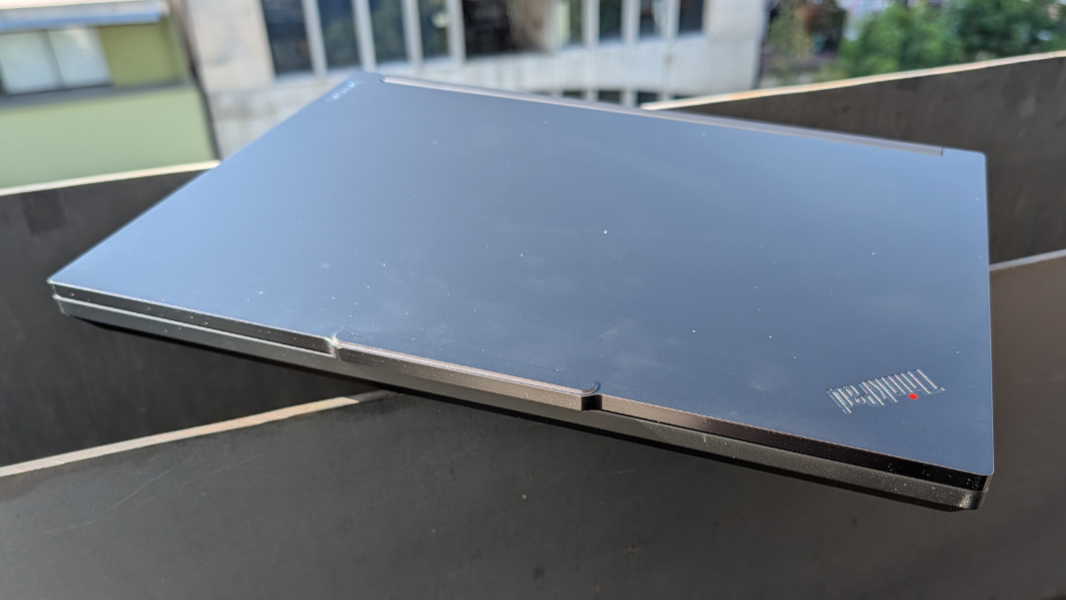
From a distance, it certainly looks like one. I’m also reviewing a ThinkPad P1 Gen 8 that’s become my go-to on this stint in Mexico City, and while it’s an impressive laptop in its own right and has familial similarities with the P16, they couldn’t be more different. And that becomes obvious the second you pull the P16 out of the box: Where the P1 weighs just over 4 pounds, the P16 hits 5.6 pounds. Use your knees, people.
Like the ThinkPad P1, the P16 is a 16-inch portable workstation, but after that, they diverge. Customers get a choice of Intel Core Ultra Series 2 HX processors, Nvidia RTX Pro “Blackwell” graphics, up to an incredible 192 GB of DDR5-4400MT/s RAM across four slots, and—brace yourself—up to 12 TB of M.2 PCIe Gen 5 NVMe performance SSD storage. A MacBook Neo it is not.
The review unit came with an Intel Core Ultra 9 275HX processor, Nvidia RTX Pro 3000 graphics with 24 GB of dedicated RAM, and 1 TB of SSD storage. The processor is of the Arrow Lake variety with a 13 TOPS NPU, so this is not a Copilot+ PC. But it is an impressive performer with 24 cores consisting of 8 performance cores and 16 efficiency cores that can hit 5.6 GHz when necessary. And the Nvidia RTX Pro card provides 992 TOPS of hardware accelerated AI performance (with higher-end versions scaling all the way up to 1824 TOPS).
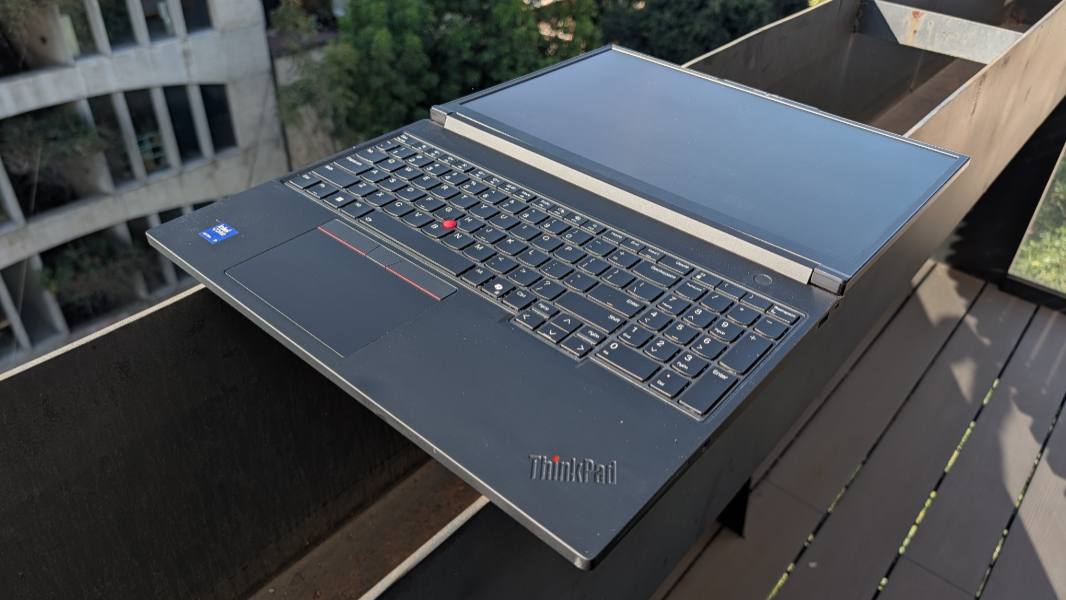
Lenovo offers customers several display panel choices, ranging from a Full HD+ (1920 x 1200) panel I can’t imagine a single customer choosing up to the stunning 3.2K (3200 x 2000) Tandem OLED display in the review unit. This panel is 16:10, of course, that emits 600 nits of brightness and provides an antiglare, antireflection, and antismudge coating, 100 percent DCI-P3 color gamut coverage, DisplayHDR 600 and Dolby Vision dynamic range, X-Rite Factory Color Calibration, and a TUV Eyesafe low blue light certification.
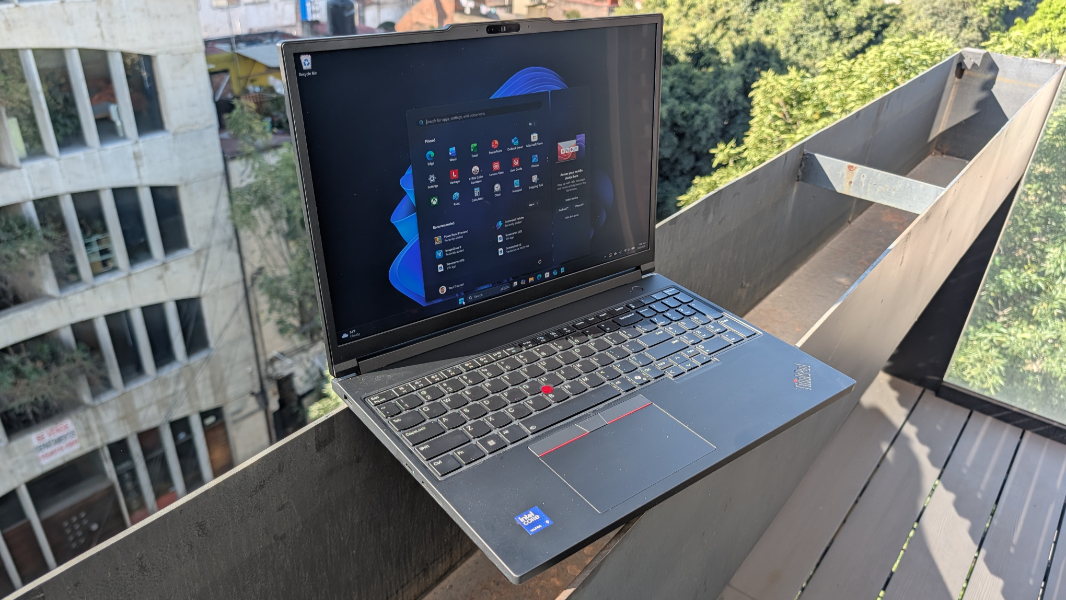
The P16 is, as noted, a big boy. In addition to being incredibly heavy, it’s also notably thick, especially when compared to that P1 I love so much. Where the P1 is a svelte 13.95 x 9.49 x 0.39/0.62 (front/rear) inches, the P16 bulls its way through the China shop at 14.25 x 9.92 x 0.62/0.82 (front/rear) inches.
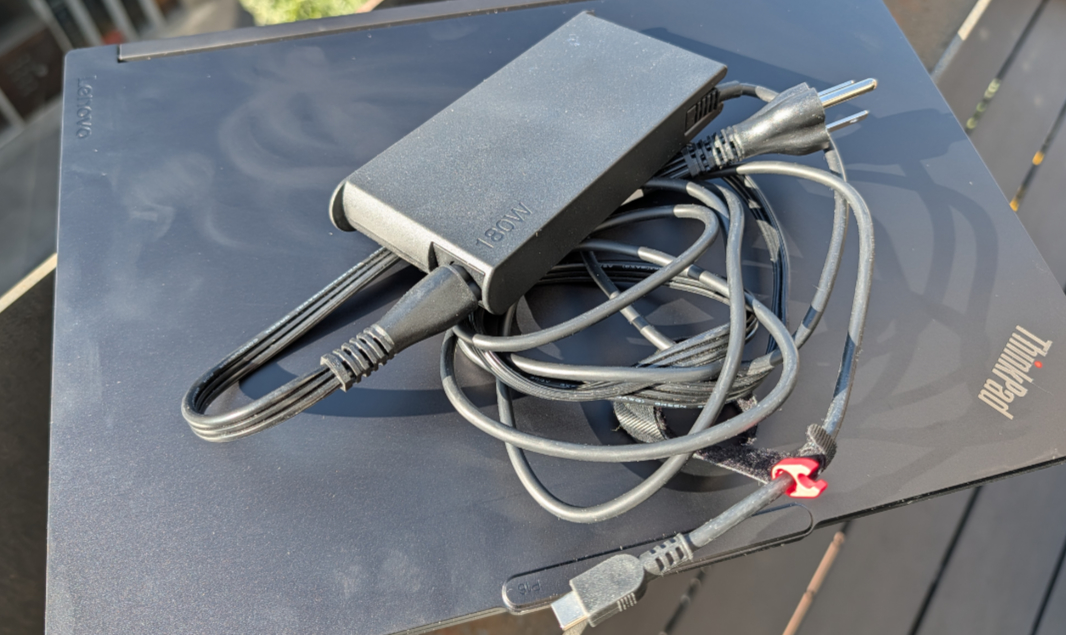
All this power requires, well, a lot of power. That’s supplied by a mammoth 99.9 watt-hour user-replaceable battery that can be rapidly charged to 80 percent in an hour using a 65-watt or higher charger. Which the Lenovo will complain about if you don’t use the also-mammoth 180-watt (!) USB-C charger it comes with. Yes, 180 watts. That power supply is roughly the size of a MacBook Neo, I bet. OK, I’m kidding. But only slightly.
I don’t have a lot in the way of workstation workloads, but what I do have is Call of Duty Black Ops 7 and a lot of reference material from other laptops to compare. And while the RTX series GPUs are aimed more at work and less at entertainment, I can make the following observations.
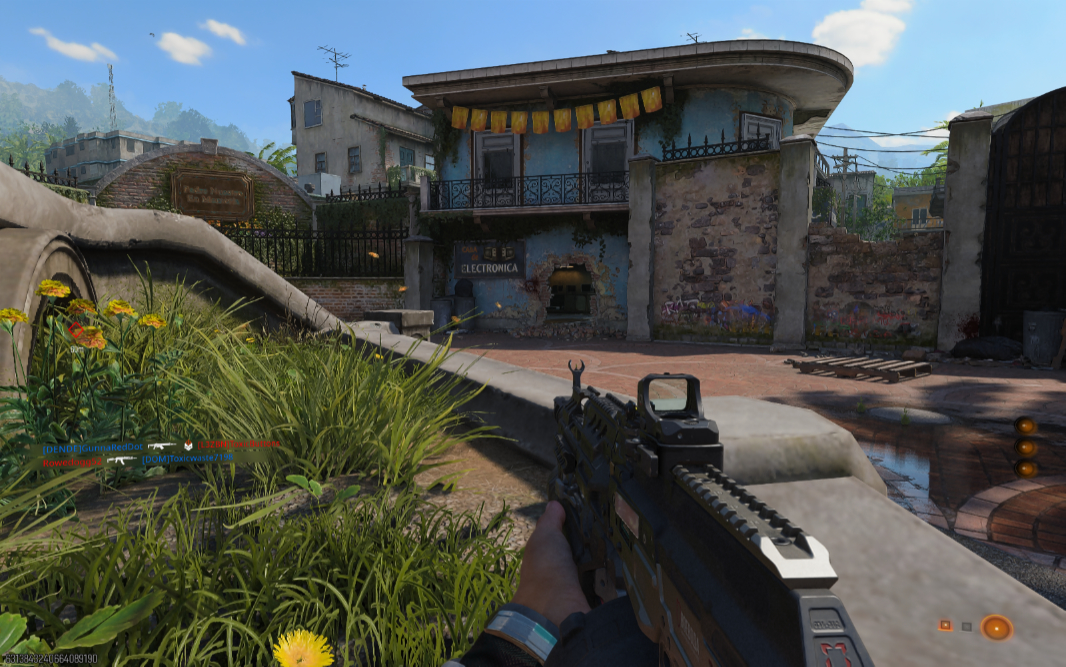
I have never seen this game look so good or achieve such high frame rates, it’s a revelation. And my God does this thing get loud: I’ve heard less fan noise on a cross-continental flight. The P16 leaves no doubt about it working as hard as is possible.
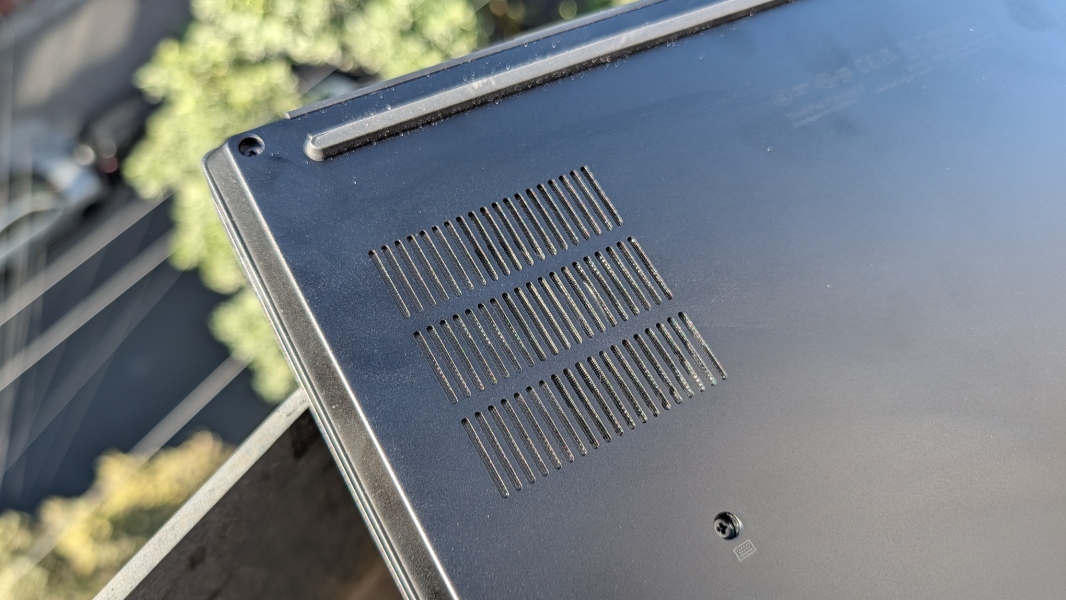
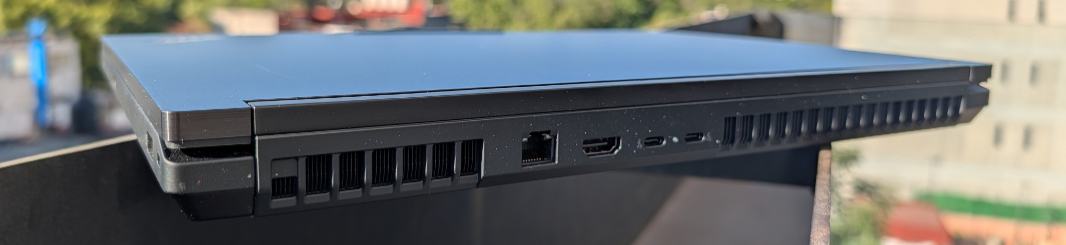
From an expansion perspective, the P16 offers something on three of its sides, with most of the action to the rear. This is the most complete port selection I’ve seen in many years.
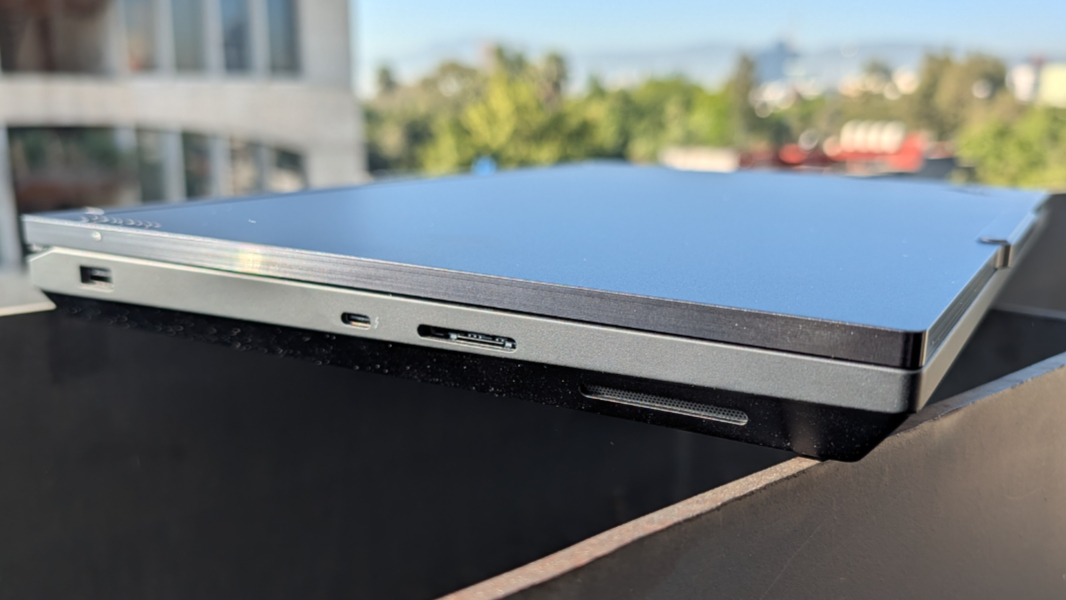
On the left, Lenovo provides a 10 Gbps USB Type A port, a 40 Gbps Thunderbolt 4/USB4 Type-C port with Power Delivery 3.1 and DisplayPort 2.1 capabilities, and a full-sized SD Express 8.0 card slot.
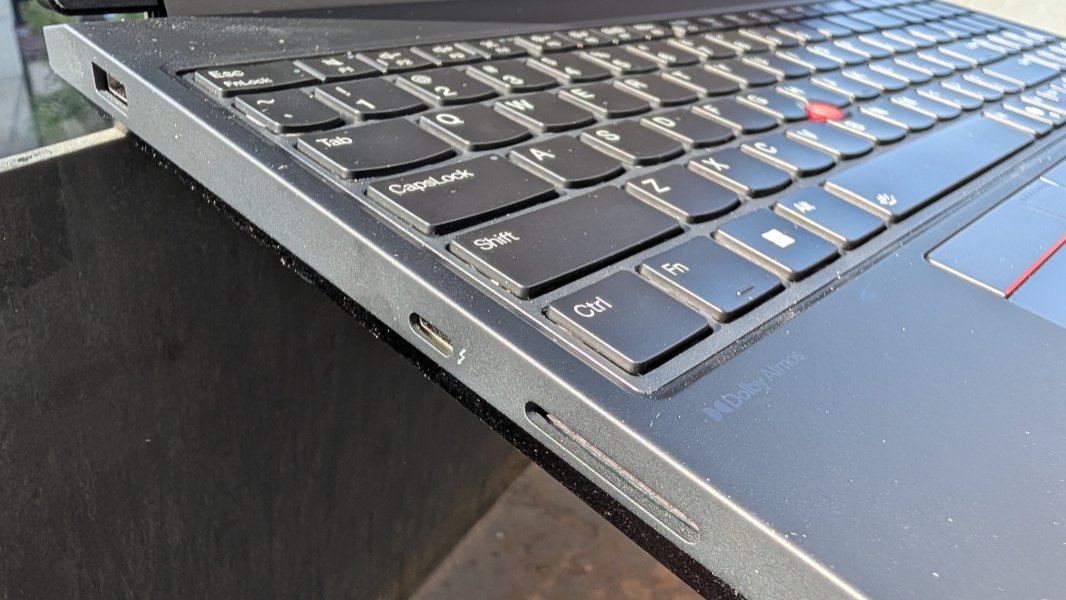
On the right, there’s a 10 Gbps USB Type A port, a combo microphone/headphone jack, and, if configured, a smart card slot. But there’s enough free space there for an optical drive that I’m only sort of surprised Lenovo doesn’t offer.
On the rear, you get two 80 Gbps Thunderbolt 5 Type-C ports with Power Delivery 3.1 and DisplayPort 2.1 capabilities, a full-sized HDMI 2.1 video-out port, and, by God, a full-sized 2.5 Gbps RJ45-style Ethernet port. They’re nestled between two enormous heat exhaust vents that look like they came off the Batmobile.
Lenovo has you covered when it comes to connectivity too, of course. There’s Wi-Fi 7 and Bluetooth 5.4, and you can add 5G WWAN capabilities with nano-SIM and eSIM capabilities if desired; the review unit does not include that latter option.
To counter the sound of the fans, you can crank up the two bottom-firing speakers, which are located on the sides toward the front of the laptop, and their Dolby Atmos spatial sound capabilities.
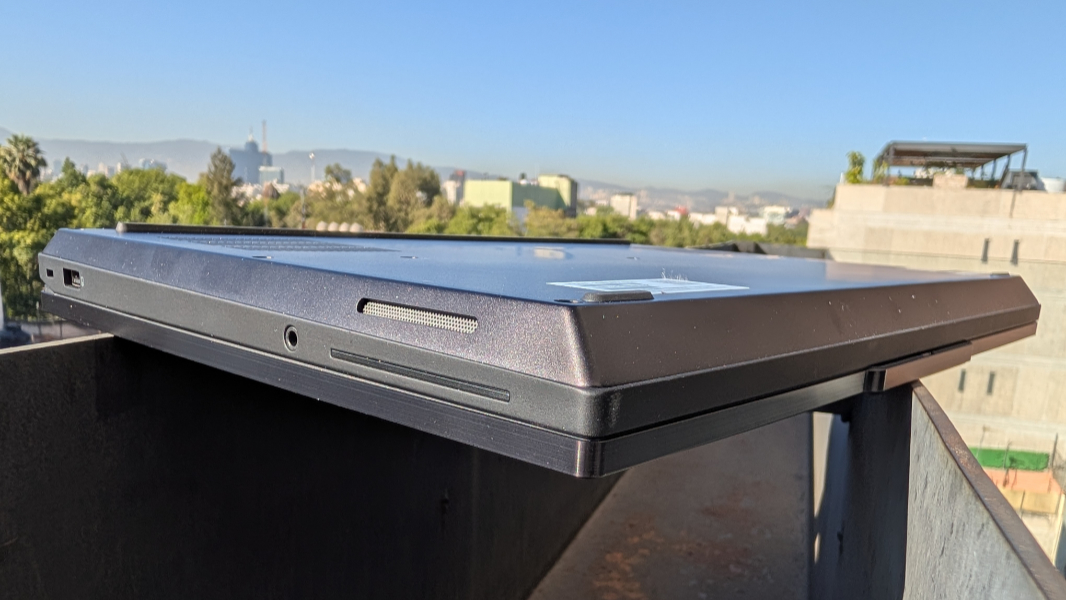
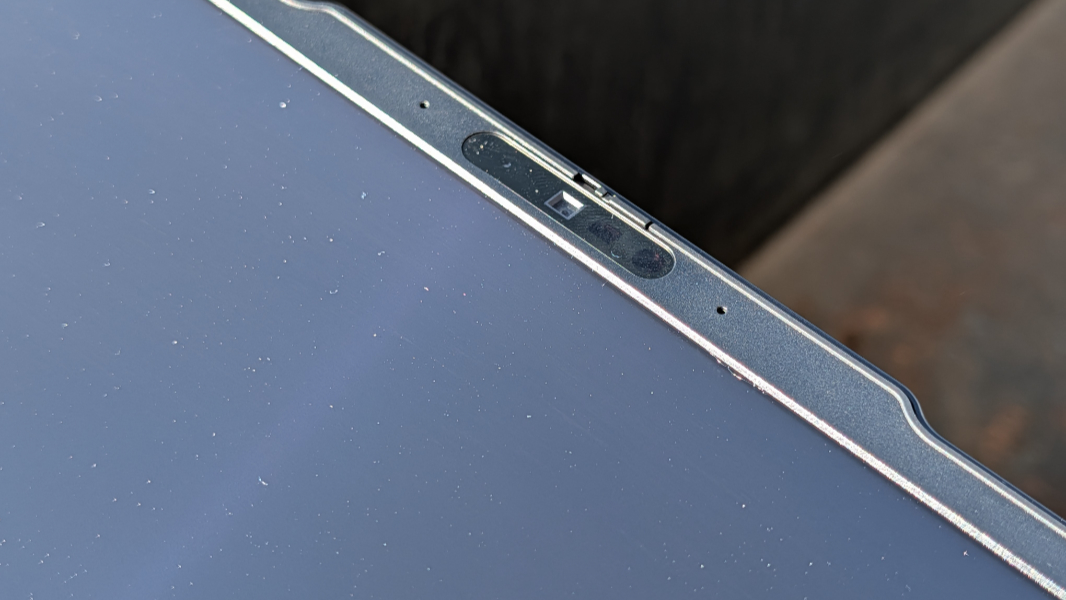
There are also two far-field microphones with Dolby Voice and a 5 MP webcam with a hardware privacy switch for work calls. And presence detection capabilities and Windows Hello facial and fingerprint recognition, the latter of which is built into the round power button above the keyboard.
Oh, the keyboard.
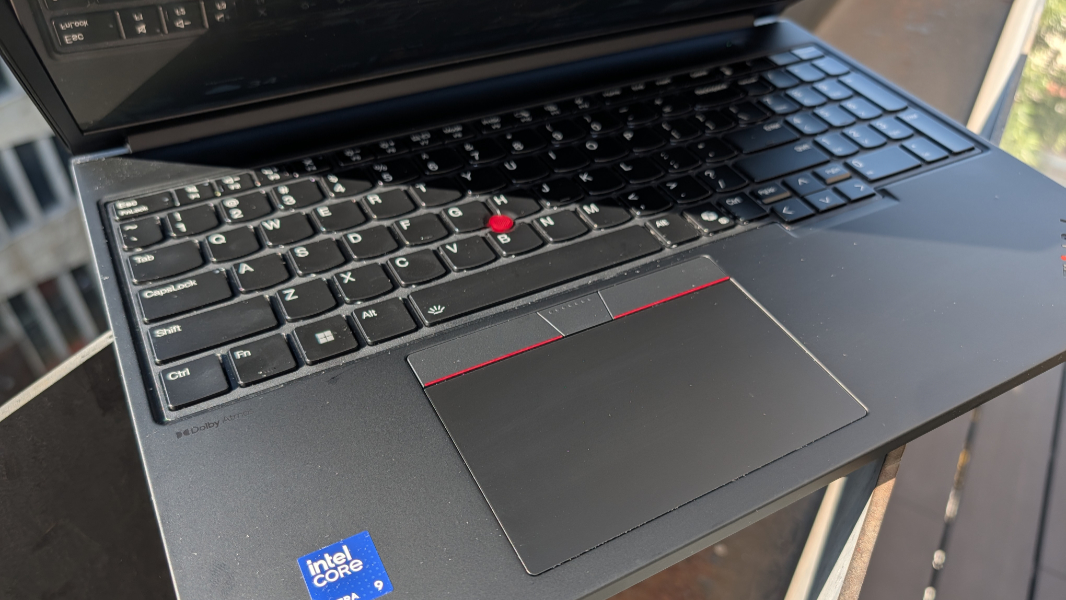
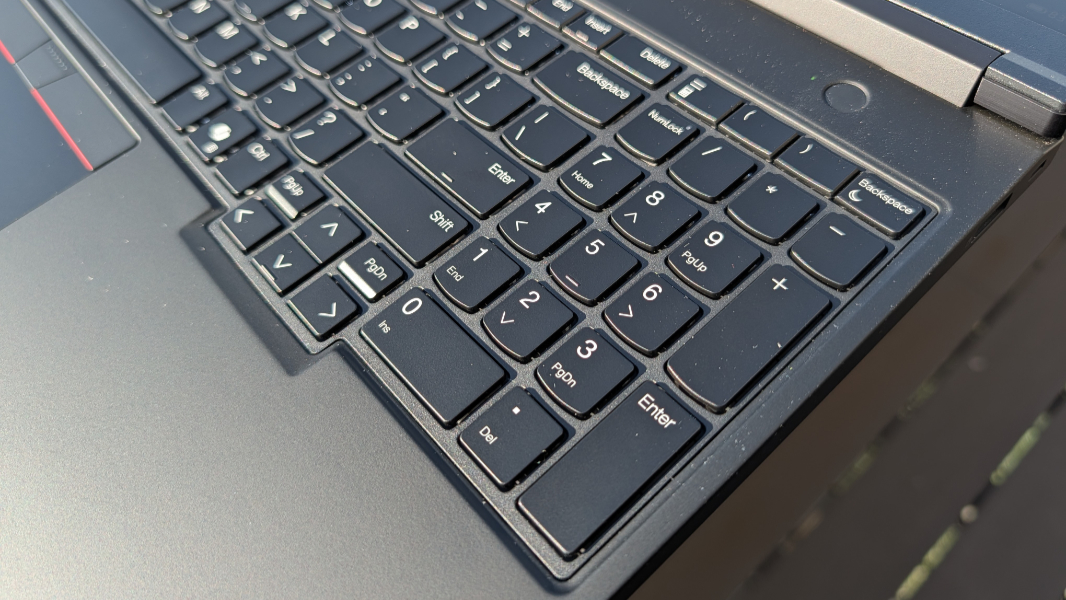
Where Lenovo provides a floating keyboard on the P1 that I love, the P16 is saddled with a numeric keypad that I hate. It led to dozens of errors just in typing this article, which is typical for me with a numpad. And I wish it was not there. Otherwise, the keyboard is excellent, of course it is.
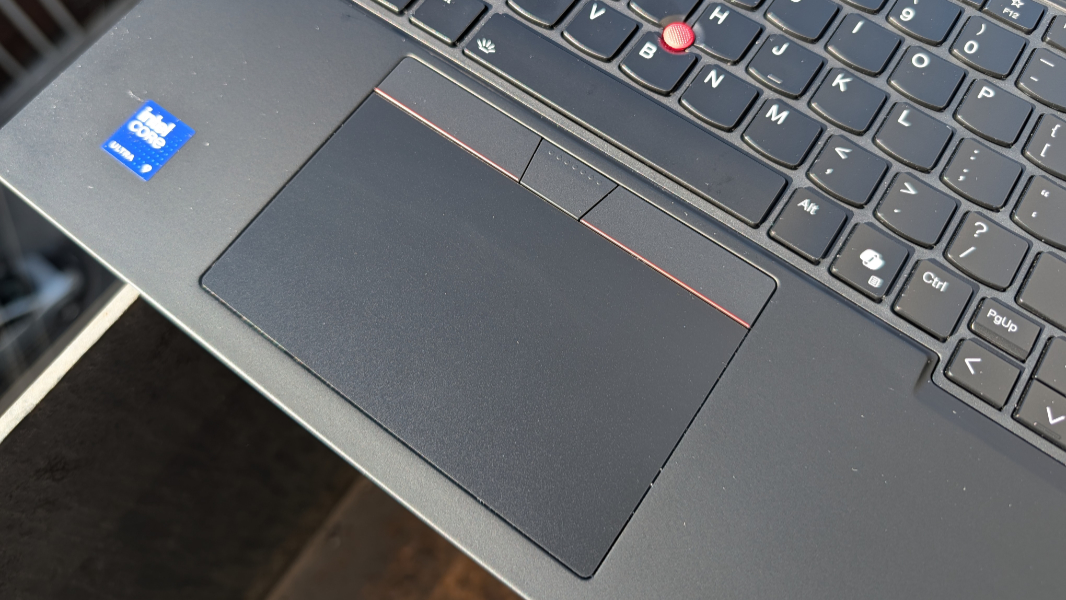
And the P16 has all the expected ThinkPad niceties, including the dual pointing TrackPoint system that fans love so much. And for good reason.
Put simply, this thing is a beast, and if you have to ask about the price, you know the drill. You can’t afford it.
More soon.