Windows 11 Field Guide
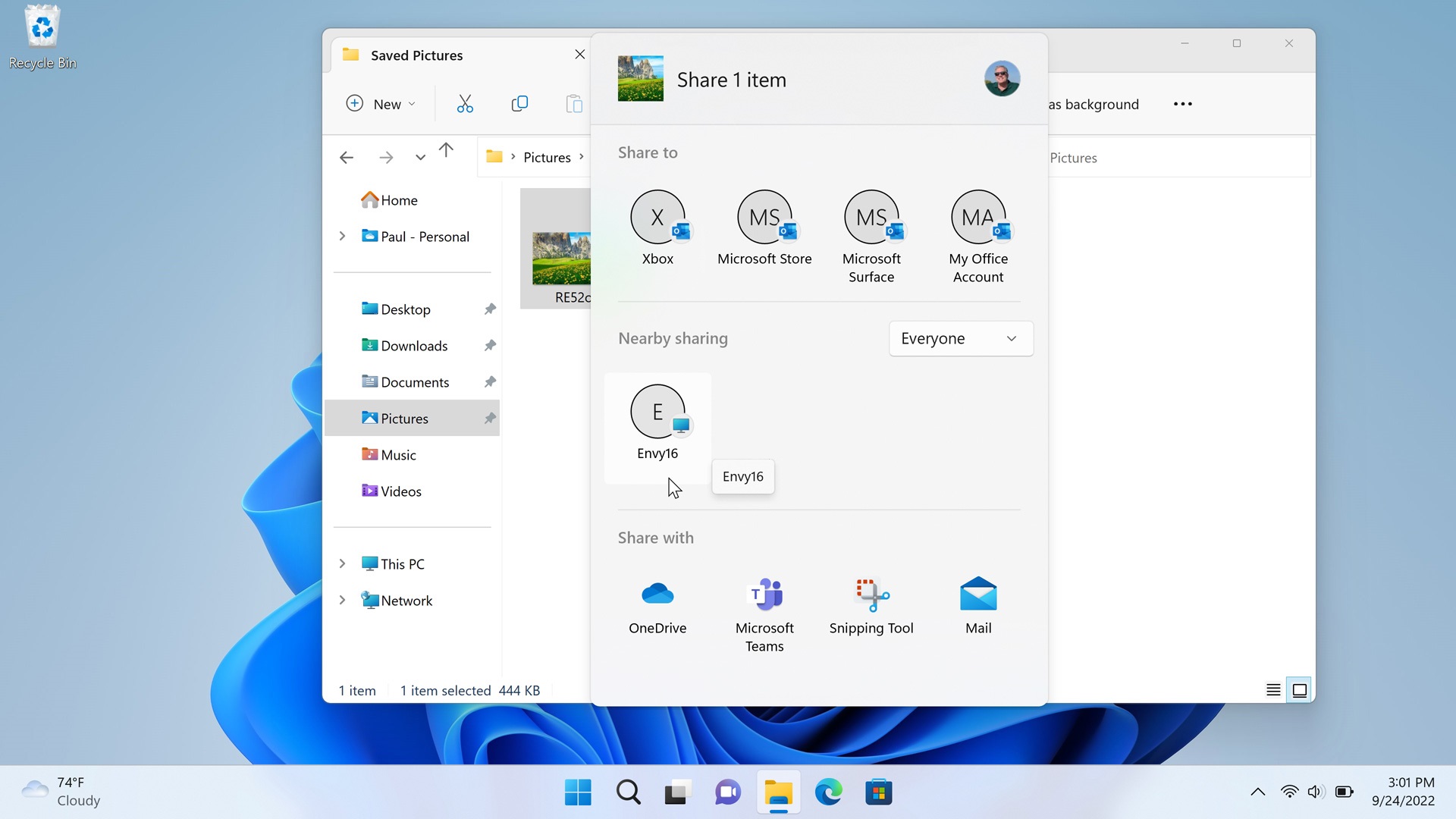
Nearby Sharing (Archived)
- Paul Thurrott
- Oct 05, 2022
-
3
comments
Windows 10 and 11 introduce a new way to share files, photos, and website links.…

File Explorer
- Paul Thurrott
- Oct 05, 2022
-
2
comments
File Explorer is the Windows 11 file management application and it looks and works much…

Clipboard (Archived)
- Paul Thurrott
- Oct 05, 2022
-
1
comment
You can use a Clipboard history feature to store multiple items at once, sync text…

Do Not Disturb and Focus
- Paul Thurrott
- Oct 05, 2022
-
0
comment
Do not disturb and Focus are two related Windows 11 features that are designed to…

Desktops
- Paul Thurrott
- Oct 05, 2022
-
0
comment
Windows 11 includes a feature called Desktops that lets you create multiple virtual desktops, each…

Task Manager (Archived)
- Paul Thurrott
- Oct 05, 2022
-
1
comment
Task Manager is a powerful system utility that provides task management, startup application management, and…
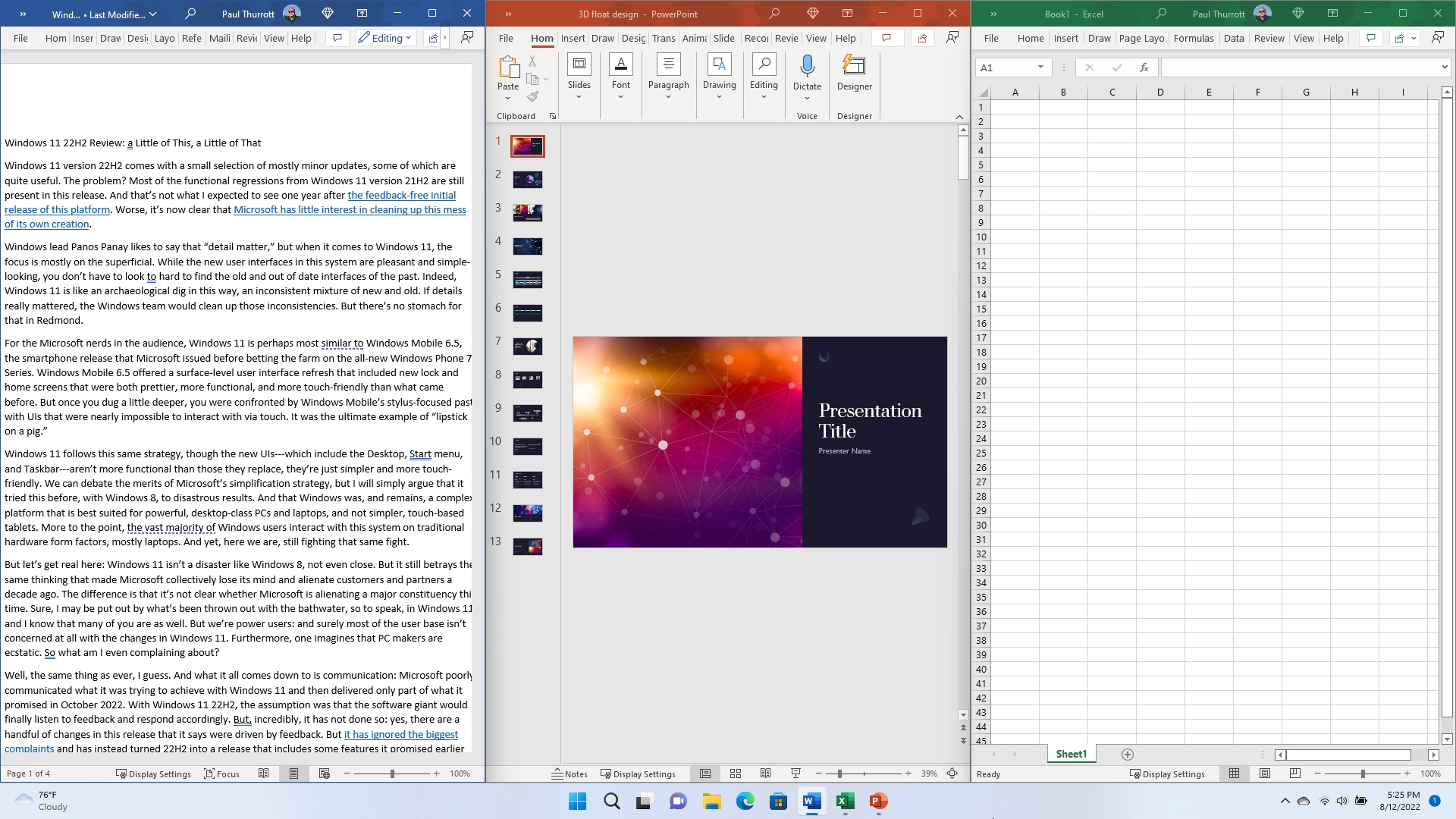
Snap
- Paul Thurrott
- Oct 04, 2022
-
0
comment
Snap is a set of Windows 11 features that lets you organize how your open…

Shake (Archived)
- Paul Thurrott
- Oct 04, 2022
-
0
comment
Windows 11 includes a fun feature called Shake that lets you literally shake the currently-focused…

Task View (Archived)
- Paul Thurrott
- Oct 04, 2022
-
0
comment
Task view works much like Alt-Tab in that it lets you switch between open apps…

Alt-Tab (Archived)
- Paul Thurrott
- Oct 04, 2022
-
0
comment
Alt-Tab is the simplest and oldest multitasking user interface in Windows, and it works as…
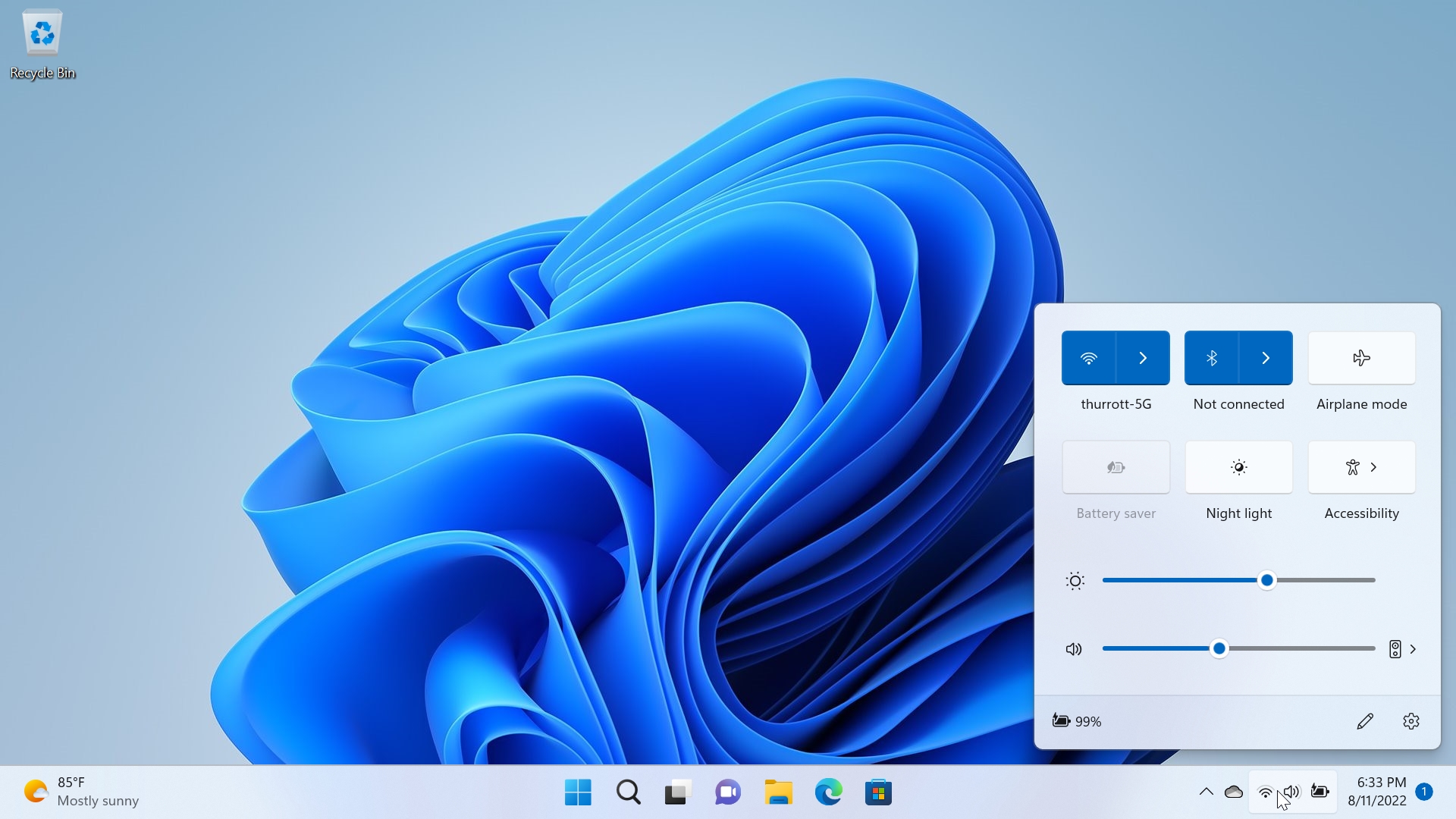
Quick Settings
- Paul Thurrott
- Oct 03, 2022
-
1
comment
Quick settings is a new interface in Windows 11 that appears when you select the…
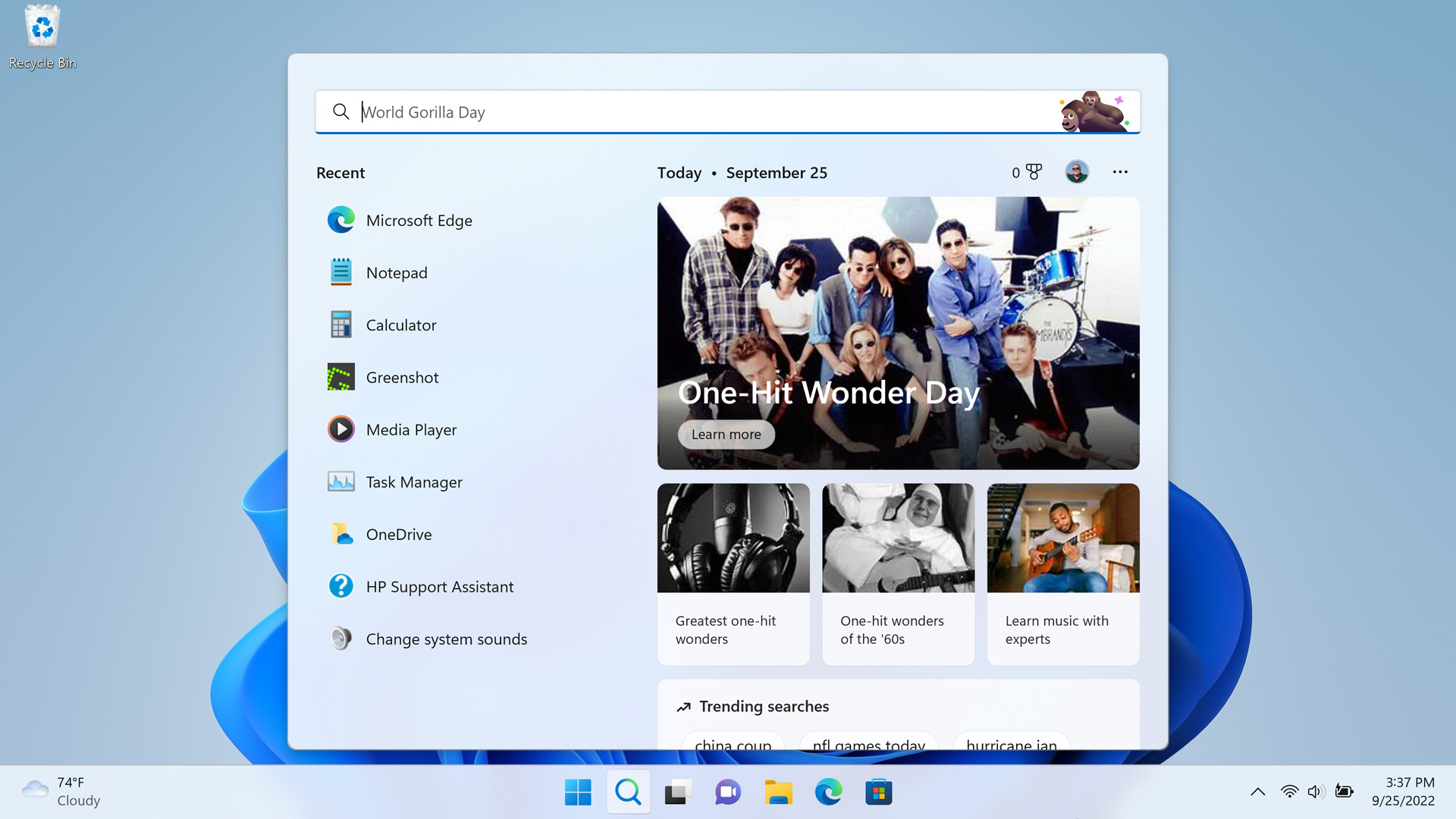
Search
- Paul Thurrott
- Oct 03, 2022
-
2
comments
As with its predecessors, Windows 11 offers an integrated Search feature that's accessible from the…
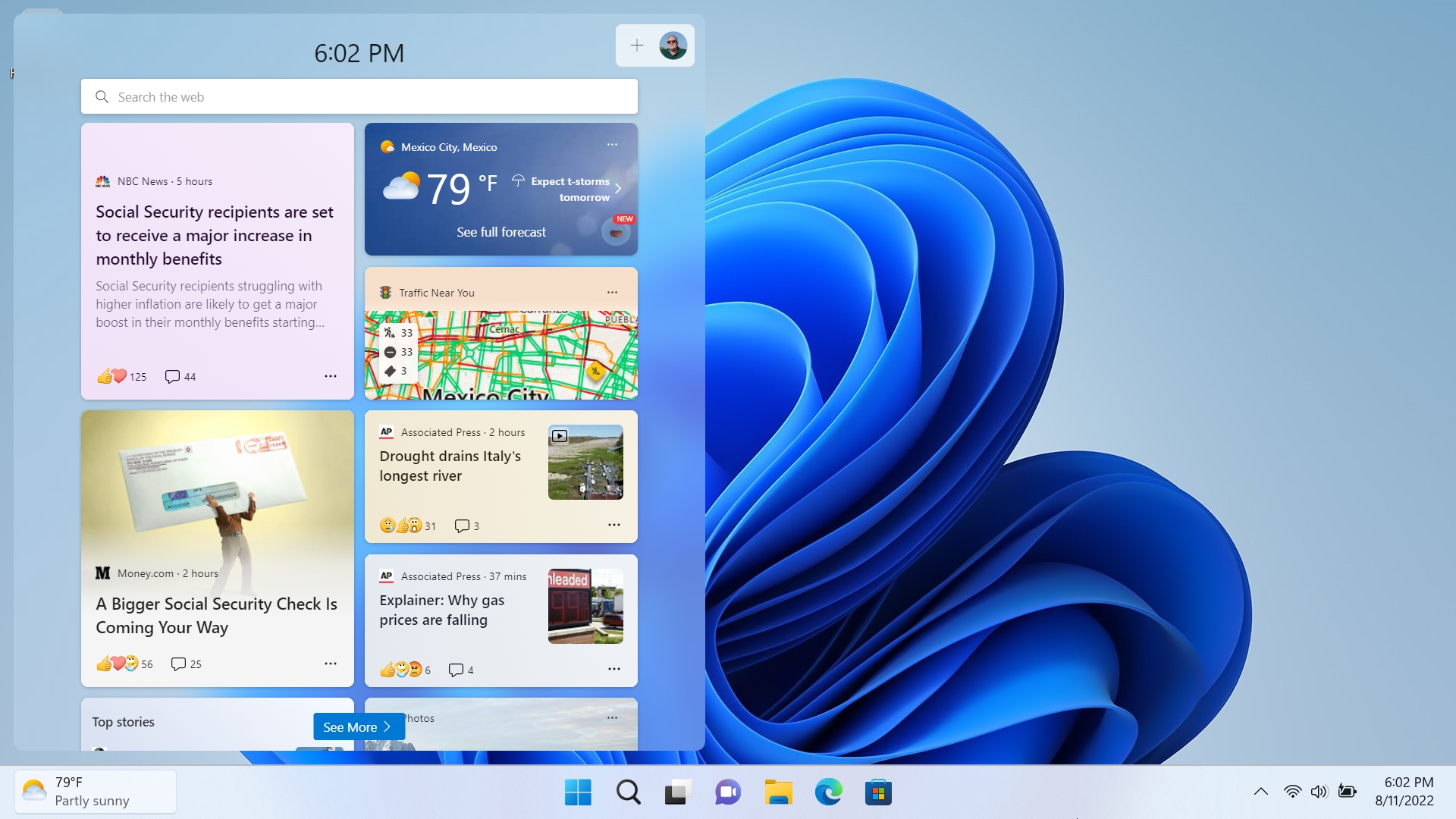
Widgets
- Paul Thurrott
- Oct 03, 2022
-
1
comment
Windows 11 includes a news feed that consists of a Widgets button on the Taskbar…
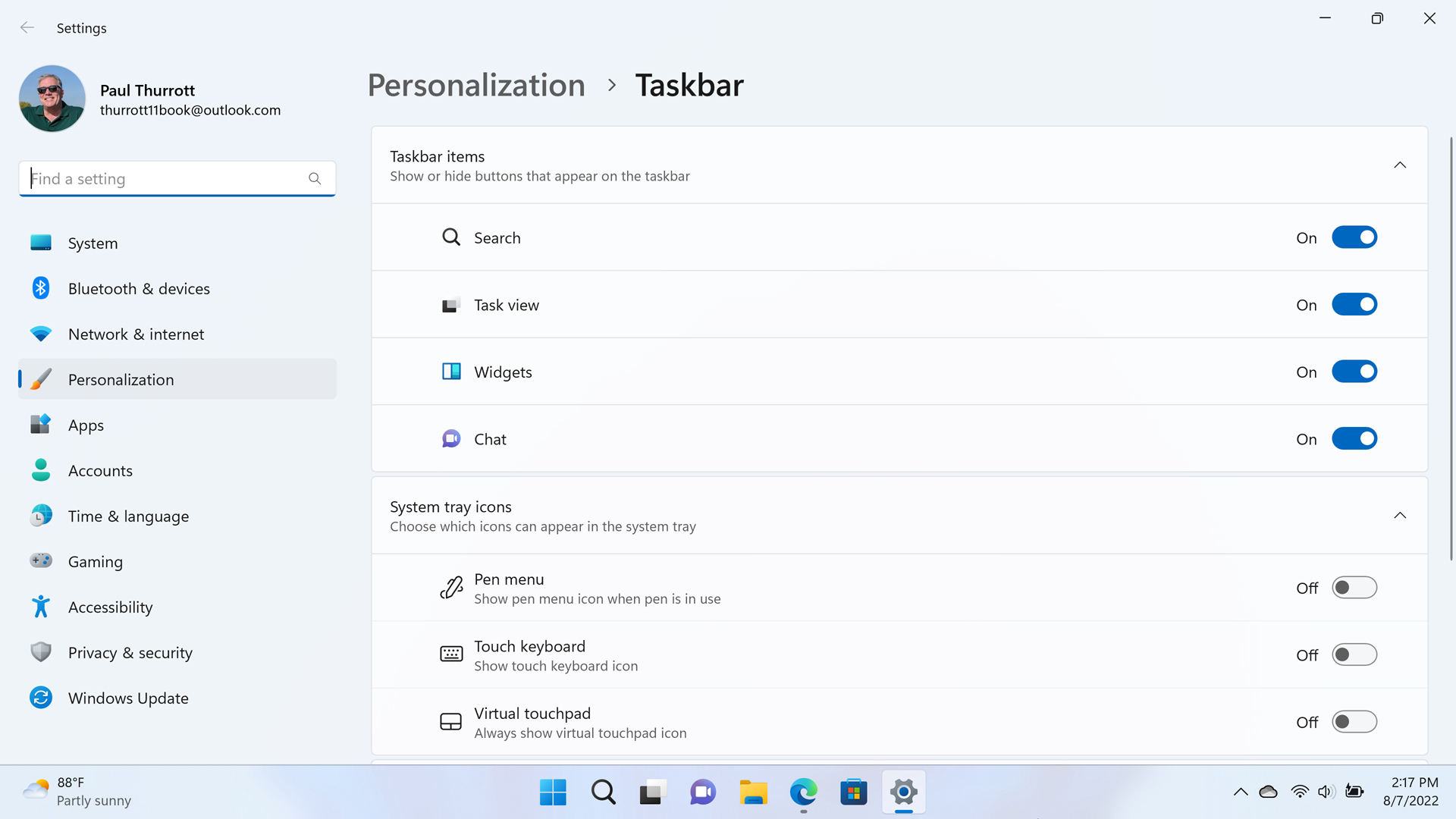
Taskbar
- Paul Thurrott
- Oct 02, 2022
-
3
comments
Though most of the items it contains are now centered by default, the Windows 11…
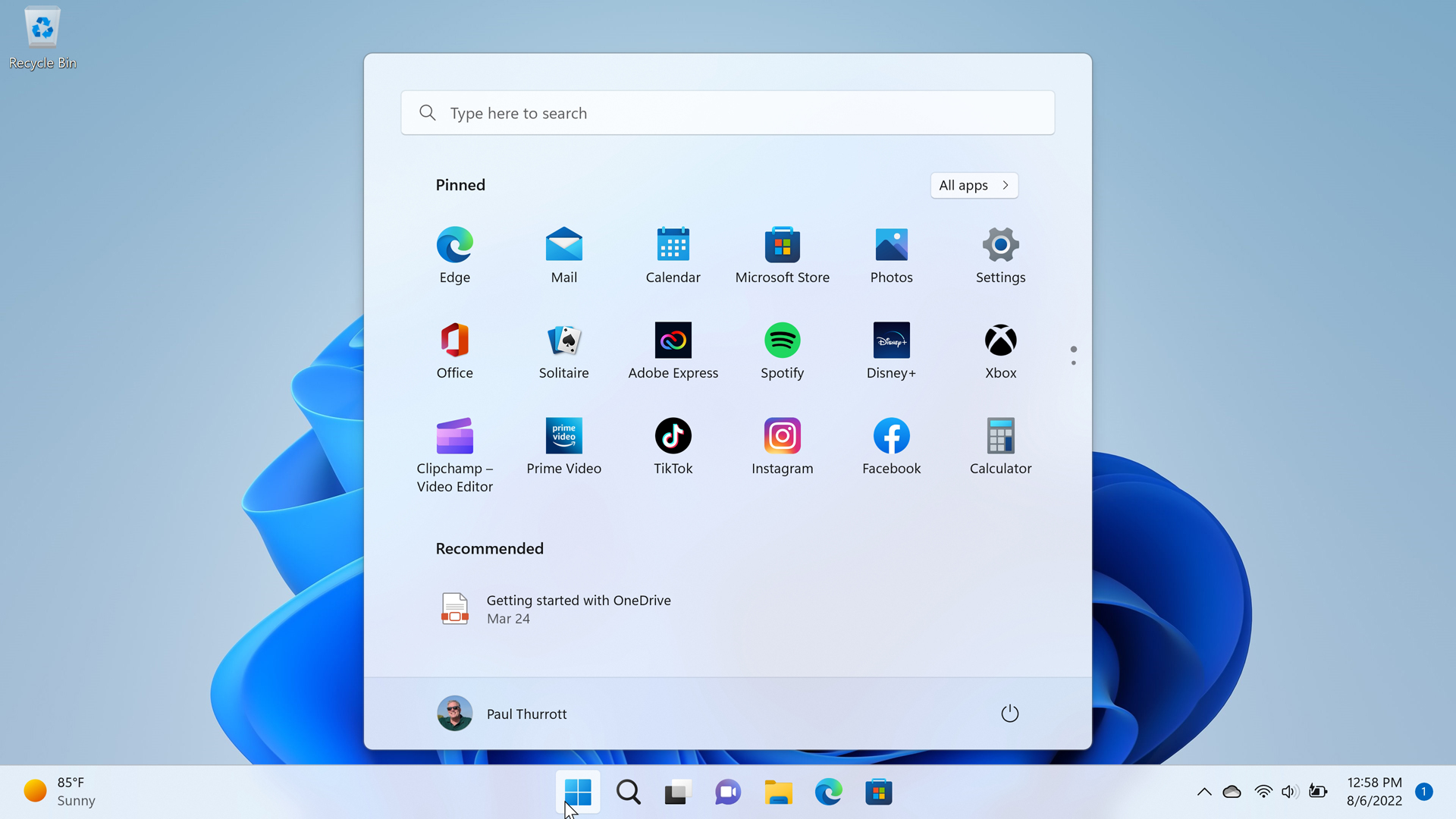
Start
- Paul Thurrott
- Oct 02, 2022
-
2
comments
The Windows 11 Start menu is significantly different than that in Windows 10 and previous…
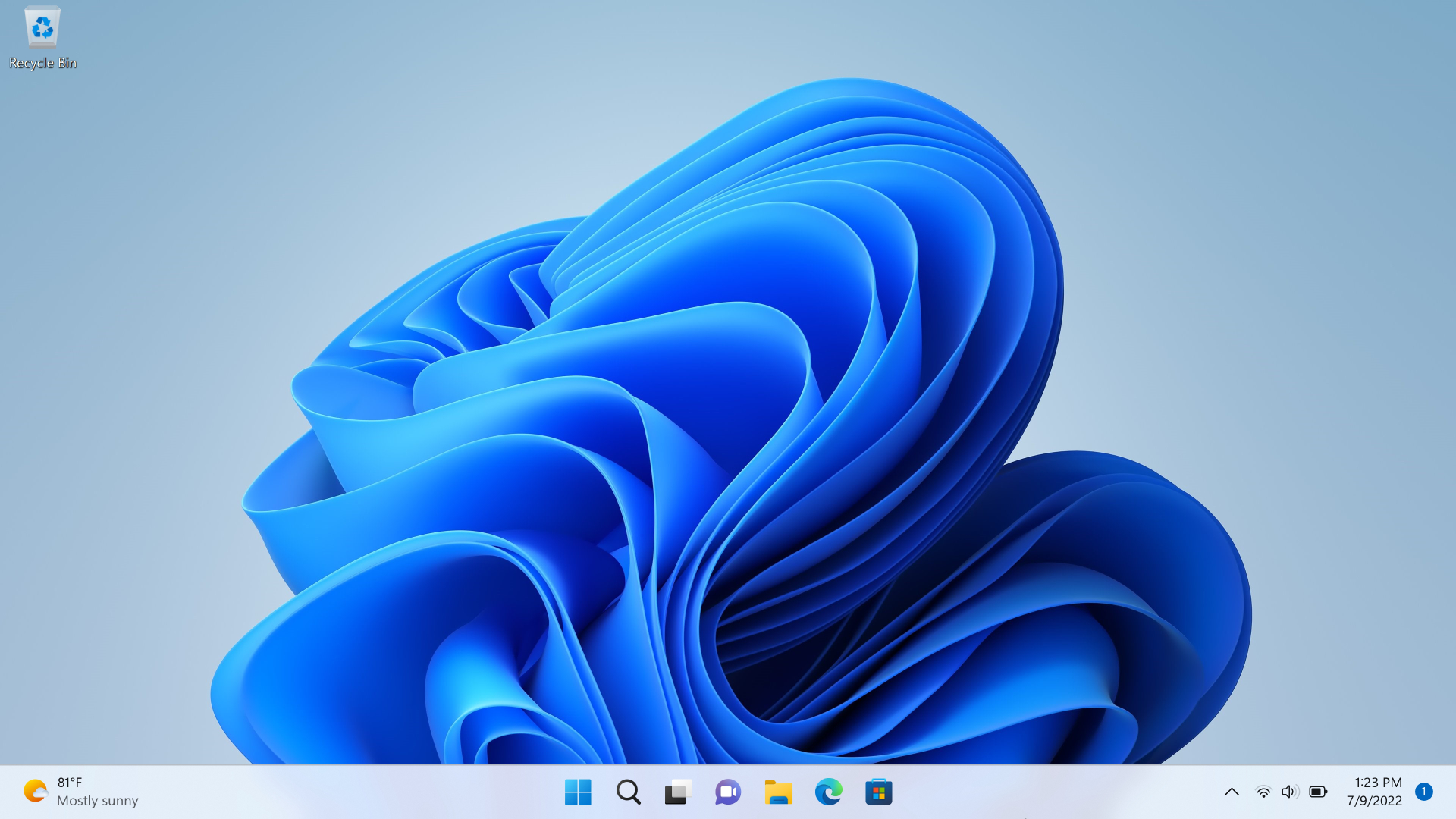
Desktop
- Paul Thurrott
- Oct 02, 2022
-
0
comment
The Windows 11 Desktop works much as it did in Windows 10, but it has…