Windows 11 Field Guide
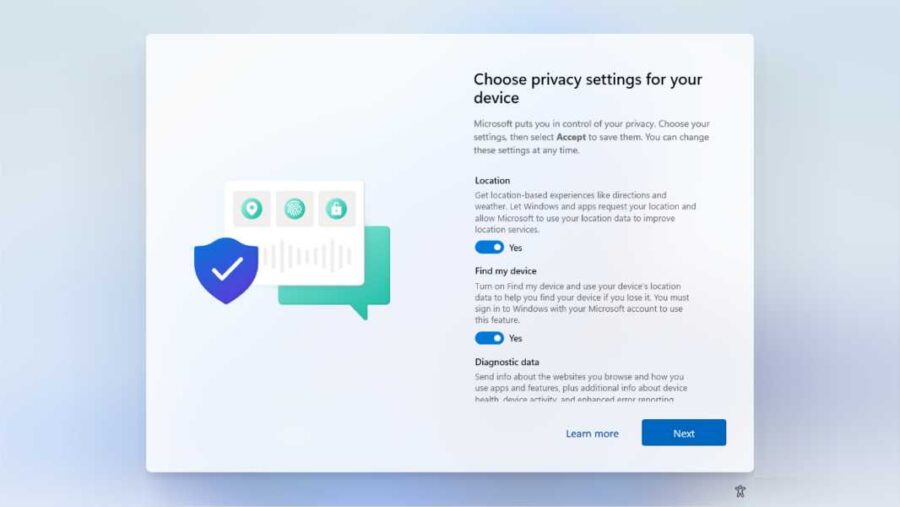
Install
- Paul Thurrott
- Oct 13, 2025
-
1
comment
You can clean install Windows 11 on a PC in various ways, each of which…
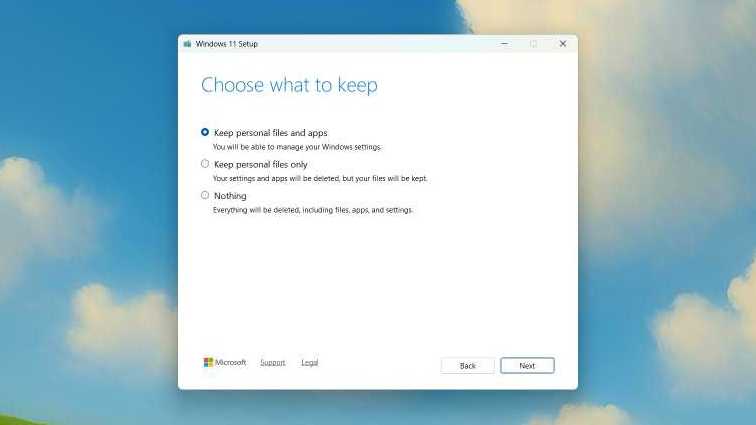
Upgrade
- Paul Thurrott
- Oct 05, 2025
-
0
comment
You can upgrade a PC running Windows 10 or an earlier version of Windows 11…
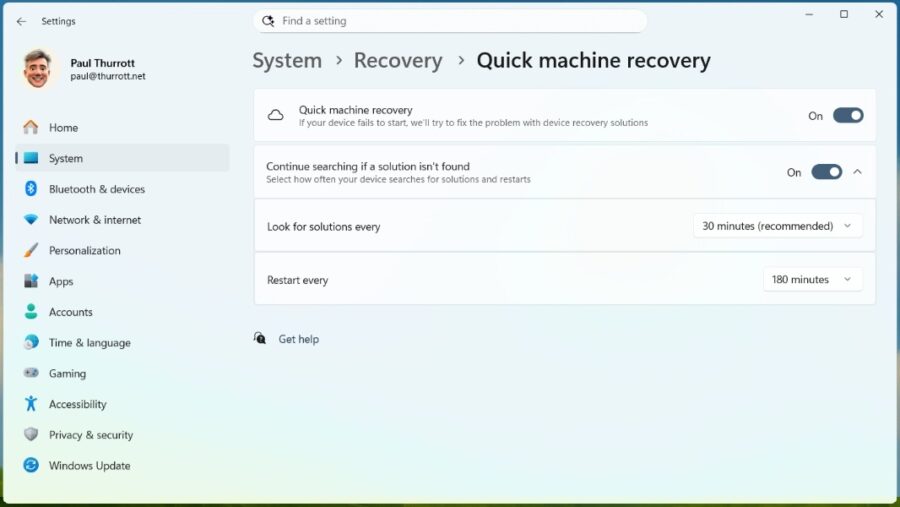
Quick Machine Recovery (25H2)
- Paul Thurrott
- Sep 11, 2025
-
1
comment
Quick Machine Recovery (QMR) is a new Windows 11 recovery option that enables your PC…
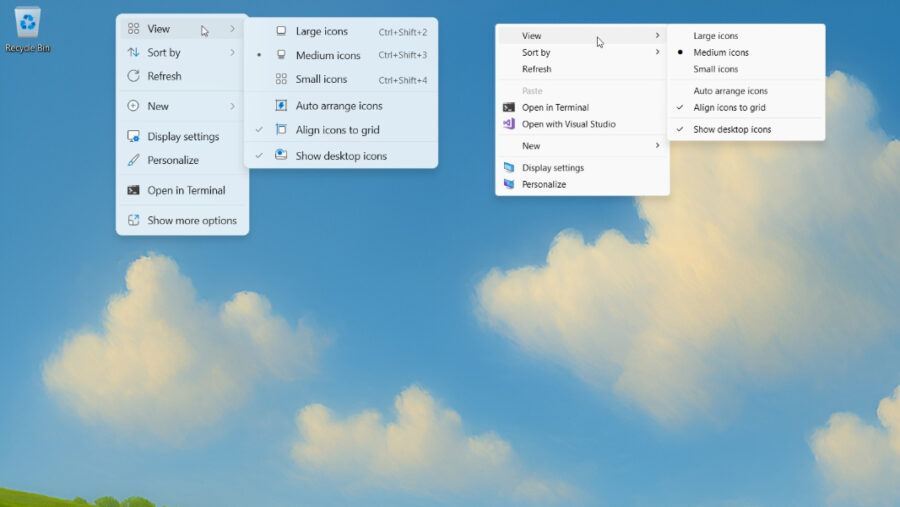
Desktop
- Paul Thurrott
- Aug 20, 2025
-
0
comment
The Windows 11 Desktop works much as it did in Windows 10, but it has…

Wi-Fi (24H2)
- Paul Thurrott
- Jan 04, 2025
-
1
comment
In Windows 11 version 24H2, Microsoft finally made it easy to view and share the…
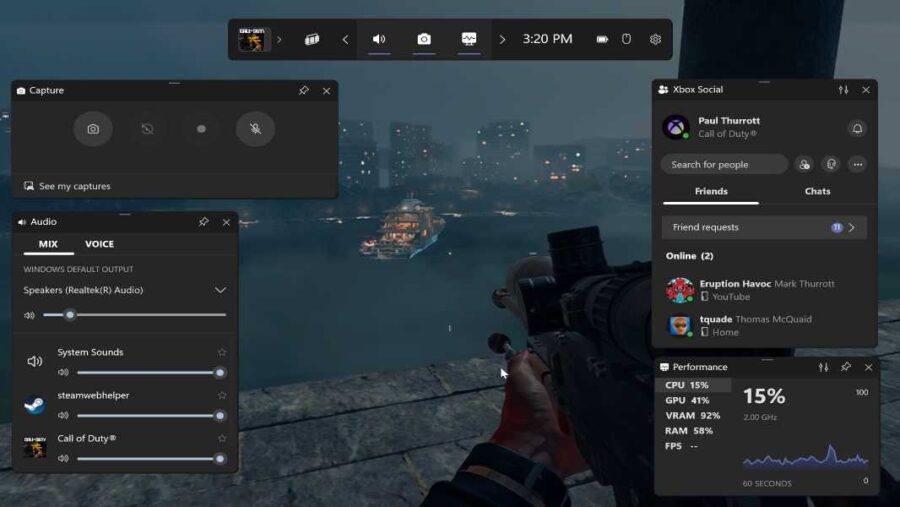
Game Bar (24H2)
- Paul Thurrott
- Dec 03, 2024
-
0
comment
The Windows 11 Game Bar helps you manage your PC game experiences using a personalized…
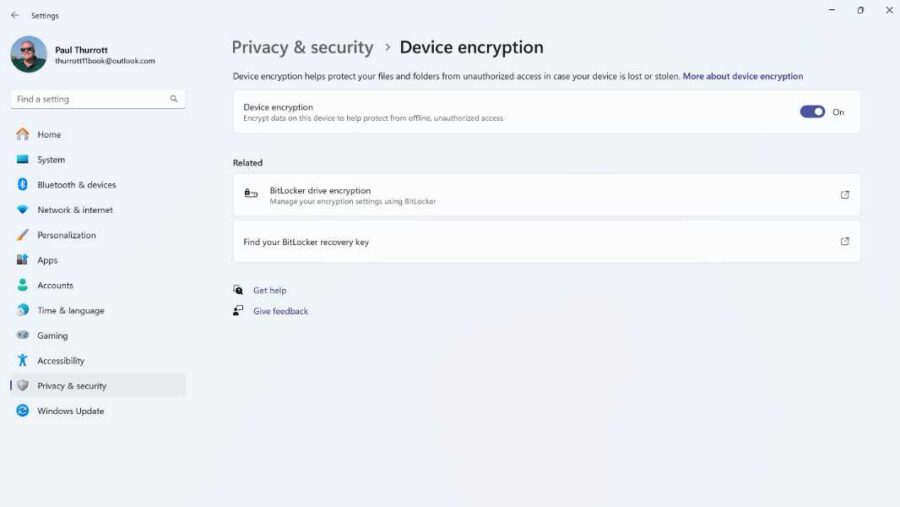
Device Encryption (24H2)
- Paul Thurrott
- Nov 12, 2024
-
0
comment
Windows 11 version 24H2 includes a full-disk encryption solution called Device encryption that's enabled but…

Local Accounts (24H2)
- Paul Thurrott
- Nov 08, 2024
-
2
comments
A local account is a Windows 11 sign-in account that exists only on the PC…

OneDrive (24H2)
- Paul Thurrott
- Nov 05, 2024
-
0
comment
OneDrive is deeply integrated with Windows 11, allowing users to automatically sync content between the…
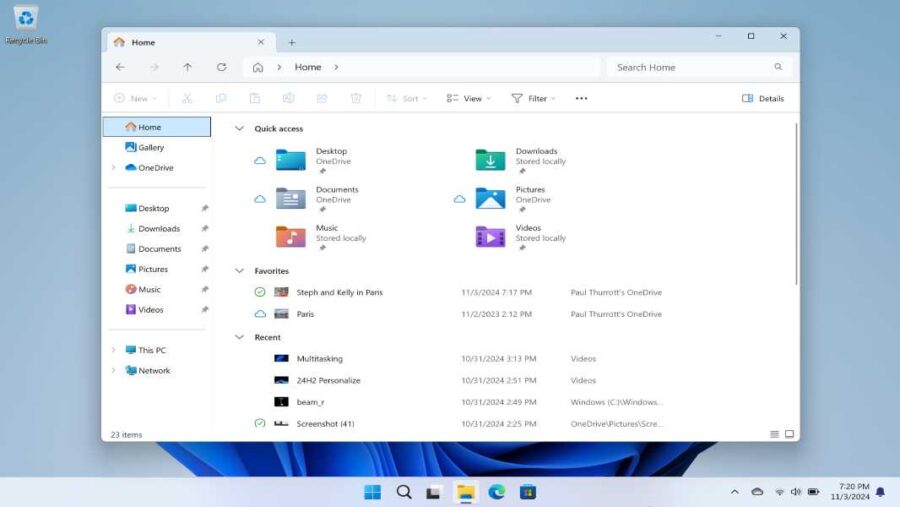
File Explorer (24H2)
- Paul Thurrott
- Nov 04, 2024
-
0
comment
File Explorer is the Windows 11 file management app, and it looks and works much…

Nearby Sharing (24H2)
- Paul Thurrott
- Nov 02, 2024
-
0
comment
File sharing between two PCs has been an issue for as long as there have…

Clipboard (24H2)
- Paul Thurrott
- Oct 29, 2024
-
0
comment
In Windows 11, the Clipboard provides an optional history that can hold multiple items, plus…
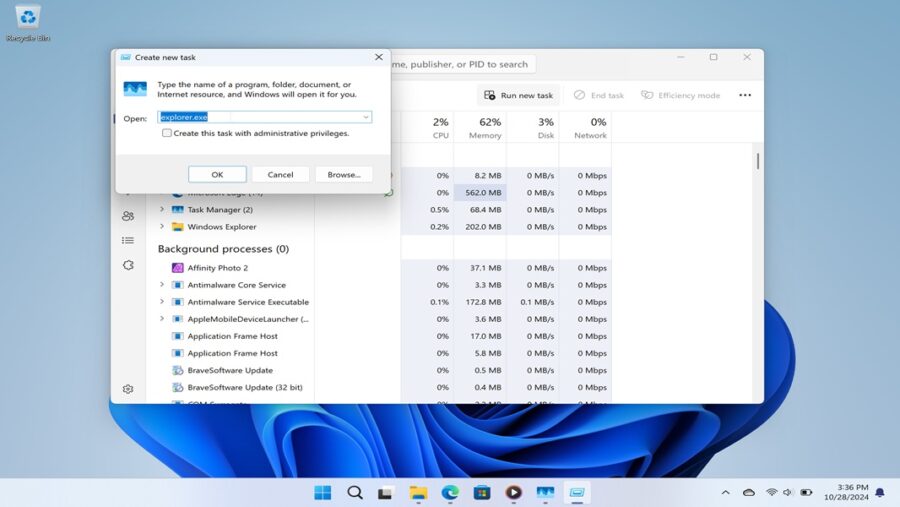
Task Manager (24H2)
- Paul Thurrott
- Oct 28, 2024
-
1
comment
In Windows 11, Task Manager has been updated with a simpler and more modern user…

Snap (24H2)
- Paul Thurrott
- Oct 24, 2024
-
0
comment
Snap is a set of Windows 11 features that helps you organize how your open…
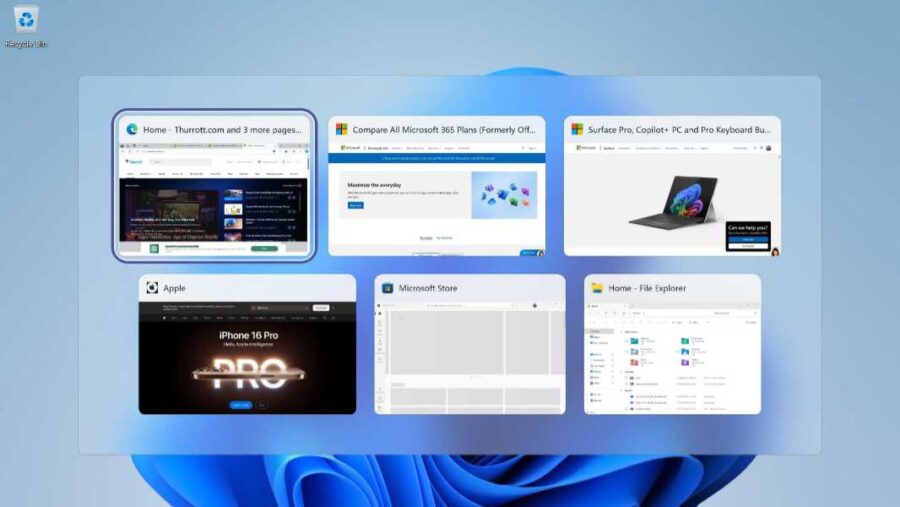
Alt-Tab and Task View (24H2)
- Paul Thurrott
- Oct 24, 2024
-
0
comment
Windows 11 includes two options for quickly switching between open apps and other windows, Alt-Tab…
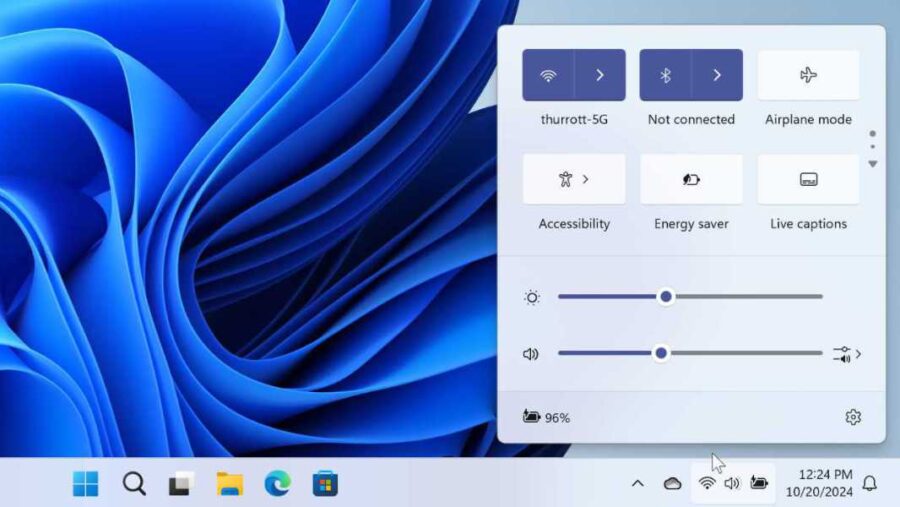
Quick Settings (24H2)
- Paul Thurrott
- Oct 21, 2024
-
1
comment
Quick settings received some minor updates in Windows 11 version 24H2, most notably a new…