Windows 11 Field Guide
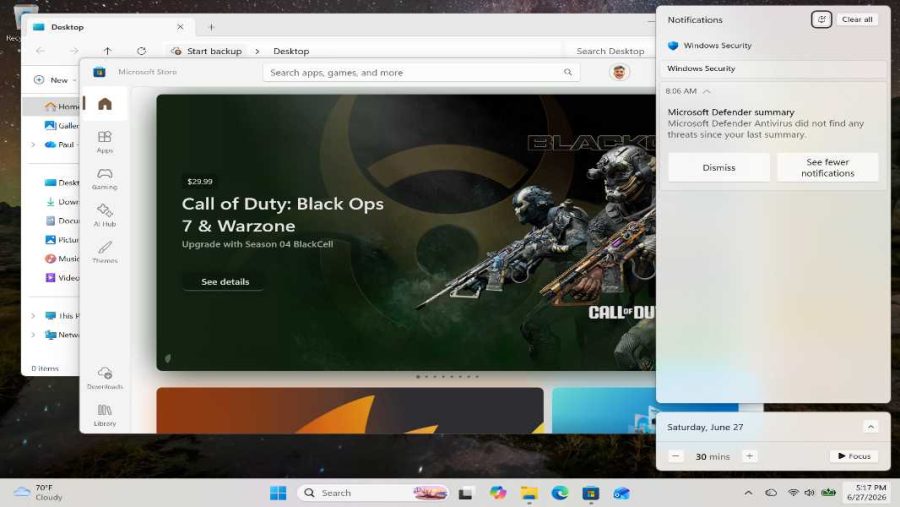
Apps
- Paul Thurrott
- Jun 27, 2026
-
0
comment
Windows 11 is a full-featured and mature platform for apps, or applications, standalone software programs…
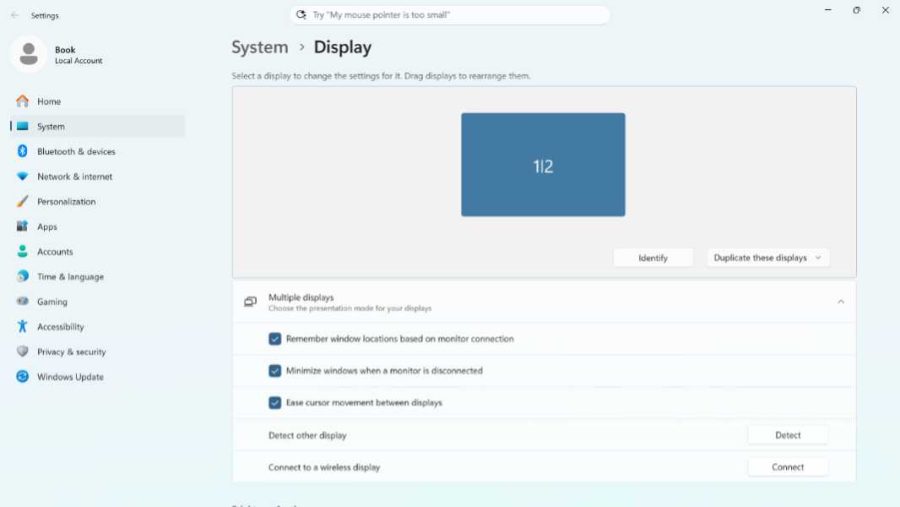
Multiple Displays
- Paul Thurrott
- Jun 26, 2026
-
1
comment
While laptops and other PCs are often used with a single display, Windows 11 supports…
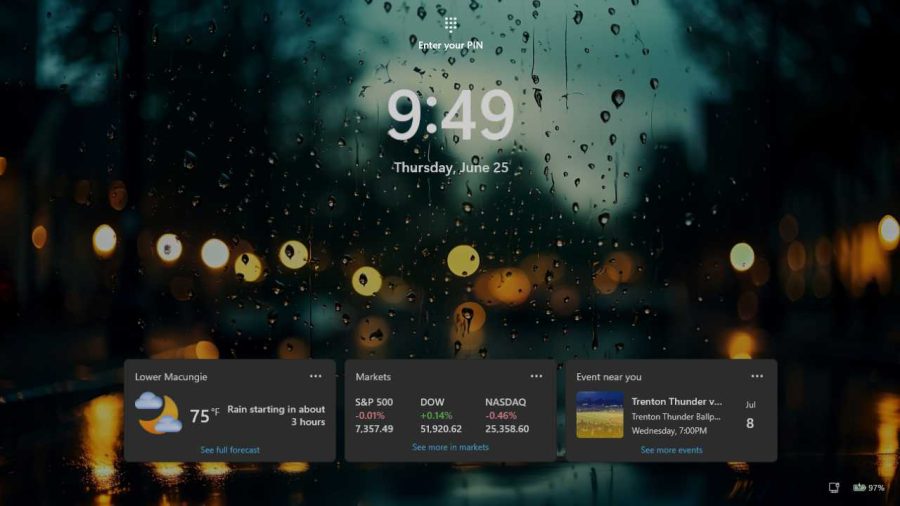
Customize the Lock and Sign-In Screens
- Paul Thurrott
- Jun 25, 2026
-
1
comment
Unless you automatically bypass them with Windows Hello facial recognition, the Lock and Sign-in screens…
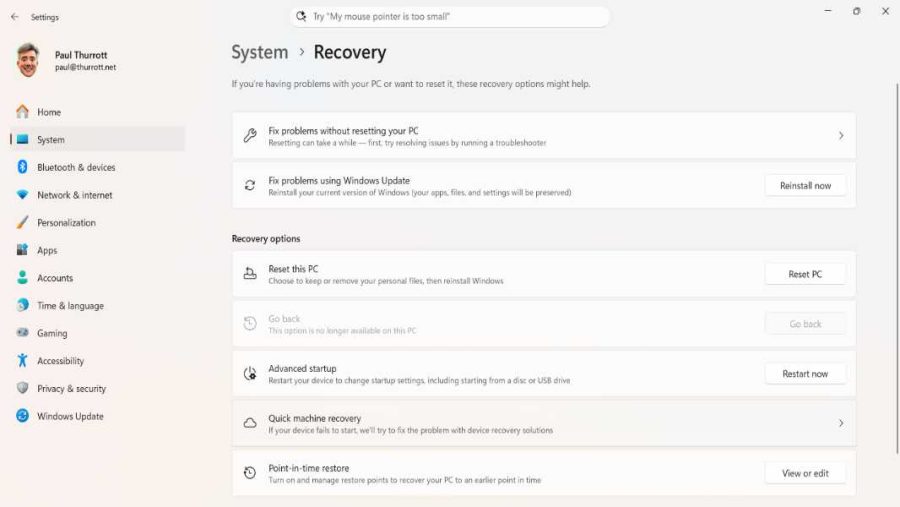
Help and Recovery
- Paul Thurrott
- Jun 25, 2026
-
3
comments
Windows 11 includes several useful help and recovery tools, including Quick Assist, Troubleshooting, Quick Machine…
Internet Connectivity
- Paul Thurrott
- Jun 23, 2026
-
1
comment
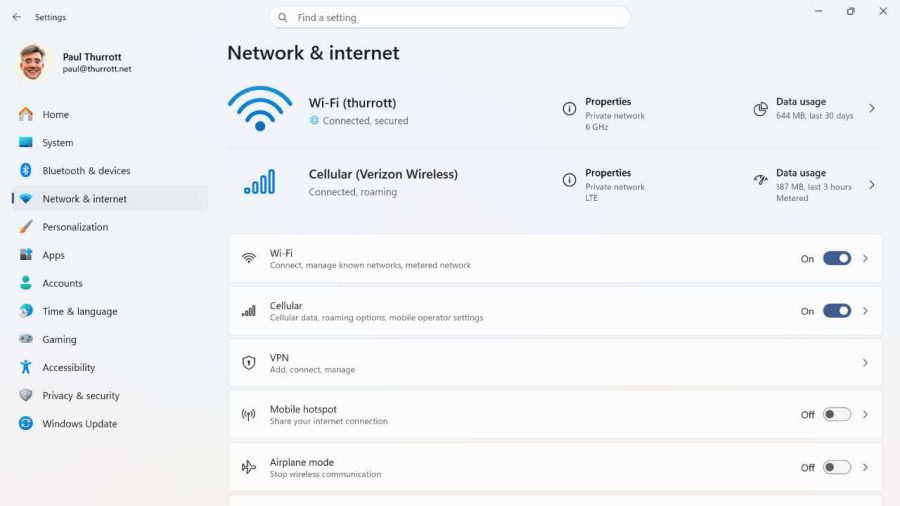
Windows 11 supports Wi-Fi, Ethernet, and cellular data connections along with Airplane mode and Mobile…
Hardware Device Basics
- Paul Thurrott
- Jun 22, 2026
-
0
comment
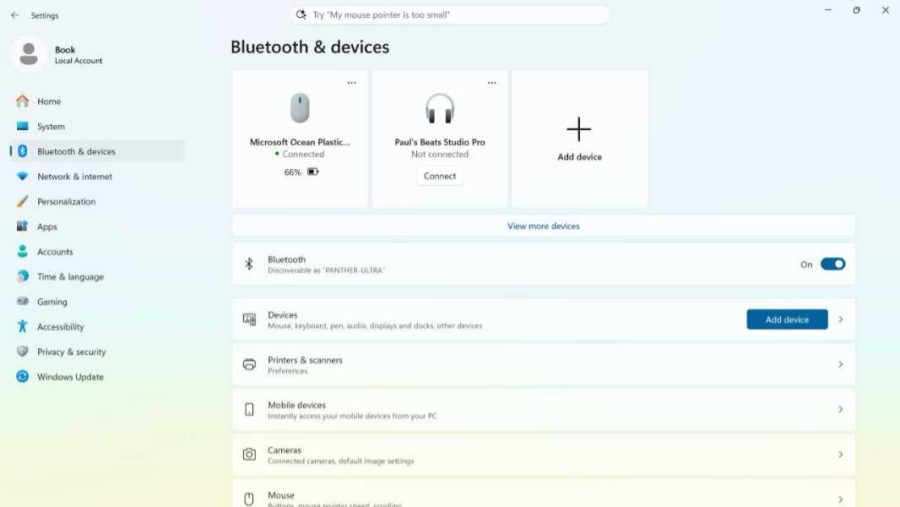
This chapter covers hardware basics, USB, Bluetooth, keyboards, mice, touchpads, multitouch, smart pens, tablets, printers,…
Quick Settings
- Paul Thurrott
- Jun 21, 2026
-
2
comments
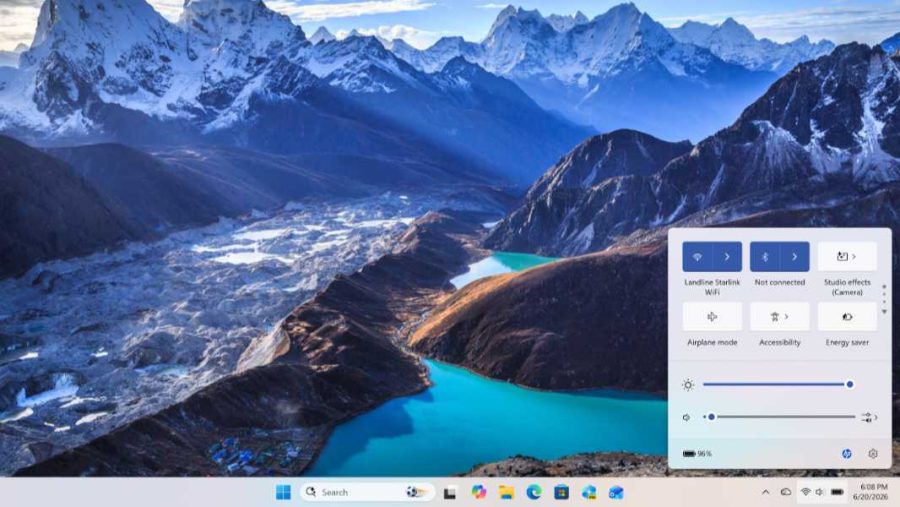
Quick settings provides quick access to commonly needed system settings like Wi-Fi, Bluetooth, Airplane mode,…
Windows Search
- Paul Thurrott
- Jun 21, 2026
-
1
comment
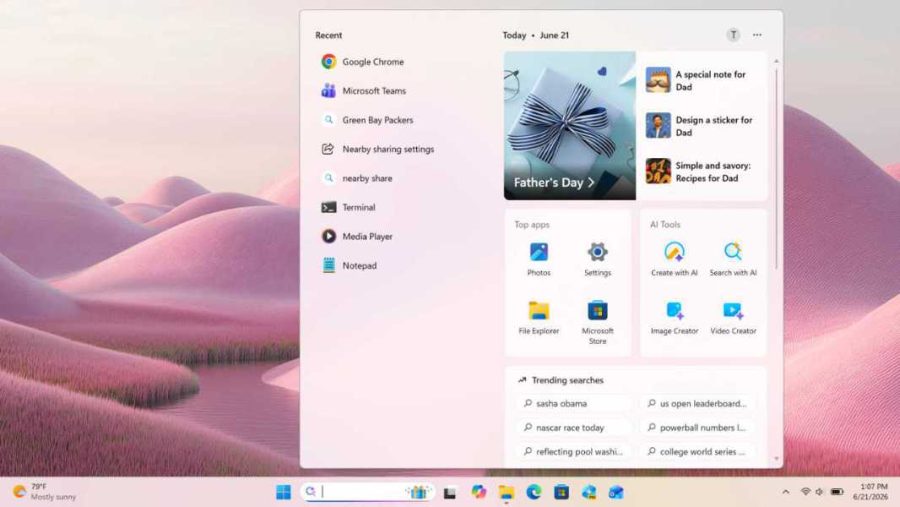
Windows Search helps you search for documents and other files, apps, and settings, and more,…
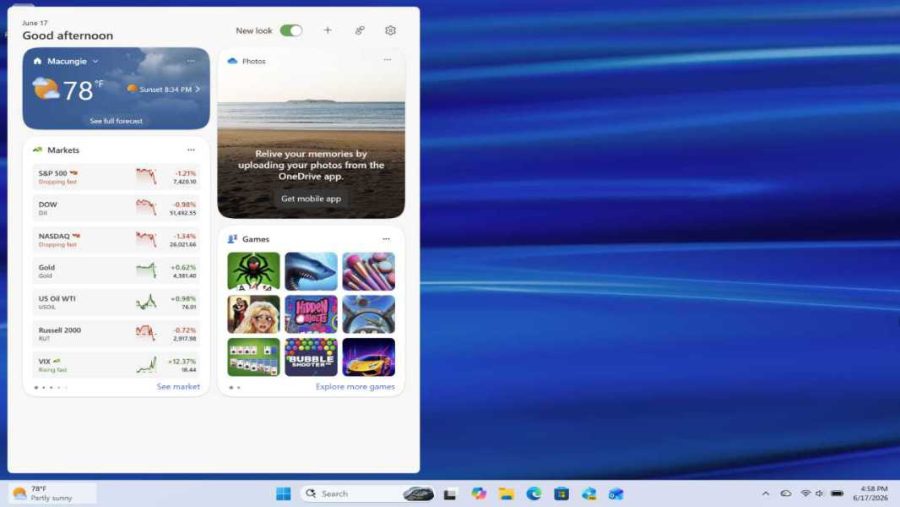
Widgets
- Paul Thurrott
- Jun 20, 2026
-
0
comment
Windows 11 includes a focused Widgets experience on the Taskbar that displays a Widgets board…
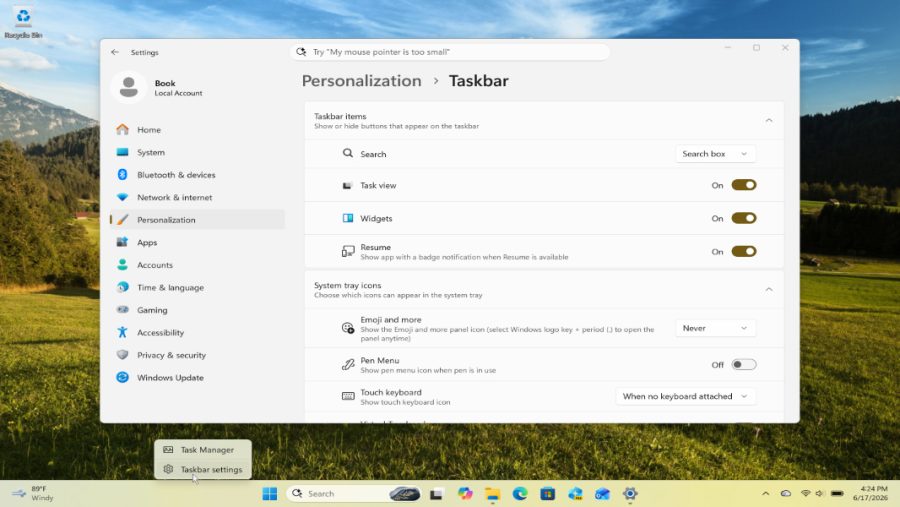
Taskbar
- Paul Thurrott
- Jun 17, 2026
-
1
comment
The Taskbar is centered by default and simplified in Windows 11, but it looks and…
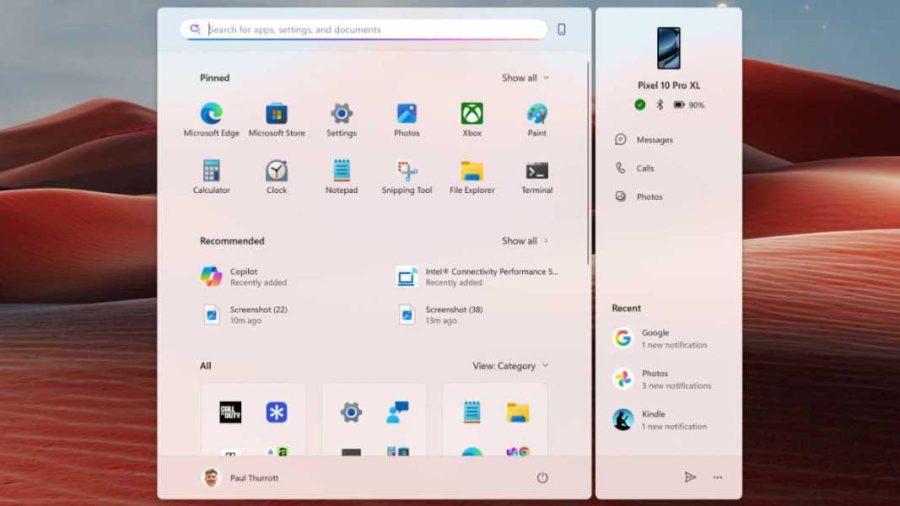
Start
- Paul Thurrott
- Jun 15, 2026
-
0
comment
Start is the primary interface for launching apps and recent documents in Windows 11, but…
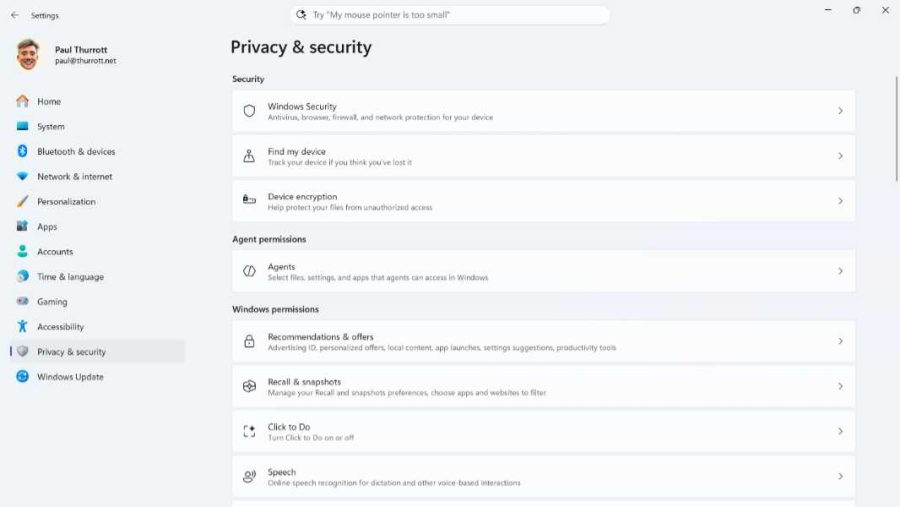
Customize Your Windows 11 Privacy Settings
- Paul Thurrott
- Jun 15, 2026
-
0
comment
Windows 11 violates your privacy by default, and it will then go on to badger…
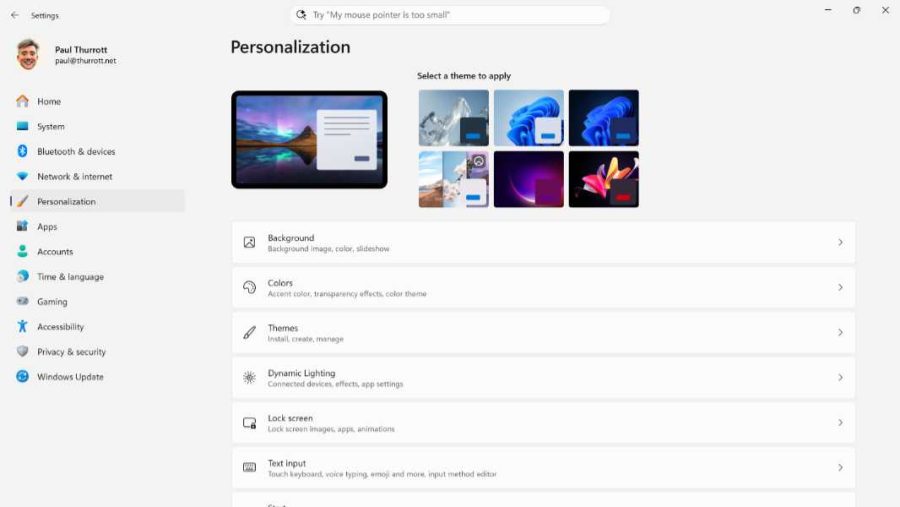
Initial Configuration and Personalization
- Paul Thurrott
- Jun 15, 2026
-
0
comment
This chapter provides a list of the post-install tasks you should perform as soon as…
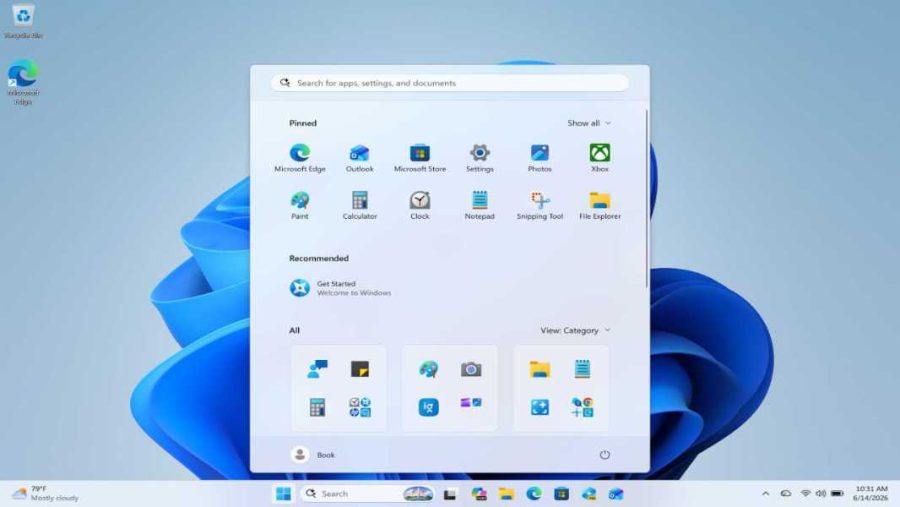
What’s New With Windows 11 in 2026
- Paul Thurrott
- Jun 14, 2026
-
0
comment
Windows 11 is simpler, more attractive, and more modern than its predecessors, but it's also…
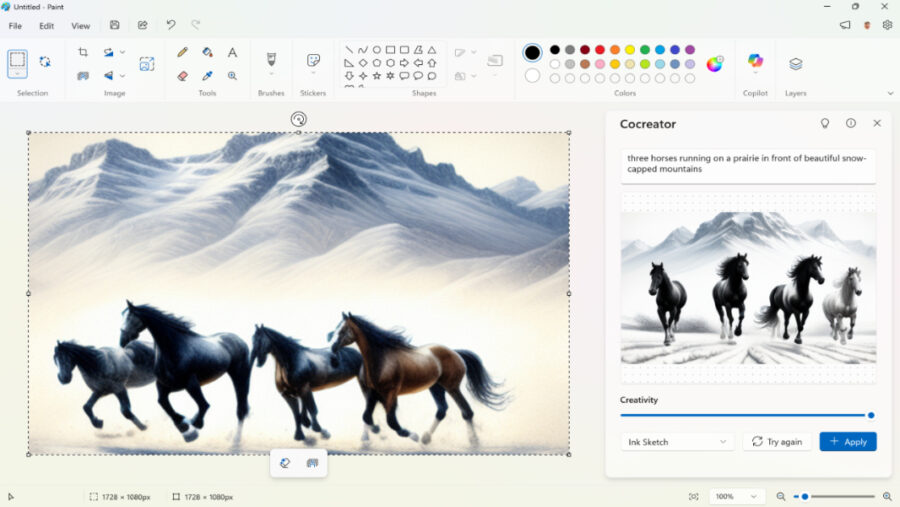
Paint
- Paul Thurrott
- Apr 12, 2026
-
0
comment
As with Notepad, another in-box app that dates back to the earliest days of Windows,…
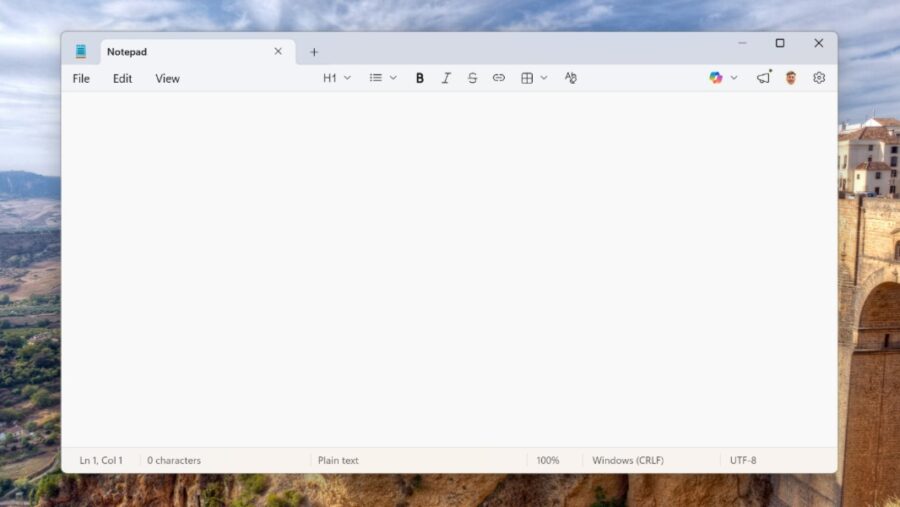
Notepad
- Paul Thurrott
- Apr 07, 2026
-
0
comment
Microsoft has overhauled its Notepad text editor dramatically in Windows 11, adding numerous new features,…